For two-factor authentication on a business account, an authenticator app is the better second factor than a code by text message. The app makes the code on the phone itself, so nobody can intercept it on the way or take over your phone number to receive it. Text message codes are better than no second factor at all, and a passkey is stronger than both.

What two-factor authentication means
Two-factor authentication, often shortened to 2FA, means you prove who you are in two different ways before you get in. The usual pair is something you know, your password, and something you have, your phone. A stolen password alone is then not enough to open the account.
The second factor usually arrives as a short code. Where that code comes from is the whole difference between the two common methods.
How a code by text message works
You sign in with your password, the service sends a code by SMS to the phone number on your account, and you type the code in. It is simple and works on any phone, which is why many services still offer it.
The weakness is the phone number. A number belongs to the mobile network, not to the phone, and it can be moved to another SIM card. In a SIM swap, a criminal persuades or bribes staff at the mobile operator to move the victim's number to a SIM card the criminal controls. The FBI's Internet Crime Complaint Center described the scheme in a public service announcement from February 2022: once the number is moved, the criminal receives the victim's calls and texts, including one-time codes, and uses them to sign in and reset passwords. The same announcement reports 1,611 SIM swapping complaints in 2021, with adjusted losses of more than 68 million US dollars.
The US National Institute of Standards and Technology lists codes sent over the phone network, by text or by voice call, as a "restricted" method in its digital identity guideline, NIST SP 800-63B-4. Restricted means a service may still use it, but it must also offer a safer alternative, tell users about the risks and plan for the day the method is no longer accepted.
All your apps in one workspace
Create your workspace for free today and add an app whenever your business needs one.
How an authenticator app works
An authenticator app shows a new six-digit code for each account, usually every 30 seconds. When you turn on two-factor sign-in, the service shows a QR code. You scan it with the app, and both sides now share a secret key. From then on, the app and the service calculate the same code from that key and the current time, each on its own.
The method is called TOTP, short for time-based one-time password, and it is published as an open standard by the Internet Engineering Task Force in RFC 6238, with 30 seconds as the default time step. Because the code is made on the phone, it never travels through the mobile network. Moving the phone number does not move the codes, and the app works without signal.
Side by side
| Code by text message | Authenticator app | Passkey | |
|---|---|---|---|
| Where the code comes from | Sent by the service over the mobile network | Made on the phone from a shared key | No code; the device signs in with a private key |
| Risk of SIM swap | Yes | No | No |
| Works without signal | No | Yes | Yes |
| Can be typed into a fake login page | Yes | Yes | No |
| New phone | Code follows the number | Accounts must be moved to the new phone | Synced passkeys follow your password manager |
The row that is easy to miss is the fake login page. The same NIST guideline states that one-time codes and codes sent by text are not phishing-resistant, because a person can be tricked into typing them on a copy of the real site, where a criminal uses them right away. An authenticator app removes the SIM swap risk, but it does not remove phishing. A passkey does, because it only works on the real web address. We explain how in what is a passkey.
Which second factor to choose
A simple order for a business:
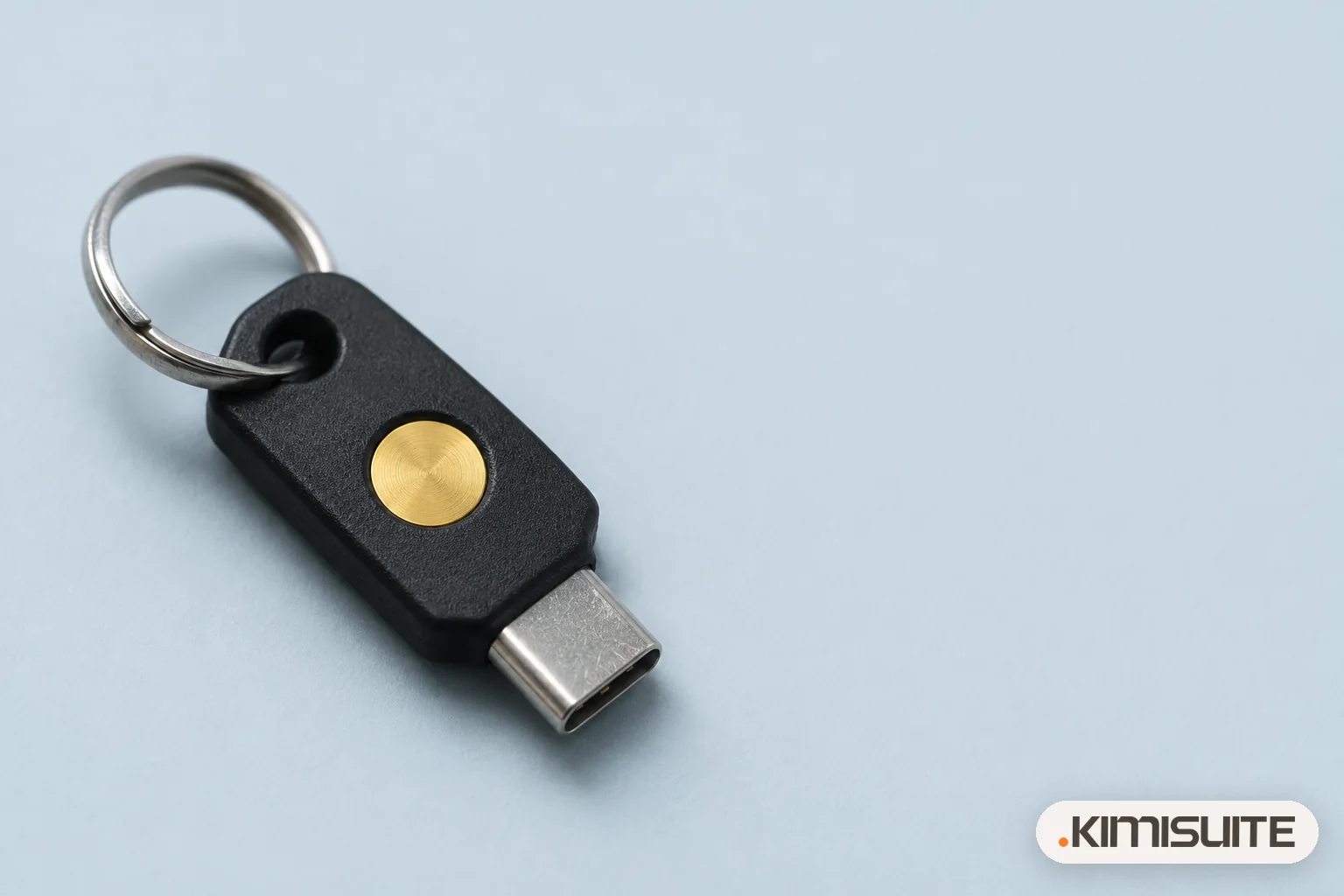
- Passkey wherever the service offers it, especially for email, banking and admin accounts.
- Authenticator app as the second factor where there is no passkey, or as the fallback next to a passkey.
- Text message code only where nothing else is offered. It is still far better than a password alone.
Avoid using the same phone number as the only recovery route for every account. If that number is lost or taken over, everything hangs on it.
Setting it up for a team
- One account per person. Two-factor sign-in only protects an account that belongs to one person. Shared logins with a shared phone number defeat the purpose.
- Use the business's own devices where you can. If staff use private phones for the authenticator app, agree on it openly and make sure they can remove the business accounts when they leave.
- Keep the recovery codes. Many services show one-time recovery codes when you turn on 2FA. Store them somewhere safe and separate from the phone.
- Plan for a new phone. Before an employee changes phones, they move their authenticator accounts or set them up again. Some authenticator apps can transfer or back up accounts; check how yours does it.
- Turn it on for admin accounts first. The person who can change settings, add users or see payments needs the strongest protection.
- Watch for code requests you did not start. A code arriving out of nowhere means someone has your password. Change it.
Where KIMISUITE fits
KIMISUITE offers two-factor sign-in with an authenticator app, not by text message. Under your user settings you turn it on, scan the QR code with an authenticator app and follow the numbered steps on the screen. The setup links the KIMISUITE 2FA Authenticator app for Android and iPhone, and any other authenticator app works as well. From then on, signing in with your password asks for the current code.
KIMISUITE also supports passkeys. If you sign in with a passkey that you confirm with your fingerprint, face or device PIN, the extra code is not needed, because the passkey already covers both steps. One sign-in opens every app in your workspace, so protecting that one account protects all of them.