A large group reservation works when you treat it as one booking that holds several tables, not as several bookings that happen to be on the same evening. Take the details that matter for a big party when they book, block enough tables with enough seats at the same time, and agree before the day how the group will order and pay. On the evening, the tables, the kitchen and the bill should all see one group.
What to ask when a large group books
A group of four can just turn up. A group of eighteen cannot. Use the same short checklist every time, whoever takes the call:
- Number of guests, and whether the number may still change
- Date, arrival time and whether everyone arrives together
- Name and phone number of one contact person
- The occasion: birthday, company dinner, team lunch
- Allergies and dietary needs, with the number of guests for each
- Children and high chairs
- Set menu or ordering from the full menu
- One bill or separate bills
- The date by which you need final numbers
Write the answers into the reservation itself, not on a note next to the phone. The person on shift that evening may not be the person who took the call.
Choosing the tables
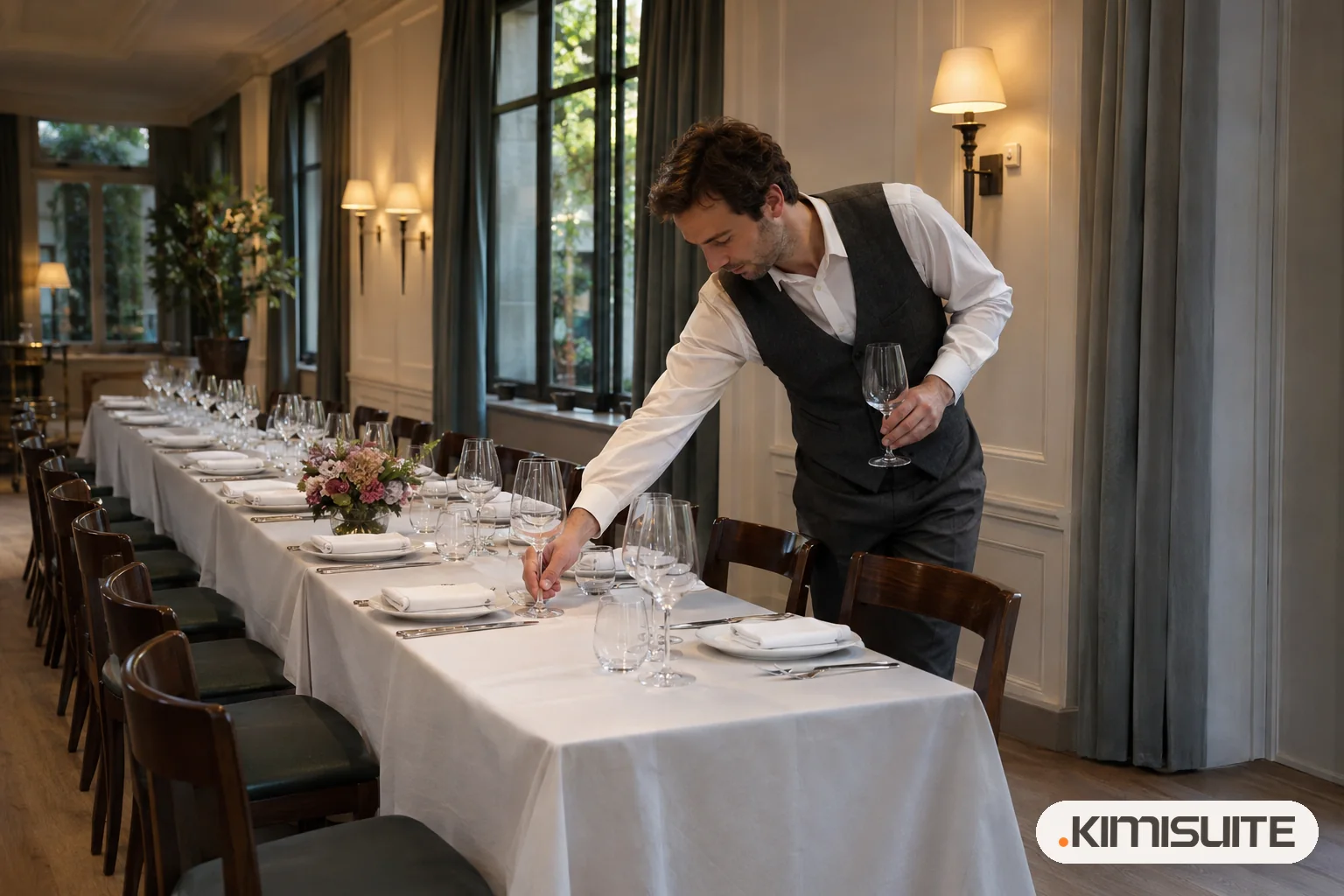
Start with the seats you need and work back to the tables. A group of 20 might sit on three tables of six and one of four, pushed together or placed next to each other.
- Pick tables in one area, ideally in one waiter's section.
- Check that the seats add up to at least the number of guests.
- Keep walkways and emergency routes free when you push tables together.
- Block all the tables for the same time slot, so nobody sells one of them to a couple.
- If you need extra seats only for that evening, add a temporary table rather than changing your normal floor plan.
The most common mistake is blocking the tables in your head but not in the system. Then the host gives one of them to a walk-in at 7 pm, and the group arrives at 8 pm to find it taken.

Gastro POS Hub
Point of sale, kitchen tickets, tables, inventory, deliveries and reporting — one app for the whole restaurant.
Pre-order, set menu and kitchen timing
A kitchen can serve twenty different main courses at the same moment, but it costs the other tables their timing. For groups above a size you choose, consider:
- A set menu with two or three choices per course, chosen in advance.
- A pre-order a few days before, so the kitchen knows how many of each dish to prepare.
- A fixed start time for the first course, agreed with the contact person.
Send the group's courses to the kitchen as one order, so the cooks see them together and can fire them at the same time.
Deposits, no-shows and confirmations
A no-show from a table of two is a pity. A no-show from a table of twenty is a lost evening. Many restaurants protect themselves with a clear policy:
- A confirmation call or message two days before.
- A deadline for final numbers, after which you charge for the confirmed number.
- A deposit for large groups, deducted from the final bill.
To see what an empty table costs you before you set a policy, try a no-show cost calculator. Write the policy down and tell the guest when they book, not on the evening itself.
On the day
- Check the reservation in the morning and confirm the tables are still free.
- Set the tables before the group arrives, with the number of covers you were promised.
- When the group arrives, open one order for the whole party.
- Seat late arrivals at the group's tables, so their drinks go onto the same order.
- Fire the courses together.
- Before dessert, ask the contact person how the group will pay, so the bill is ready when they want to leave.
One waiter should stay responsible for the group all evening. Guests at a long table ask whoever passes by, and a single point of contact keeps the orders on one bill and stops rounds from being ordered twice.
The bill
Agree in advance whether the group pays one bill or splits it. A company dinner usually means one bill with the company's details. A birthday among friends often ends in a split. If several tables share one order from the start, splitting at the end is much easier. Our guide on merging tables and splitting the bill shows how.
Where Gastro POS Hub fits
In the restaurant POS system Gastro POS Hub, one reservation can hold several tables. When you assign tables, you tick each one and a running line shows the seats against the number of guests. The app refuses the assignment while the seats do not cover the party or when a ticked table is already reserved at that time, and tables held by another reservation are greyed out. When the group arrives and you open the order for the reservation, its other free tables join that order, and the floor shows "Merged: 11 + 12 + 13". A table you add only for today is removed when the day is closed. More on restaurant reservations.
The video shows how an order travels from the table to the kitchen to the bill in under three minutes.