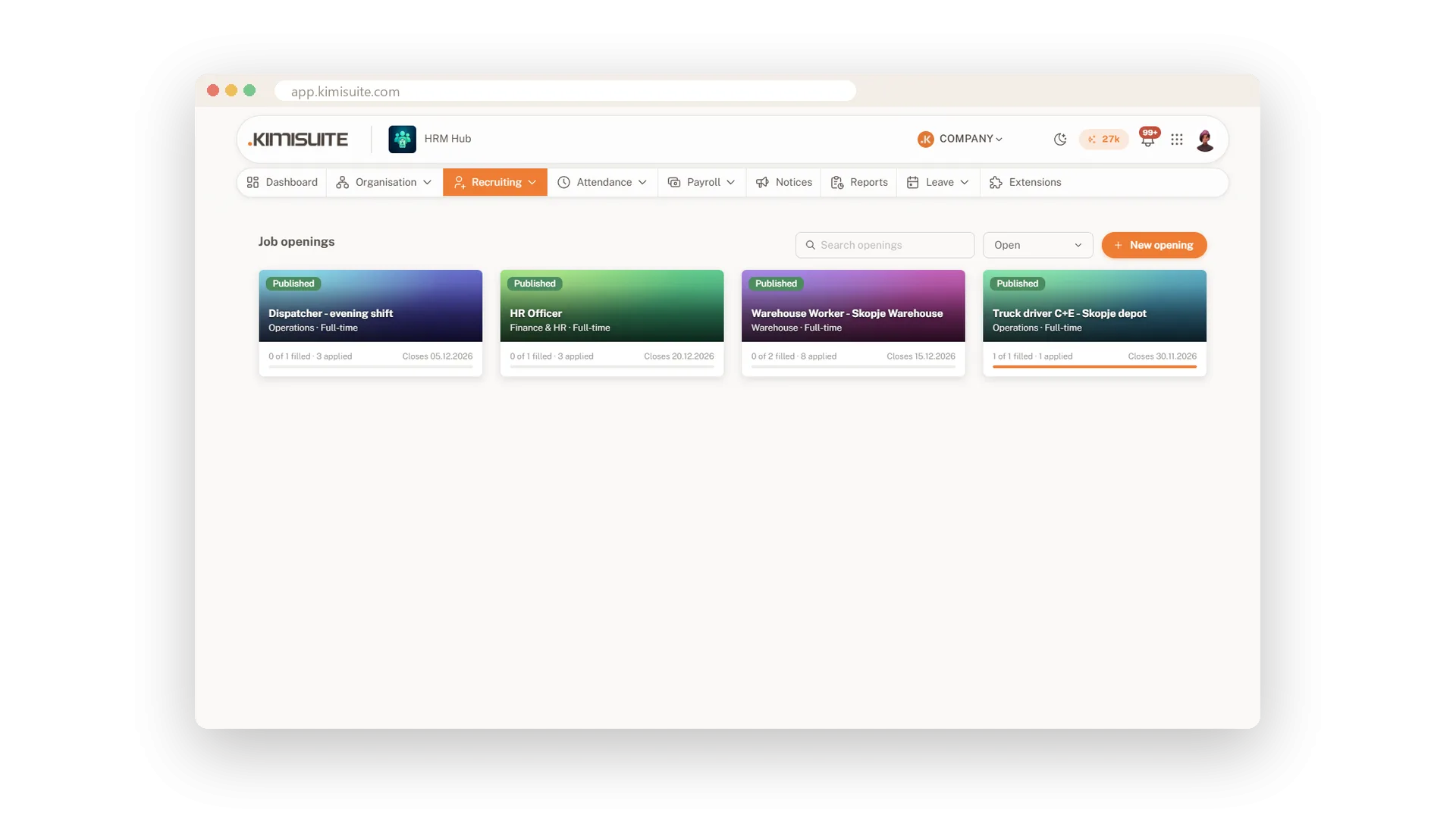
Hiring usually lives in an inbox: CVs in one folder, interview times in a chat, and nobody quite sure who is at which stage. In HRM Hub every round of hiring is a job opening for a position you already have, so its department and salary band come with it. Hiring three people is one opening with three places, and the header shows how many are filled and how many candidates are still in play.
Add applicants however they reach you, by email, through a referral or on LinkedIn, and attach their CV. They move from New through Screening, Interview and Offer to Hired, one click per step. Describe an interview day once, with your hours, the interview length, the gap and the lunch break, and the slots are worked out for you. Assign a candidate and the confirmation email goes out. When you hire, the candidate becomes an employee with their details and CV carried over.
Key Benefits
One opening per hiring round, with as many places as you need to fill
Applicants and their CVs in one pipeline, from New to Hired
Interview days that work out their own slots, lunch break included
A hire becomes an employee in one step, with details and CV carried over
Every hiring round in one place
Openings with places, a pipeline and a history
Open a round for a position you already have, set how many places it has and publish it when it is ready. Applicants move from New through Screening, Interview and Offer to Hired, one click per step. A closed round stays on record, so next year's hiring starts with this year's history.
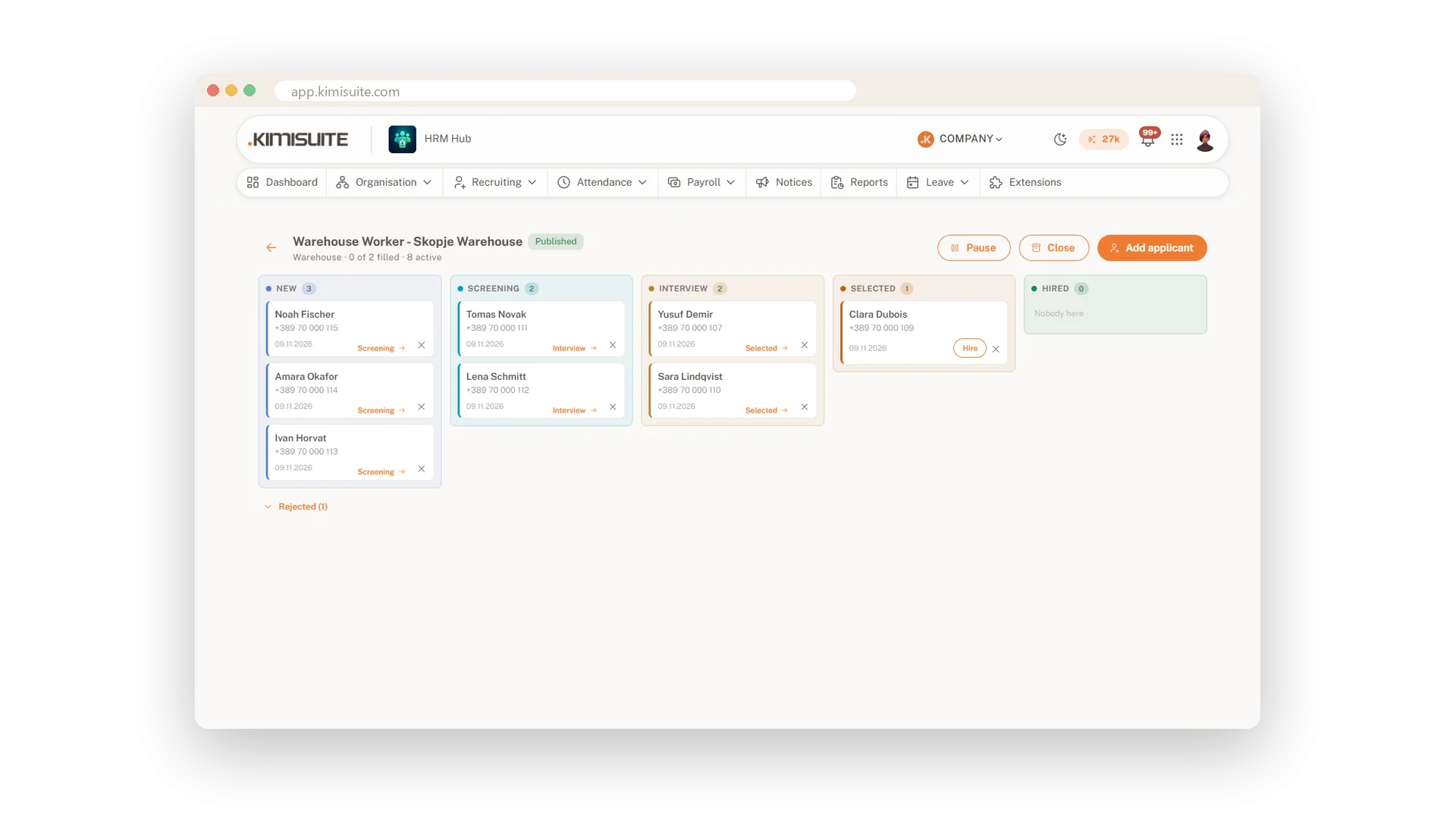
Applicants with their CV attached
However they reach you, in the same pipeline
Add each applicant with their contact details and where they came from: an email, a referral, LinkedIn. Attach the CV to the application, and anyone on the hiring team opens it from the same card instead of searching an inbox.
Interview days that plan their own slots
Describe the day, get the slots
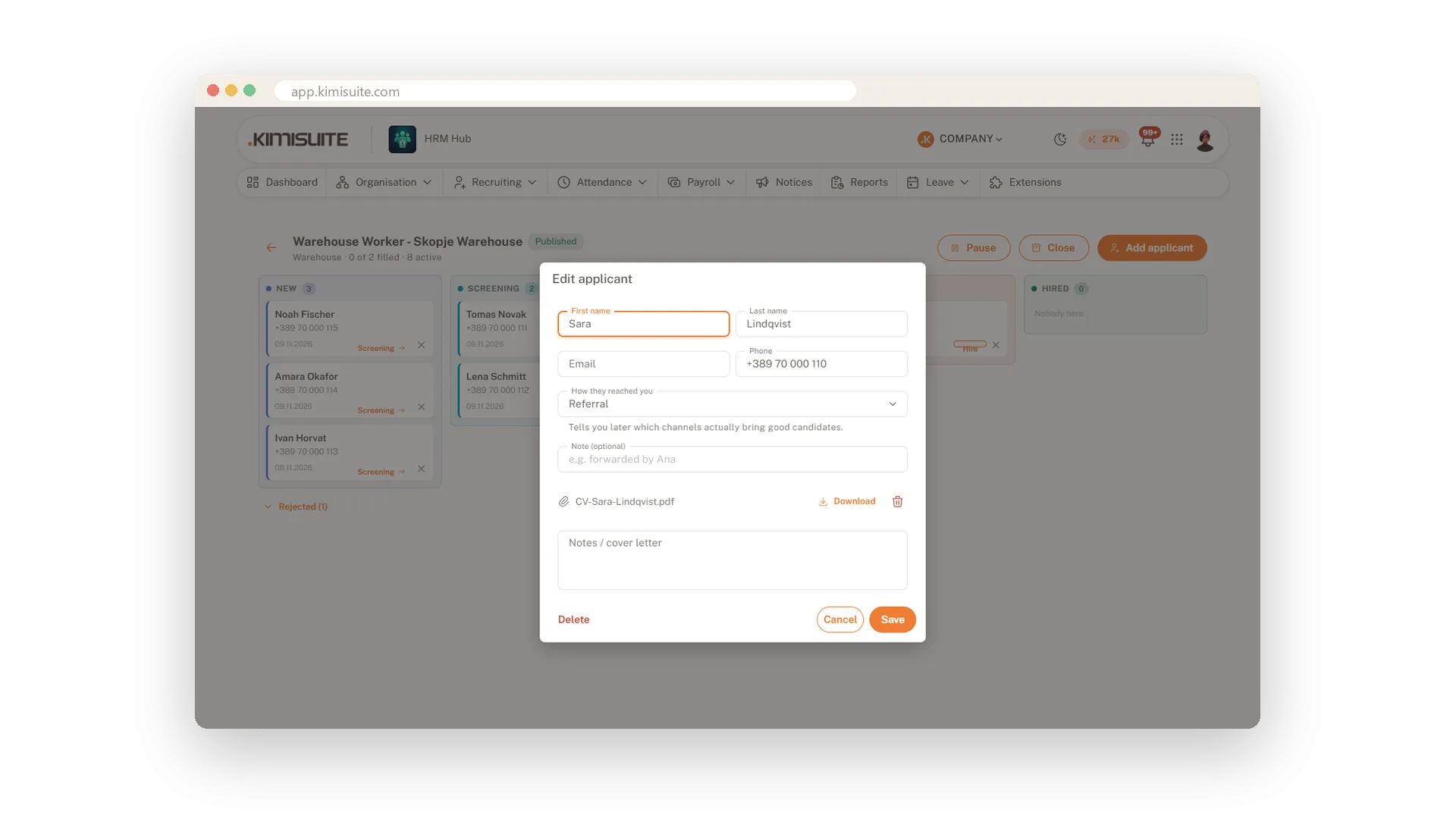
Give the date, your working hours, the interview length, the gap between interviews and the lunch break, and HRM Hub tells you how many interviews fit before you save. An interview that would run into lunch is left out, so the day picks up cleanly after the break. Assign a candidate to any free slot with one click.
Candidate emails in their language
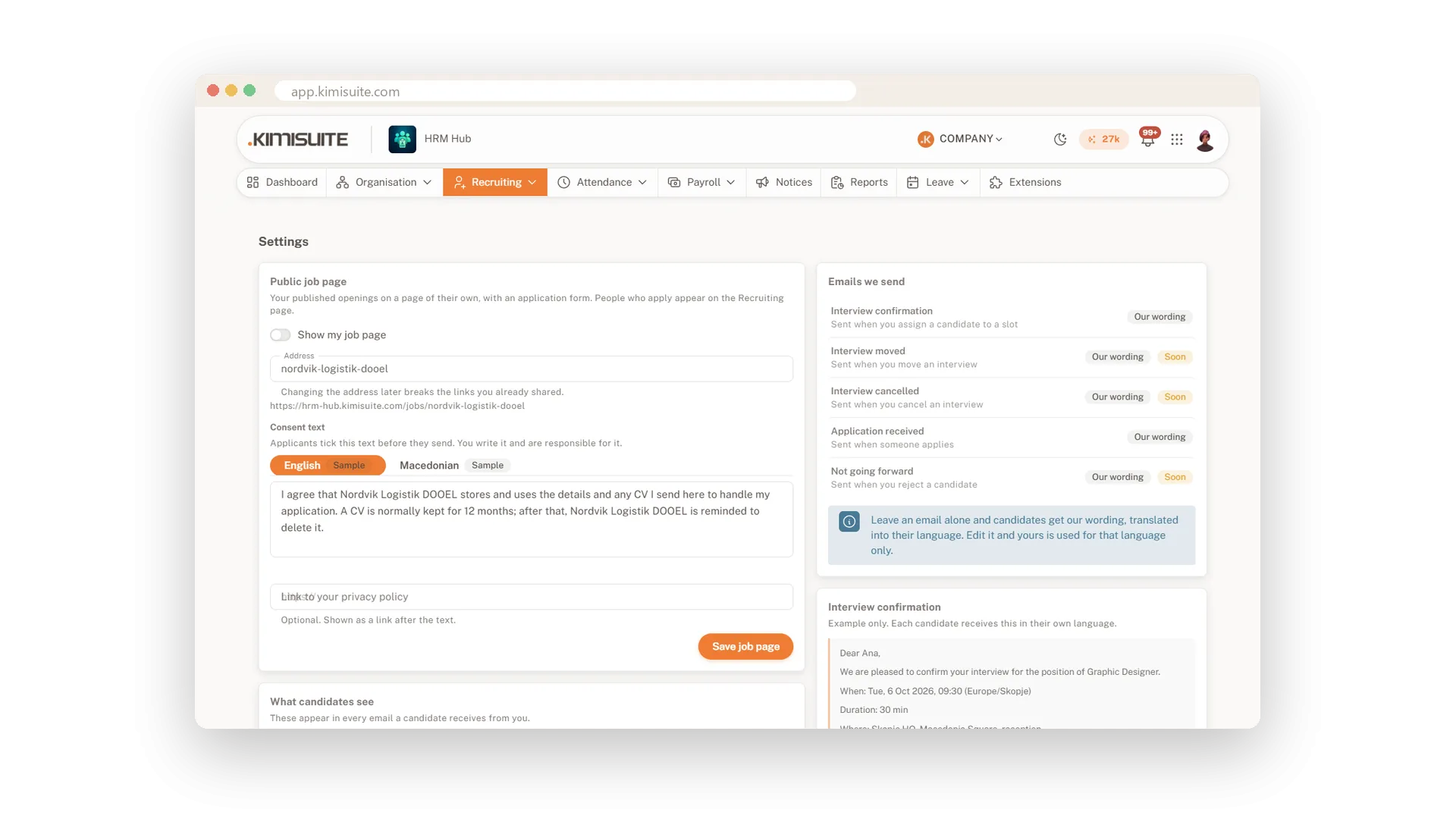
Our wording in 14 languages, or your own
When you assign a candidate to a slot, the interview confirmation goes out with the time, the place and your sign-off, and replies land at the address you choose. Keep our wording, translated into 14 languages, or write your own for each language, with placeholders you insert with a click.
From candidate to employee in one step
No retyping when someone says yes
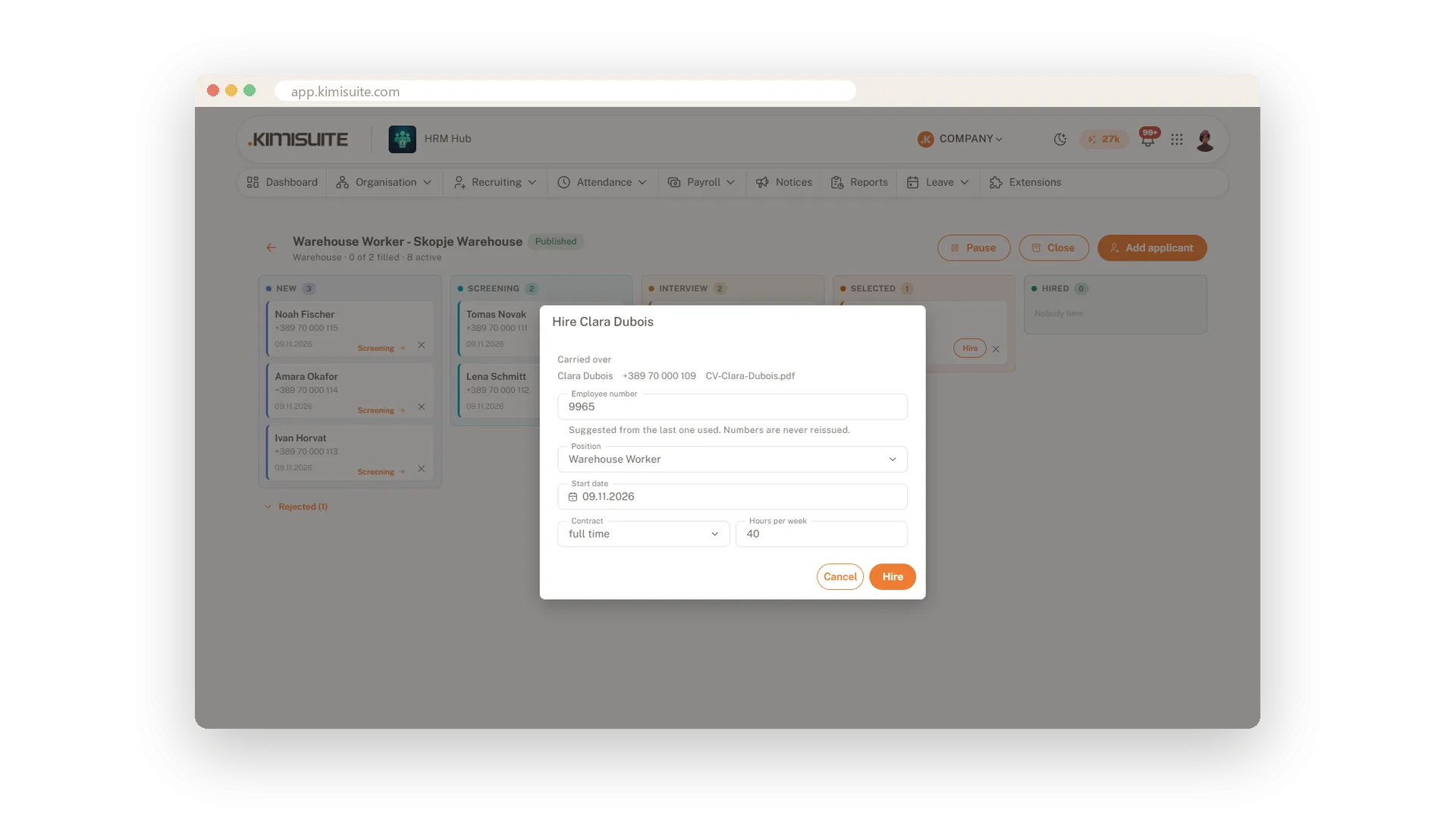
Hire a candidate from the pipeline and HRM Hub creates the employee for you, with their name and contact details already filled in. Add the start date and the contract details, and a copy of the CV goes into the new employee's documents. The place on the opening counts as filled.
Use Cases
Three drivers for the summer
You open one round with three places for the driver position. The header counts each hire, and when you close the round it stays on record for next year.
A CV in Monday's inbox
A CV arrives by email. You add the applicant, attach the file and pick Email as the source, and they wait in New, ready for screening.
Nine interviews on Thursday
You set the day from eight to four, with thirty-minute interviews, fifteen-minute gaps and lunch at noon. HRM Hub offers nine slots, and each candidate you assign gets the confirmation email.
FAQ

Try HRM Hub today
One source of truth for everyone who works for you.
14 days free, cancel anytime, no minimum term.
