A good event ticket answers four questions for the guest (what, when, where and which place) and one question for the door (is this ticket valid). That means the event name, date and start time, doors, venue address, seat or area, ticket type, a scannable code and a ticket number. Leave off everything the guest does not need at the entrance: payment details, the buyer's contact data, long terms and anything likely to change. Good event ticket design is mostly about leaving things out.

What the guest needs to read
A ticket is read in a hurry, often on a phone in the street or in the queue. Put these items on it, in roughly this order of importance:
- Event name. The title as guests know it, not an internal working title.
- Date and start time. Write the weekday too ("Saturday, 12 December"), because people remember weekdays better than dates. If guests may come from other countries, name the time zone.
- Doors open. For concerts, dinners and shows this is often the time guests actually need.
- Venue name and address. The address helps the taxi driver and the map app. Add the entrance if the building has several ("Entrance B, courtyard").
- Seat, row, table or area. For general admission, say so plainly ("Standing" or "Free seating").
- Ticket type. "Adult", "Reduced", "VIP", "Day pass Saturday". Door staff need this when reduced tickets require proof.
- Name on the ticket. Only when tickets are personal, for example for a gala dinner with a guest list. Otherwise it gets in the way of passing a ticket on.
- Organizer and a contact. One email address or phone number for questions, so guests do not call the venue's front desk about a ticket they bought elsewhere.
What the door needs
The door does not read the event name. It needs a code and a way to find the ticket when the code will not scan.
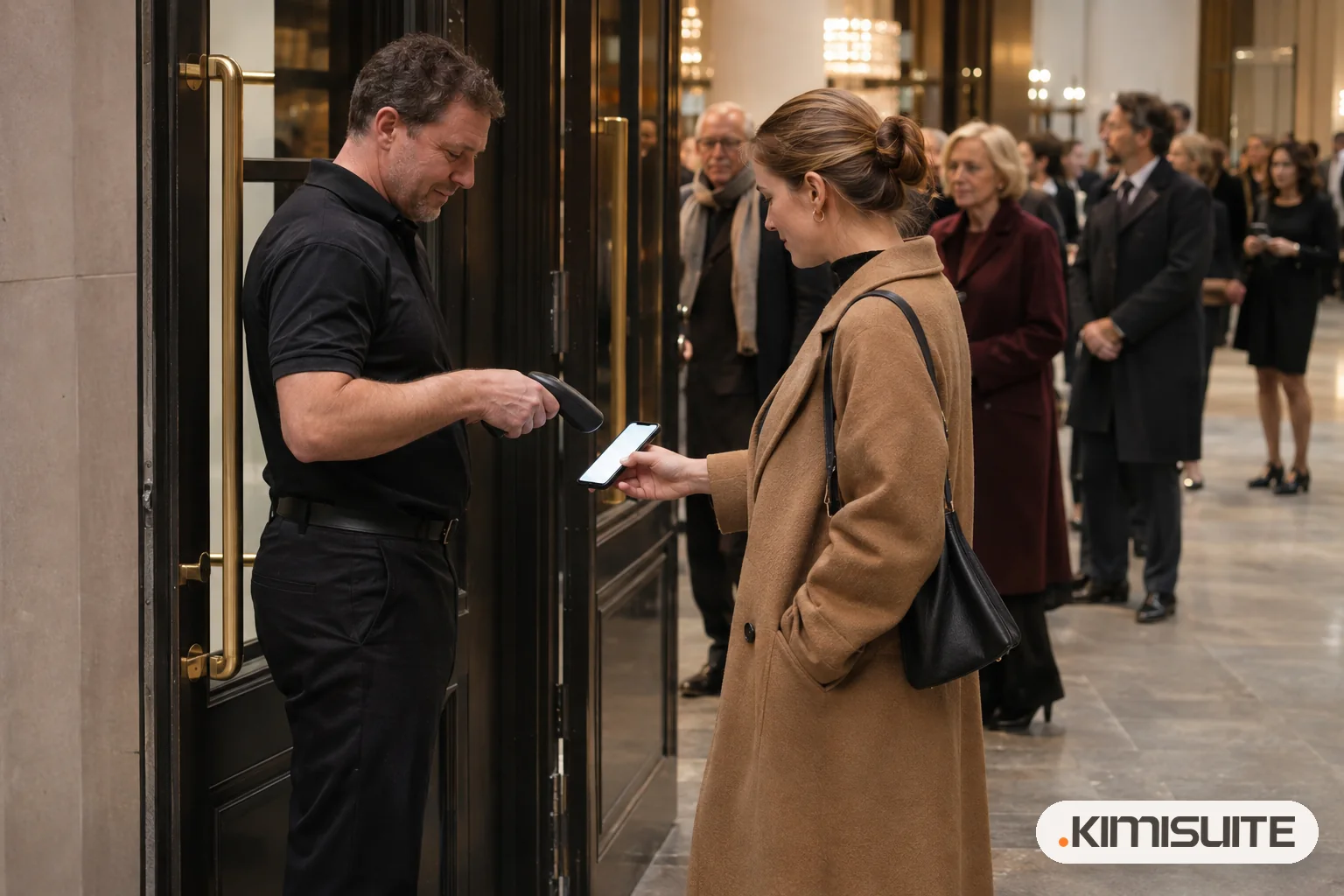
- A QR code or barcode per ticket. Every ticket gets its own code, even when ten tickets were bought in one order. That lets guests arrive separately.
- A ticket number. A short number printed under the code. When a phone screen is cracked or the light is bad, door staff can type it in. Make it unique per ticket, not only per order.
- The order number. Useful when a buyer calls about the whole order.

Event Ticket Hub
Sell tickets with seat maps, QR check-in and no ticket fees
What to leave off
Every extra line on a ticket is one more line to read in the queue, and some lines do harm.
| Leave off | Why |
|---|---|
| Buyer's email, phone number or home address | A ticket gets forwarded, printed and left on tables. It should not carry personal data the guest does not need. |
| Payment details | Card digits or bank data have no use at the door. The receipt is the place for them. |
| Long terms and conditions | Link to them or put one short sentence on the ticket. Nobody reads three paragraphs in a queue. |
| Line-up details and set times | They change. A printed ticket with an old line-up causes complaints. Keep them on the event page. |
| Several codes on one page | A scanner may read the wrong one. One ticket per page, one code per ticket. |
Whether the price belongs on the ticket is your decision. For tickets that are often given as presents, many organizers leave it off and keep it on the receipt.
Design rules that keep the ticket scannable
A beautiful ticket that does not scan is a queue that does not move. Keep these rules in mind when you choose colors and pictures:
- Keep a white margin around the code. GS1, the global standards body for barcodes, describes the "quiet zone" as the empty space around all four sides of a QR code, four times the width of one of its small squares. Nothing may be printed in it.
- Never put a picture behind the code. Dark code on a plain light background scans best.
- Make the code big enough. A code printed the size of a stamp is hard to read from a phone held at arm's length. When in doubt, test it.
- Check the contrast of all text. Light gray text on a photo is unreadable in a dim entrance. If text sits on a picture, darken the picture behind it.
- Do not cross a fold. On a ticket printed at home, the code should not sit where the page gets folded.
- Print one and scan it. Before tickets go on sale, print a sample at home on an ordinary printer and scan it with the same app the door team will use.
You can try layouts with our event ticket generator before you commit to a design.
Paper formats and the phone
Most tickets are never printed by the organizer. Buyers get a PDF and either print it or show it on the phone. Choose the format with that in mind:
- A4 or US Letter, portrait. Prints on any home printer, with room for a picture and the details.
- A4 or A5, landscape. Looks more like a classic ticket and reads well on a phone held sideways.
- A ticket strip, 210 by 99 mm. The size of a long envelope, with a stub you can tear off. Good for tickets you print yourself and sell at a box office.
Many guests will also save the ticket on their phone. If you offer passes for Apple Wallet or Google Wallet, use the same code there as on the PDF. Our guide to mobile wallet tickets explains how passes work.
A checklist before tickets go on sale
- Event name, weekday, date and start time are correct
- Doors time and venue address with entrance are on the ticket
- Seat, table or area is shown, or "Standing" for general admission
- Ticket type is visible for reduced tickets
- Each ticket has its own code and its own ticket number
- The code sits on a plain white area with a clear margin
- No personal data or payment details on the ticket
- A contact for questions is on the ticket
- A sample was printed and scanned with the door scanner
Where Event Ticket Hub fits
In Event Ticket Hub you create ticket designs in the settings. You pick one of four templates (Classic, Split, Full picture, or Strip with stub), a paper format such as A4, A5, US Letter or the 210 by 99 mm ticket strip, your background, text and accent colors, and whether your logo appears. The editor warns you when text and background have too little contrast. You can upload a picture or create one with AI, which uses the AI credits of your workspace. A preview shows a real sample PDF. One design is the default for all events, and each event can use another. The QR code always sits on a white area, never on the picture, and every ticket carries its own ticket number. The wallet passes take the colors and picture of the same design.
The video shows the ticket shop and the box office in under two minutes.