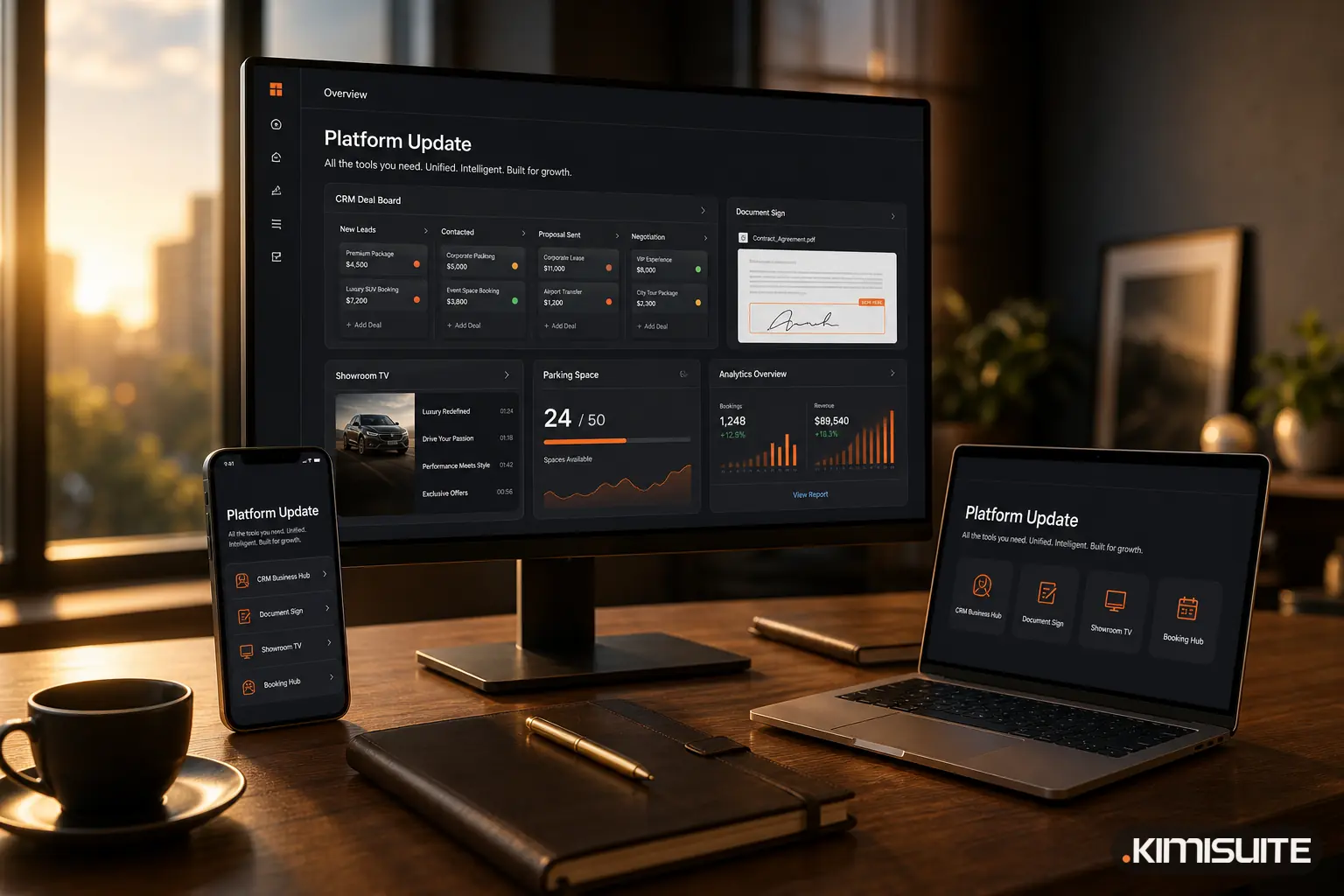
September 2026 was the busiest month in KIMISUITE so far. Two new apps arrived in the App Store, CRM Business Hub gained a long list of features, and Booking Hub and the way you start a workspace both got better. This product update collects everything that went live in September in one place, so you can see at a glance what is new in your workspace.
CRM Business Hub: one app from the first lead to the paid invoice
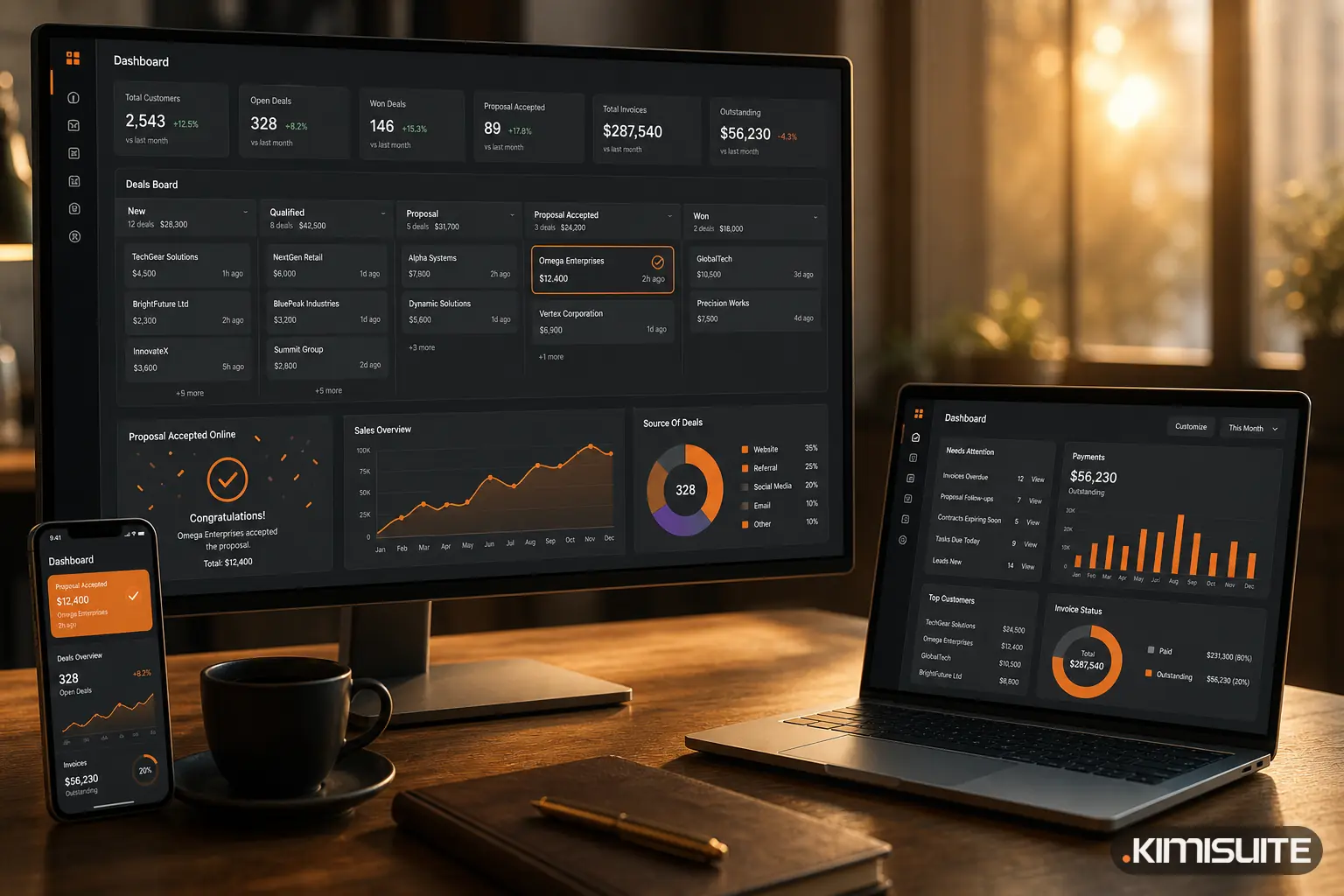
The biggest change of the month went live on 22 September. CRM Business Hub now covers the whole path from the first contact to the money in your account, and it is the standard for every new workspace.
- Leads with a score from 0 to 100, so your team knows which enquiry to call back first
- Deals on a Kanban board per pipeline, with a weighted forecast and your win rate
- Proposals your customers accept online, without printing, signing and scanning
- Payment reminders before the due date, plus overdue reminders or dunning levels with fees
- Purchasing and stock with several warehouses, stock movements, stocktakes and purchase orders
- Projects, tasks and time tracking next to the customer they belong to
- Support tickets with SLA policies, an IMAP mailbox and trettly, the KIMISUITE AI, summarising long threads
- Reports and a dashboard you arrange yourself, in 16 languages
We went through every feature in detail in What's New in CRM Business Hub. A good place to start is lead management or invoices.
Peppol and e-Faktura
On 24 September, Peppol sending and submission to the Macedonian e-Faktura system were added to CRM Business Hub. If your customers ask for e-invoices across borders, read What Is Peppol? for the basics. In North Macedonia the start date of the e-Faktura obligation was postponed. KIMISUITE is ready either way, so you can switch over when it suits you rather than in the last week.
Document Sign: send a PDF for signature from your workspace
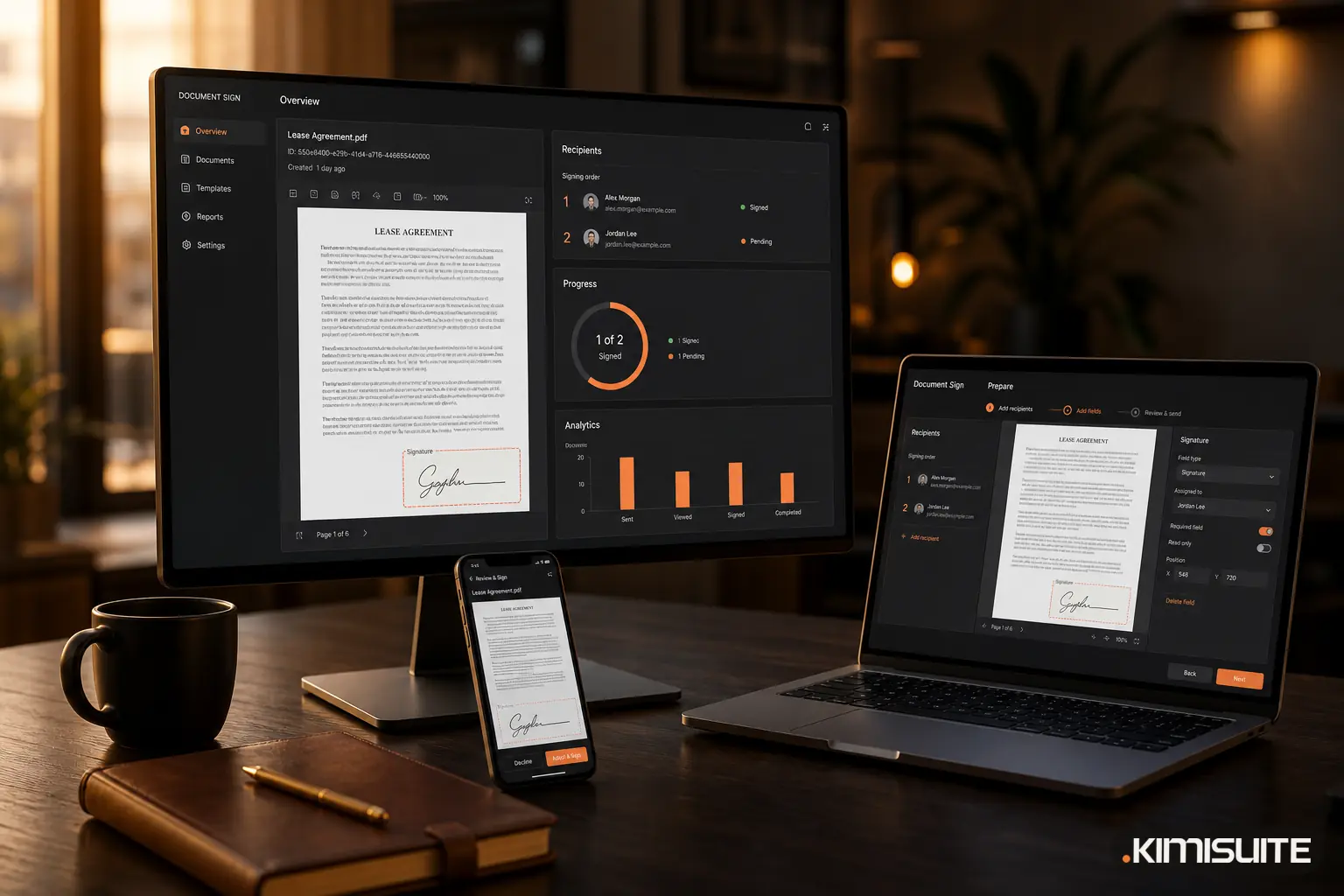
Document Sign has been in the App Store since 23 September. You upload a finished PDF (Word and other text files are converted for you), add the people who need to sign and place the fields. Each recipient gets a link and signs in the browser, by drawing or typing, without creating an account.
What comes back is one sealed PDF:
- A stamp and document number on every page
- A signing log with names, times and the signing history, including the signature image
- An independent timestamp, so the date of signing cannot be argued about later
The simple electronic signature is the default and fits most everyday documents. If you are unsure which level you need, What Is an Electronic Signature? explains simple, advanced and qualified signatures. The launch post is Document Sign Is Live, and the signing workflow shows each step.
Showroom TV: your own content on any Android TV
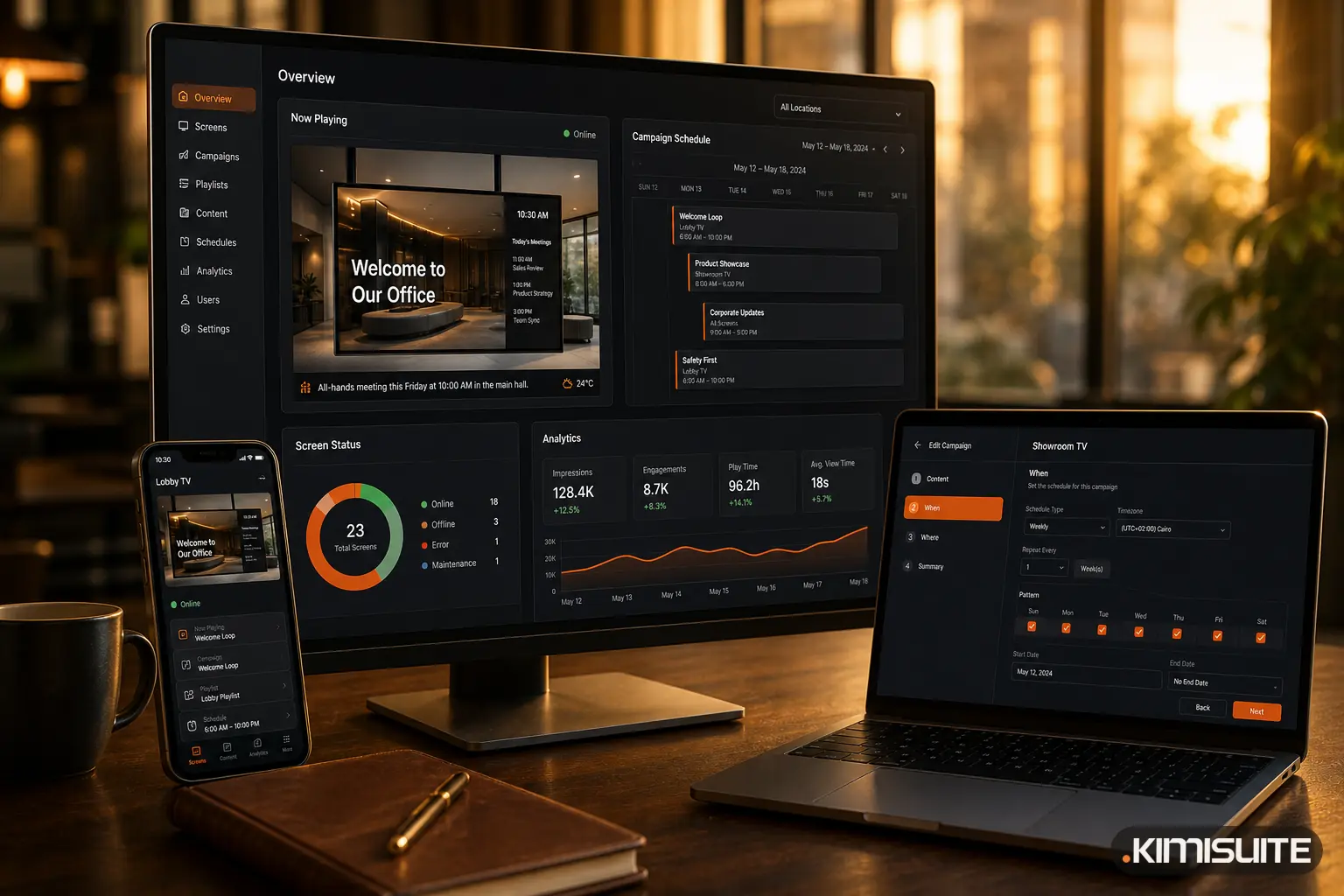
Also since 23 September, Showroom TV turns an Android TV into a screen you manage from your workspace. Install the app on the TV, pair it with an 8-digit code, and it is yours.
- Build playlists and split the screen into layout zones
- Schedule campaigns for the lunch menu, the weekend offer or the next season
- Push an emergency message to every screen at once
- See proof of play, a daily summary of what ran on which screen
A car dealership can run new arrivals in the showroom while the service desk shows opening hours. A café can switch from breakfast to lunch on its own at 11:30. More in Showroom TV: Turn Any Android TV Into a Managed Screen.
Booking Hub: parking you can actually sell
Since 29 September, Booking Hub treats parking as what it is for many hotels: a small, limited stock that runs out.
- Parking spaces are counted per night, so the last space is never sold twice, online or at the front desk
- Guests add parking while they book on your website or widget, and the front desk can add it to any booking
- Parking without a room for events, VIPs or staff
- Temporary holds for groups that release themselves if they are not used
- A month overview of every space, with the car registration number
For a city hotel with eight spaces, that means no more spreadsheet next to the PMS and no awkward phone call to a guest who was promised a space that is gone.
Smaller changes you may have noticed
- Start with the app you came for. Since 22 September, new workspaces start with the app you chose on the website instead of an empty App Store. Read Start With the App You Came For.
- Monthly or yearly billing. The App Store lets you choose how you want to pay for each app.
- Your language and currency from the start. The website now opens in your language and shows prices in your currency.
- trettly knows the prices. The KIMISUITE AI answers price questions in your currency and explains the workspace member tiers.
- New pages for the free apps. Calendar, Contacts, Notes and ToDo, the free core of every workspace, each have their own page now, including two-way calendar and contact sync with your phone.
What this means for you
If you send quotes and invoices, CRM Business Hub now carries them from the first lead to the reminder. If contracts still go out on paper, Document Sign brings them back signed and sealed. If you have a TV in your shop or lobby, Showroom TV puts it to work. And everything still lives in one workspace with one login, billed per workspace and not per user.
You can add any of these apps from the App Store inside your workspace. If you do not have one yet, create your free workspace and start the app you need with a free trial.
Cancel anytime · No minimum term · 14 days free