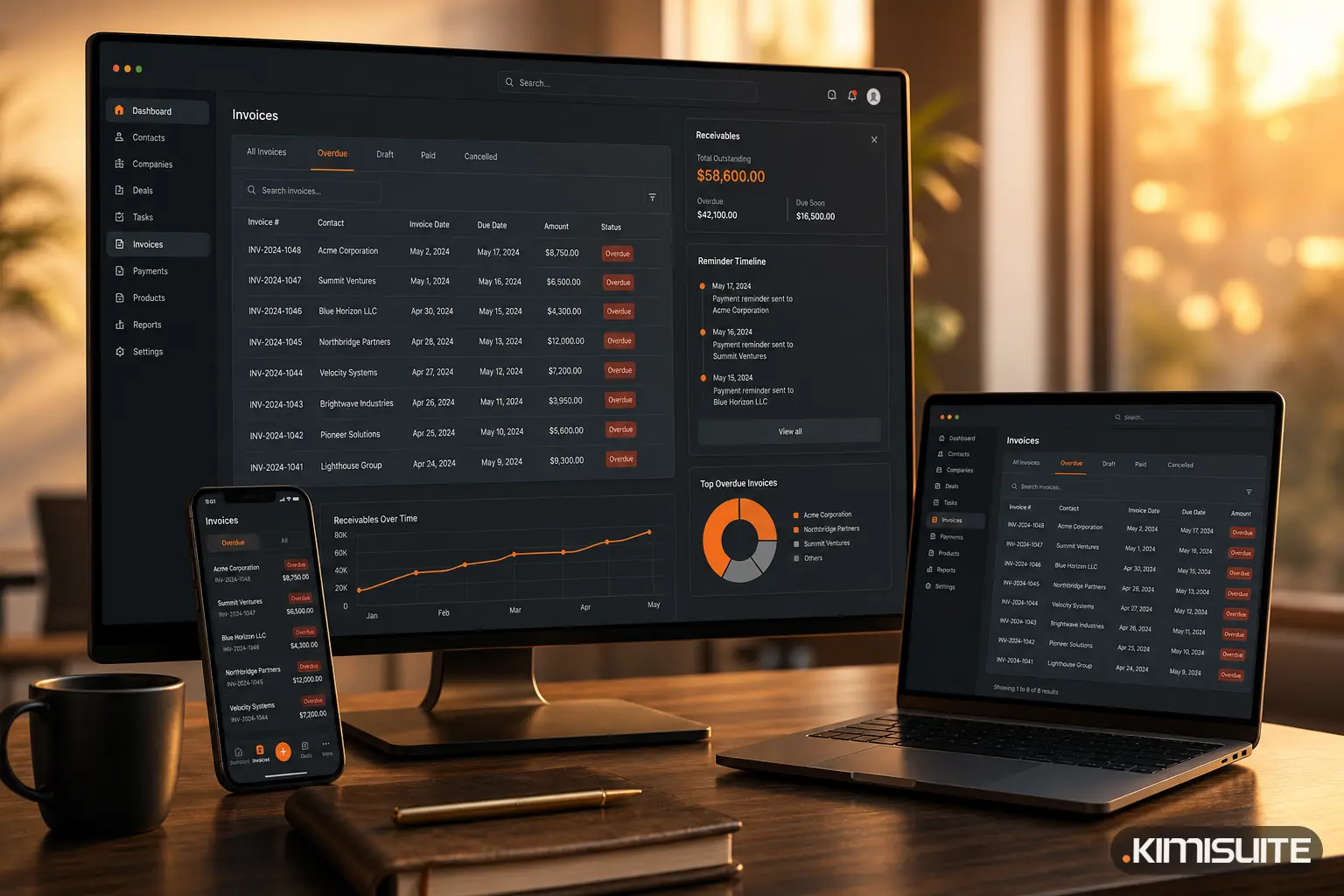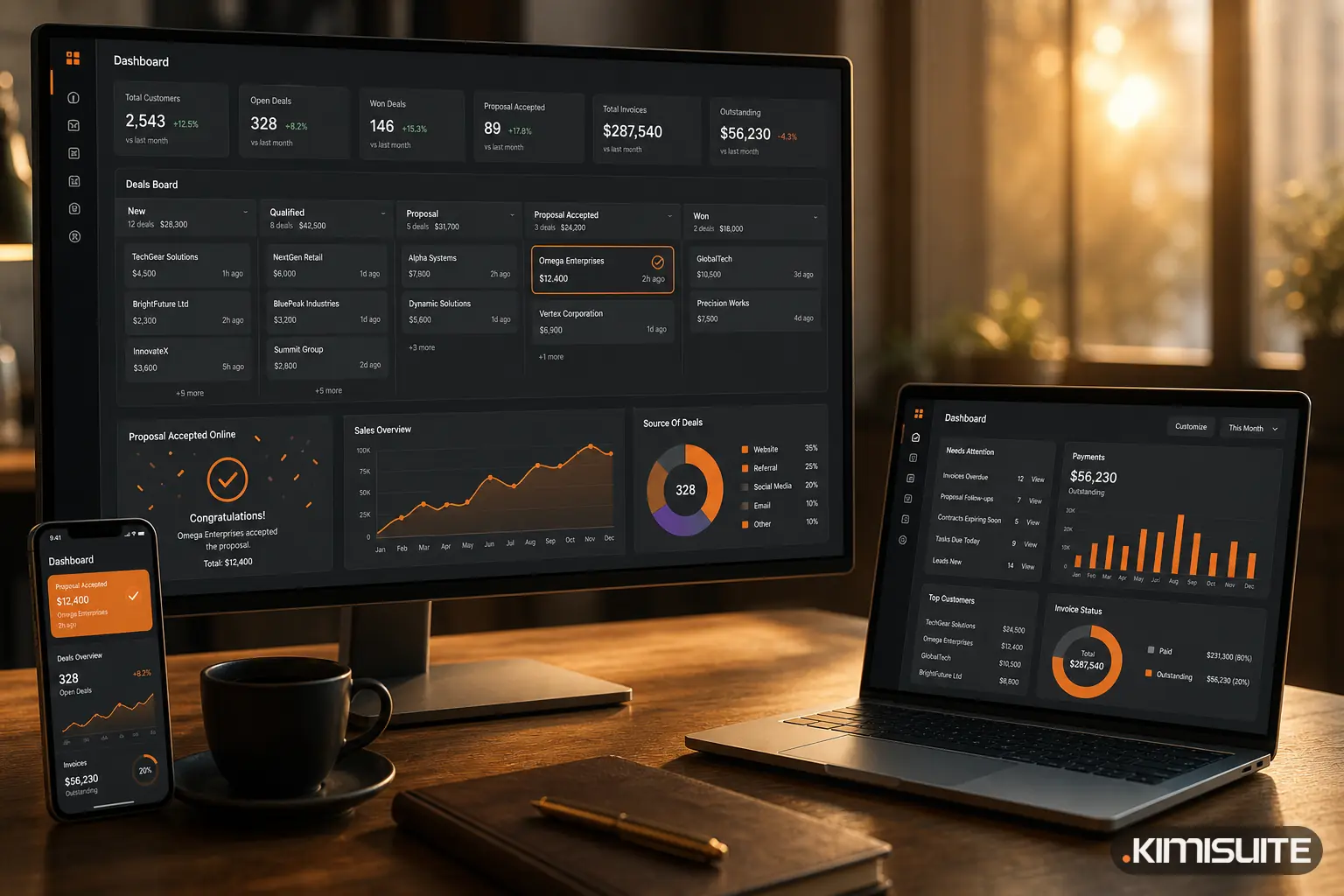
September brought the largest update CRM Business Hub has had. The app still does what it did before (customers, quotes, invoices, payments), but the path from the first enquiry to the paid invoice now runs through far more of your business: purchasing and stock, a document inbox, projects you can bill, support with SLAs and a report builder. This is the complete overview, area by area.
The update at a glance
| Area | What's new | Plan |
|---|---|---|
| Customers | One record with every document, statement of account, custom fields, GDPR export and anonymisation | Core |
| Leads | Lead board, web form builder, scoring rules, trettly lead assessment, automatic assignment | Business |
| Deals | Several pipelines, weighted forecast, sales goals | Business |
| Proposals and orders | Online acceptance with on-screen signature, view tracking, order confirmations, deposit invoices | Core / Business |
| Invoices and payments | Four PDF designs, SEPA QR code, twenty number ranges, dunning levels, bank statement matching | Core |
| Products | Variants with their own SKU, price lists per customer group, tiered prices | Core |
| Expenses and purchasing | Approvals, budgets, supplier bills, document inbox read by trettly | Core |
| Stock | Several warehouses, stock movements, stock counts, purchase orders, goods receipt | Business |
| Projects | Billing by fixed price or hours, timer, invoice a project from its hours | Business |
| Support | Tickets with SLAs, automation rules, trettly summaries and reply suggestions | Enterprise |
| Reports | 22 reports, a report builder, scheduled reports by e-mail, goals | Core / Business |
| Setup | Five-step setup, CSV import for 14 kinds of records, 16 languages | Core |
Customers: everything on one page
Each customer now has one record showing open amounts, revenue this year, open proposals and tickets. Every document sits in tabs on the same page, and a statement of account is one click away. Custom fields, groups and tags are available, and a customer's data can be exported or anonymised on request.
Leads and deals: a pipeline you can forecast
Leads move across a board from New to Converted or Lost, and every call or meeting is logged with the next step. Two ways to decide who deserves attention first:
- Scoring rules you set yourself, by source, country, value, e-mail domain or campaign, giving each lead a score from 0 to 100.
- trettly lead assessment, which rates a lead with its reasons, the risks and a suggested next step.
- Business card scan: photograph a card and trettly fills in a new customer, contact or lead for you to check before it is saved.
New leads can be assigned automatically per source, either in turn or to a fixed person. The web form builder has 15 field types, conditions ("show only if"), a hosted page, spam protection and an embed code for your website. Submissions arrive as leads.
A converted lead brings its deal along. Deals run in as many pipelines as you need, each with its own stages and probabilities, and the board shows the weighted forecast and the win rate. Goals make targets visible for the team or per member, for example invoiced revenue, new customers or won deals.
Proposals: accepted online, invoiced in the same minute
Proposals are built from your catalogue with optional items and reusable text blocks. Your customer opens the proposal from a link on any device, downloads the PDF and accepts it on the page with name, e-mail and a signature drawn on screen, or declines with a reason. You see how often it was viewed.
When a proposal is accepted, the invoice can be created automatically. For larger jobs, the proposal can become an order confirmation with its own numbering, delivery date and customer order number, and deposit invoices are possible. Contracts have terms, automatic renewal and templates, with a warning before they run out.
Invoices and payments: out on time, matched automatically
- Recurring invoices with your own interval and number of cycles, plus pro forma invoices and credit notes that can be applied to later invoices.
- Four PDF designs (Modern, Classic, Minimal, Bold) in your colours and font, with bank details and a SEPA QR code, in the customer's language.
- Number ranges for twenty document types, in your format and with an optional yearly reset.
- Reminders in three forms: a notice before the due date, a simple overdue reminder with its own rhythm, or dunning levels with fees, automatic or manual and paused per invoice when needed.
- Bank statement matching: import a CSV statement, and payments are suggested for their invoices by number, amount, name and date, including partial payments and one payment for several invoices.
Products, purchasing and stock
The catalogue now handles variants with their own SKU and price, purchase prices with the margin shown on the product, and price lists per customer group with tiered prices.
On the cost side, expenses can be recurring and go through approval, with budgets that compare plan against actual. Suppliers carry payment terms and bank details, and supplier bills show what is due in the next seven days.
The document inbox collects receipts by drag and drop or from a mailbox. trettly reads photos and PDF receipts (number, date, amounts, line items and supplier) and turns them into a supplier bill or an expense after you check them.
Stock can be kept across several warehouses, with reserved and available quantities, a journal of every movement and stock counts. Purchase orders go to suppliers, goods can be received in parts, and a receipt becomes a supplier bill in one step.
Projects, support and reports
Projects are billed at a fixed price, by project hours or by task hours. Tasks run as a list or a board with checklists and a timer, and the project is invoiced from its tracked hours.
Support tickets come with departments, SLA policies for first response and resolution, automation rules, canned replies and a ticket page your customer opens from a link. trettly summarises long threads and suggests a reply.
Reports cover 22 views, from revenue and receivables aging to lead funnel, project profitability and cash flow. The report builder creates your own, which can be saved and sent by e-mail on a schedule. You arrange the dashboard yourself.
E-mail, setup and your other apps
E-mail templates exist per document type and language, trettly drafts the text if you want, documents go out from your own sender or SMTP server, and you see when a document was opened.
A five-step setup covers company, language and region, currency and taxes, document defaults and branding. The import hub reads CSV files for 14 kinds of records, with column mapping and a review of every row. The interface, PDFs and e-mail templates are available in 16 languages, and API access and webhooks are available depending on the plan.
Because CRM Business Hub lives in your KIMISUITE workspace, it works with the apps next to it: Booking Hub guests become customers and checked-out stays can be turned into invoices, customers and contacts appear in Contacts, video meetings are planned from a customer, lead or deal in Meeting Hub, and CRM dates show up in Calendar.
About trettly in the CRM
All AI features in CRM Business Hub are part of trettly: the lead assessment, business card scan, receipt reading, ticket summaries and reply suggestions, e-mail drafts and product descriptions. They run on your workspace's AI credits, which are included in every plan. trettly makes suggestions, and you review them before they are used.
What stays the same
CRM Business Hub is still billed per workspace, not per user, so your whole team works in it without a price per seat. Your customers receive a clean page per proposal, invoice or ticket, opened from a link, without an account.
The app page has the complete list with screenshots, and if you are wondering where the new features help most, the article on where small businesses lose money between quote and invoice is a good starting point.
Add CRM Business Hub to your workspace and try it with your own customers. Cancel anytime · No minimum term · 14 days free.