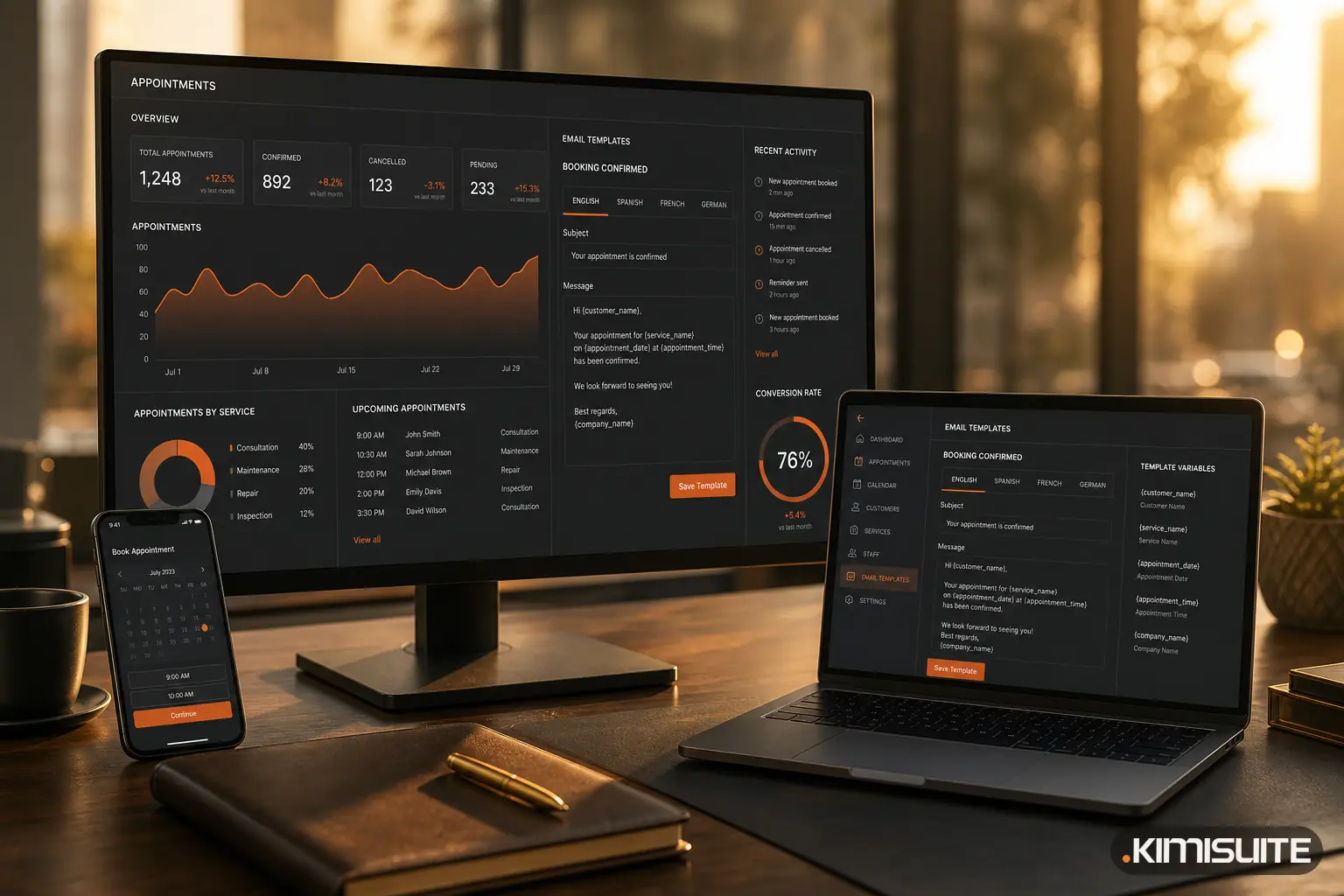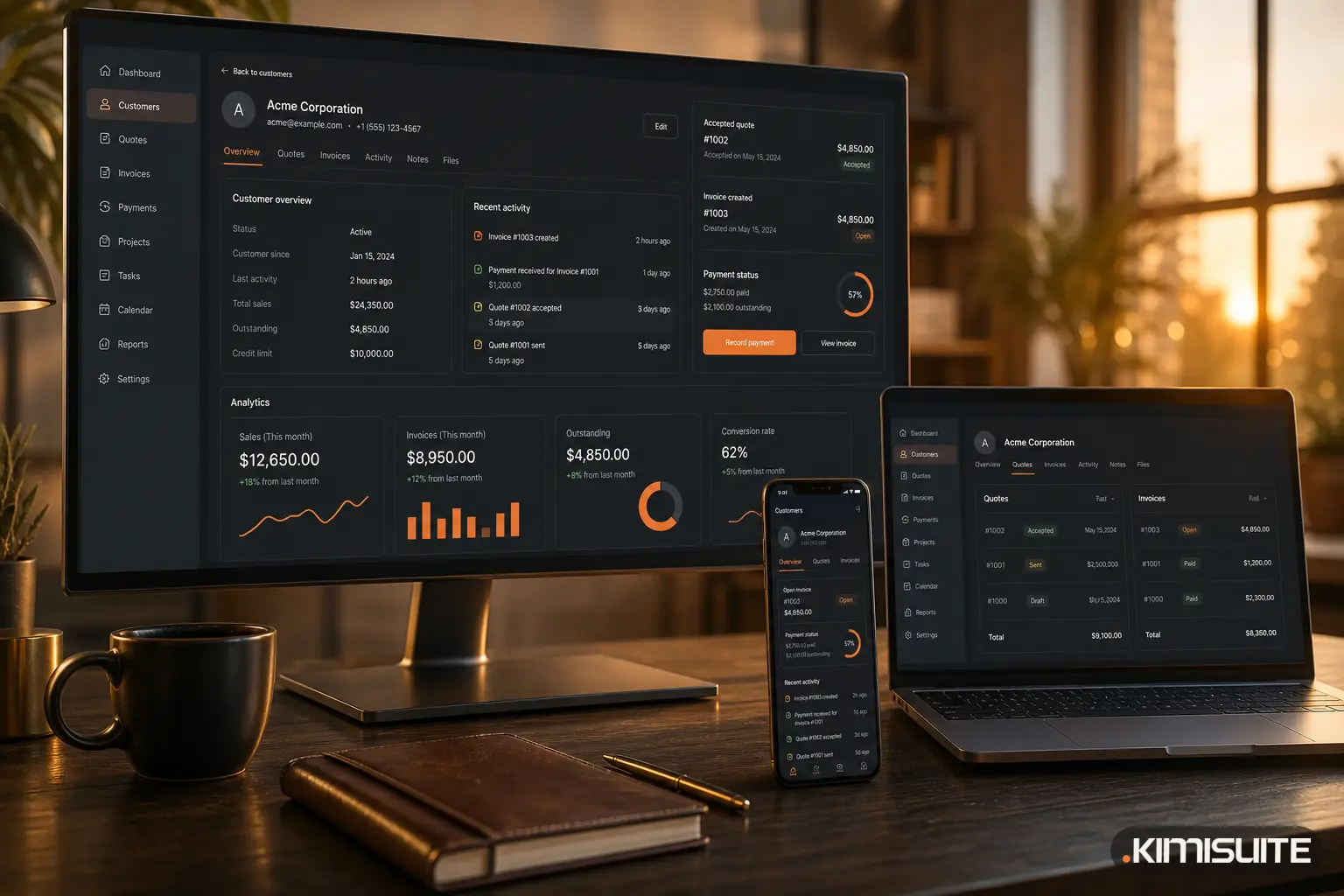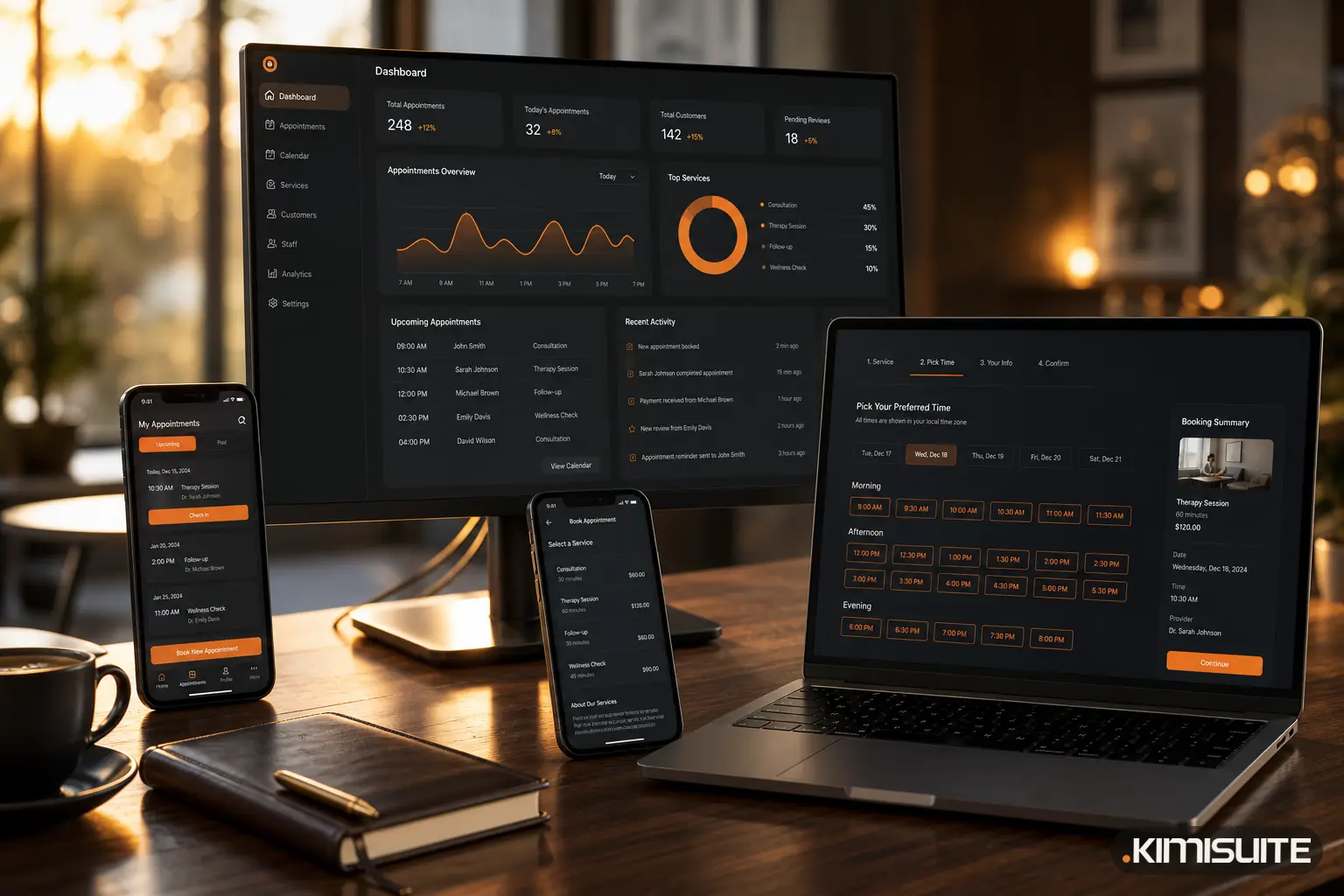
If you have ever forgotten to send a recurring invoice, lost a lead in your inbox, or re-typed the same customer details for the third time, you have already felt the problem that CRM software exists to solve.
But "CRM" is one of those terms that gets used a lot and explained rarely. So let us fix that.
What is CRM software?
CRM software — short for Customer Relationship Management — is a system that keeps every customer, lead, deal and document in one organised place, and connects them. Instead of scattering your business across an inbox, a spreadsheet and a separate invoicing tool, a CRM gives you a single source of truth for who your customers are and what is happening with each of them.
At its core, a CRM answers three questions at any moment:
- Who are my customers and leads?
- Where is each of them in the journey — enquiry, offer, sale, repeat?
- What needs to happen next, and when?
What is a CRM system for?
A good CRM does far more than store contacts. It runs the everyday processes that keep revenue moving:
- Lead and pipeline management — capture enquiries and move them through clear stages so nothing stalls.
- Offers and proposals — send professional quotes and turn an accepted offer into an order without re-typing anything.
- Invoicing and payments — bill customers and track what is paid and what is overdue.
- Recurring billing — charge repeat and subscription customers automatically, on schedule.
- Automated reminders and follow-ups — so the system remembers the things people forget.
That last point is where CRM software quietly earns its keep.
The expensive problem hiding in recurring invoices
Here is a scenario every growing business knows. You land a client on a monthly retainer or subscription. Month one, you invoice them. Month two, you are busy — and you forget. Month three, you bill for one month instead of two, or you send it late, or you do not send it at all.
Multiply that across dozens of recurring customers and the numbers get uncomfortable:
- Revenue goes uncollected because an invoice was never raised.
- Cash flow becomes unpredictable because billing happens whenever someone remembers.
- Errors creep in — wrong amounts, duplicate invoices, missed tax — because it is all manual.
- Chasing overdue payments eats hours that should go into the actual work.
None of this is a discipline problem. It is a systems problem. People forget; software does not.
How CRM software simplifies processes and prevents errors
A CRM removes the manual steps where mistakes and forgetting happen:
- Recurring invoices go out on their own. Set the schedule once, and the system raises and sends each invoice automatically — so no month gets skipped and no revenue leaks.
- Reminders fire automatically for follow-ups, renewals and overdue payments, so nothing depends on memory.
- Data is entered once. A lead becomes a customer becomes an invoice without re-typing — which is where most human error begins.
- Everything is connected, so a payment updates the customer record, the report and the pipeline at the same time. One truth, not four versions of it.
The result is fewer errors, steadier cash flow, and hours handed back to your team.
What to look for in a CRM
Not every CRM fits every business. A practical one should be quick to set up, not require a consultant, and — this is the part most tools skip — connect your sales and your billing, so a customer relationship and its invoices live in the same place.
Where KIMISUITE fits
KIMISUITE CRM Business Hub is exactly this system, built to be simple rather than intimidating. In one connected workspace it handles your contacts and leads, offers and proposals, invoicing and payments, recurring billing for subscriptions, automated reminders, and e-invoicing where it is required. A lead you capture today can become a proposal, an order, a first invoice and an automated monthly bill — without ever leaving the platform or re-typing a detail.
Because it lives in the KIMISUITE workspace, your CRM is not a silo: the same customer flows into your other tools, and you pay one flat workspace fee instead of stacking separate subscriptions.
If recurring invoices, forgotten follow-ups or manual errors sound familiar, that is exactly the gap a CRM closes.
Explore CRM Business Hub — and stop leaving revenue on the table.
Read next: What's New in CRM Business Hub: Everything We Shipped in September 2026