A booking system for holiday lets does three jobs: it shows guests which dates are free, takes the booking and the payment details, and keeps one calendar so the same nights are never sold twice. If you rent out one to five apartments, you need those three jobs done well. You do not necessarily need a website project to get there.
Many owners put off direct bookings because "we would need a website first". That usually means a domain, hosting, a designer, updates and someone to call when the contact form breaks. This guide shows what actually has to be in place, and what can wait.
What guests need before they book
Look at it from the guest's side. Someone who found your apartment on a portal, or through a friend, and now wants to book with you directly needs to see:
- Real availability for their dates, not "send us an email and we will check"
- The price for their group and stay, including tax, before they commit
- Photos, beds, size and what is included, so they know what they get
- Your house rules and cancellation policy, in their language
- A confirmation they can find again, with a way to contact you
None of this requires a designed homepage with an "About us" page. It requires a booking page that is always up to date.
The minimum setup, in order
- One calendar for all channels. If you also sell on portals, every booking anywhere must close those nights everywhere else. This is the step that prevents double bookings, and it matters more than any design choice.
- Prices that match how you sell. A holiday let often charges per person, gives a better rate for longer stays, or has a summer season. Your system should handle those rules instead of you correcting totals by hand.
- A bookable page with its own address. One link you can put on a business card, a door sign, a social profile or a reply to a returning guest.
- Arrival instructions that go out reliably. Unstaffed arrival only works if the guest knows the entrance, the floor, the door and the code.
- A way for guests to check or cancel their booking without phoning you.
Your own domain and a full website can come later. When they do, a booking widget on that website can use the same calendar.
What it is worth to move a booking off a portal
The reason to bother is the commission. Here is a worked example with assumed figures: a seven-night stay at 120 per night is 840. If the portal you use charges 15 percent, that one booking costs 126. If three returning guests a year book directly instead, that is 378 you keep, before counting the guests they recommend.
Your own commission rate is in your portal contract. Put it and a typical booking value into the free booking commission calculator to see the figure for your apartments. The same booking value with 15 percent gives the 126 above.
Direct does not mean leaving the portals. For most small holiday lets, portals bring the first booking and direct brings the second.
How this works in Booking Hub
Booking Hub is the booking app inside the KIMISUITE workspace, built for small properties as well as hotels.
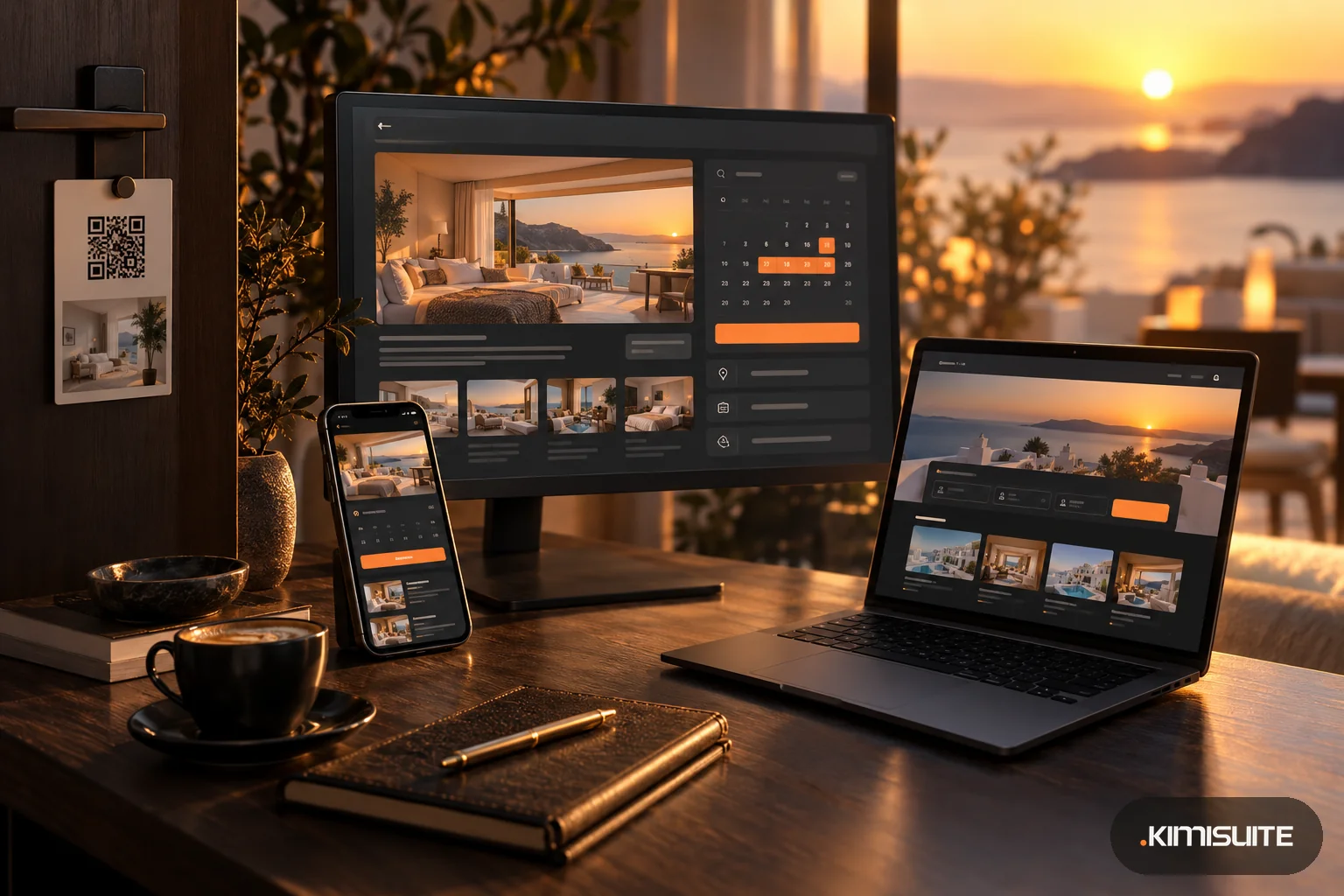
A booking page without building a website. The Landing Page extension gives your property a bookable page on its own address, <your-name>.kimistay.com, with your logo, colors, hero image and social links. It is not a brochure: guests search by dates and number of guests, see room cards with price, beds, occupancy and size, and go straight into checkout. The page has a language switcher, shows your contact details and check-in and check-out times, links your privacy, terms and cancellation policy, and can be installed on a phone. You can download its QR code as PDF, PNG or JPG for a card or a door sign. One limit to know: you cannot point your own domain at this page. When you later have your own website, you add the booking widget there instead.
Prices the way holiday lets charge. Booking Hub offers five pricing models: standard (a solo price and a price for full occupancy), occupancy-based (price per number of guests), derived (each extra guest as a fixed amount or a percentage), length-based (guests and number of nights, for example cheaper from the third night) and seasonal (date ranges with a fallback price). A small apartment can stay with the two-field standard model until it needs more.
Portals in the same calendar. The Channel Manager - Live Sync extension connects Booking.com, Airbnb, VRBO, Expedia, Agoda and other channels, so a booking on one closes the dates on the others. The steps inside Booking Hub take little time. What takes longer is each portal approving the connection on its side.
Arrival without a key handover. Each unit carries its own check-in instructions in every language you use, with placeholders for the guest name and room. From the reservation you send the check-in details with the room number, the PIN and those instructions.
Guests help themselves. The confirmation email links to a booking portal where guests see their stay, the outstanding balance, download a receipt, write to you and cancel within your own rules.
A realistic first week
- Day 1: create your unit, add photos and beds, pick a pricing model.
- Day 2: write the check-in instructions and your house rules.
- Day 3: set up the booking page and print the QR code.
- Then: connect the portals you already use, if you want one calendar for everything.
FAQ
Do I need my own website to take direct bookings for a holiday let?
No. You need a bookable page that shows live availability and takes the booking. A full website with your own domain helps later, but it is not the first step.
What is the difference between a booking page and a booking widget?
A booking page is a complete page with its own address. A widget sits inside a website you already have. In Booking Hub both use the same rooms, prices and calendar.
Can I keep listing my apartment on Airbnb and Booking.com?
Yes. With a channel manager the portals and your direct bookings share one calendar, so the same night is not sold twice.
Can I use my own domain for the kimistay page?
No. The page lives on a kimistay.com subdomain. If you want your own domain, build a site there and embed the booking widget.