A restaurant can take table reservations in two basic ways. A booking portal shows your free tables inside a marketplace app and confirms them instantly, based on capacity rules you set there. A table request comes in through your own website, and your team accepts or declines it, usually within minutes. Both work. They solve different problems, and many restaurants looking for an alternative to their booking portal are really asking which of the two they need.
This post compares the two honestly and gives you a short set of questions to decide.
What a booking portal does well
Portals are marketplaces first and reservation systems second. Their strengths:
- New guests find you. People browse the app, filter by area and cuisine, and discover restaurants they did not know. For a new restaurant or a tourist area, that reach can be worth a lot.
- Instant confirmation. The guest picks a time and gets a confirmation without waiting.
- Capacity rules. You define table sizes, turn times and covers per slot; the system fills the room.
- Reviews and loyalty programs inside the app.
The price for this is usually twofold: a fee (per booked guest, a monthly plan or both, depending on the portal and your contract; check its current price list) and the relationship. The guest booked "through the app", often gets its marketing afterwards, and may book your neighbor next time from the same screen.
What a table request does well
A request is a reservation form on your own website, in your own design, with your own rules:
- The guest is your guest. They found you, they booked on your site, and their details stay with you.
- You decide each booking. A table of eight on a busy Saturday, a group that wants the terrace, a guest you know: your team looks before saying yes.
- No per-guest fee to a third party for bookings that come through your own site.
- Room for special wishes. A comment field, a preferred area, a birthday.
The trade-off is that the guest waits for your answer, and nobody new finds you through a marketplace. The request also only works if someone answers quickly: a request left open for three hours is a lost table.
Five questions to decide
- Where do your guests come from today? If most already know you, from walking past, from returning or from your own website and social media, a request form on your site captures them without a middleman. If you depend on discovery, a portal brings people you would not reach otherwise.
- How busy are you at peak times? A room that fills itself every Friday needs capacity rules more than reach. A room with empty tables on Tuesday needs reach more than rules.
- Can someone answer within minutes during opening hours? If yes, requests feel almost as fast as instant booking. If nobody watches the inbox, use instant booking somewhere.
- How big are your tables and groups? Large or mixed groups, private areas and set menus are easier to handle as requests.
- What does a no-show cost you? Put your numbers into the no-show cost calculator and compare that figure with what a portal would cost for the same bookings.
Many restaurants combine both: a portal for discovery and a few tables, and their own website for regulars, groups and everyone who already knows them. What matters then is one place where all reservations come together, so no table is sold twice.
What makes requests work in practice
- Show your real opening hours, including lunch and dinner as separate times and special days.
- Set a lead time and a maximum group size online, so nobody requests a table for twelve in twenty minutes.
- Get notified instantly on a phone, not by email at the end of the day.
- Confirm or decline with a reason, so the guest knows where they stand.
- Give the guest a way to cancel, so a cancellation reaches you instead of an empty table.
- Plan the room per day, so you see which tables are taken before you confirm.
How Restaurant Hub handles table requests
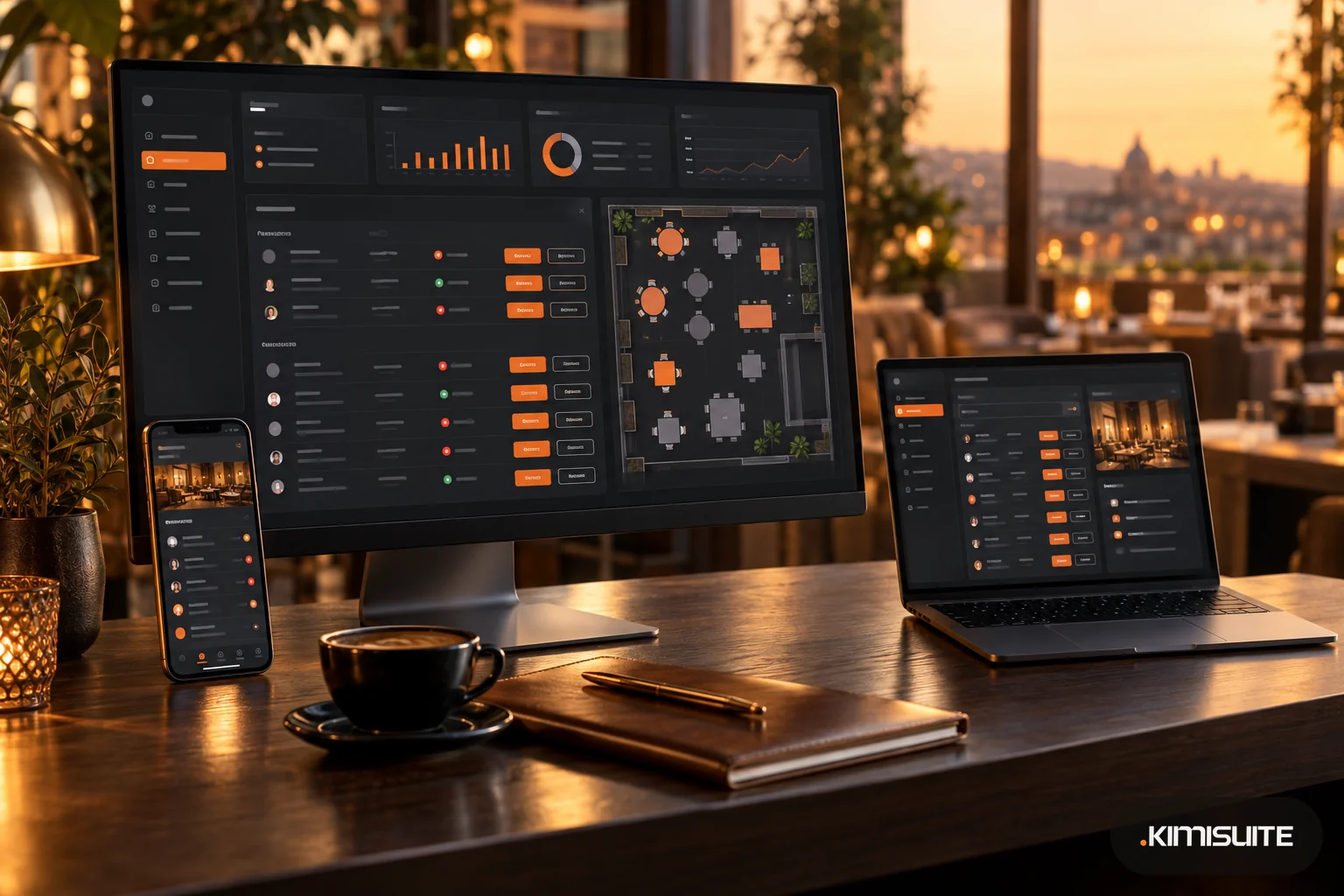
In Restaurant Hub, the menu and reservation app in KIMISUITE, guests book through a Table Booking widget on your own website, built in Widget Creator. Every booking arrives as a request that your team approves or declines, with a reason sent to the guest. Restaurant Hub does not take bookings instantly by capacity; the restaurant always confirms.
What you can set and see:
- Booking rules: lead time, maximum guests per online booking and the time grid; the server checks opening hours, closed days, lead time and group size before a request is accepted
- Opening hours with two time ranges per weekday and special hours or closed days per date
- Locations and tables, for example dining room and terrace, and a table plan per day showing free and taken tables
- Instant alerts in Telegram for every new request and for guest cancellations, each team member in their own chat
- A link for the guest in the confirmation email to view or cancel the booking or save it to their calendar; when a guest cancels, the restaurant gets an email
- Bookings by hand for phone reservations, and printable lists and folding table cards per reservation
More on the feature in restaurant table reservations, and on pricing without per-cover fees in reservations without per-cover fees.