Before a link goes into an ad, a newsletter or a social post, it needs three things: a clean address that still makes sense in a year, a preview card that looks right when the link is pasted, and UTM tags that tell your analytics where each visit came from. Each takes a few minutes. Fixing them after the campaign is live takes much longer, because shared links and cached previews cannot be called back.
This guide walks through the three steps in the order that works, with three free tools that do the fiddly part.
Step 1: Fix the address before anything else
The page address (the slug) comes first, because everything else points to it. Once a link is in a printed flyer or a hundred shares, changing it means every old copy needs a permanent redirect.
Google's guidance on URL structure (developers.google.com, last updated 21 October 2026) is short:
- Use readable words rather than long ID numbers.
- Separate words with hyphens, not underscores.
- Keep one case. Google treats
/APPLEand/appleas two different URLs. - Trim parameters you do not need.
The Slug Generator turns a title into such an address. It converts accents and umlauts, drops short filler words in English and German, and stops at a length you choose (60 by default) without cutting a word in half.
Example: "The Spring Menu at Café Müller" becomes spring-menu-cafe-mueller. "The" and "at" are removed, "é" becomes "e" and "ü" becomes "ue".
Step 2: Check the preview card
When someone pastes your link into Facebook, LinkedIn or WhatsApp, the platform does not build the card from the link text. It fetches the page behind it, looks for Open Graph tags in the page head, and builds the card from them. Without them, the platform guesses, often badly.
What the tags must contain
The Open Graph protocol (ogp.me, checked 24 October 2026) lists four required properties for every page: og:title, og:type, og:image and og:url. og:description and og:site_name are optional but almost always worth adding.
Meta's guidance for share images (developers.facebook.com, checked 24 October 2026):
- At least 1200 x 630 pixels for sharp display, as close to a 1.91:1 ratio as possible.
- Files up to 8 MB. The absolute minimum is 200 x 200 pixels.
- Images are cached by their URL. To change the picture later, upload it under a new file name.
og:urlshould be the "undecorated" address, without session or tracking parameters.
That last point matters for campaigns: the UTM tags belong in the link you share, not in og:url. Keep og:url clean, and likes and shares count towards one address.
Build and preview the tags
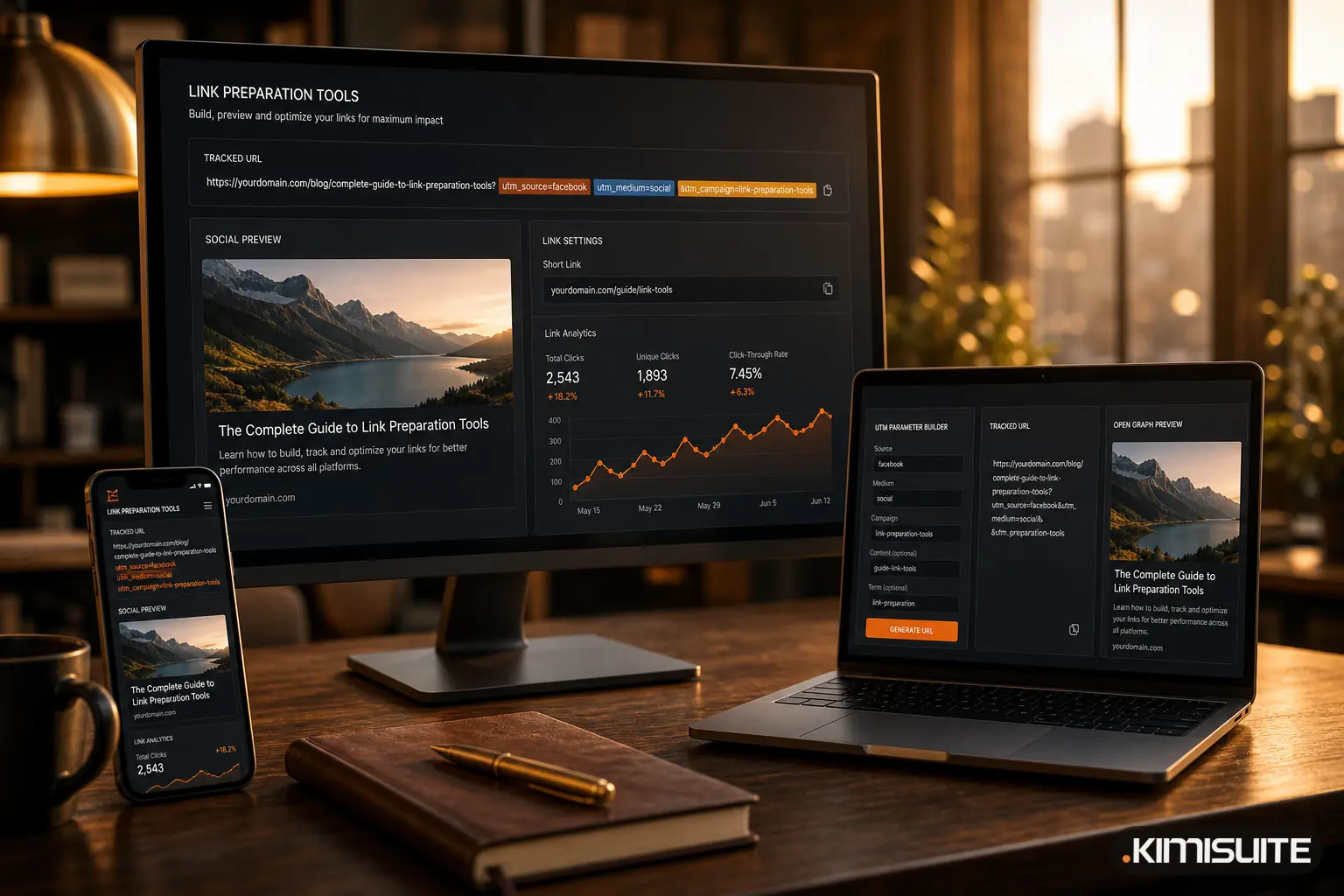
The Open Graph Preview Generator takes five inputs (title, description, image URL, page URL, site name) and shows the card as it will roughly look, while you type. It then writes the full block: the og: tags, the matching twitter: tags with a large image card, and a meta description. Copy it into the page head.
Two additions are worth making by hand. Meta recommends og:image:width and og:image:height so the image can show on the very first share, before the crawler has downloaded it. The generator does not write these two lines, so add them yourself with the real pixel size.
If your website is built with AI Website Builder in KIMISUITE, this part is largely done: every page gets a title, a description and a share image, and the SEO tab flags pages without a share image, with a Fix button that adds one.
Step 3: Tag every link with UTM parameters
UTM parameters are short tags at the end of a URL. Google Analytics reads them and files the visit under the right source, medium and campaign instead of "direct" or a vague referral.
Google's Analytics help (support.google.com/analytics, article 10917952, checked 24 October 2026) gives the rules that keep reports clean:
- Always set
utm_source,utm_mediumandutm_campaign. - Values are case sensitive:
googleandGoogleare two sources,SpringSaleandSpring_Saletwo campaigns. Use lowercase. - Use
utm_contentto tell two links in the same email or post apart. - The order of the parameters does not matter.
Build the links
- Open the UTM Parameter Builder and paste the clean page address from step 1.
- Pick the source from the list (instagram, facebook, newsletter, linkedin and others).
- Pick the medium (social, email, cpc and others).
- Type the campaign name. The tool lowercases it and turns spaces into underscores, so "Spring Menu 2026" becomes
spring_menu_2026. - Optionally add
utm_contentfor the placement, for examplestory_linkorbutton_top. - Copy the tagged link. Repeat for each channel with the same campaign name.
For the spring menu, that gives one link per place:
https://example.com/spring-menu-cafe-mueller?utm_source=instagram&utm_medium=social&utm_campaign=spring_menu_2026&utm_content=story_link

https://example.com/spring-menu-cafe-mueller?utm_source=newsletter&utm_medium=email&utm_campaign=spring_menu_2026&utm_content=button_top
Choose the medium with the channel report in mind
Google Analytics 4 sorts visits into default channels using the medium (support.google.com/analytics, article 9756891, checked 24 October 2026). A few rules decide where your links end up:
| Medium | Default channel in GA4 |
|---|---|
social |
Organic Social |
email |
|
cpc (or anything containing "cp", or starting with "paid"), with a social network as source |
Paid Social |
referral |
Referral |
For paid posts and ads on a social network, choose cpc. A medium like social_paid does not match the paid rule, so with a social network as source, GA4 counts it as Organic Social.
GA4 also recommends utm_id for a campaign ID. The builder does not have a field for it, so if you work with campaign IDs, append &utm_id=... by hand.
Step 4: Test before you post
- Paste the clean URL into Meta's Sharing Debugger and LinkedIn's Post Inspector. Both show the tags they found and fetch the page again. Old shares keep their old card, so do this before the first post, not after.
- Open each tagged link once and check that it lands on the right page, with no redirect that drops the parameters.
- If the page address ends in a
#anchor, the tags must go before it. In a URL, the query (after?) comes before the fragment (after#), as RFC 3986 defines it, so tags after the#are not part of the query. The builder adds the tags at the end, so paste the address without the anchor and add the anchor back after the tags.
Taking the same link to print
A campaign rarely stays online. For a flyer, poster or table card, choose qr as the medium in the UTM builder, name the print piece in utm_content (for example flyer_a5) and put the tagged link into a QR code.
With QR Generator in KIMISUITE, new codes are dynamic: the printed code holds a short link, so you can change the destination after printing, for example when the spring menu turns into the summer menu. The app counts every scan and shows scans by day over 7, 30 or 90 days, with device, browser, operating system and country. Your analytics then sees the visit with the campaign tags you set. More on the basics in why businesses use a QR code generator.
FAQ
Do UTM parameters change how my link preview looks?
No. Platforms build the card from the Open Graph tags on the page. As long as og:url points to the clean address, the tagged and untagged links share the same preview.
I changed the share image, but the old one still shows. Why?
Platforms cache images by URL. Upload the new image under a new file name, update og:image, and run the page through Meta's Sharing Debugger. Posts that were shared earlier keep the old card.
Can I change a slug after the campaign has started?
You can, but every link already shared, printed or saved still points to the old address. Set up a permanent redirect from the old slug to the new one. Better: fix the slug in step 1, before anything goes out.
Which UTM parameters are really needed?
Source, medium and campaign. Content helps when one post or email has several links. Term is mainly for paid search keywords.