 Part of QR Generator
 Change the destination after printing
Print once, update the destination whenever you like
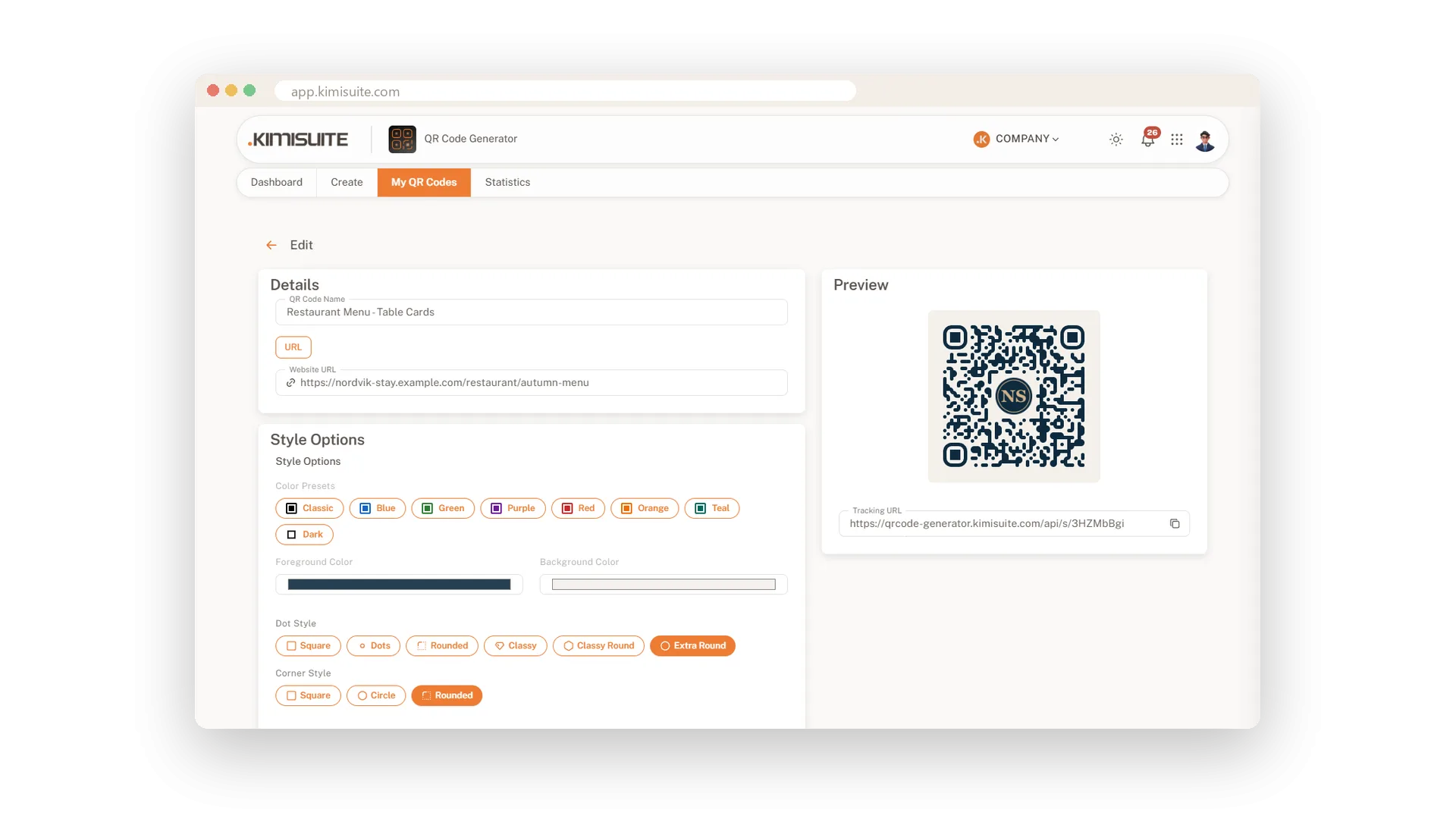
You print five hundred flyers, and next week the offer changes. With a dynamic QR code that is no problem: you change where the code leads, and every flyer, poster and table card already out there sends people to the new page. No reprint, no stickers over old codes.
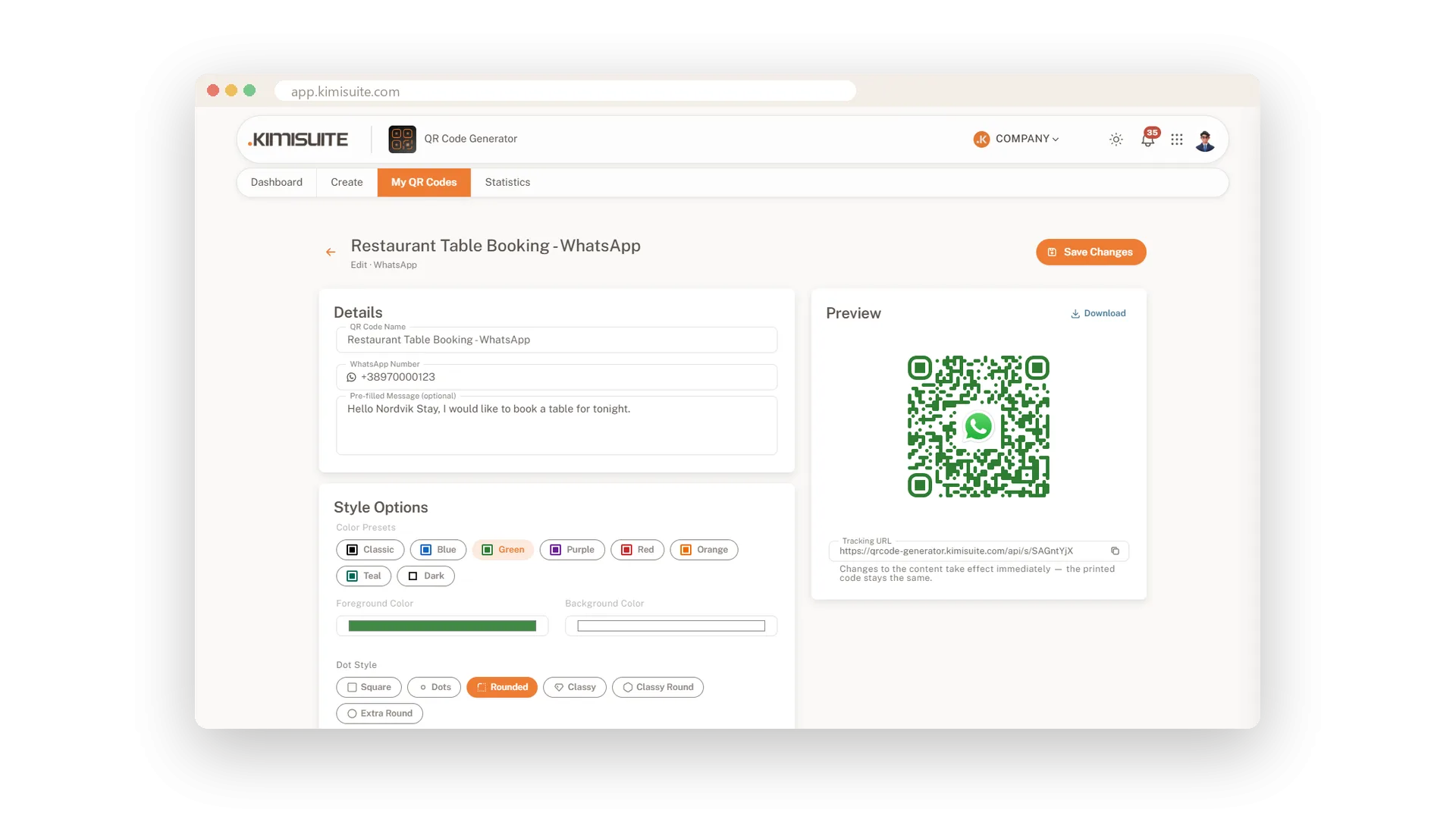
Every new code is dynamic from the start, and it works for every type except WiFi. A new phone number on your business card, a new date for the event, a new address or a new text: open the code, change it, save, and the next scan already shows the update. If a code should rest for a while, switch it off with one click; guests then see a friendly note that it is paused, and it comes back the moment you switch it on.
Key Benefits
Change the destination anytime - the printed code stays exactly the same
Business cards, events, locations and texts stay up to date after printing
Switch a code off with one click and back on when you need it
Every dynamic code counts its scans, so you see what your print brings in
New destination, same printed code
Change the link, keep every flyer and poster
Open the code, enter the new destination and save. Every printed copy leads to the new page from the next scan, and the design of the code stays exactly as it was.
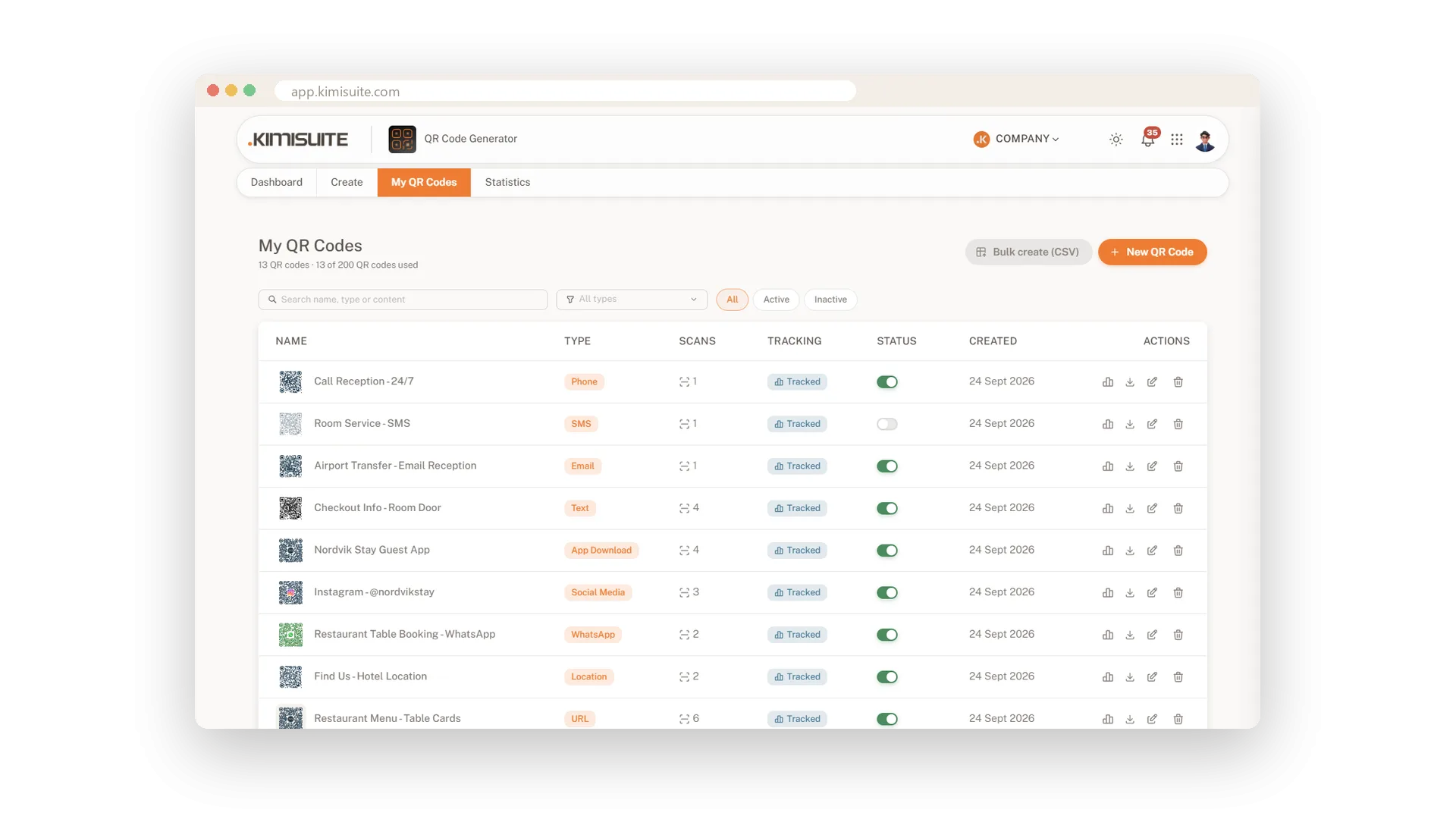
Switch a code off and on again
One click to pause, one click to bring it back
An offer is over or a room is closed? Switch the code off in your library or right on its tile. Guests who scan it see a short note that it is paused. Switch it on again when you need it, with the same print on the wall.
Static codes when you need them
The content inside the code, no link in between
Turn tracking off in the last step and the content goes straight into the code. Guest WiFi always works this way, because phones need the network details directly to connect.
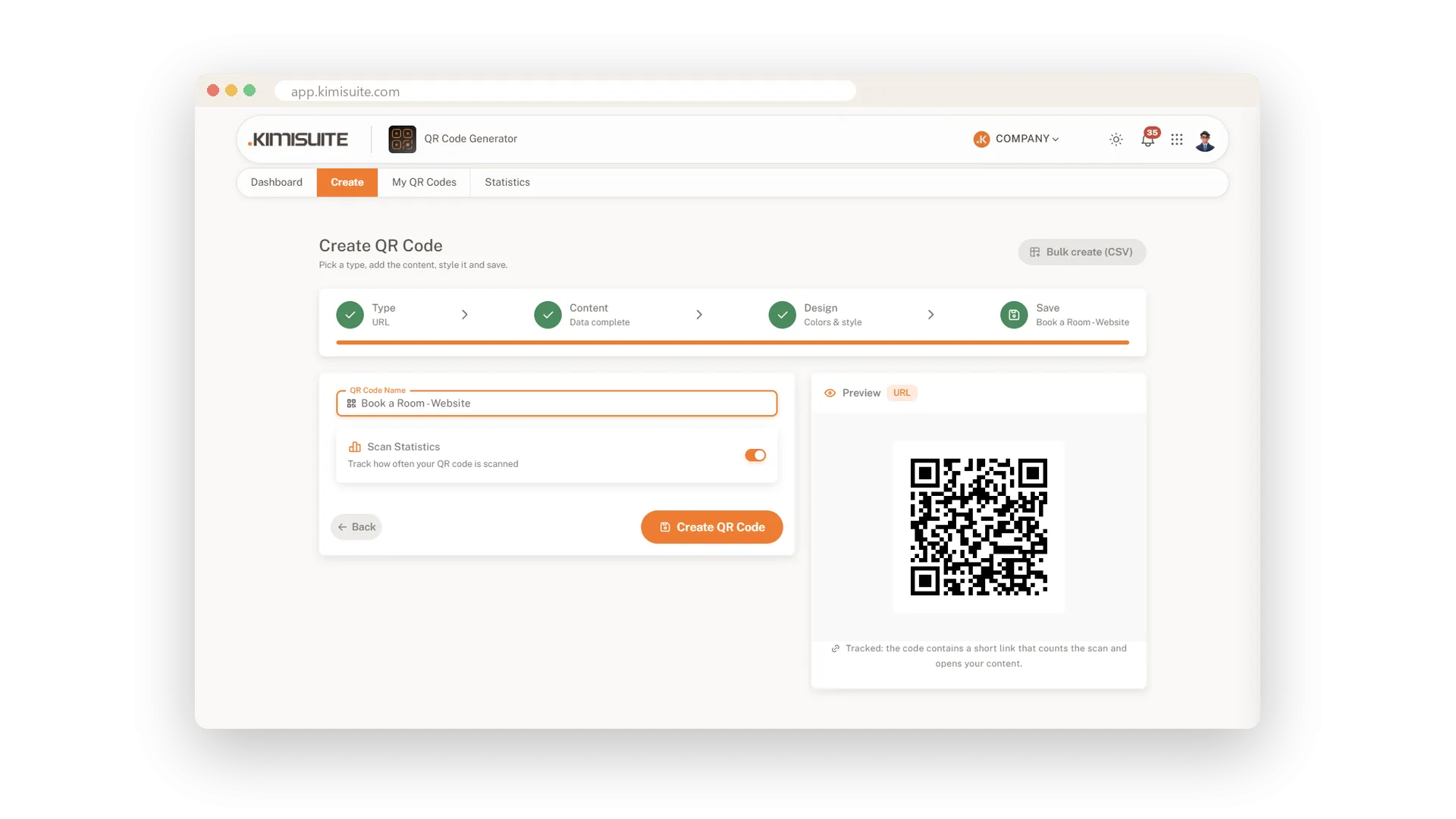
Business cards and events that stay current
Update the contact or the date, keep the print
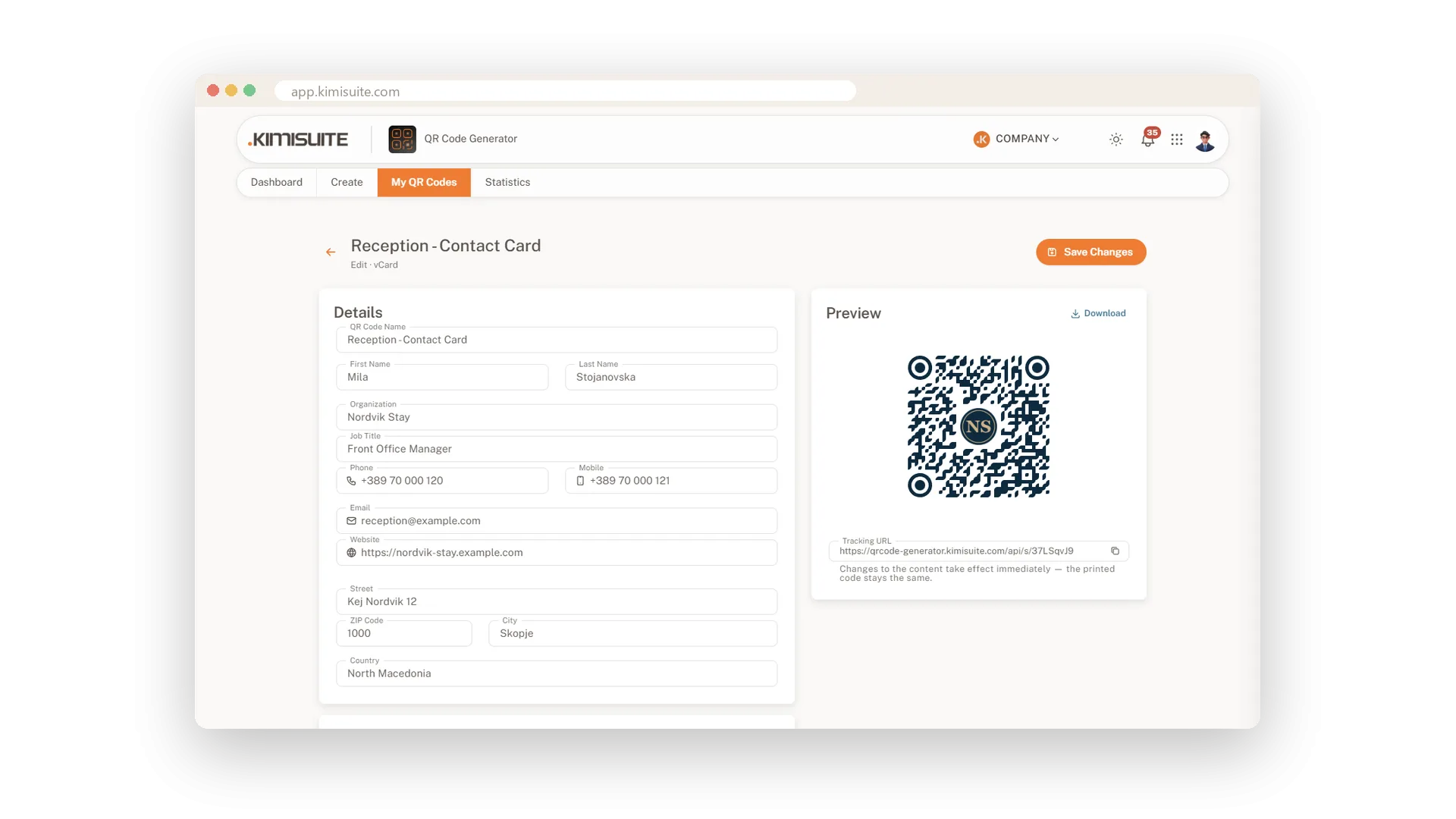
A contact card code saves your name, company, phone numbers, email, website and address in one tap. An event code puts the date straight into the calendar, at the right hour in every time zone. Change a detail later and every printed copy delivers the new version.
Use Cases
The autumn menu
Your table cards point to the summer menu. You change the destination to the autumn menu, and every table shows the new dishes from the next scan.
A poster that outlives the offer
The spring offer ends, the posters stay on the wall. Point the code to your next offer and the poster keeps working.
A new number on the business card
Your reception gets a new phone number. You update the contact card code once, and every printed card saves the new number from the next scan.
FAQ
Try QR Generator today
Dynamic QR codes with your logo, colours and scan statistics
14 days free, cancel anytime, no minimum term.
