Restaurant Hub is KIMISUITE's app for the guest-facing side of a restaurant: the menu, the digital and printed versions of it, table reservations, daily offers and promotions. It is built on one idea — you enter your menu once, and every channel reads from it.
This article covers what the app does today.
One menu, several outputs
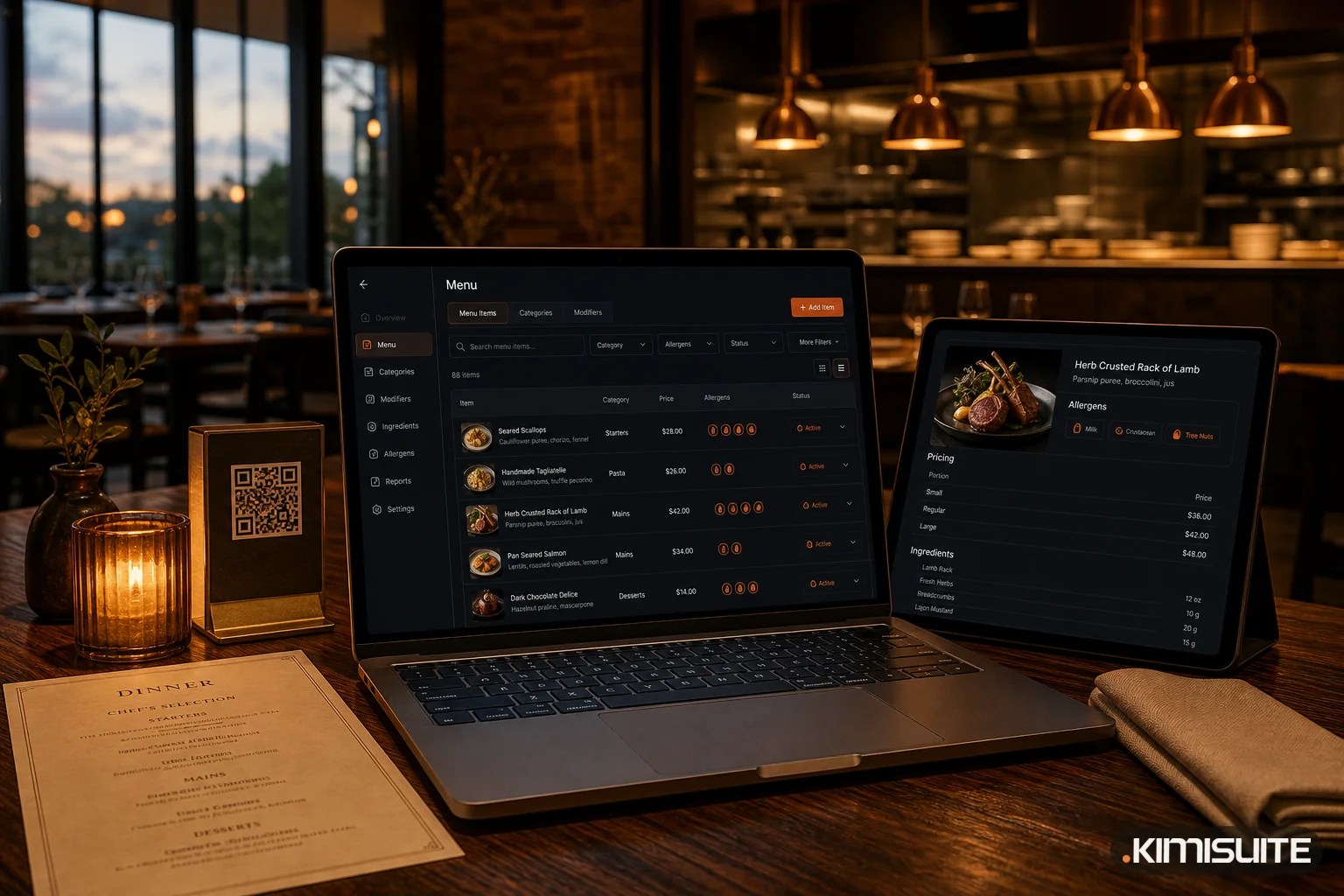
The Classic Menu is the single source. Each item carries a name, description, photo, category and subcategory, article number, allergens, additives, food types such as vegetarian or vegan, availability, and a price per portion size and per currency.
From that same data, Restaurant Hub publishes:
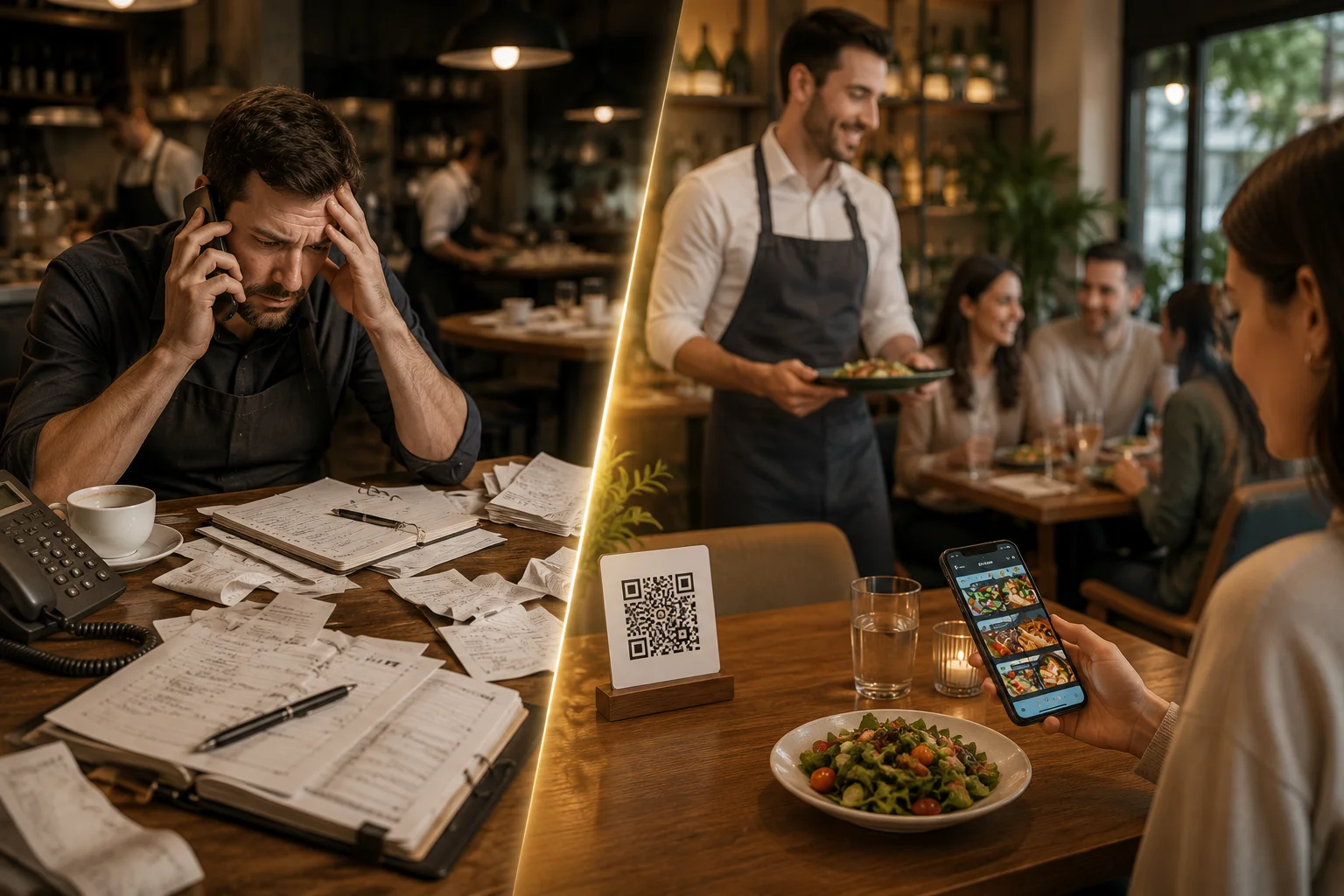
- Digital QR menu — a branded, phone-first menu guests open by scanning a code at the table, with nothing to install
- Website menu widget — the same menu embedded in the site you already have
- Printable menu — a print-ready menu or PDF generated from the dishes already in the system
- QR codes — for the whole menu, or one per dish for table tents and specials boards
- Daily offers — lunch specials and daily menus scheduled by date or weekday
Change a price once and all of them are correct. There is no second version of the menu to keep in step.
The digital menu
Guests scan and the menu opens in their phone browser. You choose a menu template, set your theme colours, font and logo, and publish. Categories, dish photos, allergen and additive legends, food-type markers and a language switcher are built in.
Two routes beyond the QR code: a custom web address publishes the menu under your own link, for a business card, a social bio or a Google Business profile. And guests can add the menu to their home screen, where it opens full screen like an app — still with nothing downloaded from a store.
Because the code points at the live menu rather than at a file, the printed QR code never has to be replaced.
Smart Menu
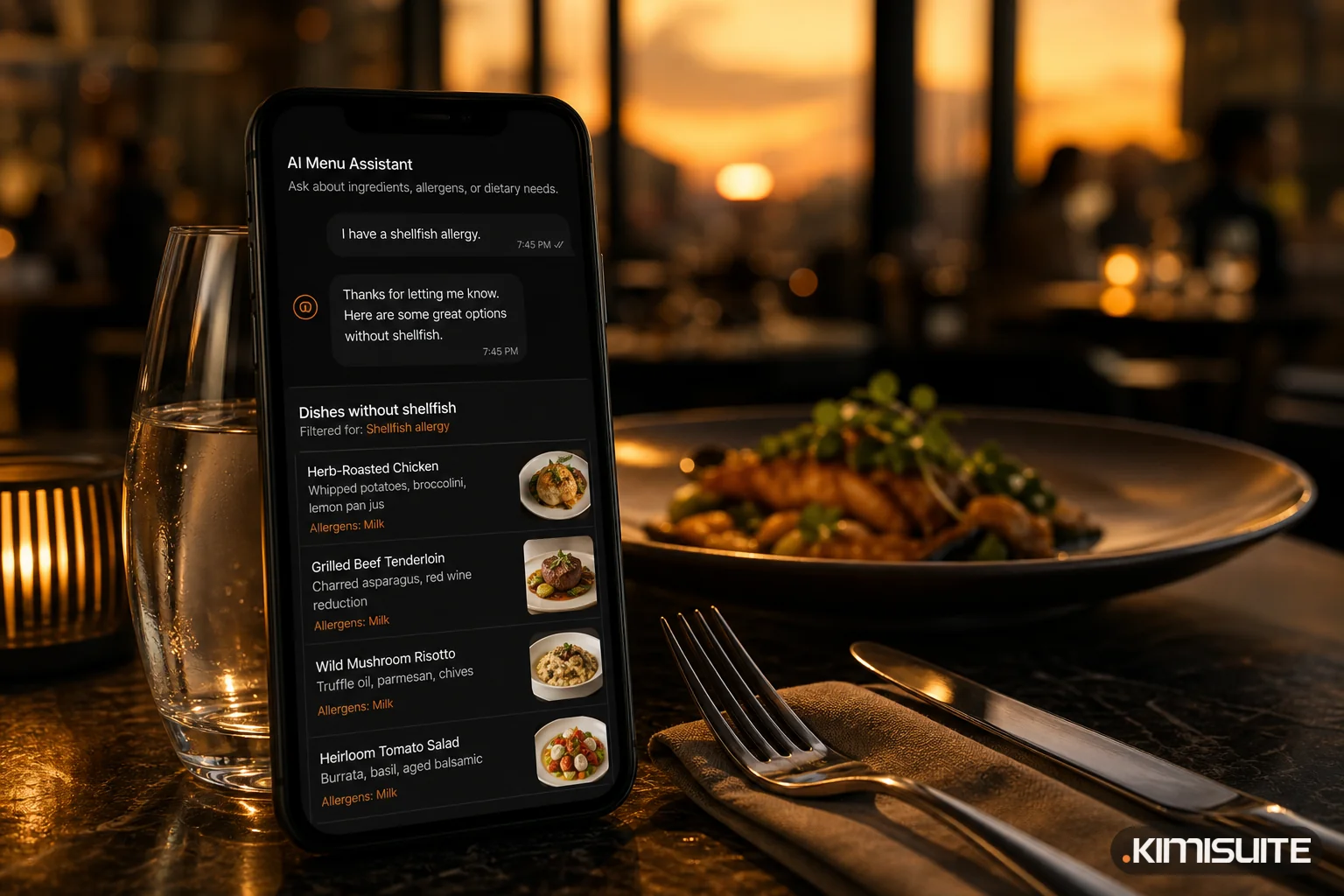
Smart Menu is an AI assistant inside the digital menu. Guests ask questions in plain language — what is available without nuts, what is vegetarian, which wine goes with a dish — and it answers from your real menu data rather than from general knowledge.
The conversations are stored, so you can see what guests ask about and which dishes they struggle to find.
Reservations and tables
Guests request a table through a booking form on your website, inside the digital menu or from a QR code. Requests land in one list where your team approves or declines them and assigns a real table.
- Tables with capacity, grouped into areas you name — main hall, terrace, VIP room, outdoor seating
- Unlimited locations, each with its own tables and working hours
- Statuses from requested through approved and seated to completed, plus cancelled
- Table plan view, printable filtered reservation lists and printed table cards
- Quick-confirm links that approve a booking in one tap without opening the app
- Telegram notifications pushing every new request to your phone
Details in Restaurant Table Reservations.
Daily offers, promotions and events
Daily offers are scheduled by date or weekday, so lunch specials switch themselves on without anyone editing the standing menu.
Promotions cover events and announcements — a live music night, a wine tasting, a seasonal dinner, a happy hour. Each carries a title, description, image, start and end dates, event time and location, and a call-to-action button with its own link. Choose where it appears — website, digital menu, printable menu, QR code menu — and save it as a draft, schedule it, or publish it immediately.
AI where the work is repetitive
The AI menu tools cover the slow parts of menu work: generating a food photo for a dish that has none, writing or improving a dish description, and translating a finished item into every menu language in one step. Meal AI works the other direction and suggests dishes for your daily offers based on your menu and a focus you set.
Languages and currencies
Menu languages and currencies are unlimited on every plan. One menu structure carries its own text per language for categories, dishes, offers and promotions, and every dish can hold a price per configured currency, including a separate price per portion size. See Multilingual Restaurant Menu.
What Restaurant Hub is not
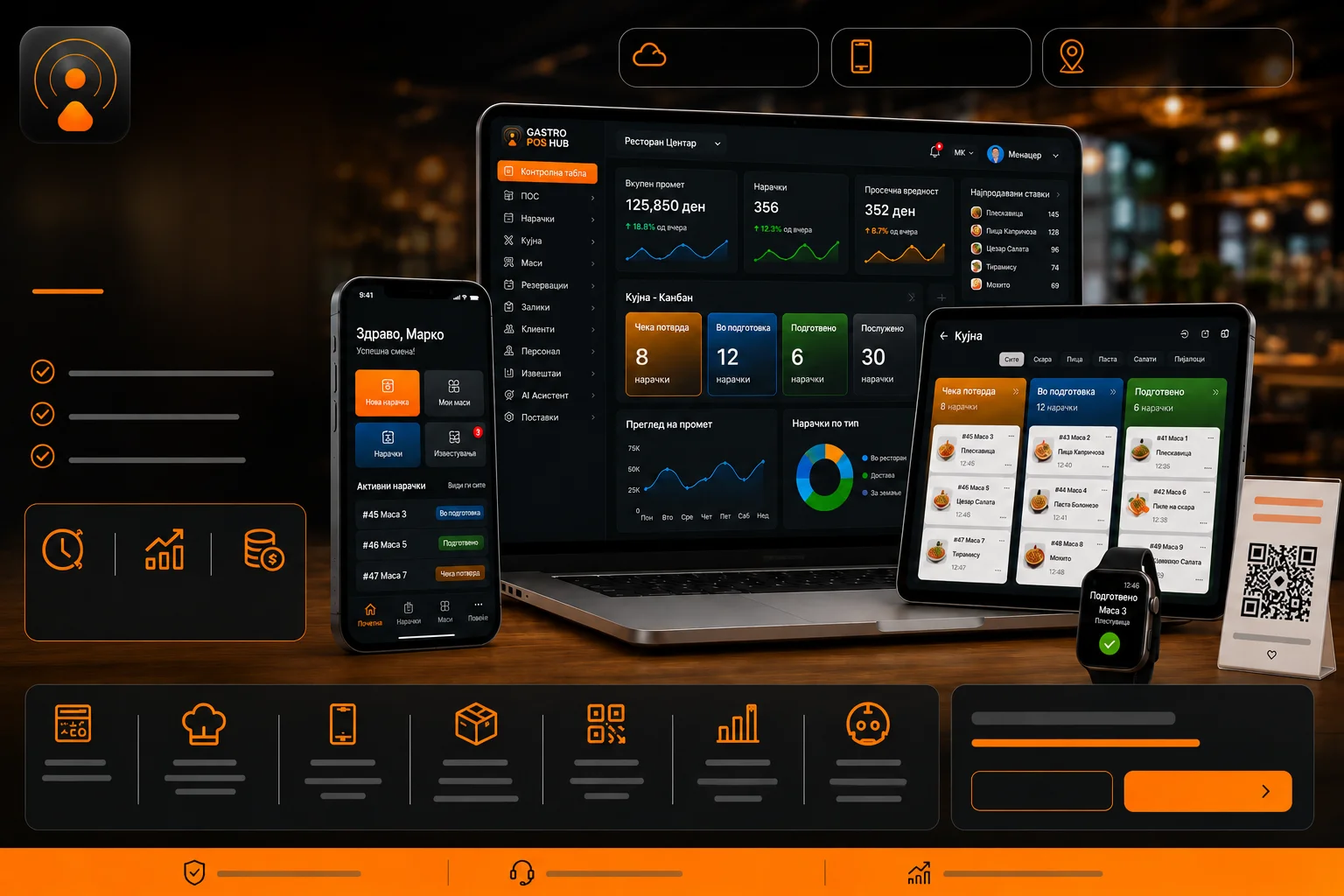
It is not a point of sale. Orders, kitchen tickets, stock and recipes, delivery, loyalty and fiscal receipts belong to Gastro POS Hub, a separate app.
Restaurant Hub covers the menu, the guest experience and reservations. If you need a till, that is the other app — and the two are meant to be chosen deliberately rather than sold as one thing.
Getting started
Set up your restaurant details, opening hours, languages and currencies, then your menu structure — categories, portion sizes, allergens, additives — then your first dishes. Publish to the website with a widget and to the tables with a QR code.
See Restaurant Hub for the full feature list, plans and a free trial.