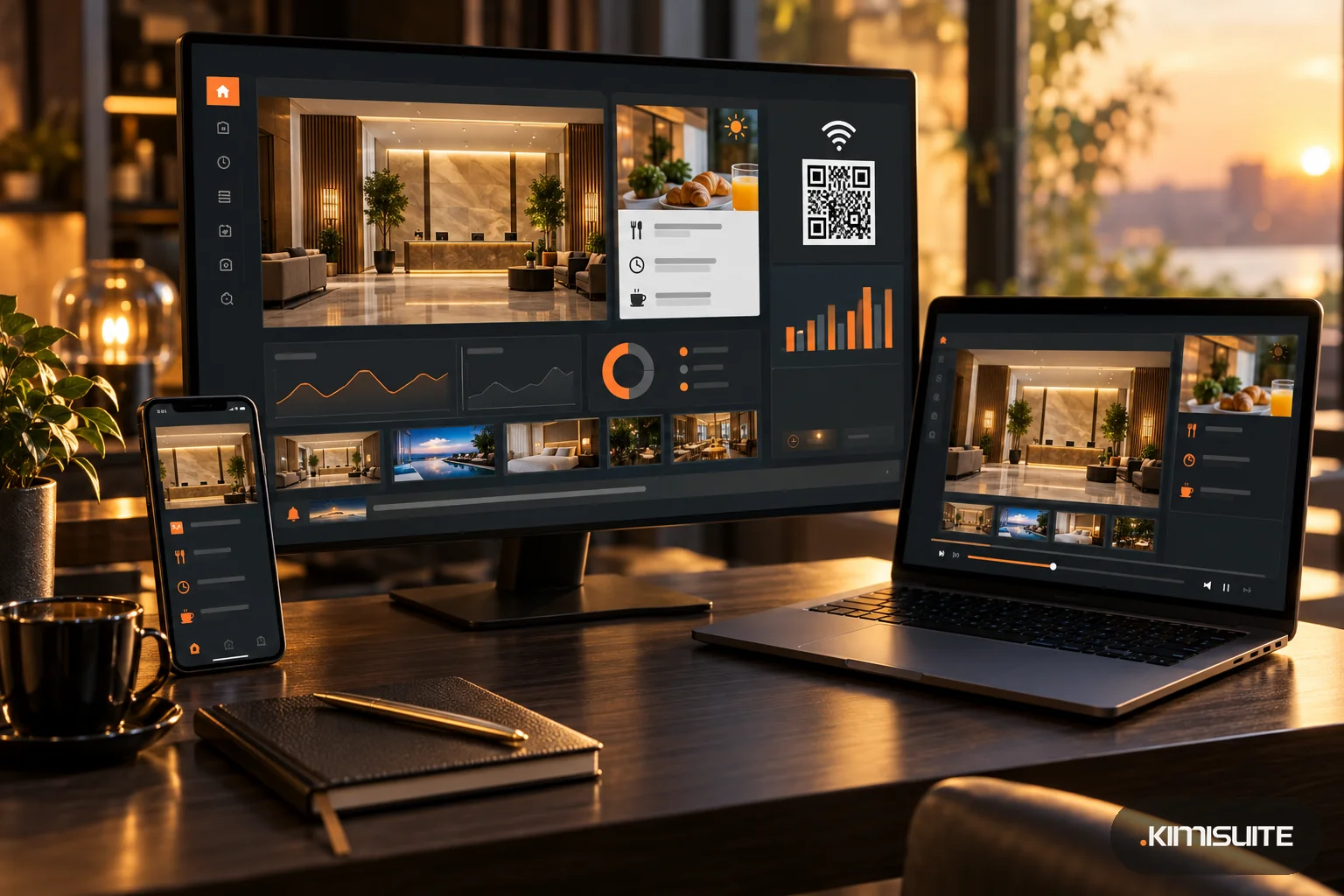
Hotel digital signage works when a screen answers a question a guest is already asking: where is breakfast, what is the Wi-Fi password, what is on tonight, what will the weather do. It fails when it loops the same brand video all day. Guests glance at a lobby screen for a few seconds while they wait at reception or for the elevator, so every slide has to be readable in that time.
Below are ten ideas for lobby and reception screens that guests actually read, with notes on timing and on how to set each one up.
Before the ideas: three rules for lobby screens
- One message per slide. A guest who looks for five seconds takes in one headline and one detail, not a paragraph.
- Change the content with the day. Breakfast at 7 a.m., check-in at 3 p.m. and dinner at 7 p.m. are different moments with different questions.
- Large type, high contrast. If you cannot read it from where guests stand at reception, it is too small.
10 hotel lobby screen ideas
1. A welcome that changes with the time of day
"Good morning" with breakfast times until 10:30 a.m., then local tips, then the evening program. A screen that is visibly current earns a second look.
2. Wi-Fi network and a QR code to join
The most asked question at any reception. Put the network name and a large QR code on screen. You can make a Wi-Fi QR code for free with the Wi-Fi QR code generator: enter the network name, password and security type, download the PNG and use it as an image slide. Scan it once with a phone before it goes live.
3. Breakfast, restaurant and bar times
A short board: what opens when, and where. Show it in the morning and again before dinner, not all day.
4. Today's menu or daily specials
If your hotel restaurant has a dish of the day, show it with a photo and price near the elevators. A guest who had not planned to eat in may decide on the spot.
5. Events and meeting rooms
"Board meeting, Room Ohrid, 2nd floor" saves your reception team a dozen questions on a conference day. Keep one slide per event and remove it once the event is over.
6. Wayfinding
Spa, gym, restaurant, conference rooms: an arrow and a floor number. Wayfinding slides belong next to elevators and at entrances, ideally in portrait format.
7. Live clock and the weather
A clock in your own time zone and today's weather help every guest who is about to go out, and keep the screen visibly live.
8. Local tips and partner offers
Tours, taxis, a museum nearby, a partner restaurant. If partners pay for a slot, you will want proof of how often their slide actually ran.
9. A short message line along the bottom
A ticker with one line at a time: late checkout on request, today's spa offer, tomorrow's departure for the airport shuttle.
10. An emergency or service notice
An elevator out of order, a fire alarm test at 11 a.m., a road closure. This should replace everything else immediately, and be easy to remove afterwards.
How to set these up in Showroom TV
Showroom TV is the digital signage app in the KIMISUITE workspace. It turns a TV with a browser, or an Android TV, into a managed screen. You pair the screen with an 8-character code shown on the TV, and it then fetches its content by itself.
Start from a hotel template. The template gallery has 19 templates in 8 industries, including three for hotels: Lobby welcome, Event board and Wayfinding. Applying one creates a layout, playlists and a draft campaign you can edit right away. More on the signage templates.
Split the screen into zones. Layouts let you combine a main playlist with a sidebar, a clock, a ticker, a weather zone, a calendar zone or a web page. The clock runs in the location's time zone. The weather zone needs the location's coordinates, which the city search fills in for you. Some websites refuse to be shown inside another page; those stay blank on the web player but work in the Android TV app.
Make content follow the day. Campaigns decide what plays where and when: always, in a date range, on a weekly pattern with days and times, or with several advanced rules. That is how breakfast times run in the morning and the dinner menu in the evening. Individual slides can also have their own dates and weekdays. A change to an active campaign reached a running screen in under a minute in testing.
Text slides for quick messages. For a meeting room notice or a late-checkout line you do not need a designer: a text slide takes your text, colors, size and alignment.
Emergency campaigns. A campaign marked as emergency overrides everything on the screens it targets, so the notice shows at once. When it is no longer needed, archive it.
Menus from Restaurant Hub. If your restaurant uses Restaurant Hub, Showroom TV can show the menu, daily offers and running promotions as slides, with prices exactly as entered there. These slides are currently shown on the web player.
Proof of play for partners. Each slide can carry an advertiser, and the proof of play report shows plays and airtime by day, screen and slide, with a separate view by advertiser.
FAQ
What should a hotel lobby screen show?
Information guests ask for at that moment: welcome and opening times, Wi-Fi, today's menu, events, directions, weather and local tips. Change it through the day.
How long should a slide stay on a lobby screen?
Long enough to read one headline and one detail. Showroom TV starts each slide at 10 seconds; adjust it after reading the slide yourself from where guests stand.
Can I put the hotel Wi-Fi on the screen as a QR code?
Yes. Create a Wi-Fi QR code, check that it connects, and upload it as an image slide.
Do I need a special signage player for a hotel screen?
Not with Showroom TV: it runs in the browser of a TV, stick or PC, or in its Android TV app.