Ask a business owner why they have not moved off their old invoicing system and you rarely hear "I like it". You hear something closer to: "I know where everything is."
That is a completely rational reason to stay. Your customer list, your invoice numbers, your open items and the small conventions your team invented over the years all live in that system. Moving feels like packing a house where half the boxes are unlabelled.
But the fear and the reality are not the same size. A migration is a sequence of ordinary steps, and if you take them in the right order, nothing is lost and nobody spends a weekend retyping addresses.
Here is how it actually goes.
Step 1: Decide what you are moving — and what you are not
The first instinct is to move everything. Resist it. There is a difference between data you need to operate and data you need to keep.
You need to operate with:
- Your active customers — the ones you will bill in the next twelve months
- Your open items — unpaid invoices, sent offers, running subscriptions
- Your products and services with prices and tax rates
- Your invoice numbering so the sequence continues cleanly
You need to keep, but not necessarily import:
- Paid and closed invoices from previous years
- Customers you have not billed since 2019
- Draft documents nobody ever sent
Old closed invoices belong in your archive, not in your new system's live database. Exporting them as a complete, dated archive satisfies your record-keeping obligation without dragging a decade of noise into a fresh start.
This single decision usually cuts the migration in half.
Step 2: Export and look at your data honestly
Every system can export a customer list and an invoice list — usually as CSV or Excel. Do that first, then open the file and actually read it.
You will find things. Everyone does:
- The same customer entered three times with slightly different spellings
- Missing or outdated tax numbers
- Addresses in a single "notes" field instead of proper columns
- A tax rate that changed two years ago but survives on old records
This is the moment to fix it, and it is worth doing properly. A structured e-invoice validates the fields it receives. A customer record with a missing tax number is not a cosmetic problem — it is an invoice that gets rejected. Cleaning the list before it moves is a one-time hour that saves a recurring one.
Step 3: Import into the new system
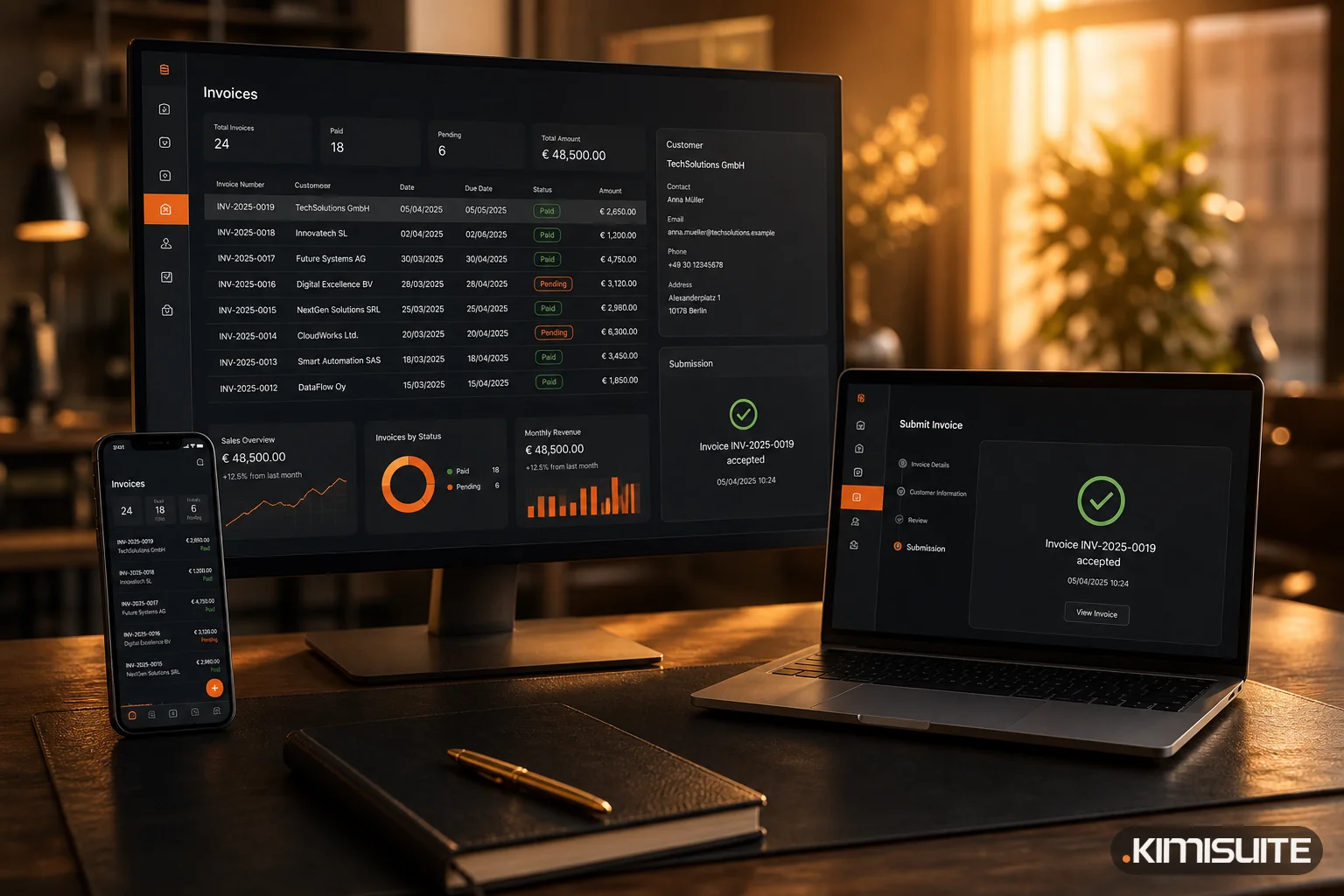
This is the step people dread and it is genuinely the least dramatic one. In KIMISUITE CRM Business Hub you bring in customers, products and open items from the standard export files your previous system produces. Columns get mapped once, the import runs, and you review the result before anything is committed.
Two things worth setting deliberately at this point:
- Your invoice number sequence. Set the next number to continue where the old system stopped. Continuity matters for your books and for your accountant's sanity.
- Your tax rules. Get them right once, centrally, instead of correcting them per invoice later.
Nothing here requires a developer or a data specialist. If the export file is clean, the import is boring — which is exactly the goal.
Step 4: Run both systems for a short overlap
Do not flip a switch on a Tuesday afternoon. Give yourself a defined overlap — two to four weeks is plenty.
During the overlap:
- Issue new invoices in the new system. All of them, from day one.
- Let the old system finish what it started. Payments against old invoices get recorded where those invoices live.
- Do not split new business between the two. The overlap is for closing out the past, not for hedging.
The overlap exists so that the first month is a small, reversible experiment rather than an irreversible leap. In practice most teams stop opening the old system after ten days and only keep it available for reference.
Step 5: Pick a clean start date
Start at the top of a month, and ideally at the top of a VAT period. Your accountant will thank you, your reporting will not have a seam in the middle, and the comparison between "before" and "after" stays readable.
For a business in North Macedonia preparing for mandatory e-Faktura, the logic is the same even though the 1 October 2026 start has been postponed: pick the first of a month well before the new date, so you spend the final weeks issuing invoices normally in a system you already know, rather than learning a new tool in the same week the rules change.
Starting in the last week before a deadline is the one genuinely stressful option. Not because the migration is hard, but because you lose your buffer.
Step 6: The first-day checklist
On your first real day, ten minutes of checking prevents a month of small annoyances:
- Issue one test invoice to your own company and read it line by line
- Confirm the invoice number is the one you expected
- Check the tax calculation against a known example from the old system
- Verify your logo, payment details and terms appear correctly
- Send one real invoice and confirm the customer received it
- Confirm the document was submitted and acknowledged, not only created
- Check that a payment recorded against it updates the status
That is it. If those seven pass, you are running.
What you gain that has nothing to do with compliance
Here is the part that surprises people. Most businesses move because of a deadline and then stay because of everything else.
Once customers, offers, invoices and payments sit in the same workspace:
- An offer becomes an invoice in one click, with no re-typing
- Recurring invoices issue themselves instead of relying on someone remembering
- Payment reminders go out automatically, which quietly improves cash flow more than any collections effort, because an unpaid invoice costs more than it looks
- You can finally see, on one screen, who owes you what
The compliance deadline is the reason you started. The month you stop chasing unpaid invoices by memory is the reason you are glad you did.
The honest summary
A migration is not a leap of faith. It is: decide what moves, clean it, import it, overlap briefly, start on the first of a month, and check seven things on day one.
The data does not disappear. The customers do not notice. And the deadline that pushed you into it stops being something you think about.
See how CRM Business Hub handles invoicing and e-faktura — or start with what actually changes with e-Faktura.