Digital business cards at trade shows work best as a two-way exchange: the visitor scans a QR code at your stand, saves your contact in one tap, and leaves their own details in a short form, so the lead is in your system before they reach the next stand. That last part is what paper cards miss. A stack of collected cards still has to be typed in after the show, and by then many of the conversations have gone cold.
This guide covers how to plan lead capture at a trade fair without a badge scanner, what to put on the stand, and how to follow up while people still remember you.
Why trade show leads get lost
The problem is rarely the number of conversations. It is what happens after them:
- Cards in a pocket. Paper cards are typed in days later, if at all, without notes on what was discussed.
- Badge scanners you do not control. Many fairs rent out scanners or apps per stand, and the data sometimes comes as a file after the event.
- No follow-up within a day. A visitor who talked to twenty exhibitors is most likely to remember the one who wrote first.
- No way to tell which person or stand brought the lead. You cannot judge next year's budget without knowing what this year produced.
Plan the stand around one scan
- One QR code per person, printed large. On a roll-up, the counter and a table card, readable from a step away. A personal card per team member shows who the visitor spoke to.
- A reason to leave details. "Leave your contact and we will send you the price list tonight" works better than "scan to connect".
- Your contact in their phone. The visitor should be able to save your card in one tap, without installing anything.
- Consent on the form. The visitor ticks that they agree to your privacy policy before sending their details.
- A test run before the doors open. Scan every code with two different phones, on the fair's mobile network, not only on your office Wi-Fi.
For staff who do not have a digital card yet, a downloadable contact file is a quick stopgap: the free vCard live preview creates a .vcf file you can share by email or as a QR code. For anything else on the stand, such as a link to a brochure or a demo video, the free QR code generator makes printable codes in PNG or SVG.
Follow up within 24 hours
- The evening of day one: every visitor who left details gets a personal reply that mentions the conversation.
- Sort by intent: ready to buy, wants information, just collecting. Each group gets a different next step.
- At the end of the fair: compare leads per person and per day. That tells you which days were worth staffing and who on the team brought in the leads.
How it works with Digital Business Card
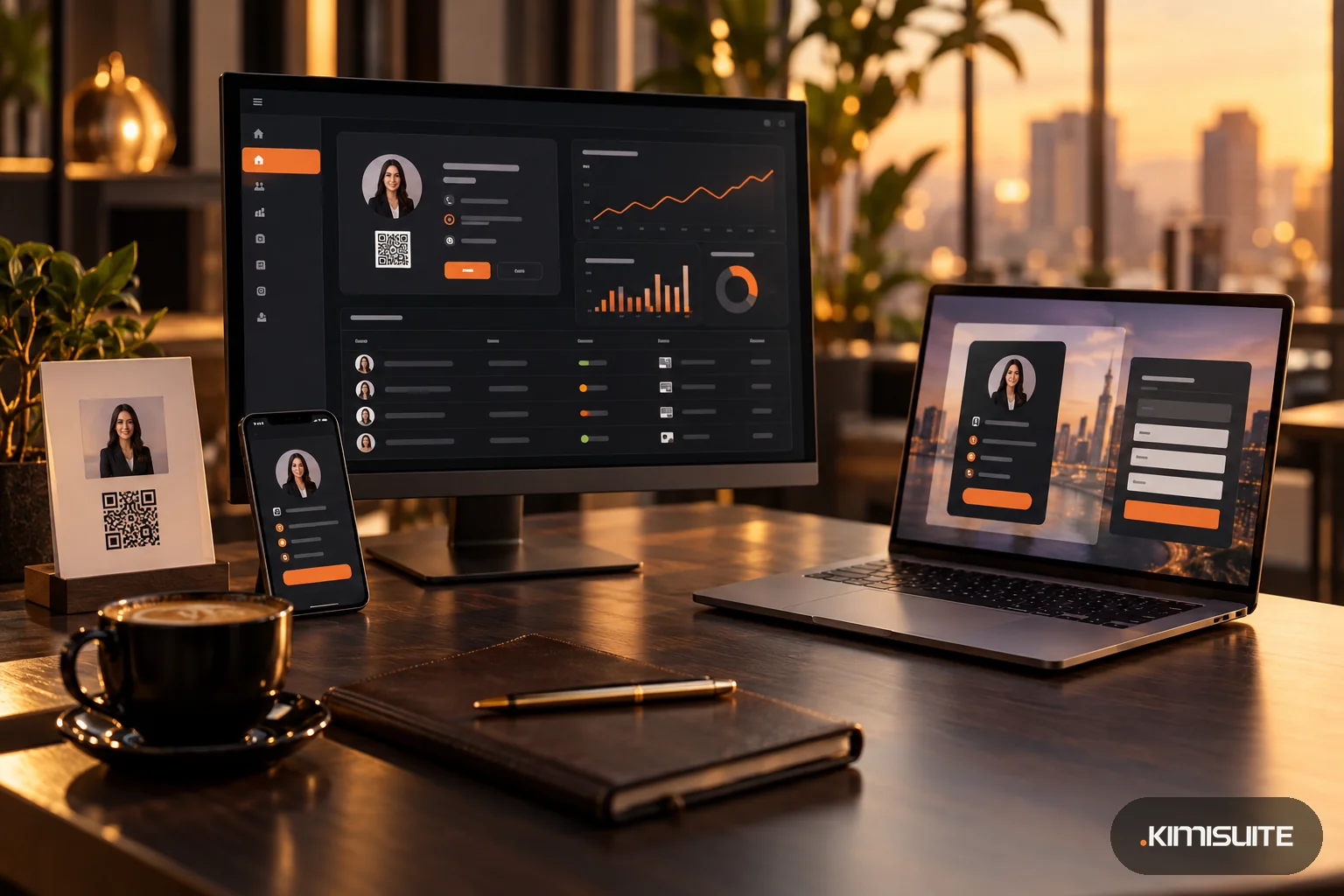
Digital Business Card is the business card app in the KIMISUITE workspace. Each team member gets a card at their own address, such as business-card.kimisuite.com/first-last, with a QR code to print on your stand material.
Saving your contact. Visitors open the card in the browser and can call, write or visit your website. "Save Contact" puts your details into their phone book as a vCard, with the phone number in international format, so it works for visitors from abroad. The card can also be added as a pass to Apple Wallet or Google Wallet. The public card follows the visitor's browser language, in 16 languages.
Collecting their details. Under every card sits the Contact Swap form, "Let's stay connected": first name, last name, email, phone with country code and company, plus a consent tick linked to your privacy policy. Without the tick, the form cannot be sent. More on Contact Swap.
An instant thank-you. Whoever shares their details automatically receives a thank-you email with the card owner's name, role and company, and buttons to view the card and save the contact. Replies go straight to the card owner, and the email comes in the visitor's language. You can edit the text with placeholders for the visitor's and your name.
Leads in one list and in your address book. Each lead appears in the Leads section with name, email, the card it came through, the date and whether it has been transferred. Every lead is also transferred automatically to the shared Contacts app, with the source card noted. A notification in the workspace bell tells you about each new lead.
Knowing what the fair brought. Analytics show views, vCard downloads, link clicks and contact swaps per card and for the whole team, a conversion rate from views to leads, a ranking of the best cards and a chart per day over the period.
What it does not do: there is no NFC, no badge scanning and no scanning of paper business cards. The visitor scans your QR code or opens your link.
FAQ
How do you capture leads at a trade show without a badge scanner?
Give every team member a digital business card with a QR code and a short contact form. Visitors scan, save your contact and leave their details, which arrive in your lead list right away.
Do visitors need an app to use a digital business card?
No. The card opens in the phone's browser, and the visitor can save your contact or fill in the form without installing anything.
Can I see which team member brought in a lead?
Yes. Each lead shows the card it came through, and analytics rank cards by views and leads.
How do I handle consent when collecting leads at a trade show?
The Contact Swap form includes a consent tick linked to your privacy policy, which you add per card. What else your business needs depends on your own processing; check it with your data protection contact.
Add Digital Business Card to your workspace and try it for 14 days