 Part of Digital Business Card
 Get their details back
Visitors leave their details, and every lead is yours
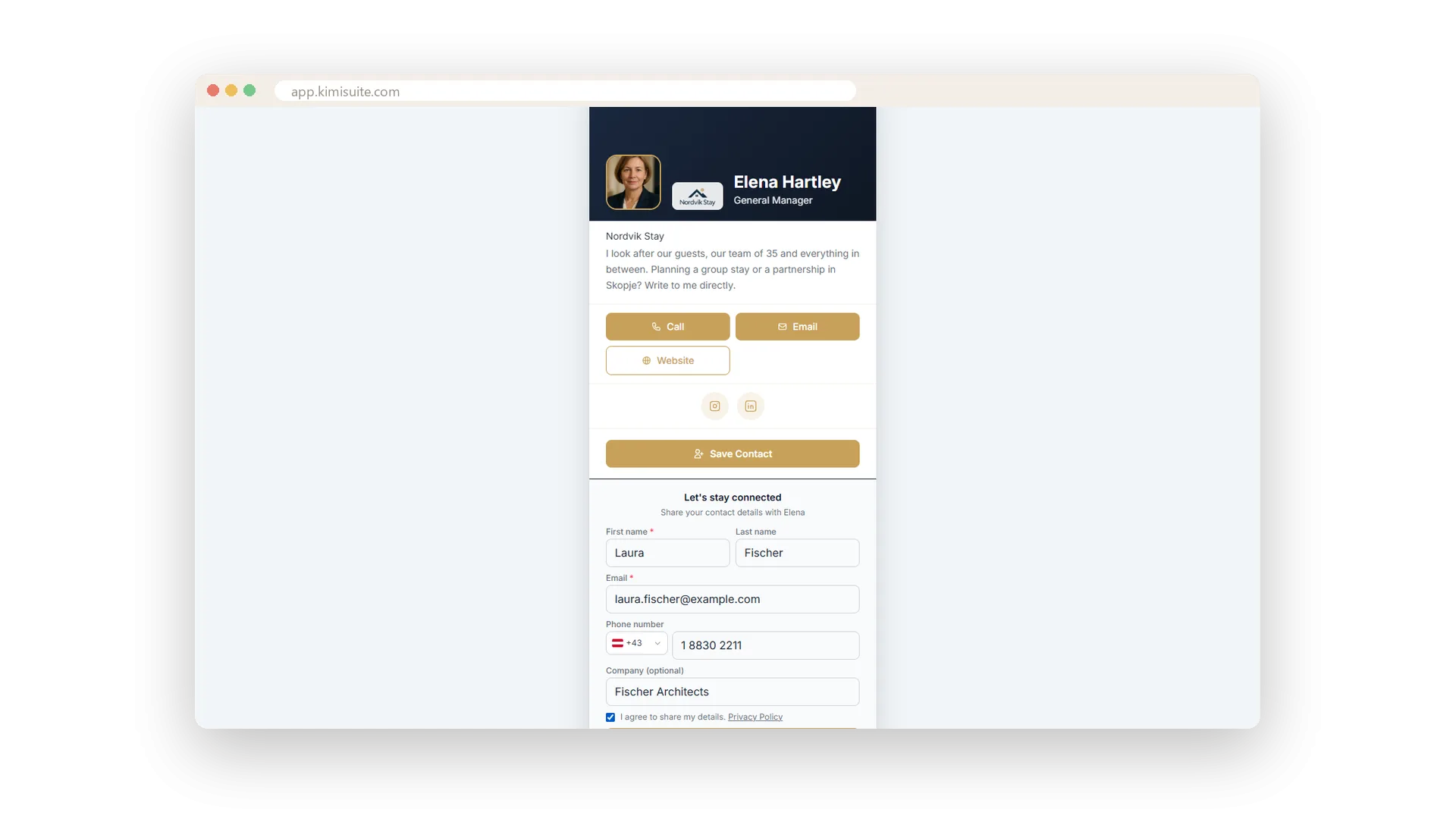
A paper card goes one way. This one comes back. Under every card sits Let's stay connected: the visitor types name, e-mail, phone and company, ticks the privacy box and taps Share my details - nothing to install. They get a thank-you e-mail from you, in their language, with your name and company as the sender. When they reply, the answer lands in your own inbox.
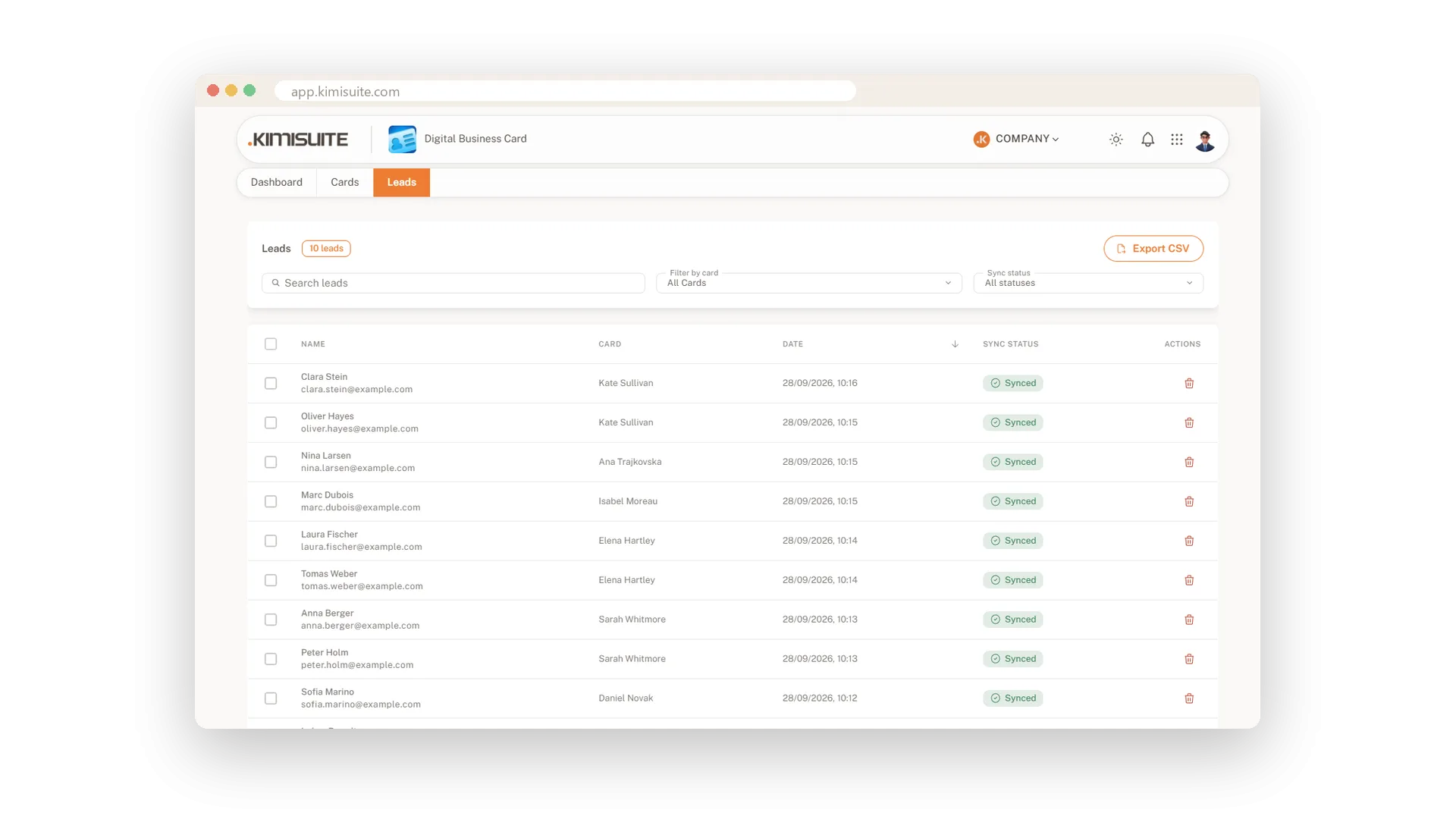
On your side, every lead appears in the Leads list with the card it came from, the date and whether it has reached the shared address book of your workspace. Search, filter by card or status, and export the list as a CSV that opens cleanly in Excel. If a transfer stalls, the app tries again by itself - or you press Retry sync. An invisible spam filter keeps bots out of the form and nobody can flood strangers with your thank-you e-mail.
Key Benefits
A form under every card - visitors leave their details without installing anything
A thank-you e-mail from you, in the visitor's language - replies go straight to your inbox
Every lead in one list with source card, date and sync status - export it as CSV for Excel
Leads flow into the shared address book, marked with the card that brought them in
Consent built in
Your privacy text per card, no sending without the tick
Write the privacy note once per card. The form shows a checkbox linking to it, and the Send button only works when the box is ticked. An invisible spam filter keeps bots out, so the leads you get come from real people.
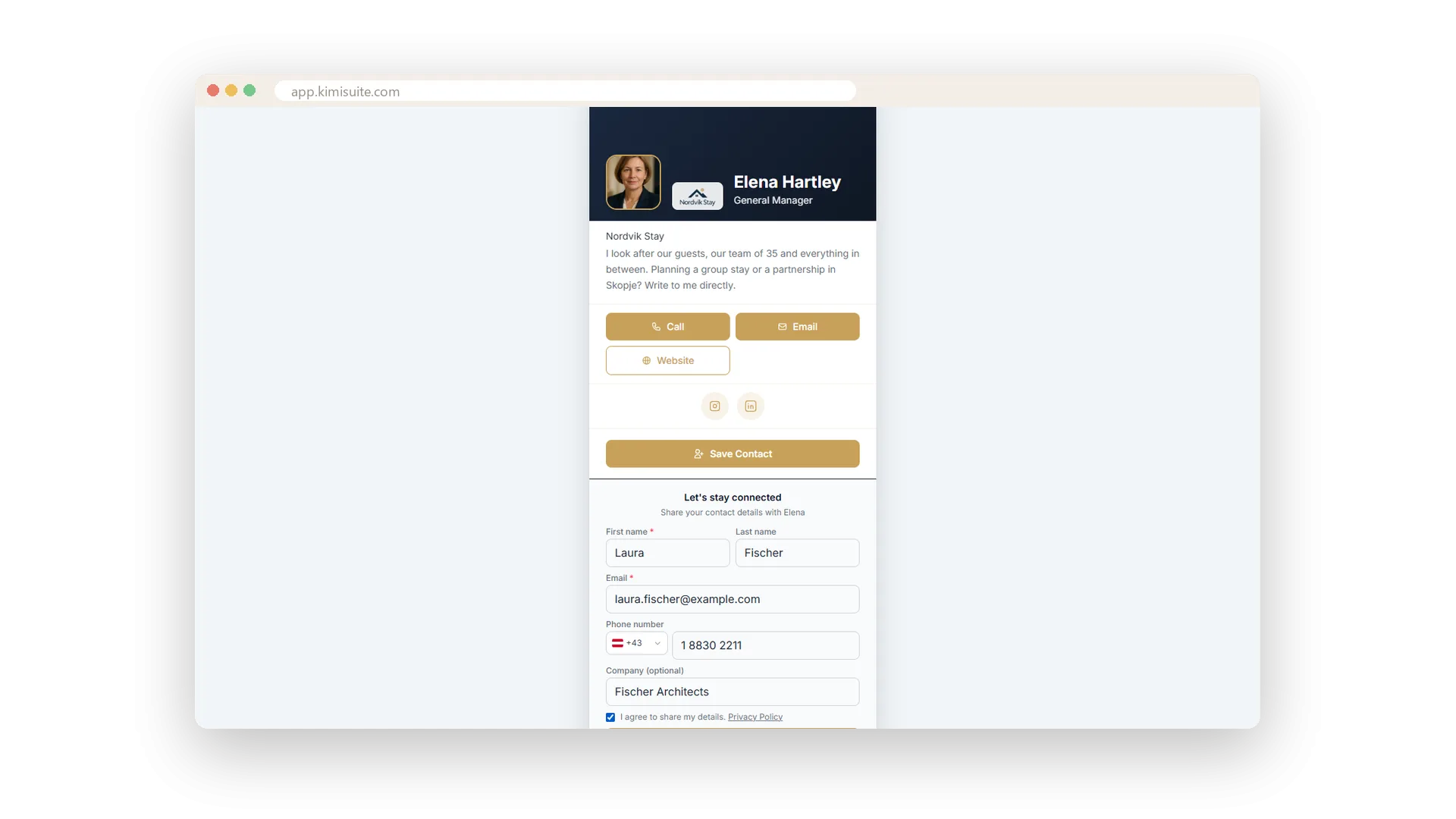
A thank-you in your words
From your name, in their language, replies to your inbox
Whoever leaves their details gets an e-mail from you a moment later - your name and company as the sender, in the visitor's own language, with your card and Save Contact inside. Write the text once in your tone; the app fills in their first name and yours. When they reply, the answer goes straight to you.
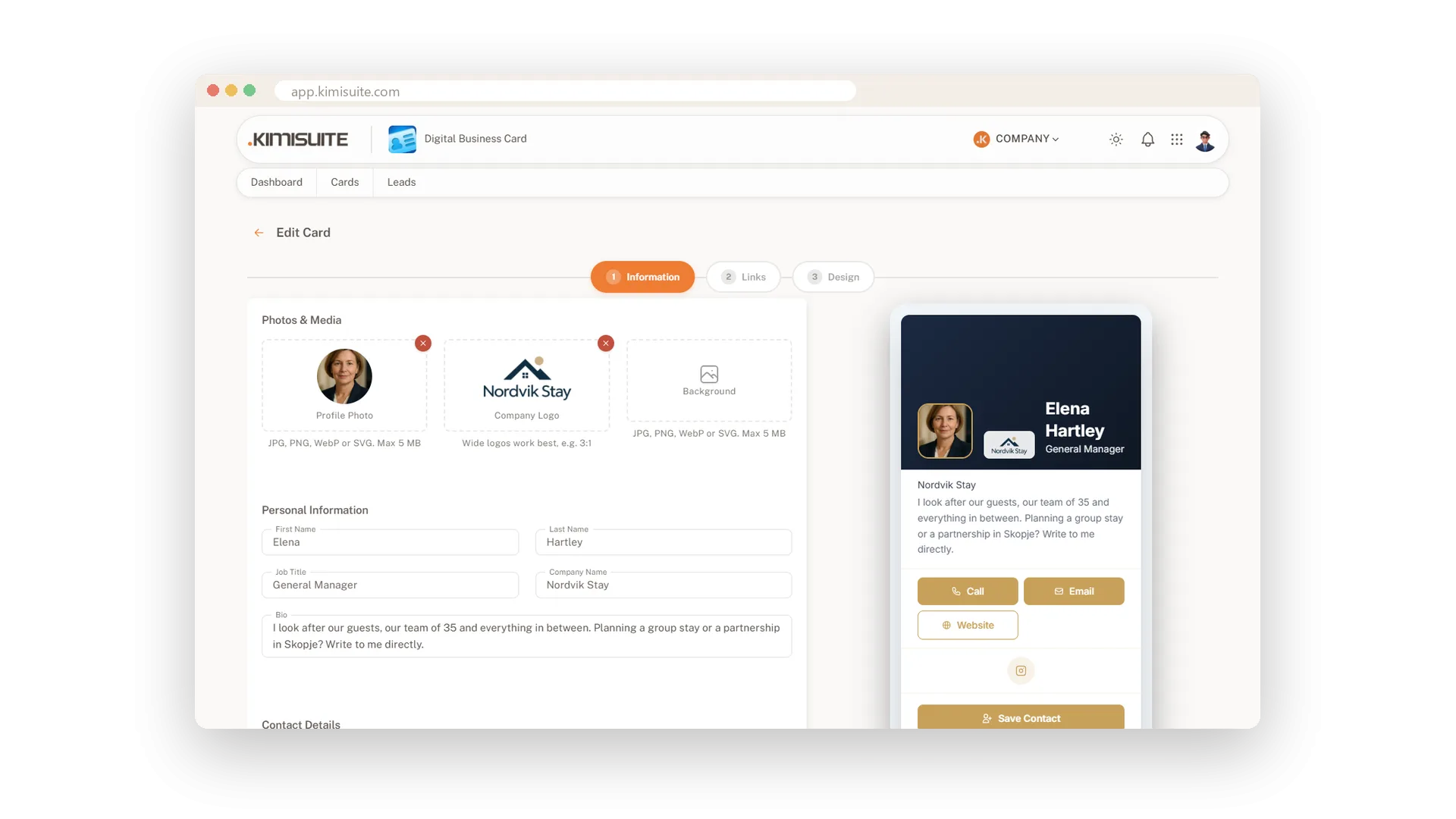
Into the shared address book
Every collected contact, marked with the card it came from
Every lead goes into the Contacts app of your workspace - the same address book your team uses - with a note which card brought it in. If a transfer stalls, the app tries again by itself, and Retry sync sends it on right away. Follow up from there, or hand the lead to the colleague who met the person.
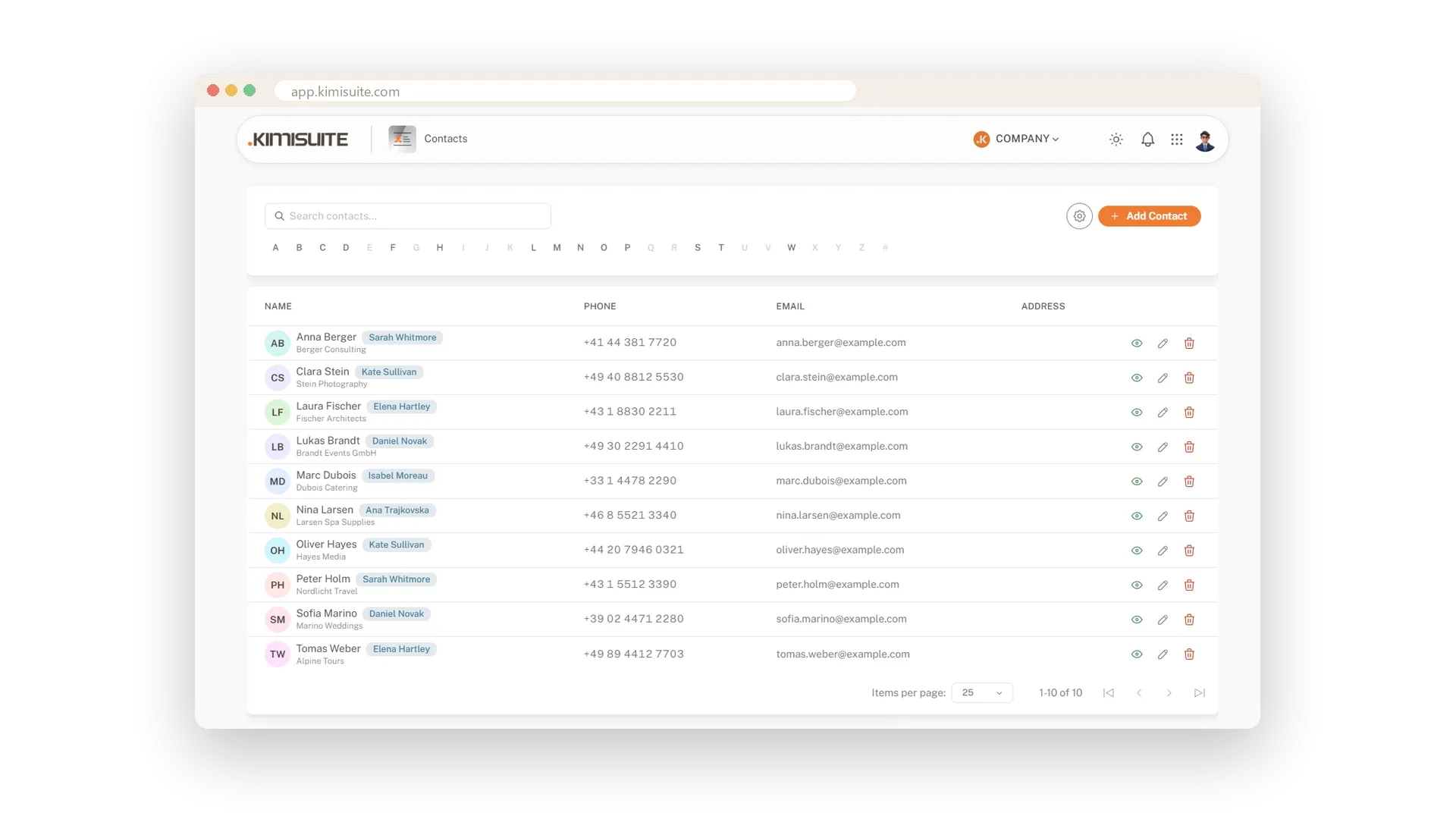
Every lead in one list
Source card, date and sync status - search, filter, export
Every visitor who leaves their details appears in Leads: name, e-mail, the card they came through, the date and whether they have reached your address book. Search by name, filter by card or status, and open any lead for the full details. Select several to export them as a CSV that opens straight in Excel, phone numbers with country code - or delete them in one go.
Use Cases
After the conversation at the stand
The visitor scans your code and leaves their details. Tonight they have your thank-you e-mail; tomorrow the lead is in your list and in the address book, marked with your card.
A lead for a colleague
Filter the Leads list by card and every colleague sees who they met. Whoever talked to the person follows up - nobody asks 'who was that?'.
The fair report for Monday
Filter the leads by the cards used at the fair and export them as CSV. The file opens in Excel with names, companies and phone numbers ready to dial.
FAQ
Try Digital Business Card today
A business card that comes back with the other person's details
14 days free, cancel anytime, no minimum term.
