AI meeting summary accuracy depends on two steps, not one: first speech recognition turns what people said into a transcript, then a language model condenses that transcript into a summary, action items and decisions. Errors in the first step carry into the second. That is why a summary can be right about the topics of a meeting and still be wrong about who agreed to what by when.
This guide explains what AI meeting summaries usually get right, where they go wrong, how to test them on your own meetings, and how to run meetings so the summary is worth trusting.
What AI summaries usually get right
- The topics. Which subjects came up and roughly in which order.
- The overall outcome of a clear discussion, when people state it plainly.
- A first list of follow-ups, when someone says "I will send the offer on Friday".
- Speed. A summary in your inbox minutes after the call, instead of notes written up the next day or never.
For a routine team meeting, that is often enough to replace typed minutes.
Where they go wrong
Proposals that become decisions
"We could move the launch to March" and "We are moving the launch to March" sound alike in a transcript. A model condensing forty minutes into ten lines can turn a suggestion into a decision. This is the error with the biggest consequences.
Who said what
When two people talk at once, or someone speaks from a shared room microphone, speech is attributed to the wrong person or merged. An action item then lands with the wrong owner.
Numbers, dates and names
"Fifteen" and "fifty", "the 13th" and "the 30th", a customer name or a product code. Speech recognition guesses at unusual words, and a summary repeats the guess with confidence.
What was never on the audio
A colleague on mute, a comment in the chat, a whiteboard sketch or a nod. If it was not spoken into a microphone, the transcript does not contain it, and the summary cannot.
Sentences nobody said
Speech recognition can occasionally add a stock phrase, such as a closing line, especially during silence or noise. Reread the end of a transcript before you quote it.
Tone
Irony, hesitation and polite disagreement rarely survive. "Sure, if we really have to" may come out as agreement.
How to test accuracy on your own meetings
A vendor's accuracy figure was measured on someone else's audio. Run your own test:
- Pick three real meetings: one small call, one with five or more people, one with a guest on a weak connection.
- Write down the truth. Right after each meeting, the host notes the decisions, the action items with owner and date, and any numbers mentioned.
- Compare. Count how many decisions the summary got right, how many it missed and how many it invented. Do the same for action items and owners.
- Check the transcript where it failed. If the transcript is already wrong, the problem is audio. If the transcript is right and the summary is wrong, the problem is condensing.
- Decide on a rule for your team, for example: summaries are fine for internal updates, but customer commitments are confirmed by the host in writing.
How to get better summaries
- Start with an agenda. A summary follows the structure of the meeting. A clear list of topics produces a clearer summary; the free meeting agenda generator gives you one in a minute.
- Say decisions out loud. "Decision: we move the launch to March." It feels formal, but it leaves the model much less to guess.
- Name the owner and the date. "Ana sends the offer by Friday" gives the model all three parts of an action item.
- One speaker at a time, and headsets for people in loud rooms.
- Read the transcript before acting on anything that costs money or goes to a customer.
- Keep the meeting short. Long meetings produce long transcripts, and condensing them loses more. The meeting cost calculator shows what an extra half hour with eight people costs.
How Meeting Hub handles captions and summaries
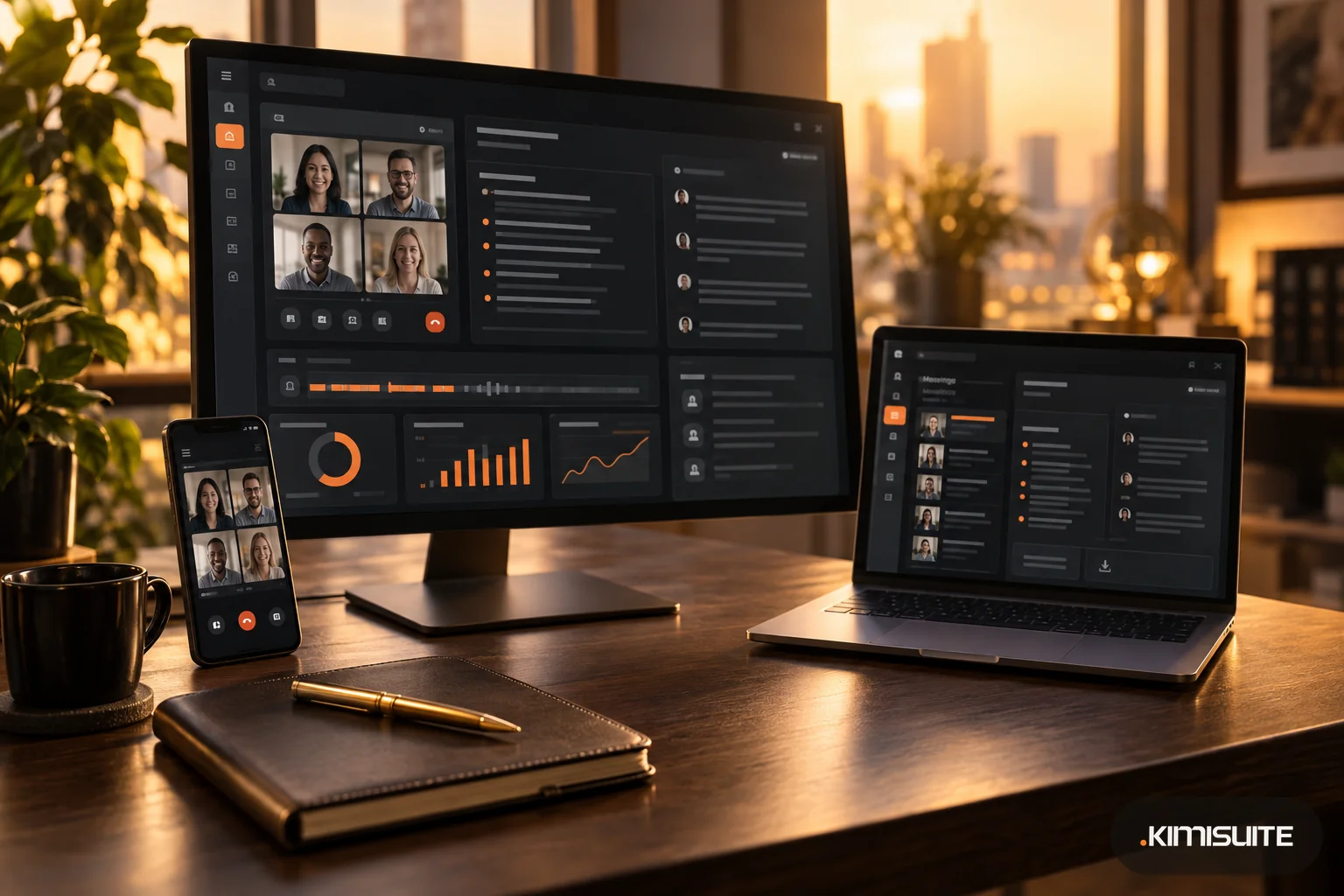
Meeting Hub is the video meeting app in the KIMISUITE workspace. Its AI captions and summary work in this order:
- Live captions during the call, under the stage with the speaker's name, created on the KIMISUITE meeting server. People who are muted are not captioned, so background noise from muted participants does not end up in the text.
- Transcript download after the meeting, as a text file with "Name: text" lines, from the end screen and the meeting history.
- AI summary on the Pro and Enterprise plans: after the meeting, a summary, action items and key decisions appear in the history and arrive by email to the host.
- From meeting to tasks: with Task Hub in the workspace, you can import a meeting's summary, action items, decisions and transcript, and the action items become task cards.
To create captions and summaries, the meeting server processes the audio. Live captions show what each person says as recognized by the speech model; treat them as a record to check, not as word-for-word minutes.
FAQ
How accurate are AI meeting summaries?
They are usually reliable on topics and clear outcomes, and weaker on owners, numbers, dates and the difference between a proposal and a decision. Test them on your own meetings.
Are AI meeting notes accurate enough to replace minutes?
For routine internal meetings, often yes, if someone checks decisions and action items. For contracts, customer commitments or formal minutes, review the transcript first.
Why does an AI summary list a decision we never made?
Usually because a proposal was phrased like a decision, or two speakers were merged. State decisions explicitly and check the transcript at that point.
Can an AI summary include what was written in the chat?
A summary built from speech only covers what was said aloud. Say important chat points out loud or add them to the notes.