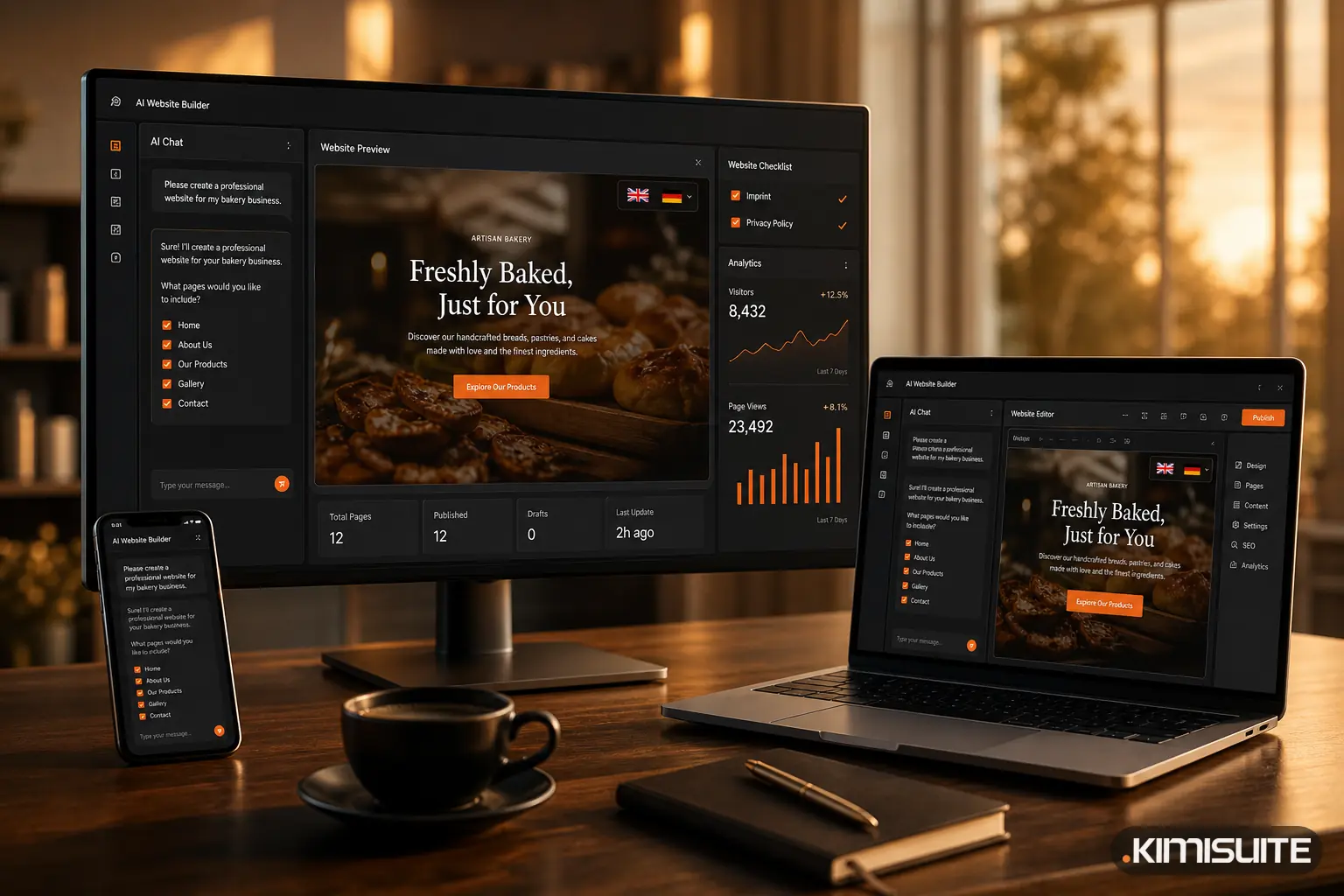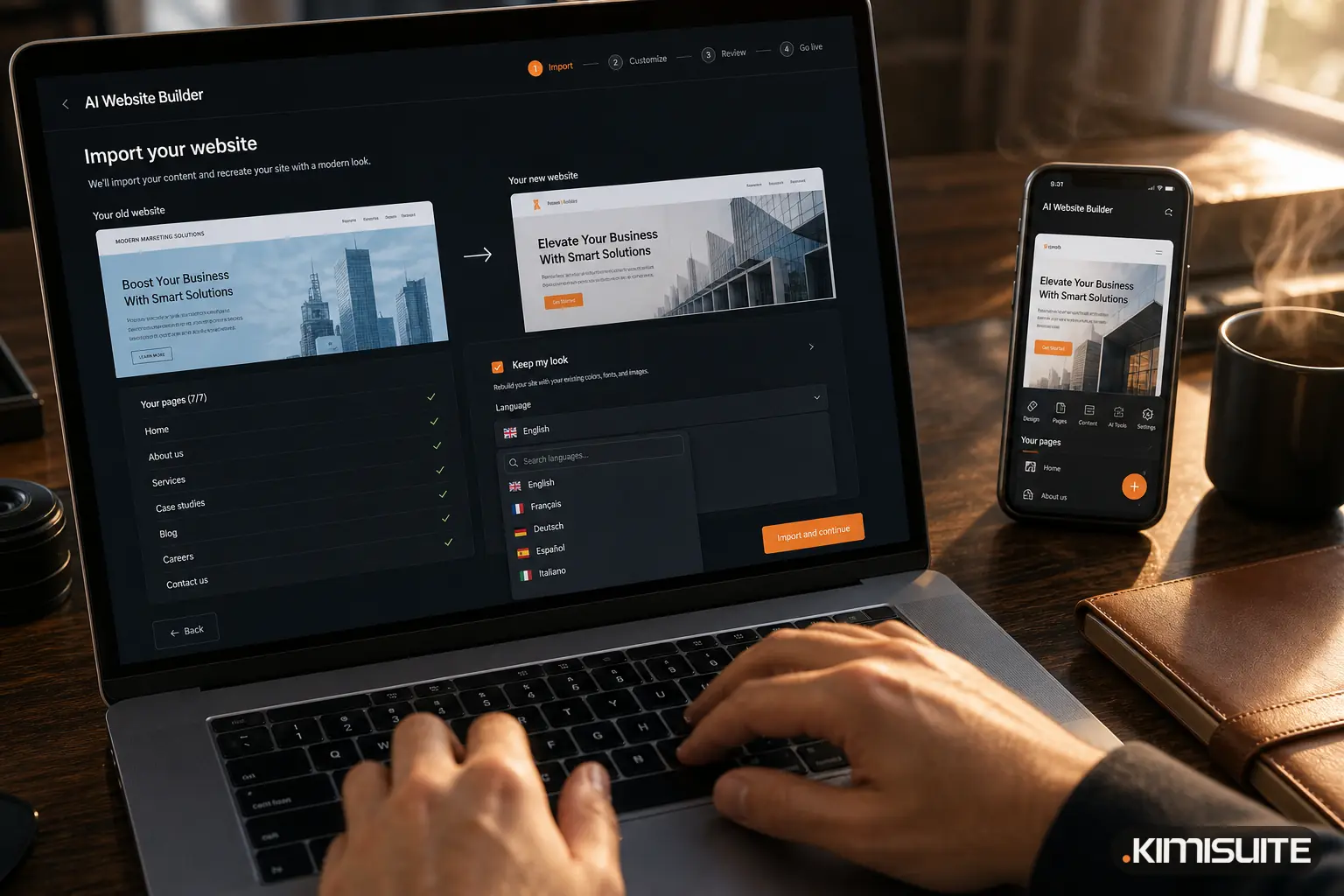
An AI logo generator creates logo suggestions from your business name and a style you choose, in seconds instead of days. For a new business, it closes the gap that holds up many websites: the site is ready, but there is no logo, no photos and no domain yet.
The KIMISUITE AI Website Builder now closes all three gaps. You can create a logo and photos with AI right inside the editor, and publish your site under a free address at kimisuite.si before you own a domain. This article shows how each part works and when it makes sense.
The three things that keep a new website offline
When someone starts a business, the website often waits for the same reasons:
- No logo. A designer costs time and money, and the business name may still change.
- No photos. Stock photos look generic, and professional shoots come later.
- No domain. Choosing, buying and connecting a domain is one more task on a long list.
With the AI Website Builder, none of these has to stop you any more.
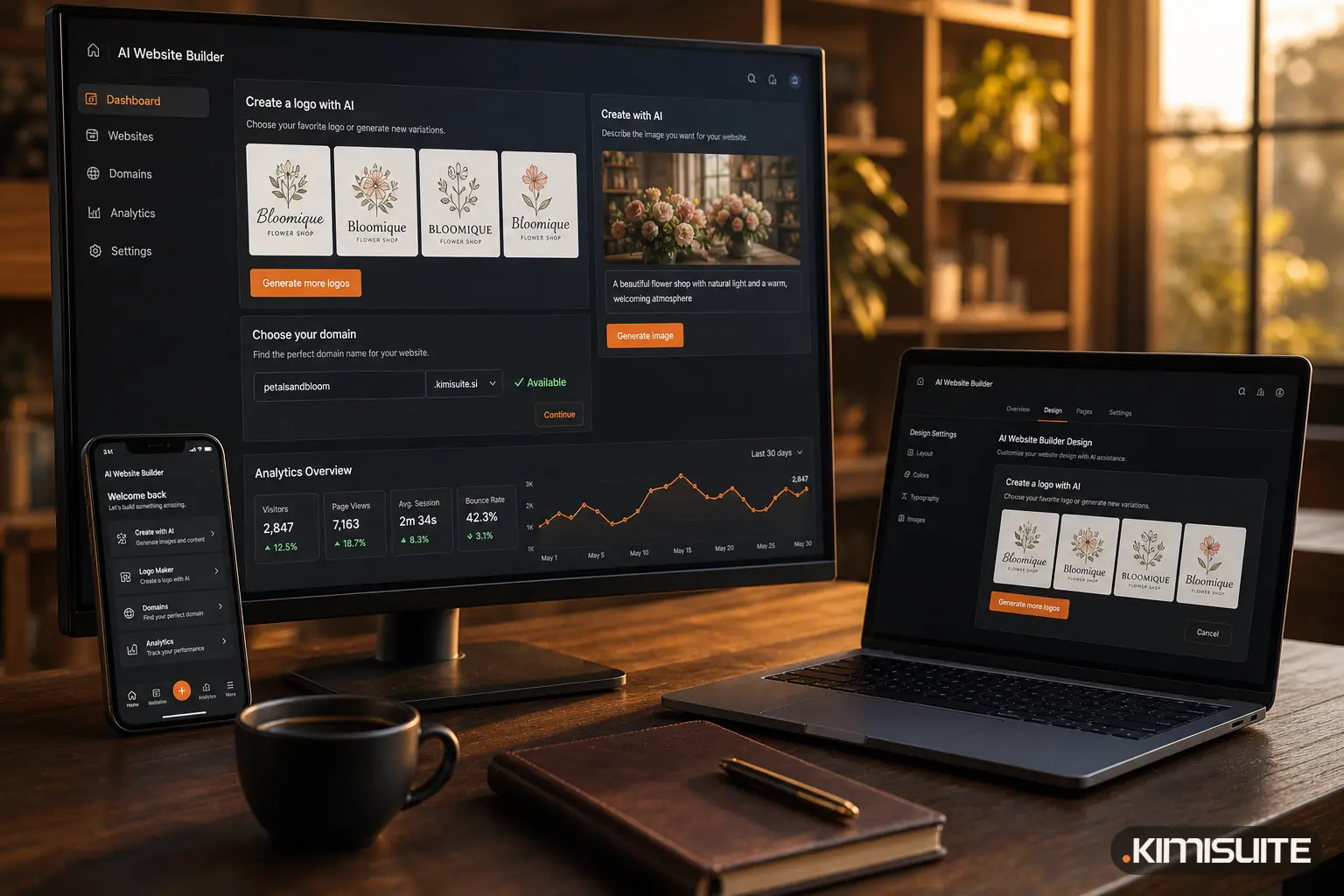
Create a logo with AI in the design settings
In the Design tab of the builder, choose "Create a logo with AI". Then:
- Pick a style. There are six styles to choose from.
- Get four suggestions based on your business name and what your site is about.
- Choose one, and it becomes the logo in your header right away.
The builder also creates a light version of your logo, so it stays readable on dark headers and footers. If you already have a logo, simply upload it instead. Many businesses use the AI logo as a starting point for the first months and replace it later, when they know which look they want to keep.
Want colours that match your new logo across the site? Our free color palette generator helps you find a palette, and the design settings in the builder let you apply it in a few clicks.
Photos made for your business, not taken from a stock library
Sample photos are useful while you build, but a real website needs pictures that fit. With AI images, you create them where you need them:
- In any image field, choose "Create with AI". You get seven ideas based on the section and your business, and each click creates one image.
- "Replace all with AI" swaps all sample photos on your site for images made for your business in one go.
A café gets a picture of a flat white on a marble counter, not a generic office desk. A physiotherapy practice gets a calm, bright treatment room, not a stock model in a gym. You can still upload your own photos at any time and crop them separately for desktop and phone.
AI photos and the AI logo come with the AI Images extension for the builder. It includes up to 50 images a month and does not use your AI credits. Images that fail do not count. More on the AI image generator.
A free website address on kimisuite.si
Your own domain is still the best long-term home for your business. But you should not have to wait for it. Every site in the AI Website Builder can now go live under a free address:
yourname.kimisuite.si
- The builder suggests a name based on your business name, and you can change it.
- Names can use letters, digits and dashes, from 3 to 40 characters.
- Availability is checked as you type, and every name exists only once.
- HTTPS is included and set up automatically.
- The free address works in every plan and does not count toward your domain limit.
Sites on the free address show a small "Made with KIMISUITE" note. You can connect your own domain at any time, and with your own domain in the higher plans the note can be removed.
Before a site goes live on a kimisuite.si address, an automatic content check runs in the background. It costs you nothing and keeps the shared address space trustworthy for everyone who uses it.
When to use the free address, and when your own domain
| Situation | Best choice |
|---|---|
| Brand-new business, name not final | Free address now, own domain later |
| Pop-up, event or seasonal offer | Free address |
| Testing a new service before investing | Free address |
| Established business with customers | Your own domain |
| Business cards and printed menus | Your own domain, so the address never changes |
Switching later is easy: connect your domain with the domain assistant, which shows the DNS records to copy and checks each step until the site is live with HTTPS. More on publishing your website.
An example: from idea to live site in an afternoon
Imagine Ana is opening a small flower shop and wants to be online before the opening weekend. She describes the shop to trettly, the KIMISUITE AI, and gets a four-page site with texts about her bouquets, weddings and delivery area. In the Design tab she creates a logo in a soft, hand-drawn style and picks the second of four suggestions. "Replace all with AI" swaps the sample photos for pictures of bouquets and her type of shop. She publishes on anas-flowers.kimisuite.si the same evening and prints the address on her opening flyer. Two months later, she buys her own domain and connects it with the domain assistant.
If you want to know how the builder creates the site itself, read AI Website Builder: From a Few Sentences to a Live, Multilingual Website. If you already have a website, see how to rebuild it with the import.
Start building
The AI Website Builder is an app in the KIMISUITE App Store, and AI images are an extension you add when you need them. Create your free workspace, start the builder with a free trial and publish on your free address the same day.
Create your logo and website with the AI Website Builder
Cancel anytime · No minimum term · 14 days free