Free Email Signature Generator
Professional signatures for Gmail, Outlook and Apple Mail
 See how it works Email Signature →
 About this tool
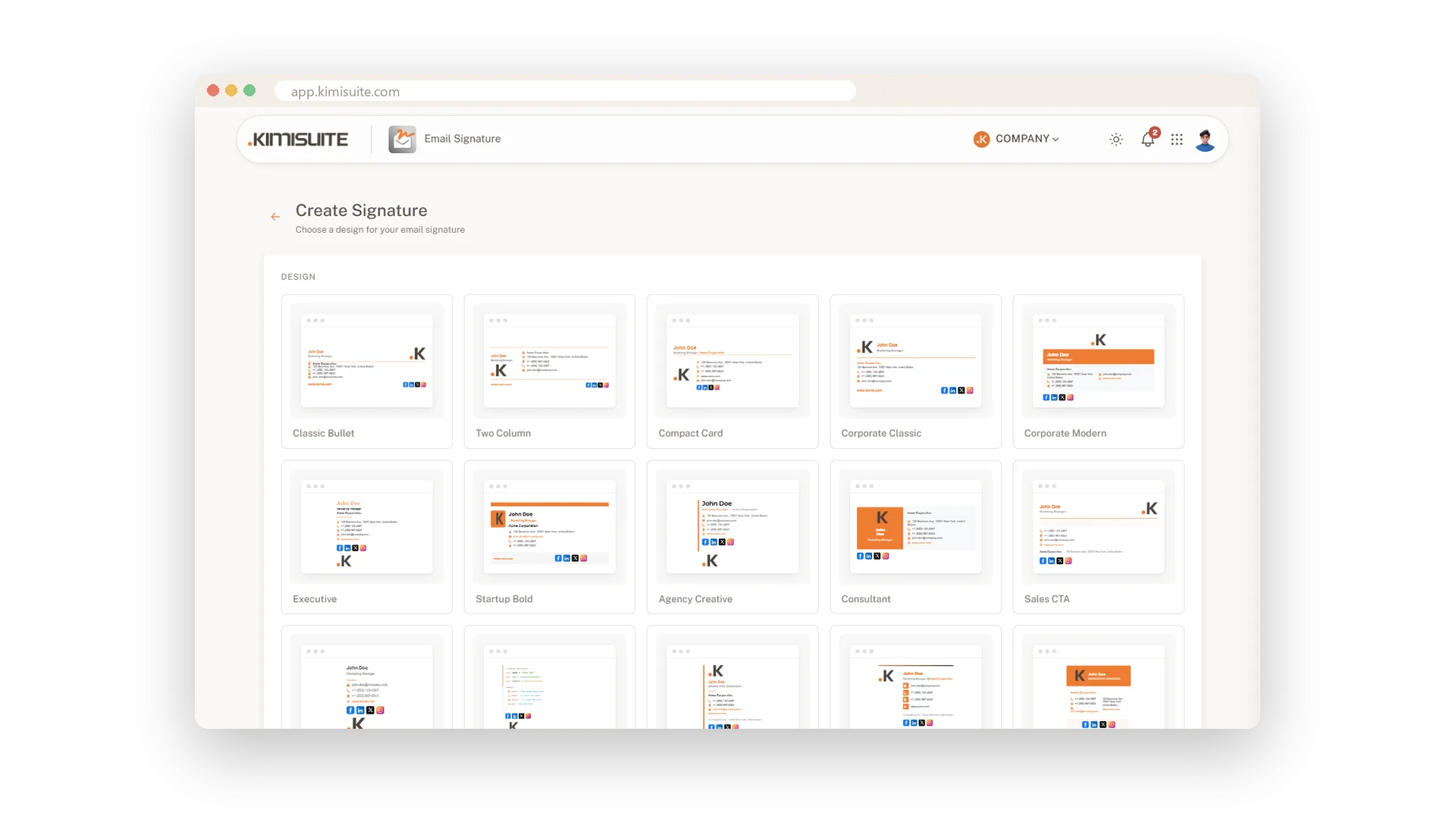
Every email you send carries your name, your company and a way to reach you. Make it count: fill in your details, choose one of five templates and set your accent colour and font. Add your logo or photo, links to your social profiles, a button such as “Book a meeting” and, if your business needs it, a legal notice or company details.
One click on “Copy signature” puts the finished, formatted signature on your clipboard – ready to paste into Gmail, Outlook or Apple Mail exactly as you see it. Step-by-step guides for each email app sit right below the preview. Need the source code instead? Copy the HTML or download an .htm file for Outlook on Windows.
The signature is built from simple tables and inline styles, the way email apps expect it, so it looks the same for the people you write to. It is free, without sign-up and without a watermark.
How to use it
- 1 Enter your name, job title, company and contact details.
- 2 Choose a template, accent colour and font.
- 3 Paste the link to your logo or photo, add social profiles, a button or a legal notice if you like.
- 4 Click “Copy signature”.
- 5 Open the guide for your email app below the preview and paste the signature into its settings.
What you get
- Five templates, your accent colour and a choice of email-safe fonts
- Logo or photo, social links and a call-to-action button in one signature
- “Copy signature” pastes formatted into Gmail, Outlook and Apple Mail – no code
- Step-by-step guides for Gmail, Outlook, Apple Mail, iPhone and Android
- Room for a disclaimer or the company details your business must show
- Free, no sign-up and no watermark in your emails
Email Signature Do it for every case with Email Signature
Make your own signature here – then give your whole team matching signatures in Email Signature, built from saved company details, with banner and booking button, for Gmail, Outlook and Apple Mail.
Cancel anytime · No long-term contract · 14 days free