You are at the end of a good conversation. The other person reaches into their jacket and says the sentence everyone says: "Do you have a card?"
And you do the small pantomime. You pat the inside pocket. You check the laptop bag. You find one, slightly bent, with the old mobile number crossed out in pen.
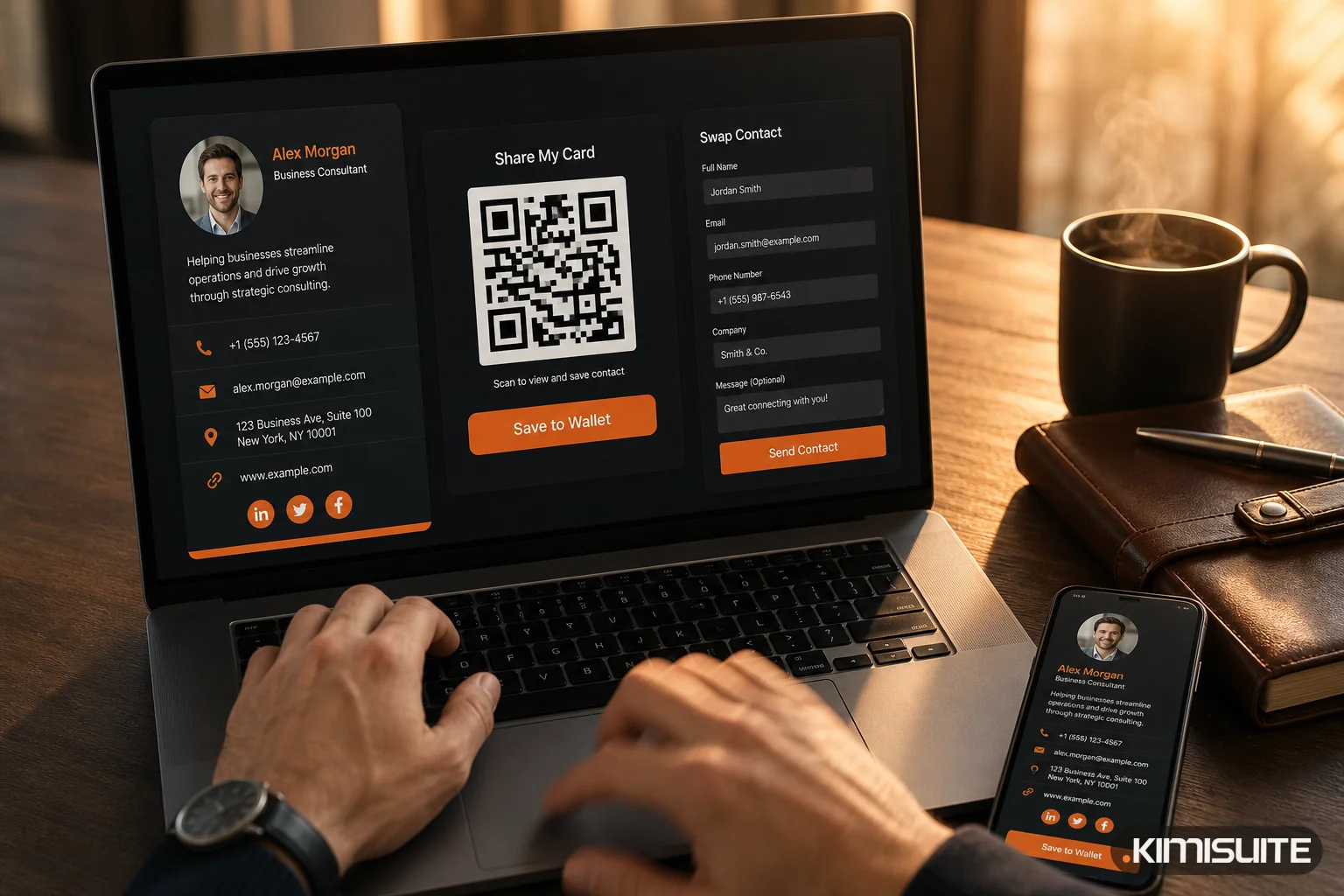
Now picture the other version. You take out your phone, hold it up, and their phone buzzes. Your name, your company, your role, your direct line, your website, your booking link — already on their screen. They tap once and you are in their contacts. Then they tap a second button and send their details back to you.
By the time you shake hands, the exchange is complete, and their contact record is already in your CRM.
That is the whole idea, and it is less about technology than about the two seconds where a card used to get lost.
Why paper cards keep failing
Nobody hates business cards. They just do not survive contact with normal life.
- They go out of date. A new mobile number, a new role, a new domain — and a box of 500 cards becomes 500 pieces of wrong information you paid for.
- They get lost. In a jacket, a conference tote, a laundry cycle.
- They do not get typed in. Even the cards people keep mostly stay in a drawer. The contact never reaches the phone, let alone the CRM.
- They are silent. You have no idea whether anyone ever looked at yours.
The last point is the one that matters commercially. A paper card gives you no signal at all. You hand out forty at an event and learn precisely nothing.
The wallet moment
The part people underestimate until they try it is Apple Wallet and Google Wallet.
Your card sits next to a boarding pass and a coffee loyalty card — in the place people already open several times a day. No app to install, no folder to remember, no searching for a link in an old email. You open the wallet, and it is there.
That changes the ergonomics of the moment. You are not saying "let me find something for you". You are already holding the thing.
And when your details change, you change them once. Every card you have ever shared shows the new version — including the one in someone's wallet from a conference nine months ago. Nothing is reprinted, nothing is corrected, nobody is told about a new number.
Sharing takes one of four forms
There is no single right way to hand it over, so KIMISUITE Digital Business Card supports the ones that actually come up:
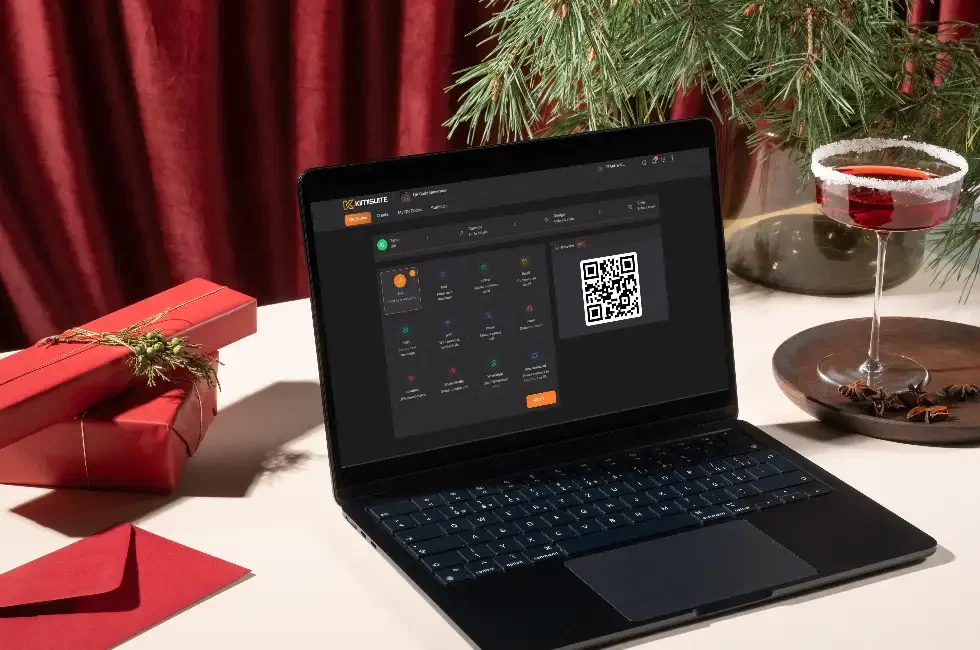
- QR code. Someone scans it from your phone screen, your laptop, your email signature, a poster or a table tent. This is the one that works across the table in a noisy room.
- A link. Paste it into an email, a chat, a proposal or a signature.
- Wallet. Apple Wallet or Google Wallet, as above.
- vCard download. One tap saves your complete contact details straight into their phone's address book, correctly, in the right fields.
That last point is worth pausing on. One-tap contact saving means the details land as structured contact data — first name, last name, company, role, phone, email — not as text somebody has to retype. The most common failure of networking is not the exchange, it is the transcription that never happens.
Contact Swap: the part that changes the follow-up
Sharing your details is half of an exchange. The valuable half is getting theirs.
Contact Swap puts a short form on your card. The person you just met fills in their details from their own phone, and the submission becomes a new lead in KIMISUITE CRM Business Hub.
Think about what that removes:
- No photographing their card to deal with later
- No stack of cards on a desk after an event
- No Sunday evening spent typing names into a spreadsheet
- No lead that goes cold because it took eleven days to reach a system
The person is in your CRM while the conversation is still fresh, with the context of where and when you met. Your follow-up on Tuesday references a real conversation instead of a name you half remember.
Analytics: knowing whether any of it worked
Because the card is digital, it can tell you what happened to it. Views, clicks, downloads and contact swaps.
This sounds like a small feature. In practice it answers questions you have never been able to answer before:
- Did the trade fair in March actually produce anything, or just tote bags?
- Does the QR code on the counter get scanned, or is it decoration?
- Which of my three cards — sales, support, the one in Macedonian — gets used?
You can finally treat networking as something measurable rather than something you hope is working.
More than one card, on purpose
Most people need more than one, and the reasons are ordinary:
- A card per role. Sales-facing details on one, technical contact on another.
- A card per company or department, if you wear more than one hat.
- A card per event or campaign, so you can see exactly which one produced leads.
- A card per language. Hand the Macedonian version to a local client and the English one to a supplier abroad.
- A card per team member, created, branded and updated centrally from one workspace.
That last one matters for anyone managing a team. When someone joins, you issue a card. When someone changes role, you edit it. When someone leaves, you deactivate it — and it stops working everywhere, immediately. Compare that with a box of printed cards nobody can recall.
Every card carries your branding: logo, colours, fonts, background. It looks like your company, not like a template.
Three situations where it earns its place
At a trade fair. Forty conversations in two days. Each one ends with a scan and a Contact Swap. On the train home you open the CRM and every lead is already there, in the order you met them, and you spend the journey writing follow-ups instead of transcribing cards.
On the counter or the table. A framed QR code at reception, on a restaurant table or on a workshop counter. Guests and customers scan it to save your details, book an appointment or reach the right person. It works while nobody is standing there.
In everyday correspondence. The link in your email signature. Instead of a wall of grey text nobody reads, one line that opens a proper profile — and can capture their details in return.
What it costs you to keep doing it the old way
Not the printing. The printing is cheap.
The cost is the lead you met at an event in April whose card is still in the side pocket of a bag. The client who called the old number and gave up. The forty conversations that produced nothing measurable because there was nothing to measure.
A digital card does not make you better at networking. It just stops the good conversations from leaking out of the process afterwards.
Explore Digital Business Card — QR codes, Apple and Google Wallet, analytics and Contact Swap straight into your CRM.