A channel manager is software that connects your room inventory to every booking portal you sell on, so that availability, prices and restrictions stay the same everywhere and a booking on one channel closes that room on all the others. For a guest house with four to fifteen rooms, it is the difference between updating three extranets every evening and updating one calendar.
This guide explains what a channel manager does, what it does not do, how to tell whether you need one, and what to check before you connect.
The problem it solves
Without a channel manager, each portal holds its own copy of your availability. You sell room 3 for Friday on Booking.com, and until you log into Airbnb and Expedia and close Friday there too, those portals still offer it. That gap is where an overbooking happens: on a busy evening, after a late booking, or while you are serving breakfast.
A channel manager closes the gap. It keeps one inventory and pushes every change out to all connected channels:
- Availability: a booking anywhere reduces the free rooms everywhere.
- Prices: you change a rate once, every portal shows it.
- Restrictions: minimum stay, closed dates and similar rules go out together.
- Reservations: bookings from all portals arrive in one list.
What a channel manager is not
- Not a booking engine. A booking engine takes direct bookings on your own website or booking page. A channel manager distributes your inventory to third parties. Many small properties need both, ideally sharing one calendar.
- Not a PMS. A property management system runs the stay itself: guests, check-in, housekeeping, payments, invoices. Some products combine all three.
- Not a way around commission. Portals still charge their commission on the bookings they bring. The channel manager makes it practical to sell on several portals and to take direct bookings next to them.
Do you need one? A quick test
Answer three questions:
- Do you sell the same rooms on two or more portals?
- Have you had an overbooking, or blocked rooms "just in case", in the last year?
- Do you spend more than a few minutes a day copying prices or closures between extranets?
If you answered yes to the first and to either of the others, a channel manager is worth a close look: it saves the daily copying, and you no longer need to block nights out of caution. If you sell on one portal only and take few direct bookings, a careful calendar may still be enough.
How much portal sales cost you
Before choosing tools, know the number behind your distribution. A worked example with assumed figures: a guest house earning 90,000 a year through portals at an average commission of 17 percent pays 15,300 a year. If 20 percent of that portal revenue moved to direct bookings, 3,060 of commission would stay in the business.
Use your own figures in the free OTA commission loss calculator. With the figures above it shows the same 15,300 a year and 3,060 of potential savings. A channel manager does not lower that commission, but it lets you keep portals for reach while you build direct bookings on the side.
What to check before you connect
These three points decide whether a sync works smoothly or keeps throwing errors:
- Matching rate plans. If a portal has several rate plans, such as standard and non-refundable, the same plans must exist in your system.
- Matching occupancy. The number of guests a mapped room rate is for must agree on both sides.
- Matching currency. Your property currency and the currency the channel uses must agree, or be set up deliberately.
Also plan for time outside your control: each portal approves the connection in its own extranet, and that approval is usually the longest step.
How it works in Booking Hub
Booking Hub is the booking app in the KIMISUITE workspace. Its Channel Manager - Live Sync is a paid extension that connects Booking.com, Airbnb, Expedia and Hotels.com, Agoda, Trip.com, VRBO, Tiket.com and Traveloka.
Setting it up follows a fixed order: enable the extension, fill in the property data the channel connection needs (city, ZIP code, country, property type, time zone and the currency for the channels), create your rate plans, connect in the portal's extranet, enter the portal's property ID and test, then map each portal rate to a Booking Hub rate.
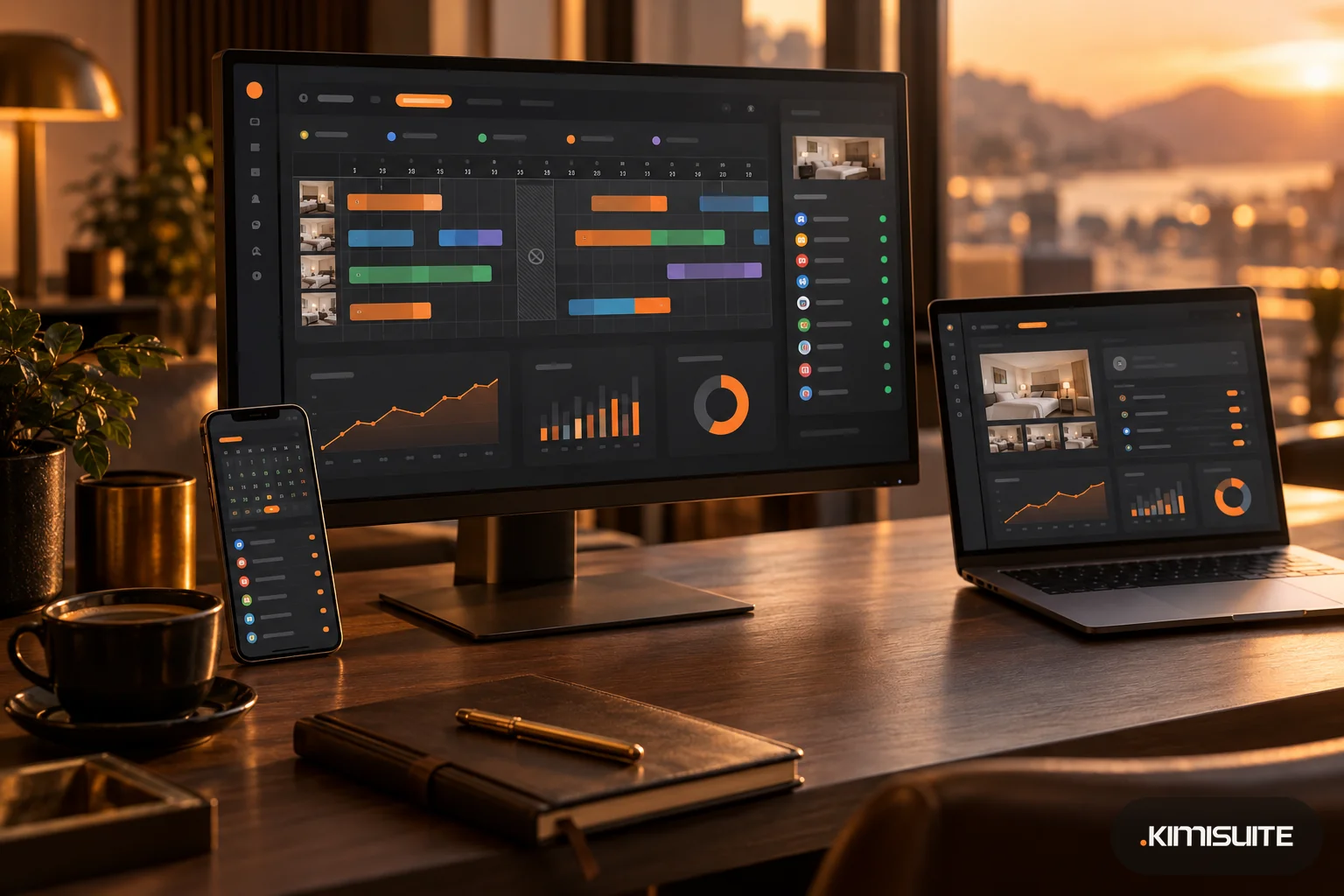
After that, the portals appear inside the Booking Overview grid next to your direct bookings. You close a room, change a price or set a minimum stay in one place, and it is updated on every connected channel. Each reservation shows where it came from, any special requests and, for portal bookings, the commission for that specific booking. Bookings through your own booking page or widget carry no portal commission.
To take a room off sale, you select the days in the grid, choose how many rooms to close and add a reason. The closure applies across the connected portals and direct booking together, not to one portal at a time, and your mappings stay intact.
The five pricing models in Booking Hub follow Booking.com's own pricing logic, so a rate you create maps cleanly onto a portal rate plan.
FAQ
What is a channel manager in simple terms?
It is software that keeps one calendar for all your booking portals, so availability and prices are the same everywhere and a booking on one portal closes the room on the others.
Is a channel manager the same as a booking engine?
No. A booking engine takes direct bookings on your own page. A channel manager sends your inventory to portals. Many guest houses use both with one shared calendar.
Does a channel manager remove overbookings completely?
It removes the gap between portals that causes most of them. Rooms you sell outside the system, for example by phone without entering them, can still cause conflicts.
How long does it take to connect a portal?
The work in Booking Hub is short. The portal has to approve the connection in its own extranet, and that wait is outside anyone's control.