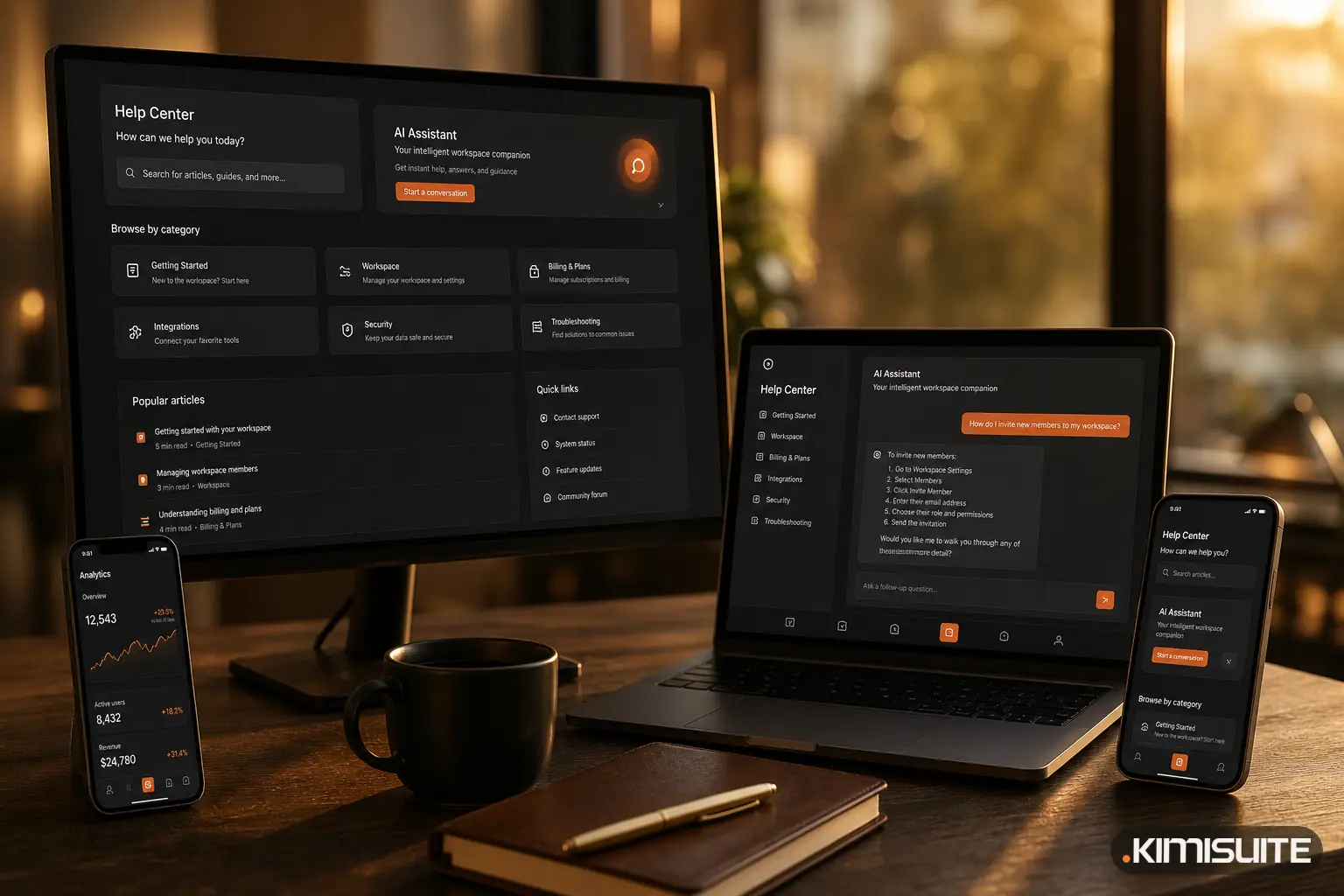
The chat window on kimisuite.com is trettly, the same assistant that sits in the Help Center of every workspace. Most questions it gets before anyone signs up are the same three: what does this cost me, how many people can I bring, and how do I set the app up. Since this week, trettly answers all three from the same data the website uses, in the currency the page shows you, and with links to real pages.
Here is what changed, and why it matters if you are still deciding.
Prices in the currency you are looking at
A visitor in North Macedonia opened the pricing page, saw prices in denars, asked the chat and got the same prices back in euros. Two numbers for one thing, and after that you trust neither.
The cause was simple: trettly did not know which currency the page was showing. Now the website tells it. If the page next to the chat shows denars, trettly answers in denars. If it shows euros, it answers in euros. Two safeguards come with it:
- Only currencies that exist in the price feed are used. trettly never names a price in a currency for which there are no real numbers.
- You still decide. Ask "how much is that in euros?" and you get euros, whatever the page shows.
The prices themselves come from the live price feed, not from a text someone wrote months ago. When a plan changes on the website, trettly's answer changes with it.
It knows how workspaces are priced
KIMISUITE charges per workspace, not per user. That model is the first thing most people ask about, and until now it was the one thing trettly could not answer from data.
It can now. Ask "we are 35 people, what does that cost?" and trettly works through it the way the pricing page does:
| What you ask about | What trettly tells you |
|---|---|
| The workspace itself | It is free. There is no platform fee. |
| Team size | 10 members are included as soon as you subscribe to any app |
| A bigger team | The member tiers Grow (20), Expand (50) and Scale (100), added on top of your app subscriptions, never a plan of their own |
| A total price for "the platform" | There is none. You pay for the apps you add. |
It also stopped repeating two outdated member limits that were still sitting in one app's plan data. A team on a large tier will no longer read "up to 10" in a chat answer.
Links to pages that exist
An assistant that invents links is worse than one without links. Product names and web addresses do not match one-to-one: CRM Business Hub lives under the address client-management-and-invoicing-system, not under the name you would guess. A model that builds a URL from the name sends you to a redirect or an error page.
So trettly no longer writes addresses at all. It writes the link text, and the website fills in the real address from the live app catalogue, in your language. If a page is not in the catalogue, the link is dropped and the sentence stays readable.
The rule behind it is plain. When you ask where something is ("where can I see the prices?", "where is the contact form?"), the link is the answer. You get it straight away instead of an offer to show it later.
Setup questions before you buy
Many setup and feature articles in trettly's knowledge base were written for people already inside the product and were invisible to website visitors. That hid exactly the questions people ask before buying: does Booking Hub sync with Booking.com, how do rates and room setup work, what the reports show.
Those articles are now open to the website chat as well, and new ones were added for setup, team roles and permissions, multiple properties and reports. So "how would I set this up?" gets an answer from the actual documentation, not a general reply.
It answers in your language
trettly now replies in the language you write in, including Macedonian, Serbian, Albanian, Portuguese, Arabic and the other languages of the site. Previously, a question without an English or German keyword could miss the price data completely. Now the price data is always included, whatever language you ask in.
What trettly does not do
It does not sign you up, change your plan or see your workspace data from the website. It answers questions and points you to the right page. For how trettly helps once you are inside the product, see our earlier post on the assistant in the Help Center.
Try it
Open the chat on any page, ask what your team would pay, and compare the answer with the pricing page next to it. They should match now. To see what you can add to a workspace, browse all KIMISUITE apps, then create your free workspace.