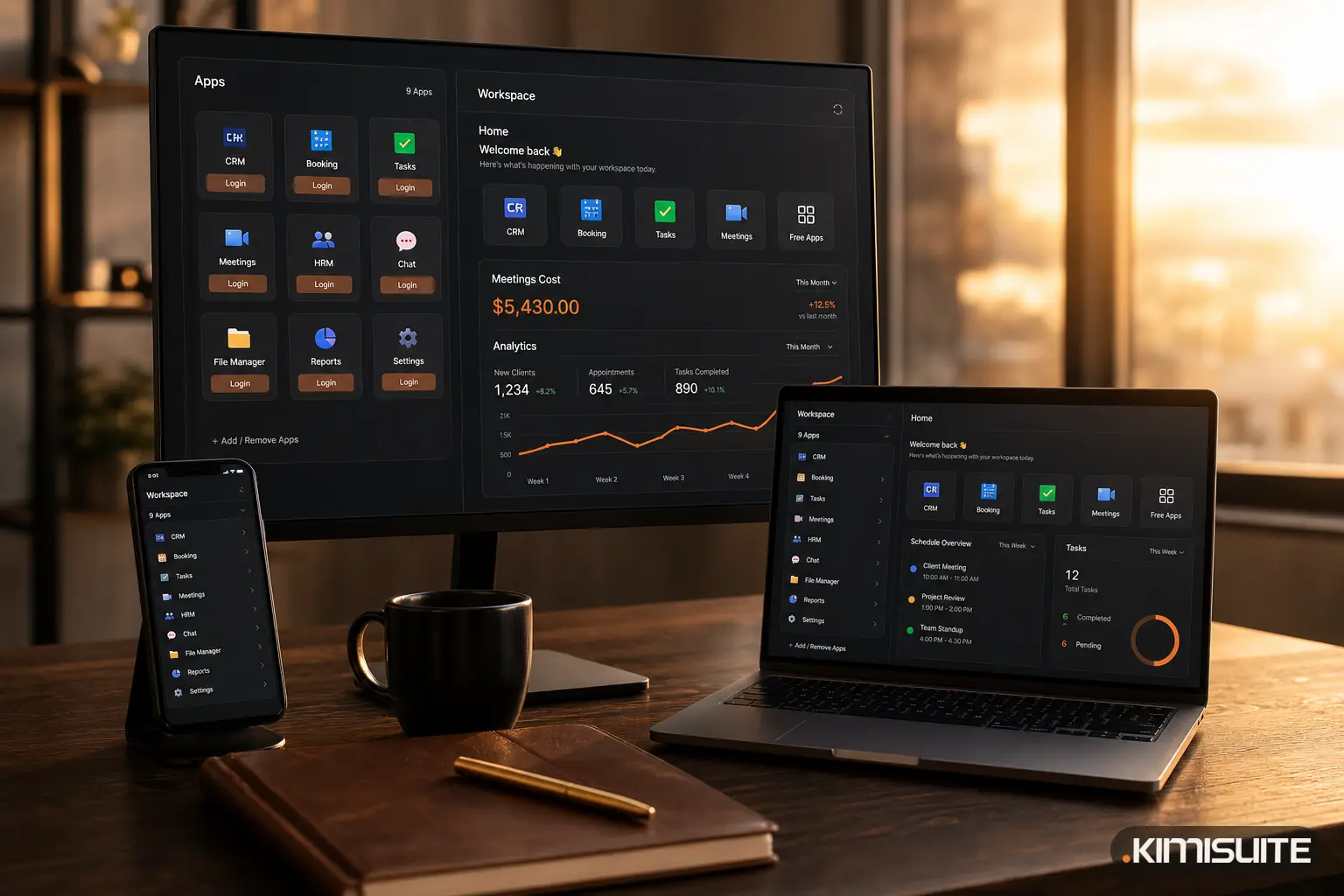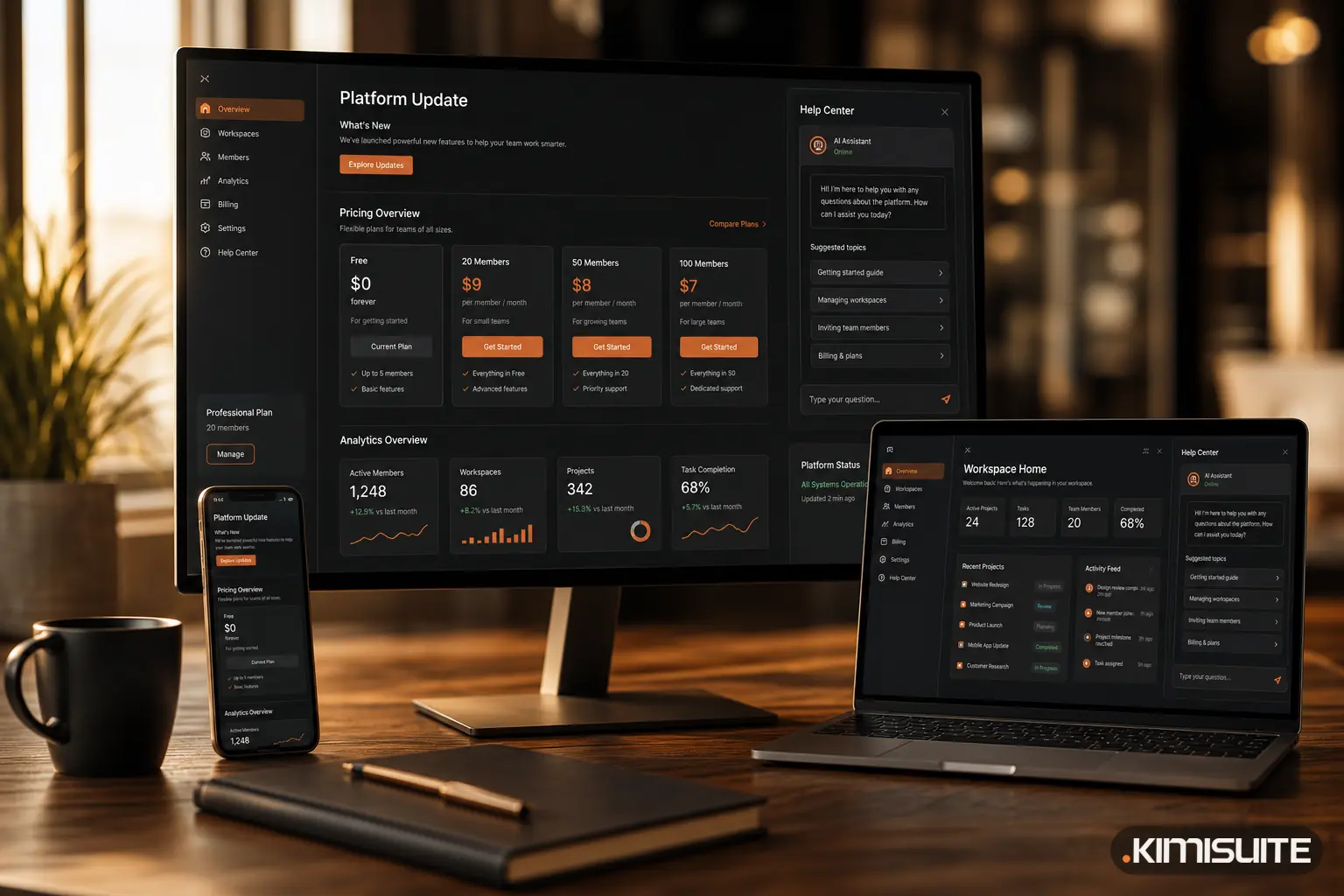
July and August 2026 were less about new apps and more about making KIMISUITE easier to understand: a pricing page built around the workspace, clearer member tiers for larger teams, trettly in the Help Center, a rebuilt Restaurant Hub page and a refreshed website.
Pricing that starts with the workspace
The pricing page was rebuilt on 28 August around the way KIMISUITE is actually billed. Before, it read like a list of apps with prices. Now it starts with the workspace:
- The workspace is free. There is no platform fee and no base price. You pay only for the apps you switch on.
- 10 members included as soon as you subscribe to your first paid app, whichever app that is.
- Billed per workspace, not per user. Growing from 3 to 9 people costs nothing extra.
- One login, as many workspaces as you need, each with its own apps and team.
- Every paid app has a trial: Cancel anytime · No minimum term · 14 days free.
We explained the reasoning, with a worked example for a team of 12, in Priced per Workspace, Not per User.
Member tiers: Grow, Expand and Scale
Teams larger than the 10 included members add a member tier on top of their app subscriptions. The tiers were renamed on 27 August and have been in the live price list since 31 August, in seven currencies:
- Grow for up to 20 members
- Expand for up to 50 members
- Scale for up to 100 members
- Above 100, a custom plan on request
The old names sounded like feature plans, and some apps already use those words for their own plans. Grow, Expand and Scale describe only team size, which is all they change. A member tier covers the whole workspace, so adding a second app does not charge for the same people again.
trettly in the Help Center
Since 24 July, trettly, the KIMISUITE AI assistant, answers questions directly in the Help Center, which you open from the top-right menu in any workspace. Instead of looking through FAQ pages, you ask in your own words:
- Getting started and inviting your team
- Billing and invoices
- Account and security
- Workspaces and teams
- Troubleshooting
- Apps and their settings
trettly is available in every workspace, with nothing to switch on.
Restaurant Hub: one menu, many outputs
The Restaurant Hub page was rebuilt in August, together with a series of blog posts on menus. The idea behind the app is simple: you keep one menu, and everything else comes from it.
- One Classic Menu feeds the digital QR menu, the website widget, the printable PDF menu, QR codes and daily offers
- A price change is made once and shows up everywhere
- Reservations work with your real floor plan, tables and areas, with an approval status and Telegram notifications
- Guests can open the menu by QR code, a web address or an icon on their home screen
A refreshed website
Some smaller changes on kimisuite.com:
- New brand identity since 18 August: new logo, new favicon and a warmer colour palette
- Language suggestion. If you open a page in a language that does not match your browser, a small banner offers the version in your language
- Industry switcher in the homepage hero, so you can see at a glance how KIMISUITE fits a hotel, a restaurant or your own line of business
- Blog posts now show a reading time and related articles
- Cookie consent by category, so you decide separately which optional cookies you allow
- Professional Services section (since July) for projects our team takes on beyond the apps, plus an affiliate programme page and a newsletter sign-up in the footer
What this means for you
If you have been unsure what KIMISUITE costs for your team, the pricing page now answers it in one read: free workspace, 10 members with your first app, tiers for larger teams. If you have a question inside the workspace, trettly answers it in the Help Center. If you run a restaurant, the menu you maintain once now drives every channel. You can browse every app in the KIMISUITE App Store overview and start any paid app with 14 days free.