Free tool No sign-up needed
Meta Description & Title Length Checker
Stop getting truncated in Google
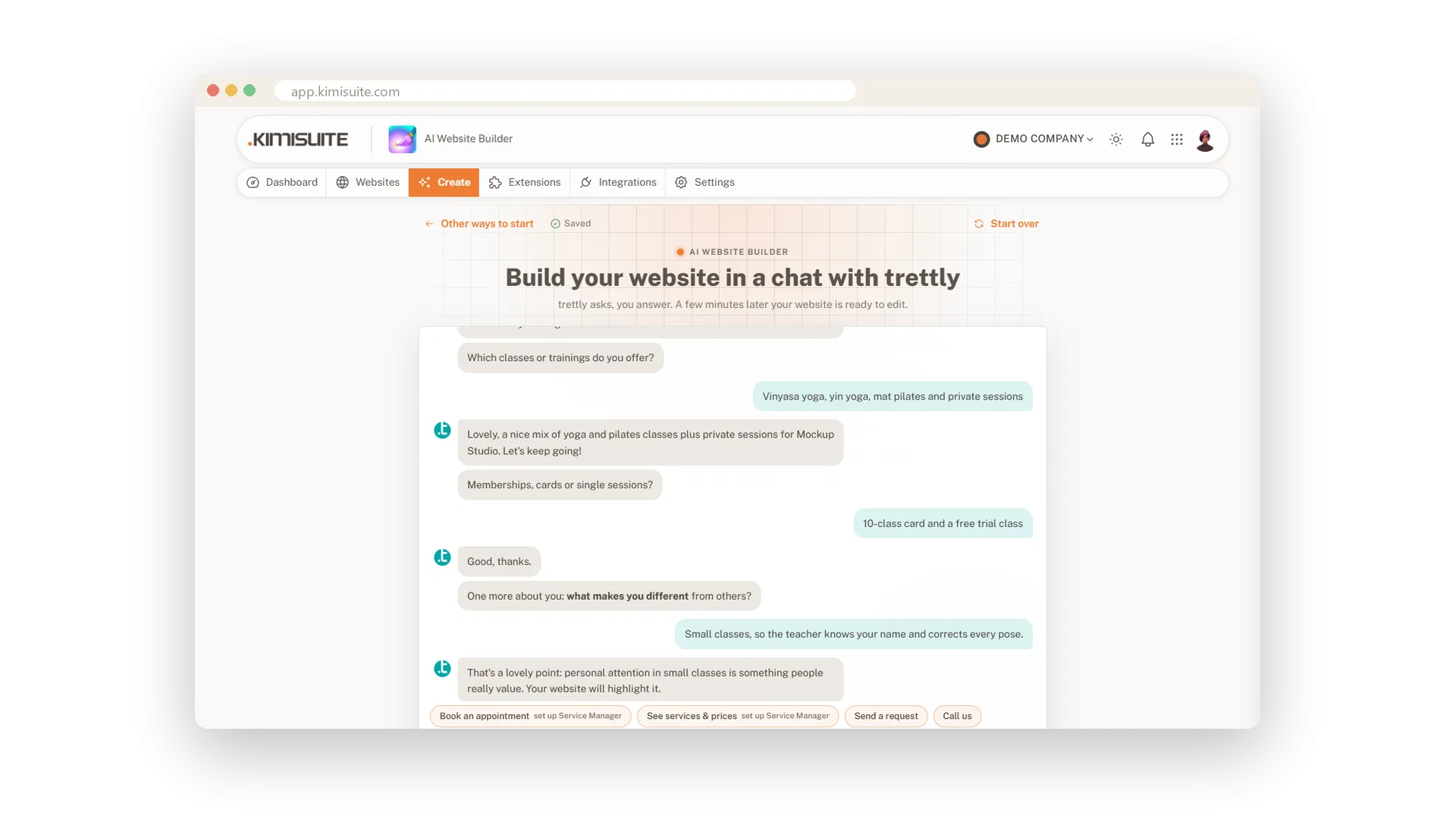
 See how it works AI Website Builder →
 Loading tool...
Read next
- Why Your Website Is Not Showing Up on Google and Why It's Not as Simple as You Think Many businesses wonder why their website isn’t visible on Google. The truth is simple: having a website is no longer eno...
- How AI Is Changing How Customers Find Your Business Search is evolving fast. Customers are no longer just clicking links — they’re getting direct answers from AI. This arti...
About this tool
Google truncates meta titles around 580 px and descriptions at 160 characters — but most CMS plugins still warn at the wrong limits. The result: titles cut mid-word, descriptions ending in "…".
This tool counts characters AND approximates pixel width (Google\'s real metric), with a live SERP preview so you see exactly what shows up in search results before you hit publish.
How to use it
- 1 Paste your meta title — counter shows characters, pixels and status.
- 2 Paste your meta description — counter shows characters and status.
- 3 Watch the live SERP preview update as you type.
- 4 Aim for: title 50–60 chars / ≤580 px, description 140–160 chars.
What you get
- Pixels, not just characters — Google uses pixel width, not characters. This tool approximates both.
- Live SERP preview — See exactly how the listing renders before publish, including the dark/light variant.
- Color-coded status — Green = good, red = will be truncated. No interpretation needed.
AI Website Builder Do it for every case with AI Website Builder
Check one page here – or describe your business and get a complete multilingual website with legal pages from AI Website Builder.
Cancel anytime · No long-term contract · 14 days free