Mettre en place la réservation en ligne pour ton salon de coiffure (pas à pas)
Configure la page de réservation de ton salon : choisis ton secteur, vérifie les prix et les durées, ajoute ton équipe et choisis un design. Tes clients réservent eux-mêmes une prestation et un créneau libre, et la réservation arrive dans le calendrier de ton équipe.
Chapitres
- 0:00 Why an online booking page?
- 0:22 Pick your industry
- 0:35 Opening hours
- 0:48 Prices and times
- 1:06 Add your stylists
- 1:24 Your booking page address
- 1:40 Design and colours
- 2:02 Clients book and pay
- 2:25 Confirm a booking
- 2:38 Move, cancel and clients
- 3:02 Online meetings and more
- 3:22 Share your link
Transcription
Vidéo en anglais
Why should your customers book online? Because you can't answer the phone with scissors in your hand. Calls get missed and people book somewhere else. With a booking page, your customers pick a service and a free time themselves, day or night, while you work.
In the next few minutes, you'll set up your own. We'll use Service Manager in KIMISUITE. Pick your industry and the app sets up your services for you. Check your prices and times.
Each service blocks exactly as long as it takes. Add the people who do the work so the app knows who is free. If you want to follow along, Service Manager is free for 14 days. The link is at the top of the description.
Now your booking page. Give it its own address. Pick a design. Every change is live straight away.
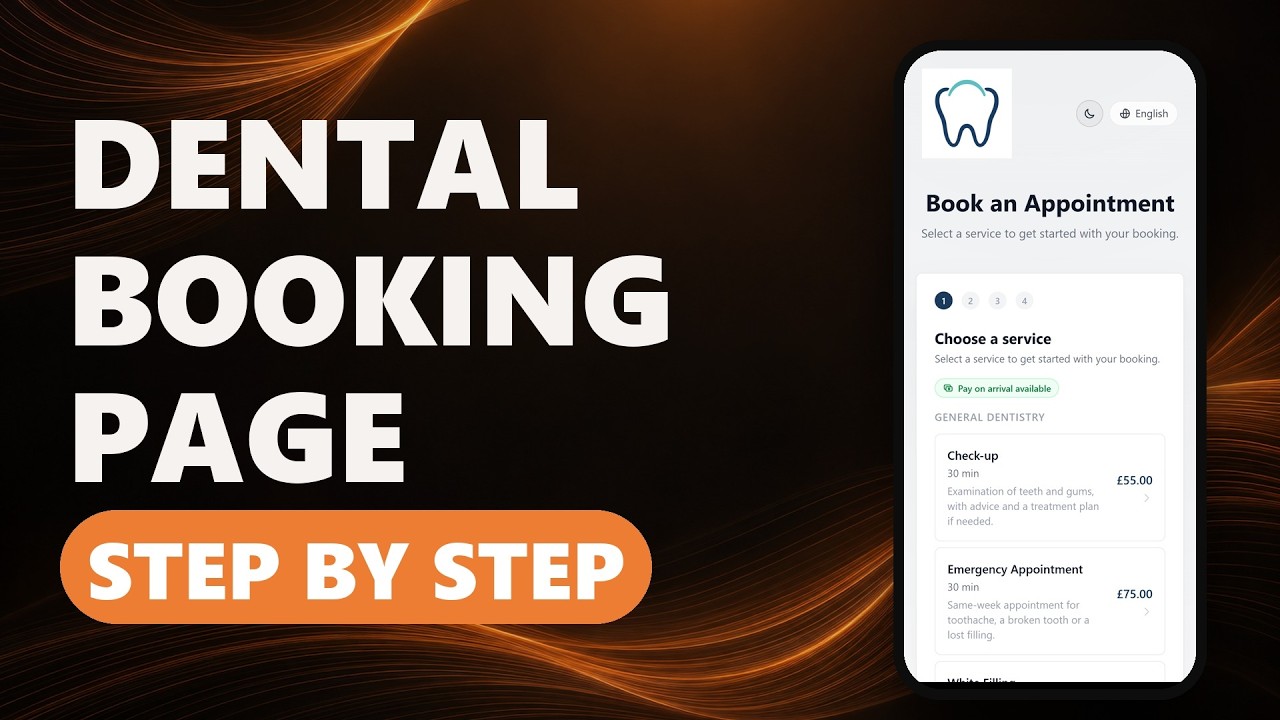
Open it, and this is what your customers see. They pick a service, a free time, and enter their details. That's it. Customers can pay when they arrive, and online payments are built in too.
The booking lands on your dashboard. Confirm it with one click. And it's in your calendar for the whole team. Plans change?
Move or cancel a booking in one click, and your customers can do it themselves too. Everyone who books is saved as a contact. Turn them into a customer with one click, with all their bookings in one place. Offering online appointments?
Switch on online meetings, and each booking gets its own video link. There's more. 16 languages, calendar sync with Google, Outlook, and iCloud, automations, weekly templates, and booking widgets for your own website in your colors. Put the link on your website, in your social profiles, and in your emails.
Set up your own booking page free for 14 days. The link is at the top of the description. And subscribe for a new how-to every week.