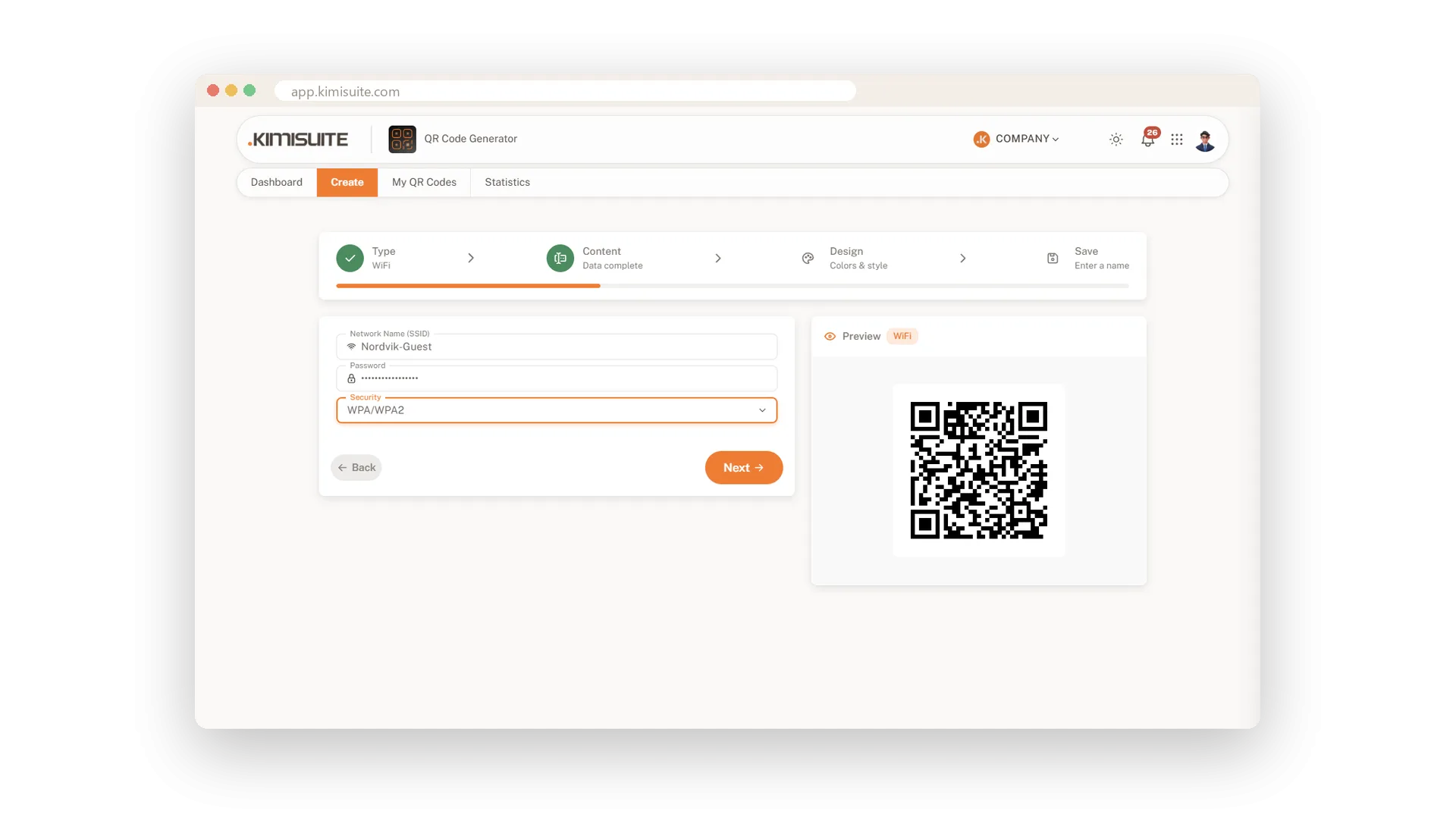
Nobody likes spelling out a WiFi password letter by letter. With a WiFi QR code your guests point their camera at the card and their phone joins the network. It is the small service that makes a cafe, a hotel room or a waiting area feel welcoming.
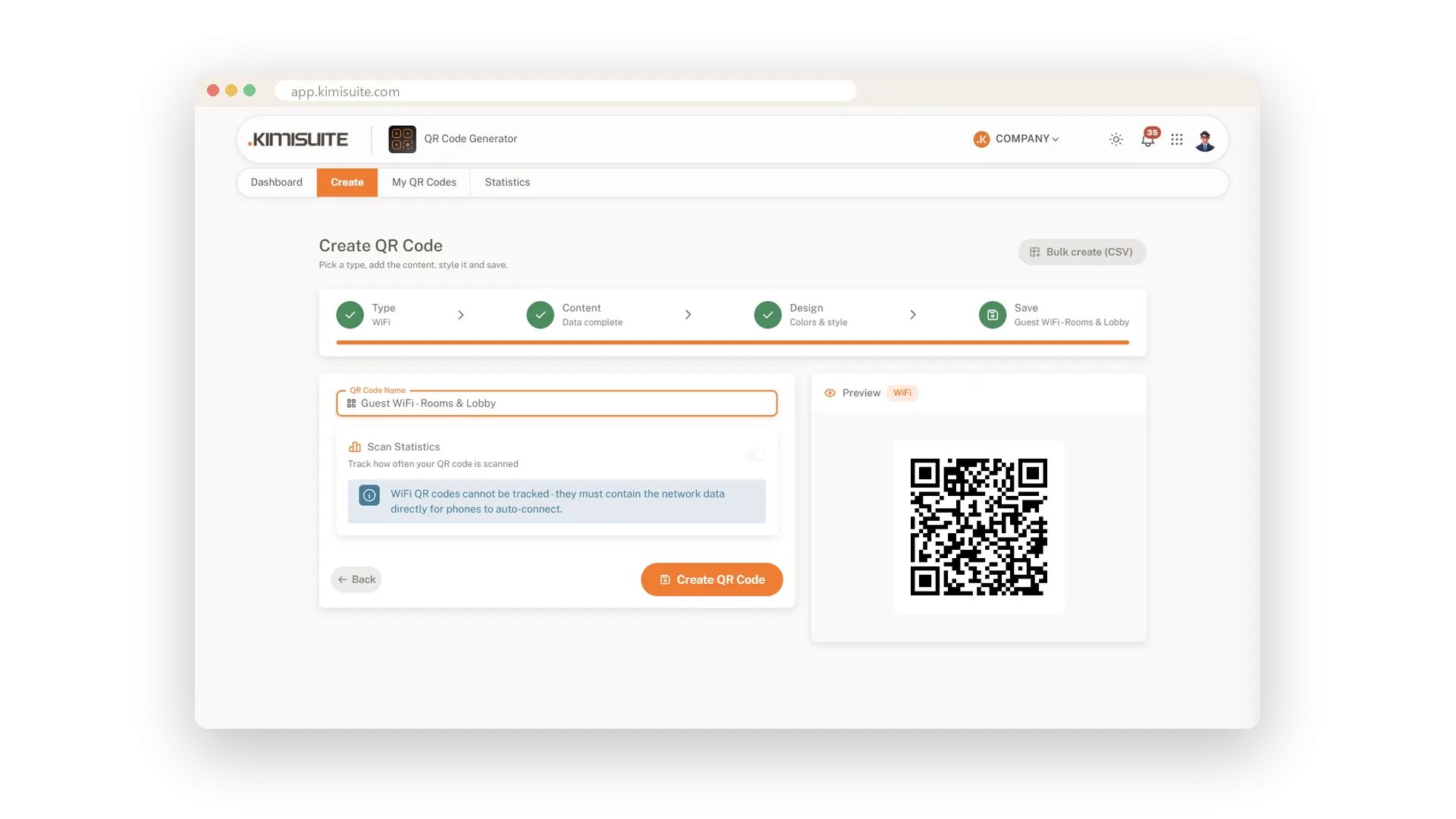
Enter the network name, the password and the security type - WPA/WPA2, WEP or an open network. The network details go straight into the code, so phones can connect on their own. Style it in your colours, add your logo, and print it for every table, room or counter.
Key Benefits
Guests join your WiFi with one scan instead of typing the password
Works with WPA/WPA2, WEP and open networks
The password stays hidden while you type it into the form
Style it in your colours with your logo, like every other code
WPA, WEP or open networks
The right setting for your network, one click
Choose WPA/WPA2, WEP or None for an open network, and enter the name and password. The code holds everything a phone needs to connect by itself.
Use Cases
The card in every hotel room
A small hotel prints the guest WiFi code on the welcome card. Guests are online before they unpack, and reception gets fewer calls.
Tables at the cafe
A cafe puts the code on a small stand on every table. Nobody asks for the password anymore.
A waiting area that works
A practice hangs the code in the waiting room. Patients get online by themselves while they wait.
FAQ
Try QR Generator today
Dynamic QR codes with your logo, colours and scan statistics
14 days free, cancel anytime, no minimum term.
