 Part of Domain Hub
Your details stay private
Kept out of the public register, more protection if you want
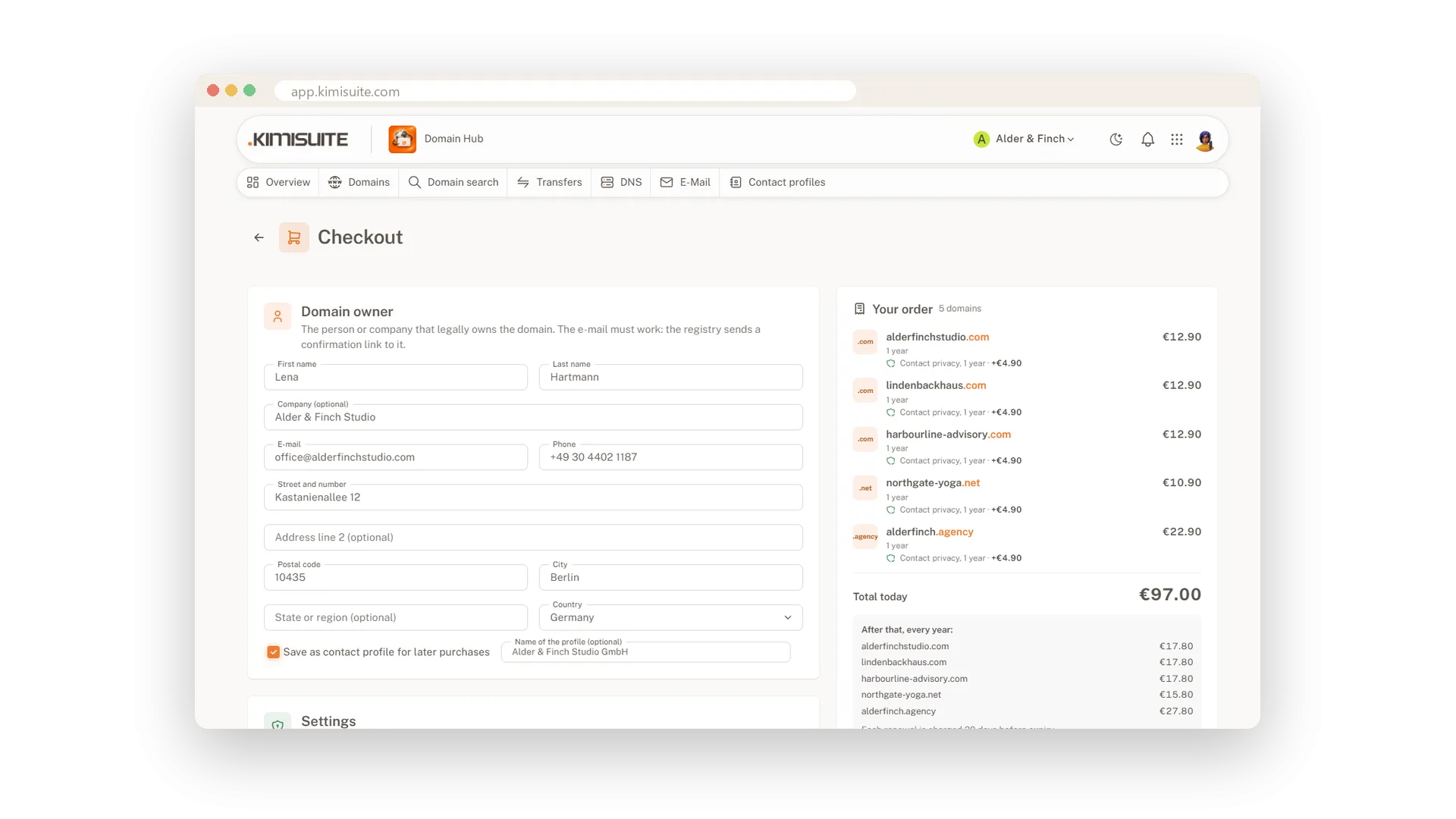
Every domain has an owner, and many public directories show who it is. At most endings your name, address, phone and e-mail are kept out of the public register at no cost. Where an ending supports it, you can add Contact Privacy for extra protection, at checkout or later on the domain page, and switch it off again at any time.
Your domain is also locked against transfers by default. Unlocking it, showing the transfer code or changing the owner always takes a confirmation. The owner e-mail is confirmed once, as the rules for domains require, and Domain Hub reminds you with a countdown until it is done.
Key Benefits
Name, address, phone and e-mail kept out of the public register at most endings, at no cost
Contact Privacy as an add-on where an ending supports it, switched off whenever you like
Transfer lock on by default, unlocking and transfer codes only after a confirmation
A countdown for the owner e-mail confirmation, so no domain stops by surprise
Kept out of the public register
At most endings, at no cost
At most endings your name, address, phone and e-mail do not appear in the public WHOIS register. Search, checkout and the domain page tell you where an ending has its own rules.
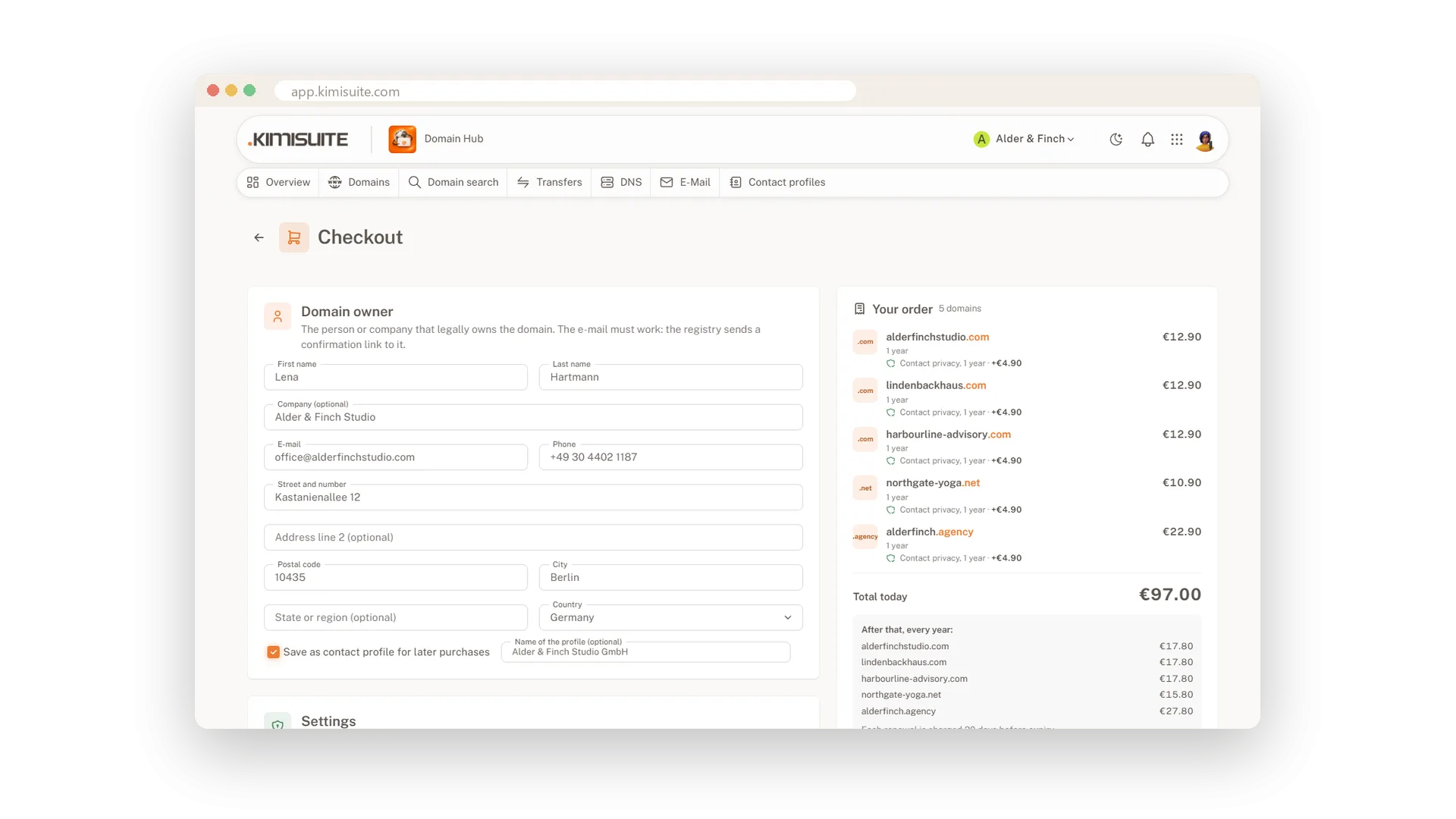
Contact Privacy as an add-on
Extra protection, switched off whenever you like
Add Contact Privacy to a domain at checkout or later on the domain page, where the ending supports it. It renews with the domain each year and can be turned off at any time.
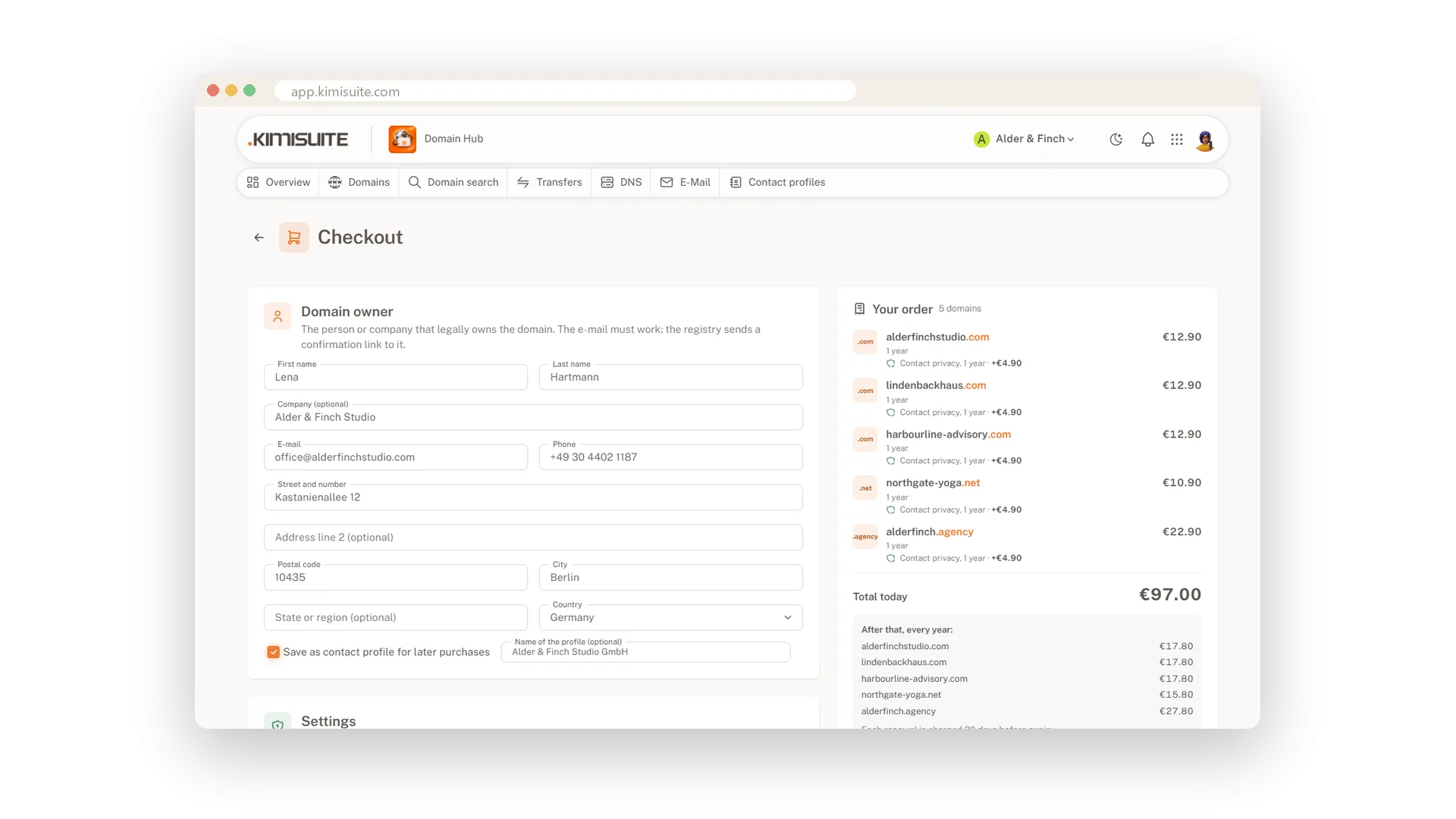
Owner e-mail confirmed in time
A countdown and a resend button
A new owner e-mail must be confirmed once. Domain Hub shows the days left as a to-do on the overview and sends the e-mail again with one click, so no domain stops by surprise.
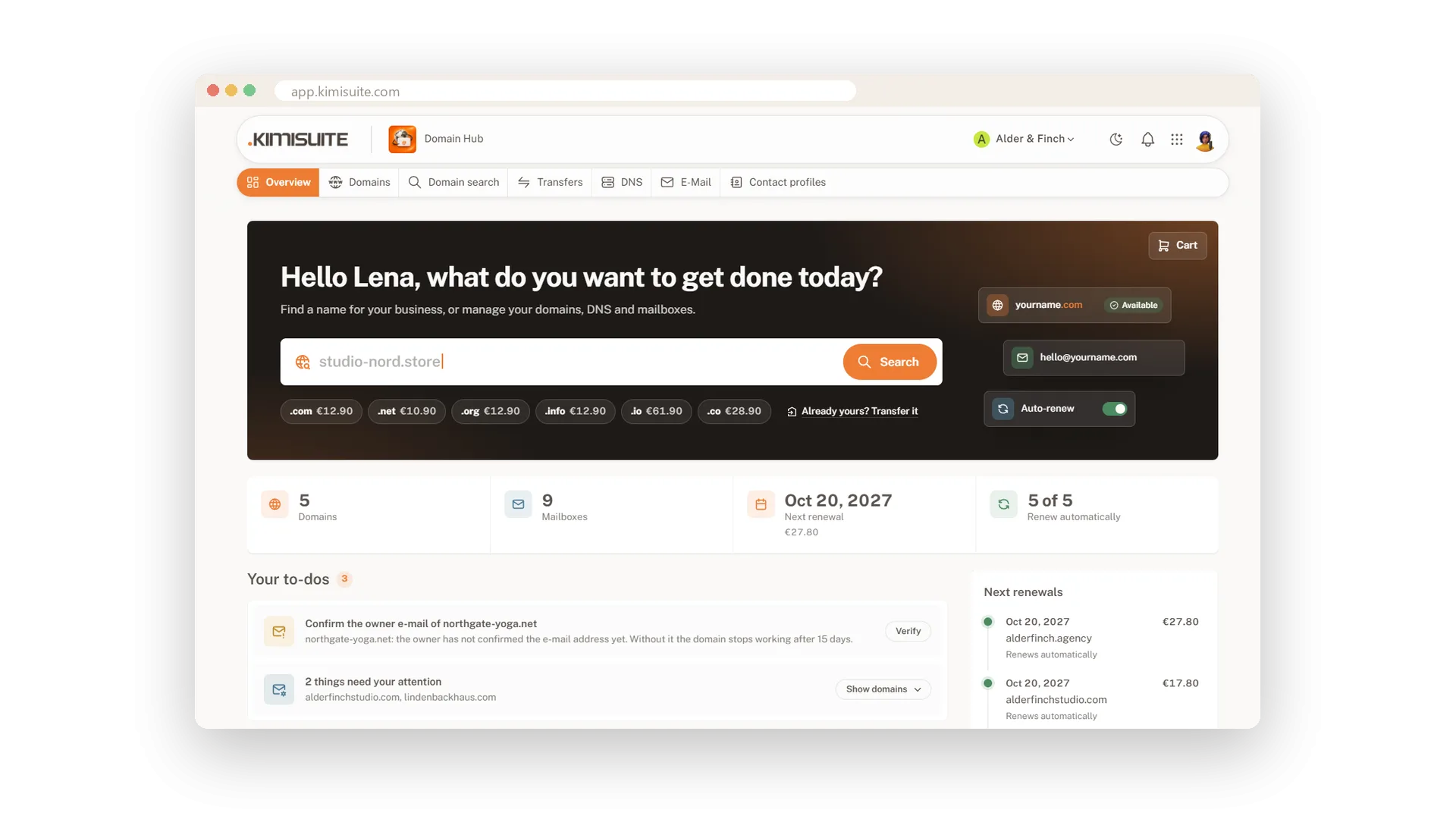
Locked against unwanted transfers
On by default, unlocked only with a confirmation
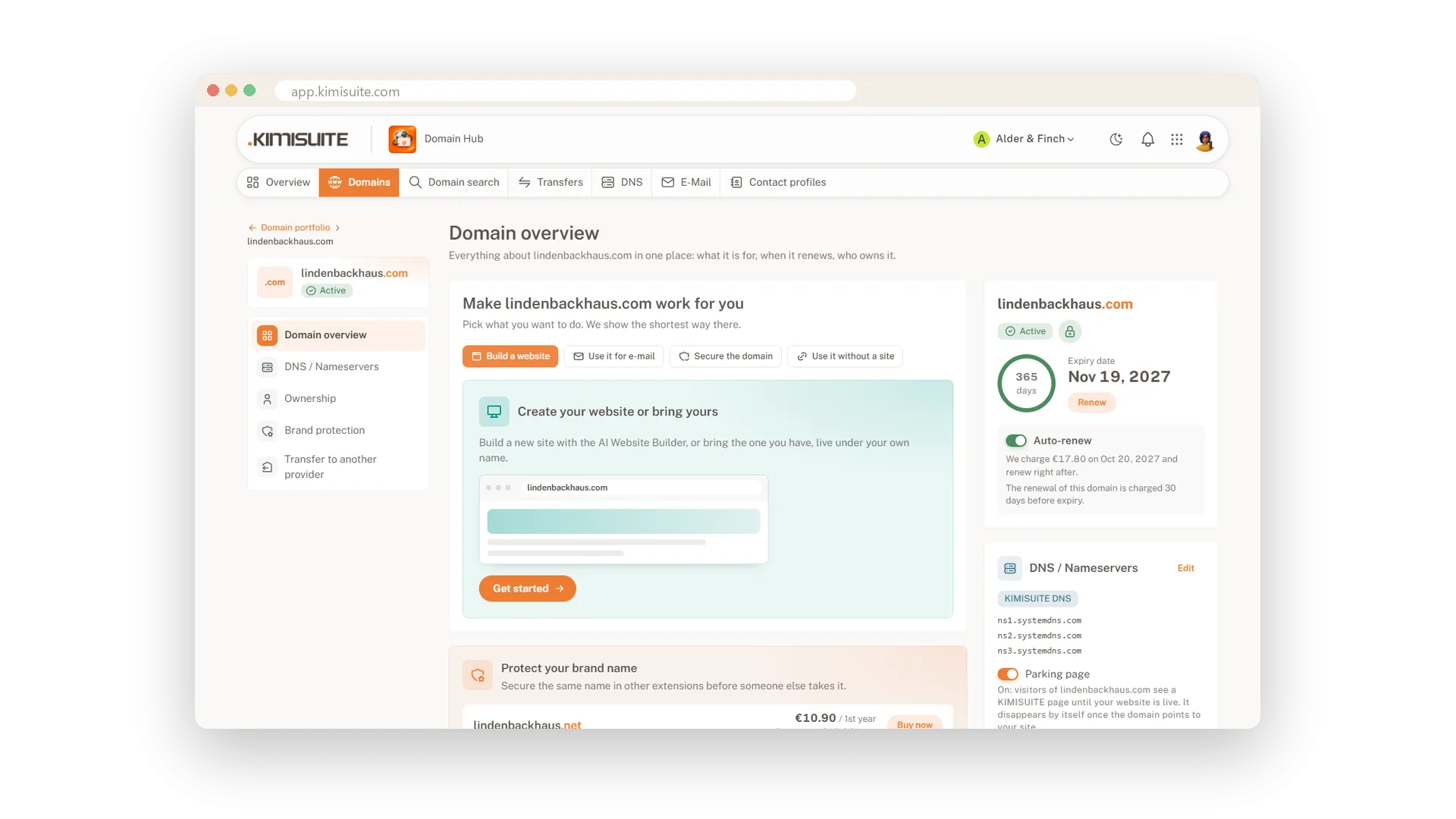
Every domain is locked against transfers from the start; the lock symbol on the domain page shows it. Unlocking and showing the transfer code both ask for a confirmation, and every request is logged.
Use Cases
A business at home
Your studio is registered at your home address. The public register does not show it, and with Contact Privacy you add another layer.
A confirmation that got lost
The owner e-mail landed in spam. The overview shows the to-do with the days left, you send it again and confirm in time.
Someone asks for the transfer code
A caller claims to be your web agency. Without a login and a confirmation in Domain Hub, nobody gets the code.
FAQ
Try Domain Hub today
Your domains, DNS and business e-mail in one place
Free of charge, in your own workspace, ready in a minute.