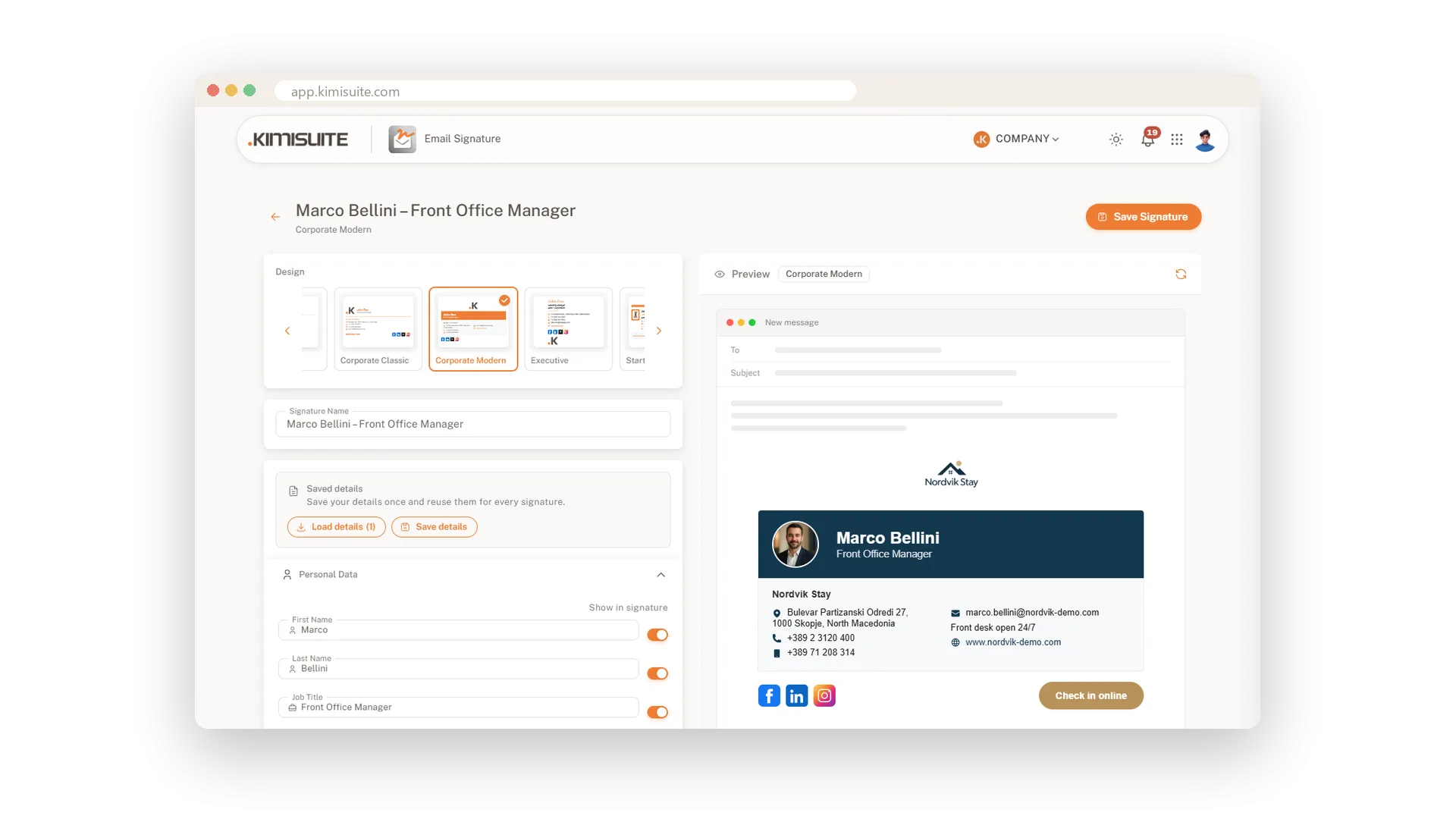
Every email you send ends with your name, and your signature is the part people look at twice. Pick one of 15 designs, from a calm Classic to a bold Startup or an Executive layout with a large logo, and it looks finished from the first minute. Your recipients see your face and your logo, your phone number, your website and your social profiles, neatly lined up.
You fill in the form on the left and the preview on the right shows your signature inside a new email, updating as you type. Nine colour themes set the tone in one click, or enter your exact brand colours. Upload your logo, add your photo in seven of the designs, and crop both right in the editor. Not sure about the design? Switch to another one at any time: every detail and every image comes with you.
Key Benefits
15 ready designs, from classic and minimal to bold, with your details in every one
A live preview inside a new email shows exactly what your recipients will see
Switch designs whenever you like and keep every field and every image
Nine colour themes in one click, or your exact brand colours as hex codes
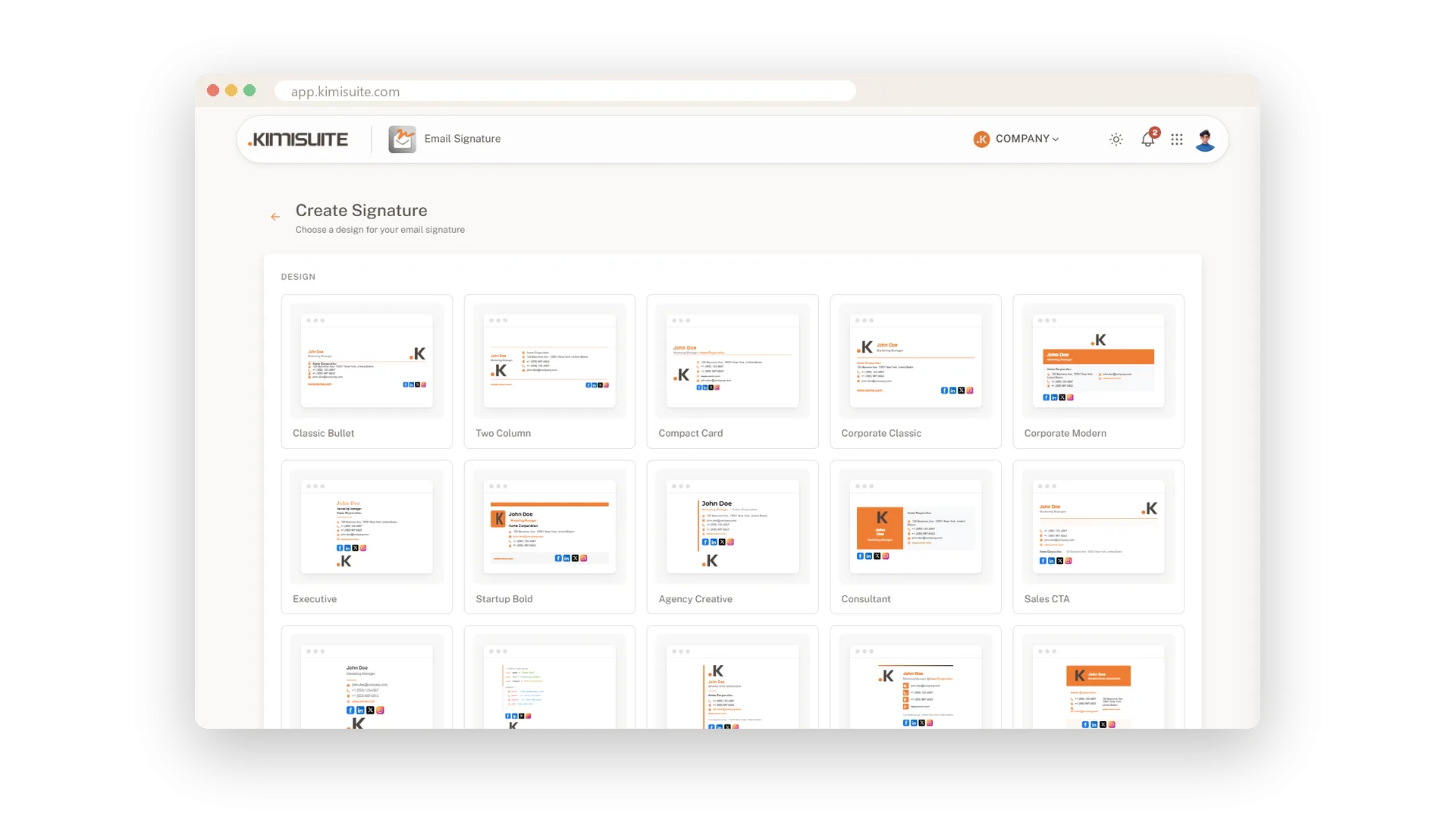
15 designs to start from
From calm and classic to bold and modern
Browse all 15 designs as small email previews and open the one that fits your business. Classic, two columns, a compact card, an executive layout with a large logo or a design with a button: every one is ready for your details.
See it the way your recipients will
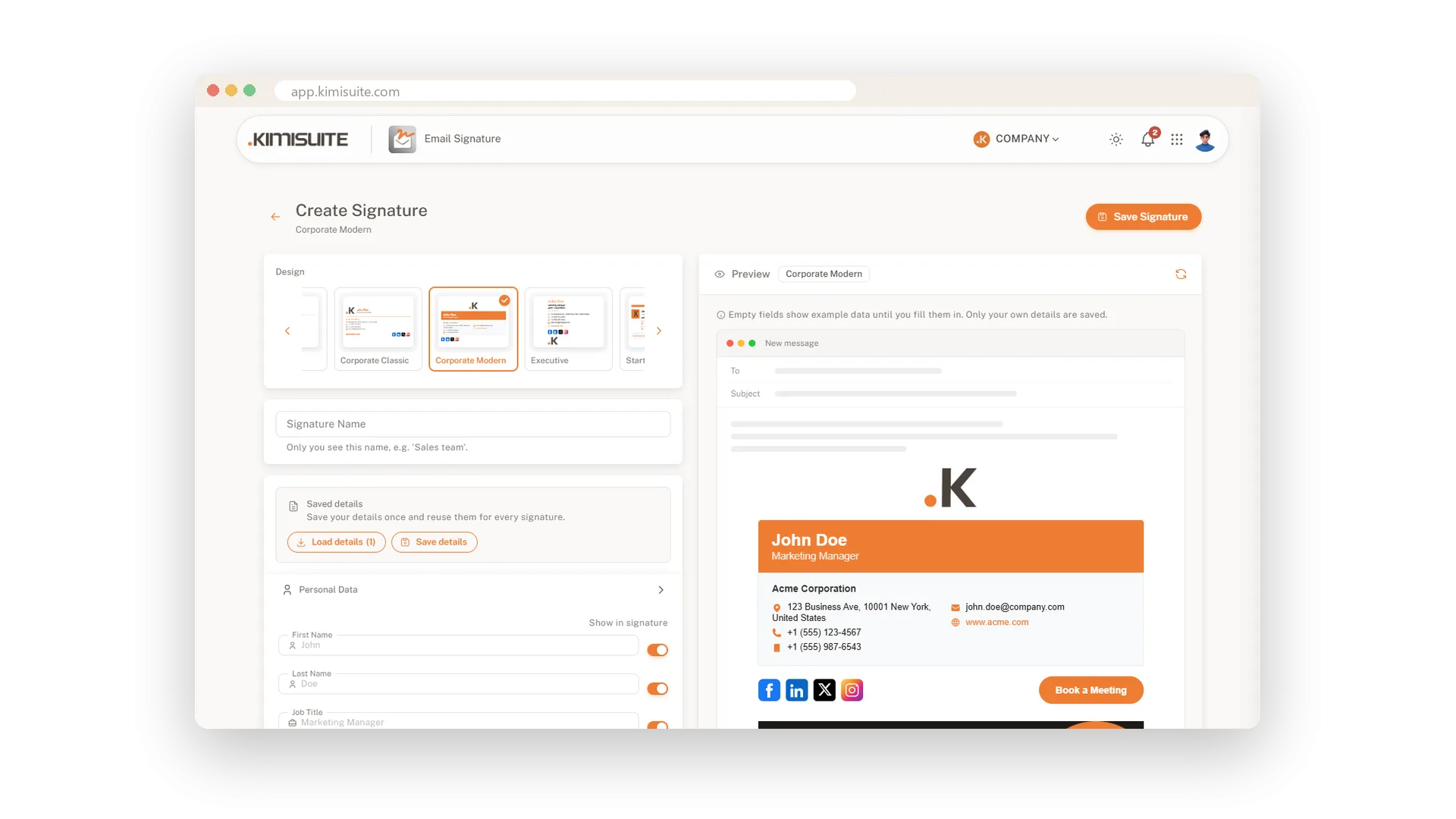
A live preview inside a new email
The preview sits in a new email window next to the form and changes with every letter you type. Empty fields show example data so you see the full design from the start; only your own details are saved.
Try another design, keep your details
Switch designs without typing anything again
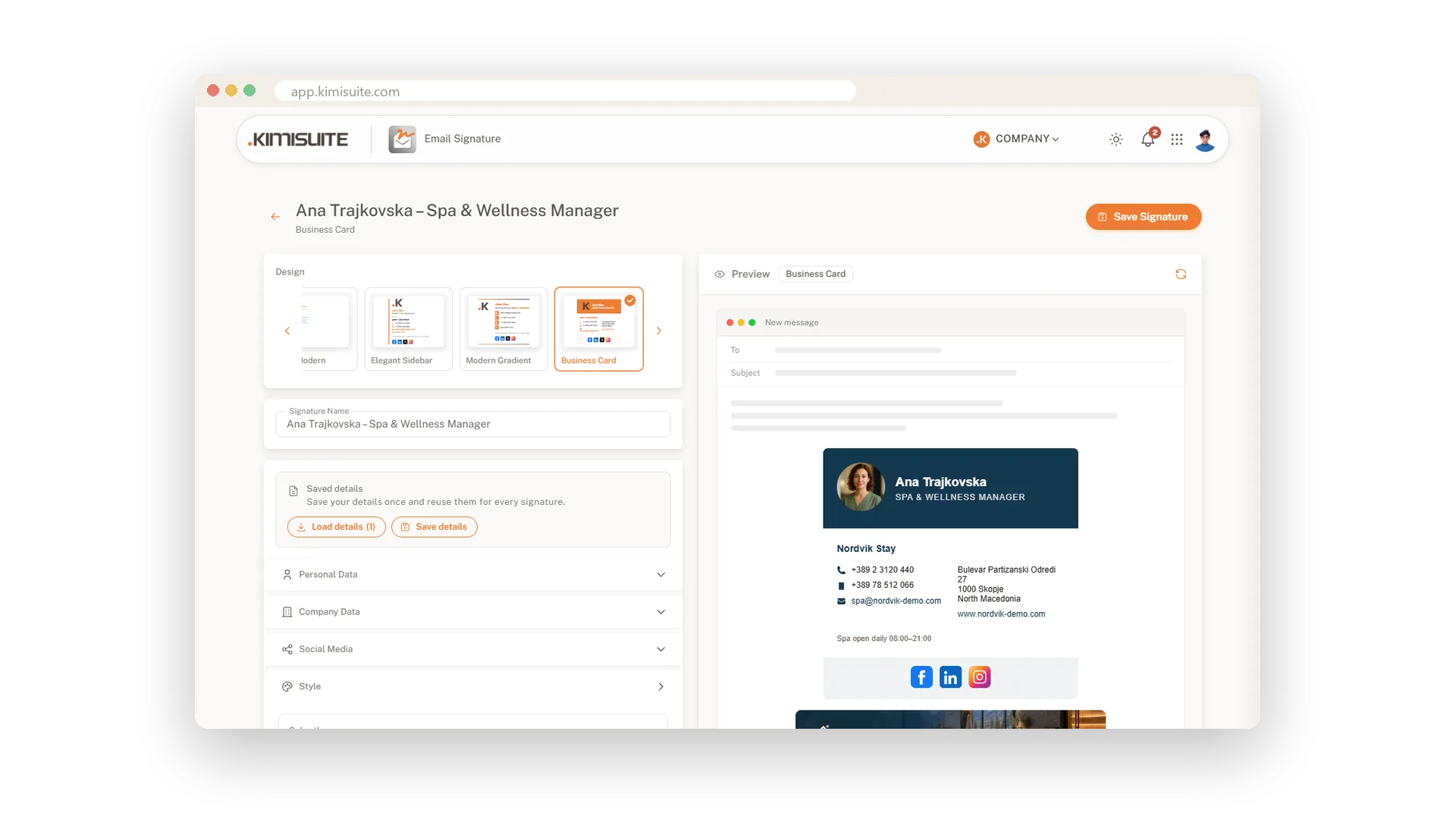
All designs sit in a strip above the form. Click another one and your name, numbers, logo and banner move over at once, so you can compare three looks in a minute.
Your brand colours in one click
Nine colour themes or your exact hex codes
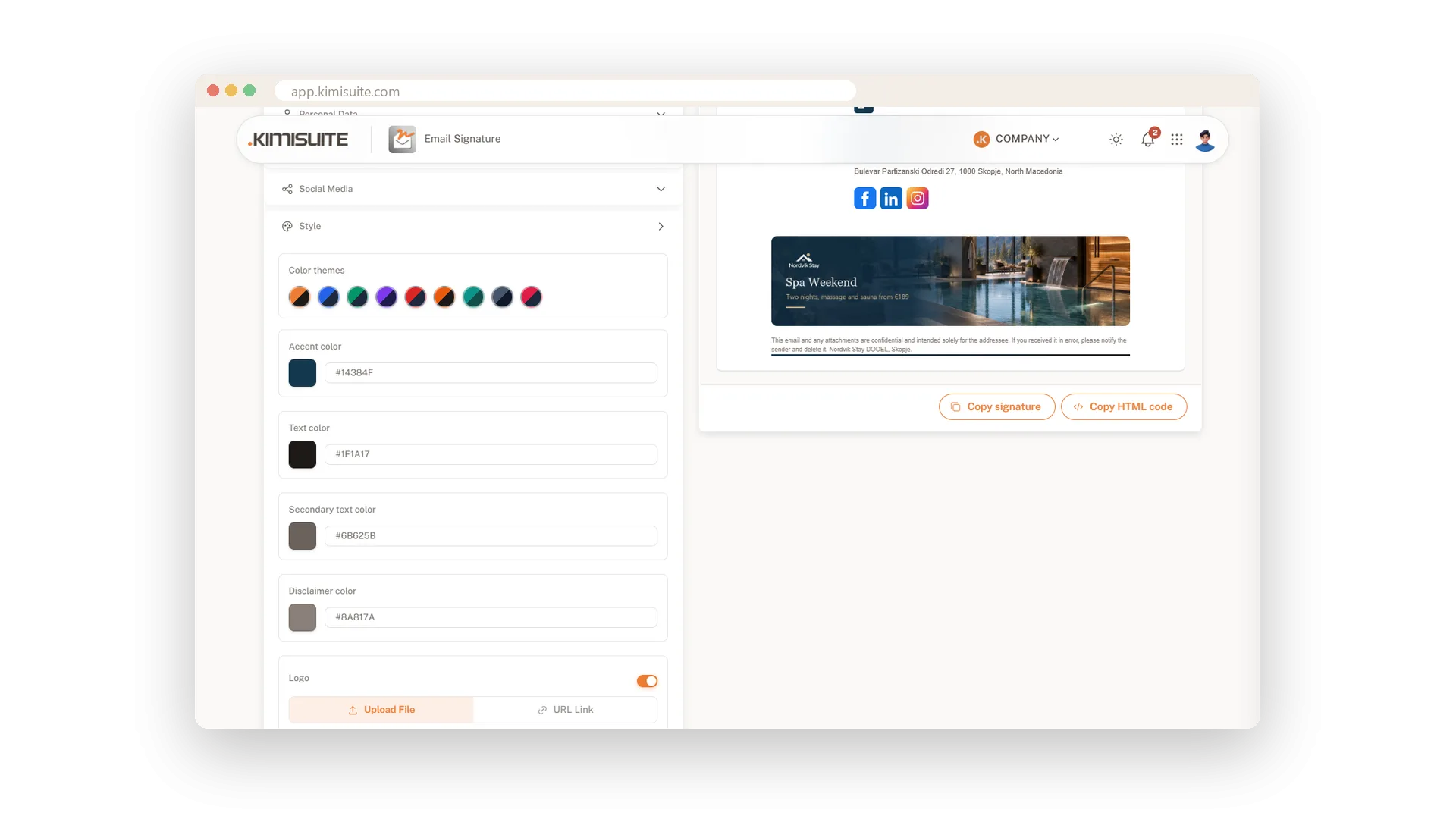
Pick one of nine colour themes and the whole signature follows. Or set the accent, text and disclaimer colours yourself with the colour picker or your brand's hex codes.
Your photo and your logo
Your face next to your name, your logo in place
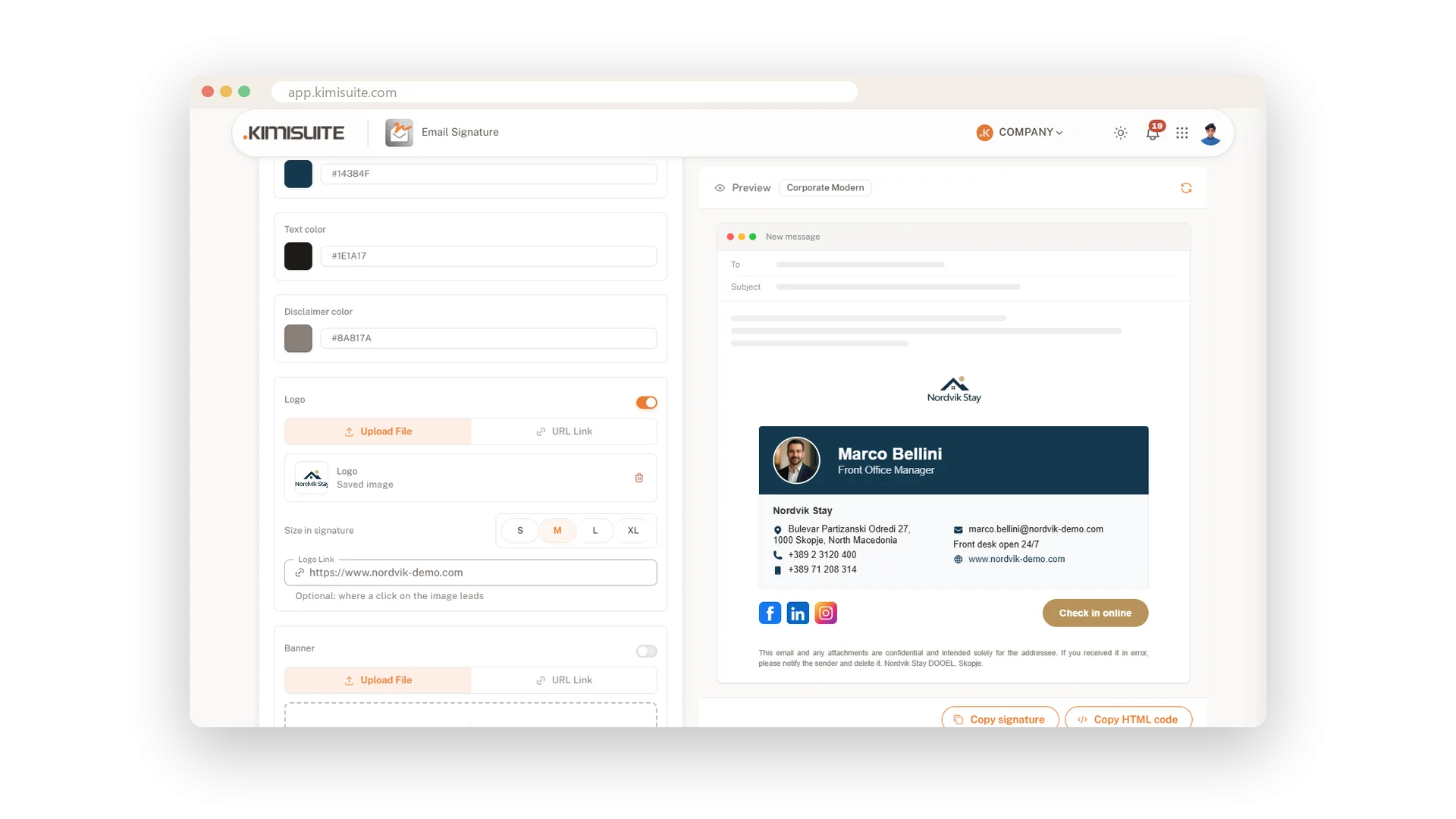
Put a friendly face and your company logo in the same signature. Seven designs, among them Corporate Modern, Modern Gradient and Business Card, show your round photo next to your name and keep the logo in its place. Upload the logo or paste an image link, pick one of four sizes and let a click on it open your website.
Crop it right in the editor
Square, round or free, sharp on every screen
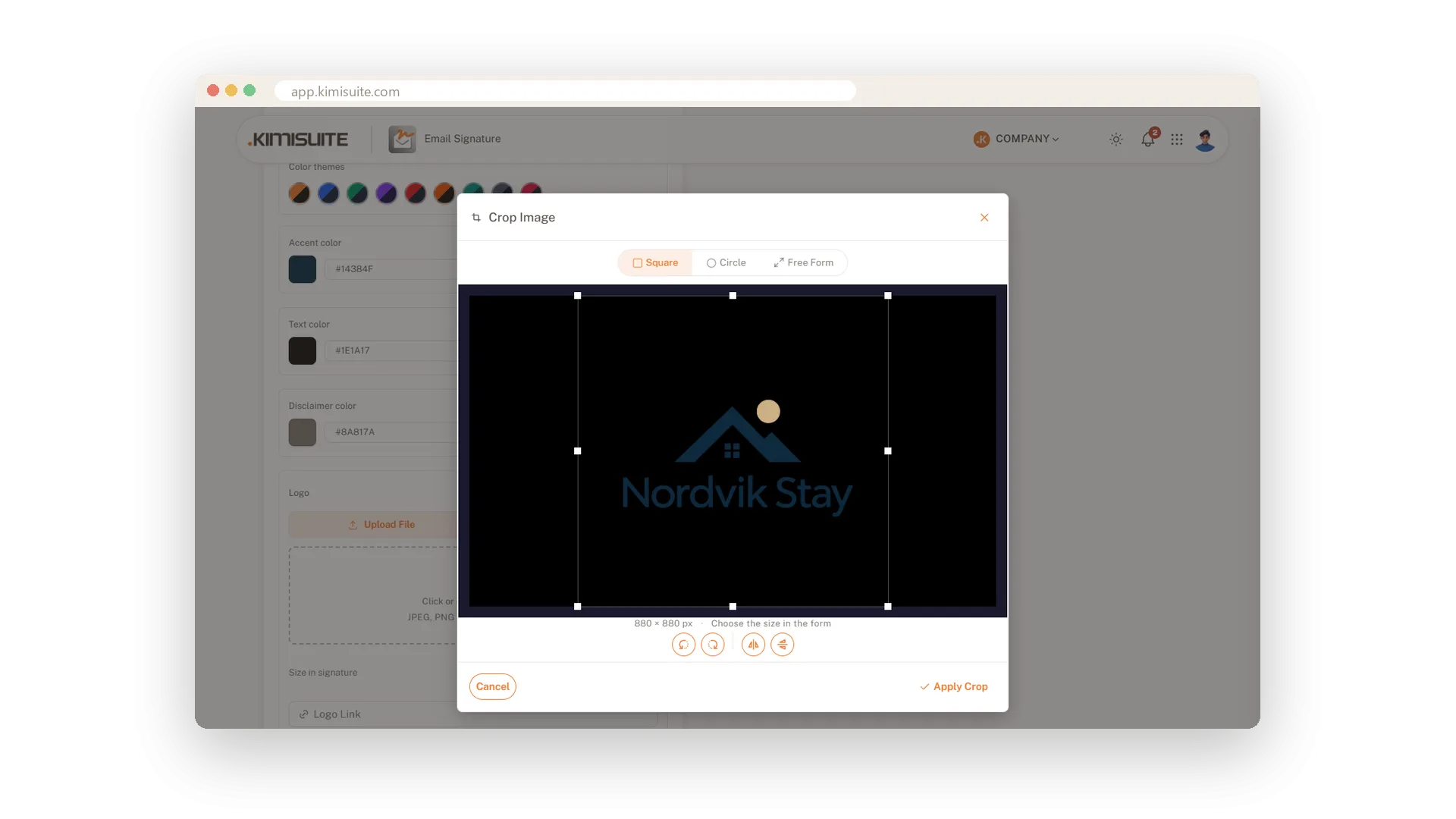
When you upload an image, the cropper opens straight away. Crop square, round or freely, rotate or flip it, and the result is saved in double resolution so it stays sharp on high-resolution screens.
Social icons that show up everywhere
Seven networks, one switch each
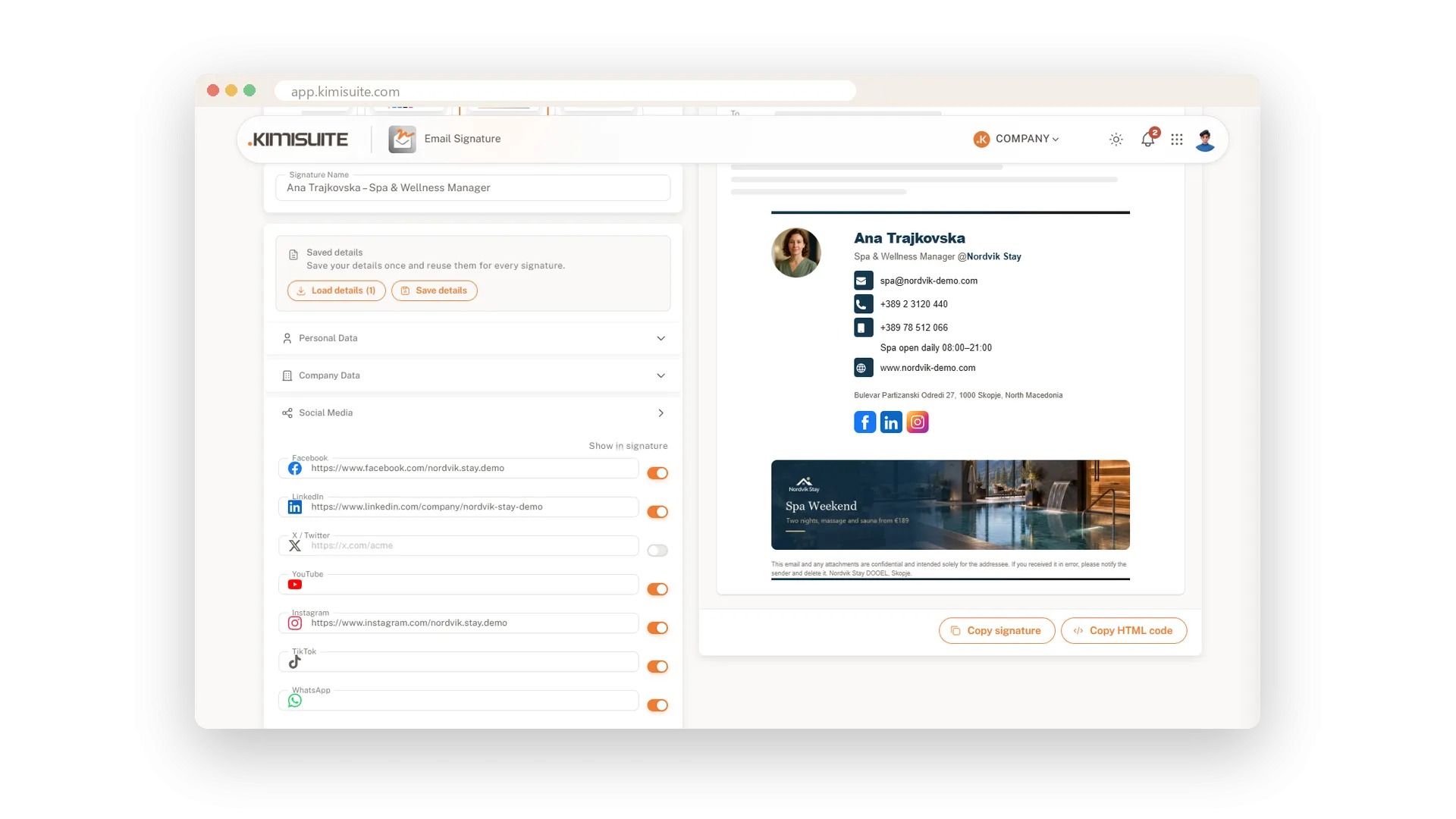
Add links to Facebook, LinkedIn, X, YouTube, Instagram, TikTok and WhatsApp and switch each network on or off. The icons are images, so they appear in Gmail and Outlook just as they do in the preview.
Use Cases
A new hotel manager on day one
Choose the Executive design, type name, title and number, and the hotel logo sits above it all. The first email to the owners already looks like the house.
The face behind the front desk
Pick the Corporate Modern design, add a portrait and keep the hotel logo on top. Guests who write to reception see who answers them, and which house.
A fresh look for spring
Try three designs in a row without retyping a word. Keep the one the team likes best and save it.
FAQ

Try Email Signature today
Professional email signatures for you and your whole team
14 days free, cancel anytime, no minimum term.
