 Part of CRM Business Hub
 Customer support with SLAs
Every request answered on time, by the right person
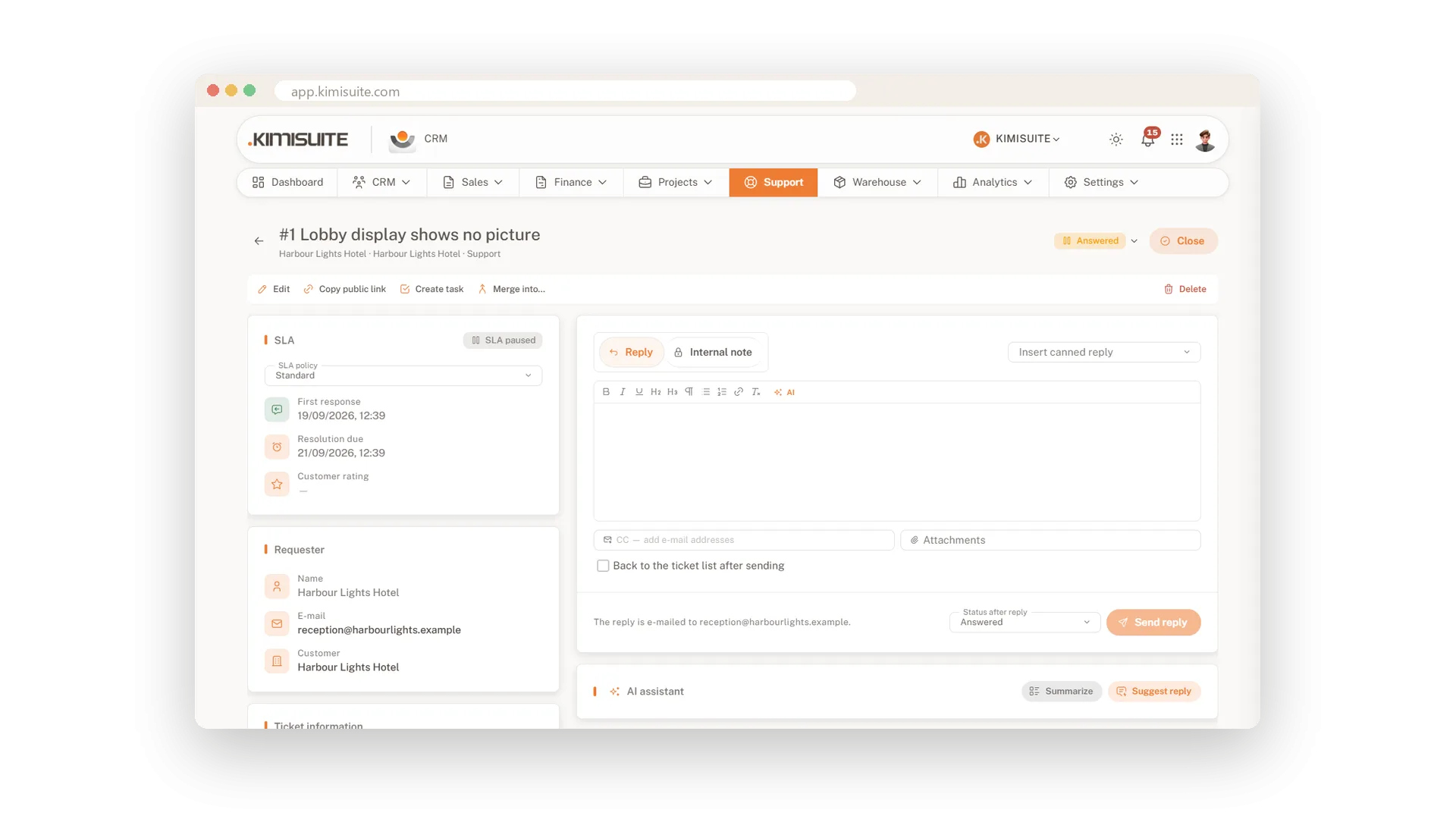
A support request lost in someone's inbox costs you a customer. In the CRM, every request becomes a ticket with a number, a priority and an owner. Customers write to your department mailbox or use a public form, and the ticket is there. Because tickets sit next to invoices and projects, you answer knowing the whole customer.
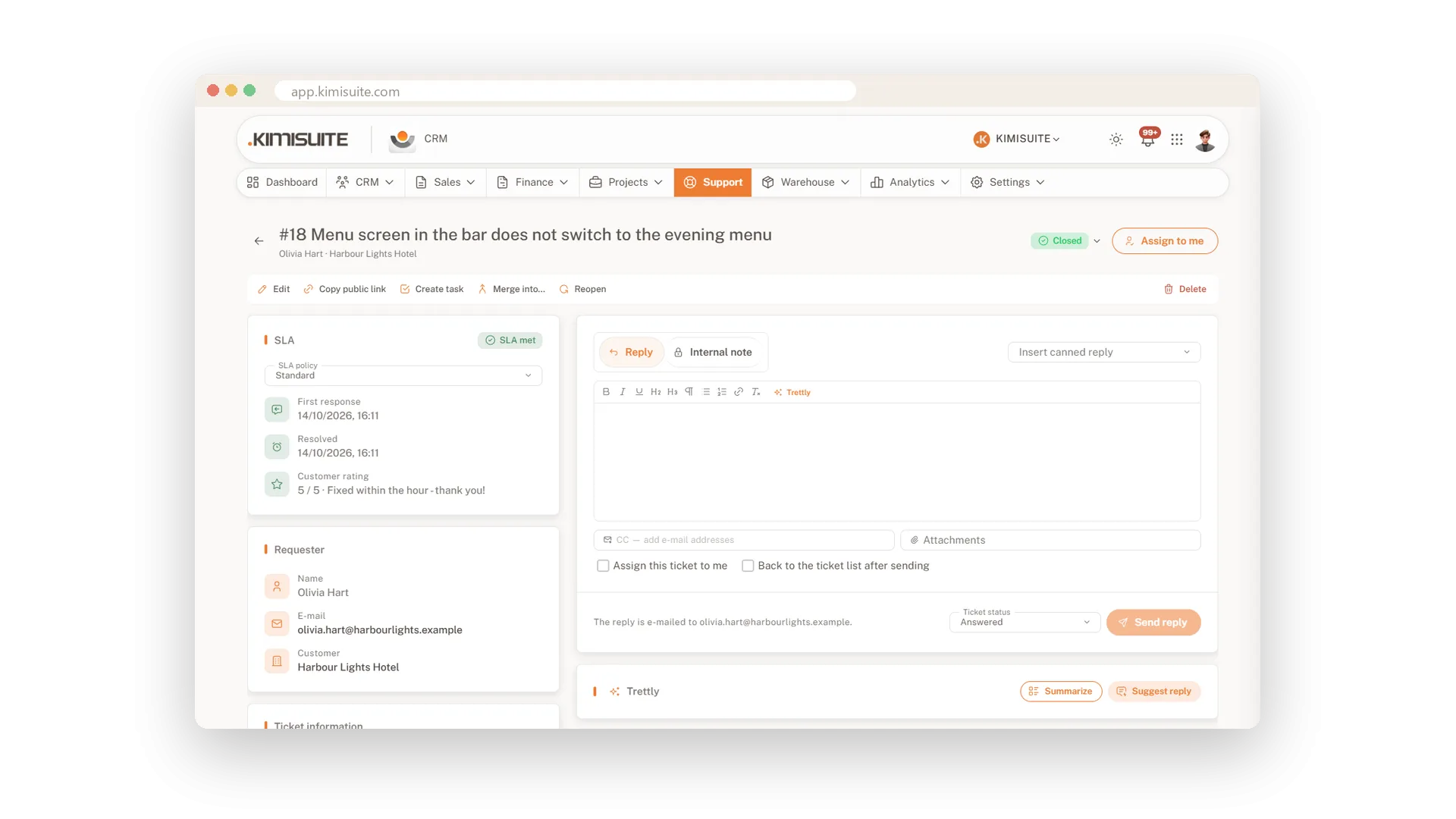
SLA policies set due times for the first response and the resolution, counted in business hours. Every ticket shows its due times, and the overview counts what is breached. Rules assign, tag and prioritise new tickets for you, canned replies handle the usual questions, and the AI sums up a long thread and suggests a reply. Your customer follows along on a ticket page, no login needed.
Key Benefits
E-mail to ticket per department, with its own reply address and auto-assignment
SLA due times for first response and resolution, counted in business hours
AI summary and suggested reply for long threads, on your workspace AI credits
Rules that assign, tag, prioritise, notify and close tickets for you
AI summary and reply suggestions
Catch up on a long thread with one click
Let the AI sum up a ticket before you answer, then ask it for a suggested reply. You adjust the wording and send, and your customer gets a proper answer sooner.
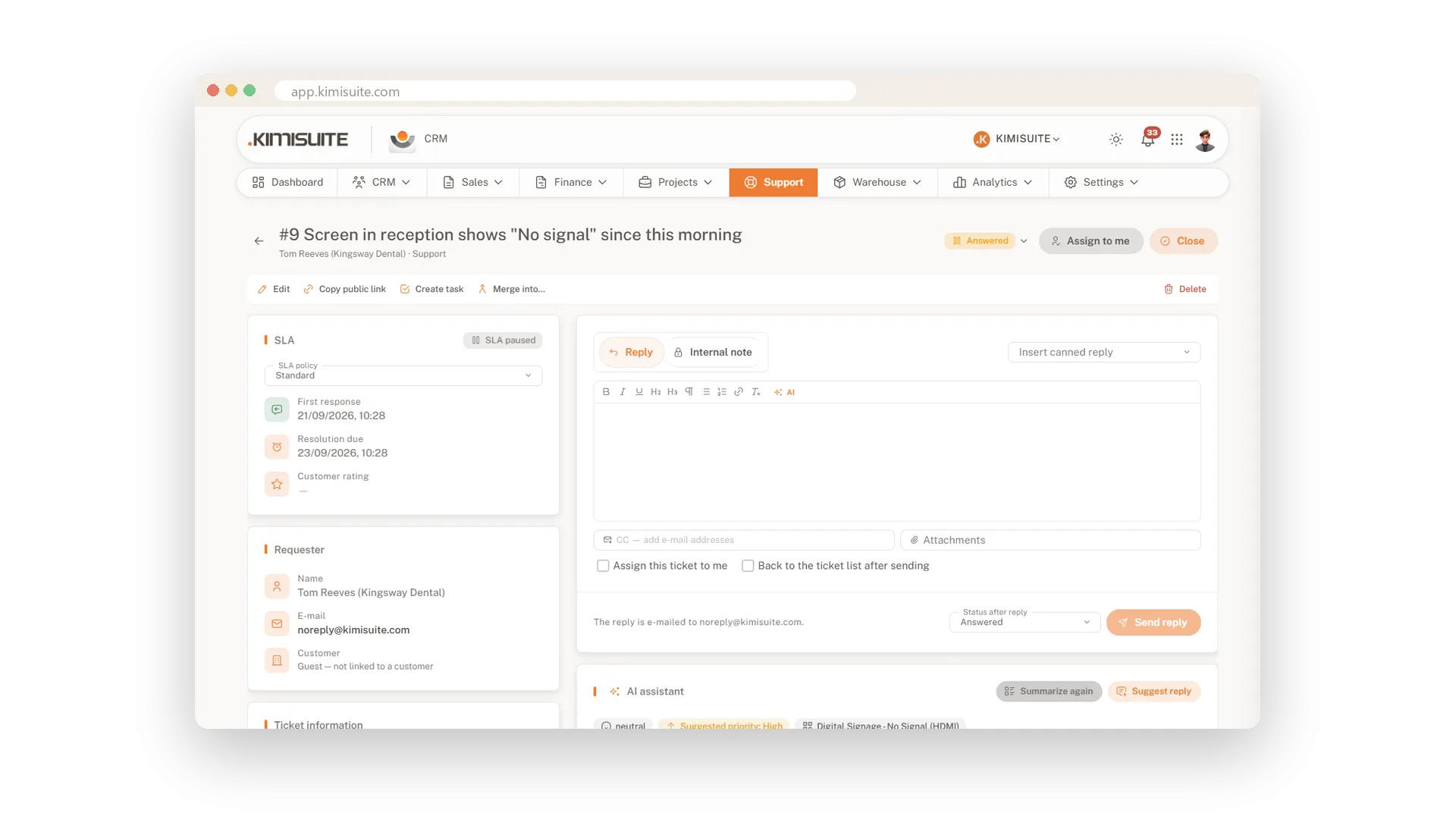
SLA policies with due times
First response and resolution, in business hours
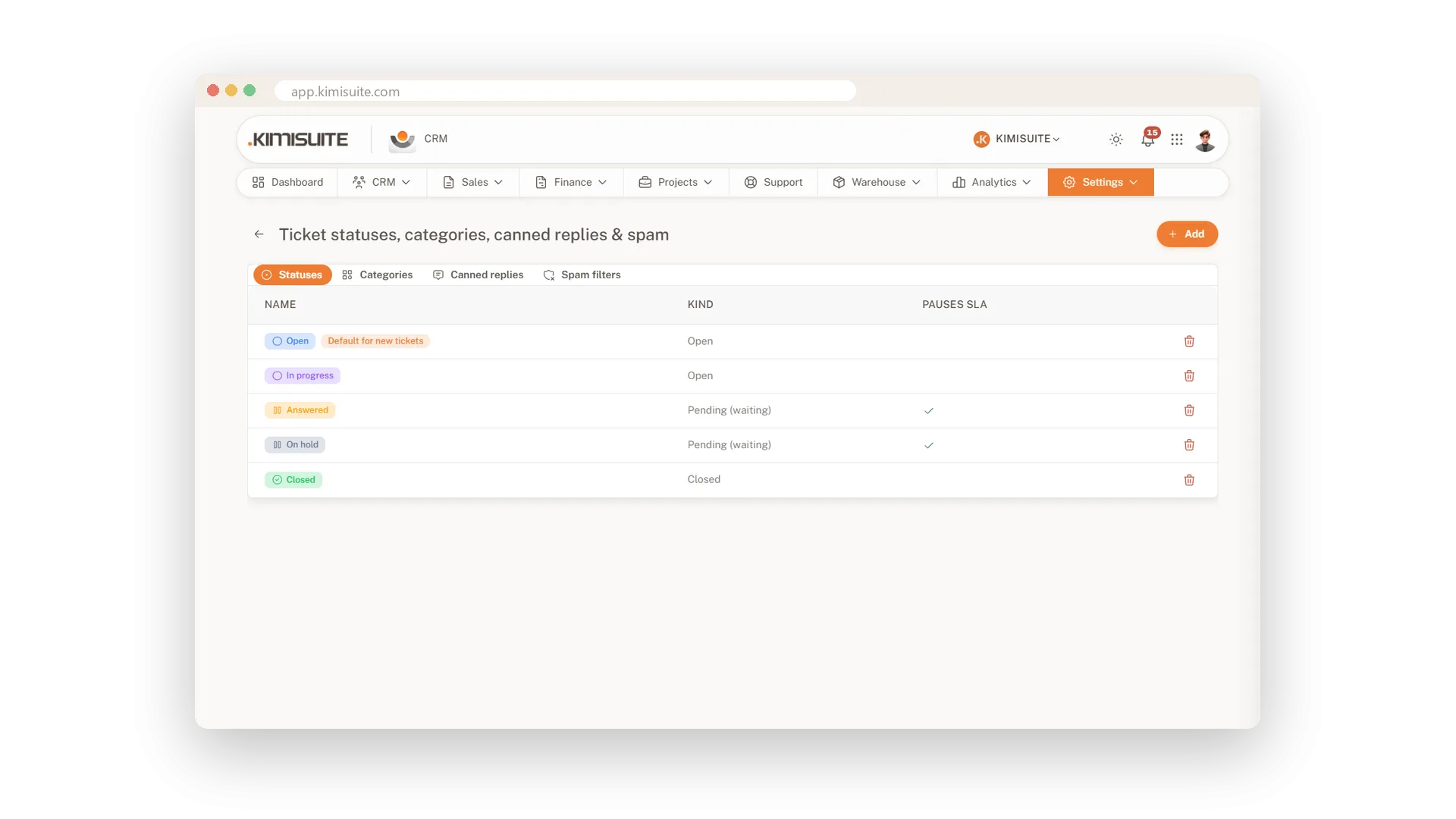
Set how many hours you allow for the first response and for the resolution, counted in business hours only. Every ticket shows its due times on the SLA card, and the overview counts every breach.
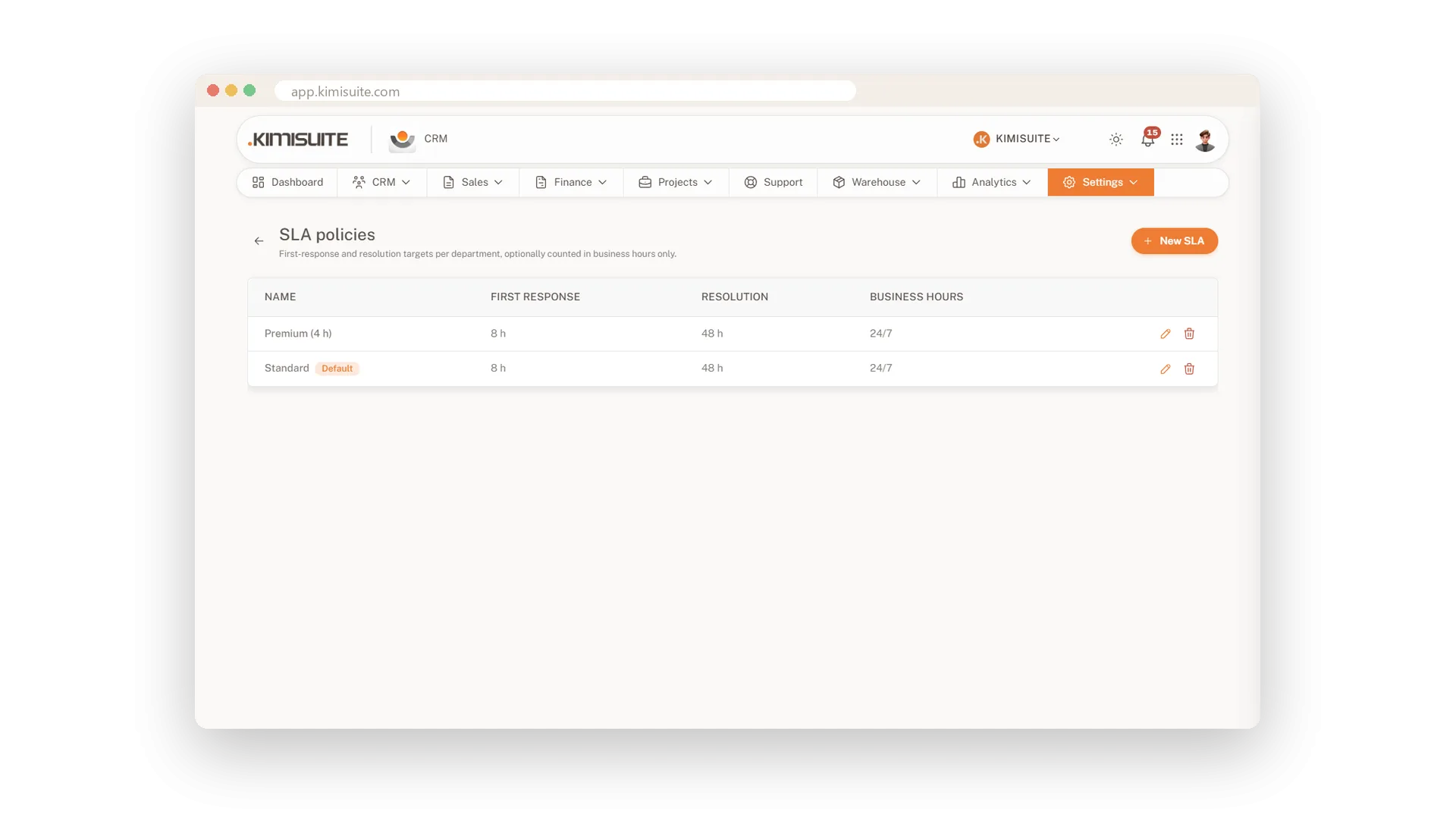
Rules that sort tickets for you
Assign, tag and prioritise, automatically
A rule starts when a ticket is created, answered or changes status, or once an hour. If its conditions match, it assigns the ticket, adds a tag, sets priority or department, notifies someone or closes it.
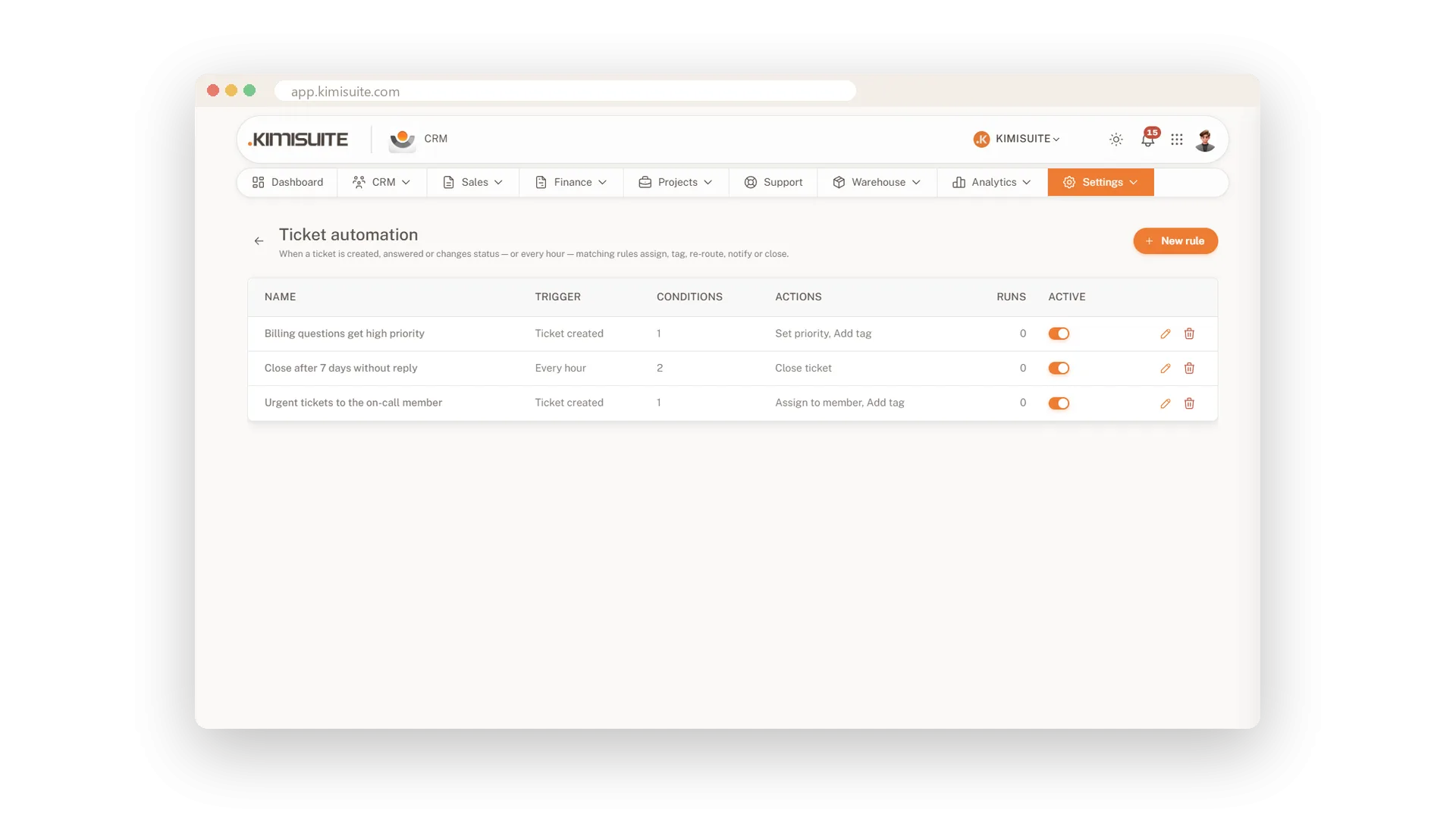
Canned replies
Your best answers, ready whenever you need them
Save the answers you write again and again, and insert them into a reply right from the ticket. Adjust a detail, send, and move on to the next customer.
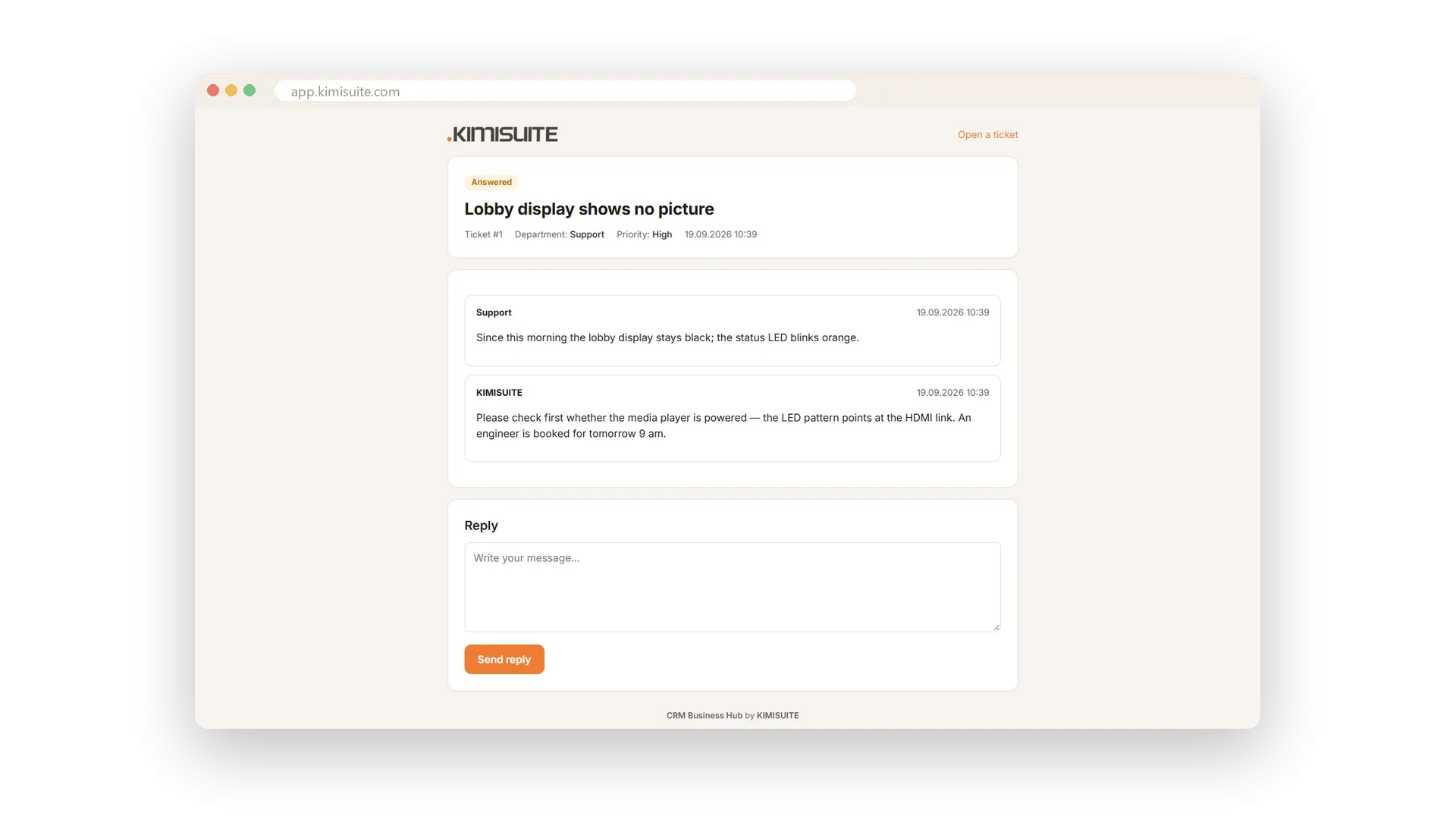
A ticket page for your customer
Customers follow their request without logging in
Every ticket has its own public page behind a private link, so your customer can check on the request any time. New requests come in through a public form, no account needed.
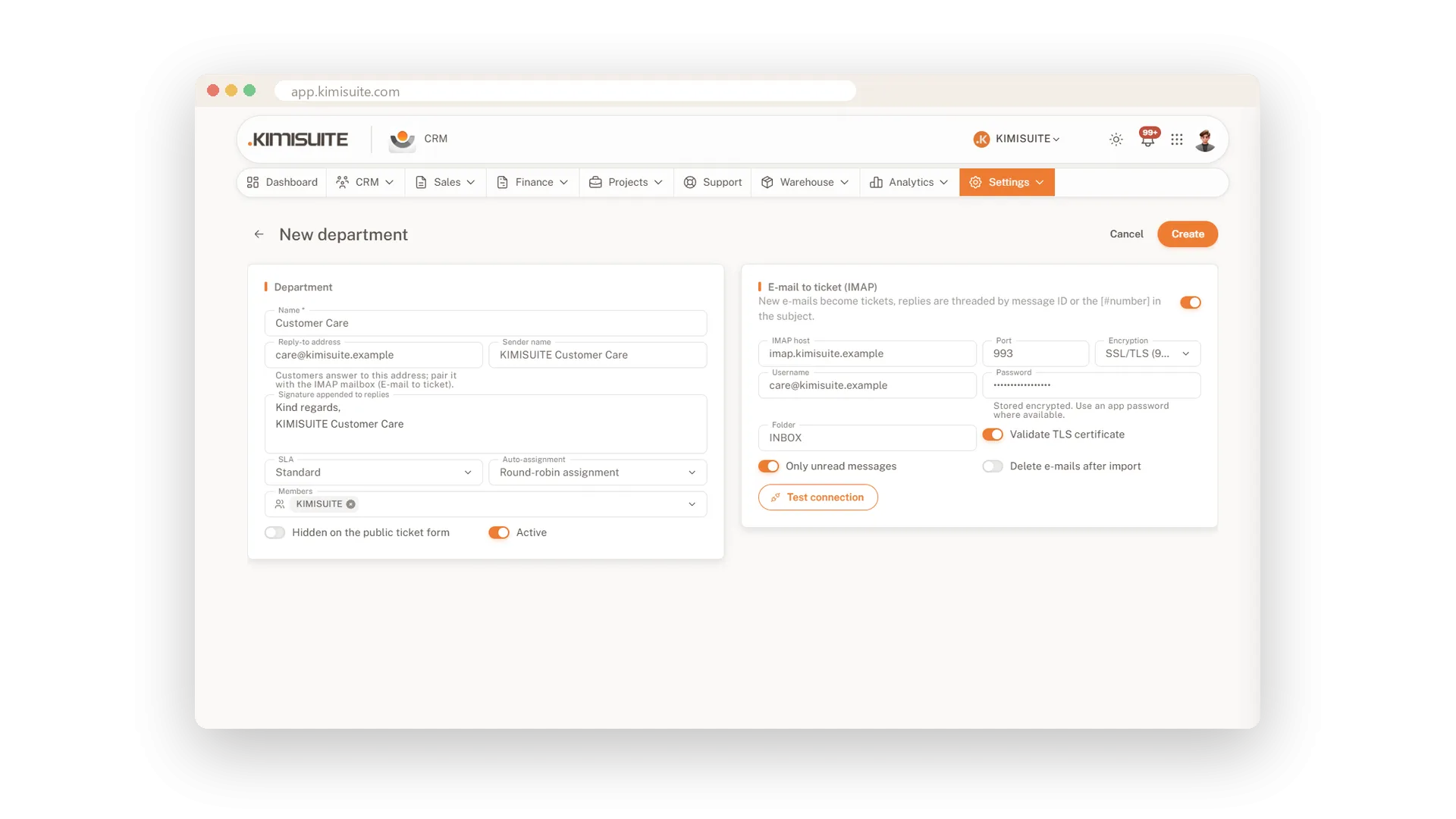
E-mails that become tickets
One mailbox per department
Connect a support mailbox to each department, and every e-mail becomes a ticket with the conversation attached. Replies go out from the department's own address.
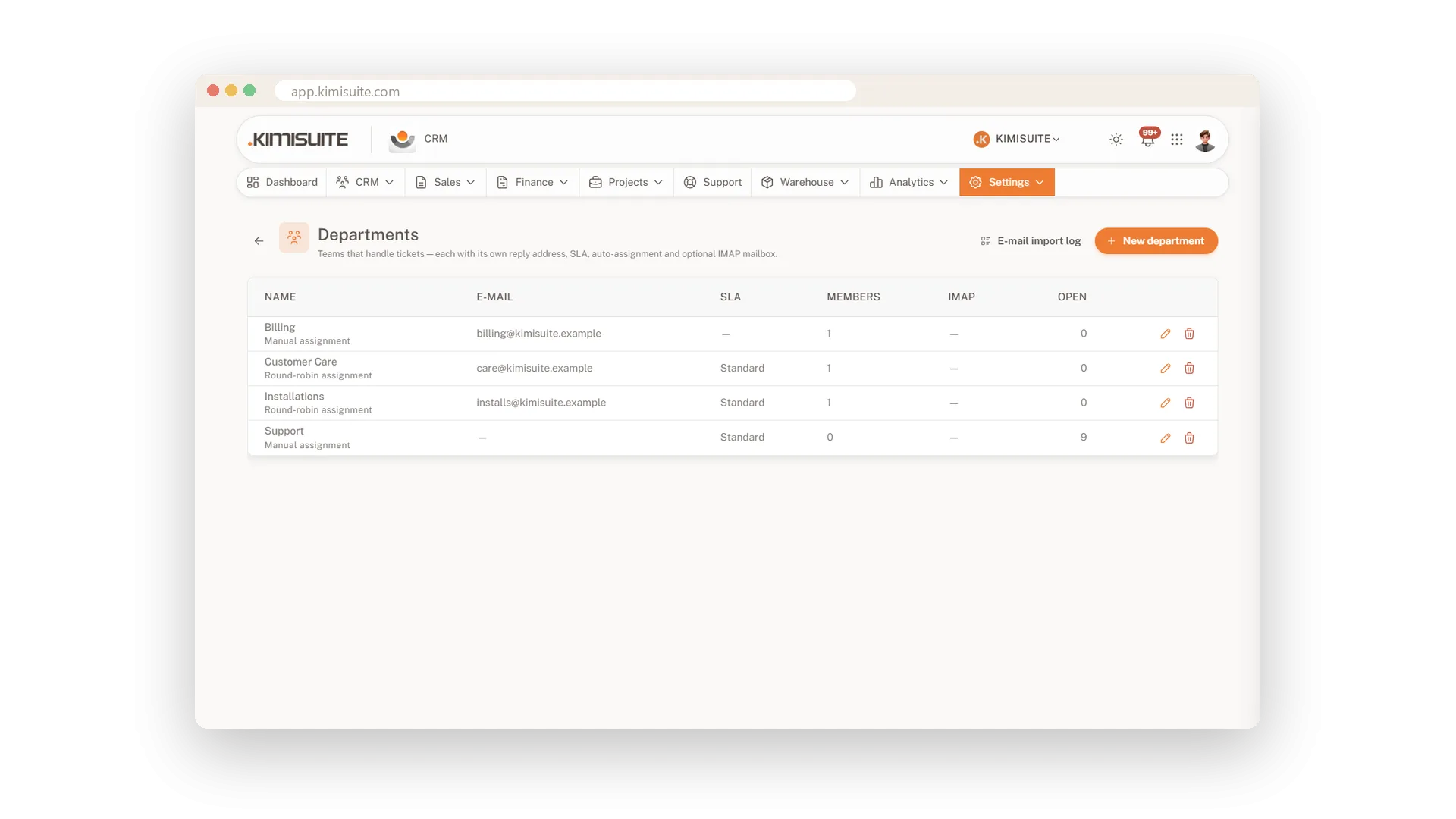
Departments with their own rules
Own address, SLA and assignment
Set up departments such as Sales or Technical support, each with its own address, SLA and automatic assignment. Every ticket lands with the right team.
Know how your answer landed
A rating from your customer
When a ticket is solved, your customer rates the answer. The rating sits on the ticket next to the SLA, so you see how your support is doing.
Use Cases
Monday morning queue
A dozen new tickets came in over the weekend. Your rules have already sorted them by department and priority, so everyone opens their own list and starts.
The long thread
A customer has written five times about the same issue. One click on Summarise gives you the story so far, and the suggested reply gives you a head start.
Nothing slips past the SLA
The tiles count tickets waiting for a reply and SLAs breached. Your team knows where to start before anyone has to chase.
FAQ
Try CRM Business Hub today
From first lead to paid invoice in one app
14 days free, cancel anytime, no minimum term.
