 Part of Social Media Hub
Write once, publish to every network
One post, the right length for each channel
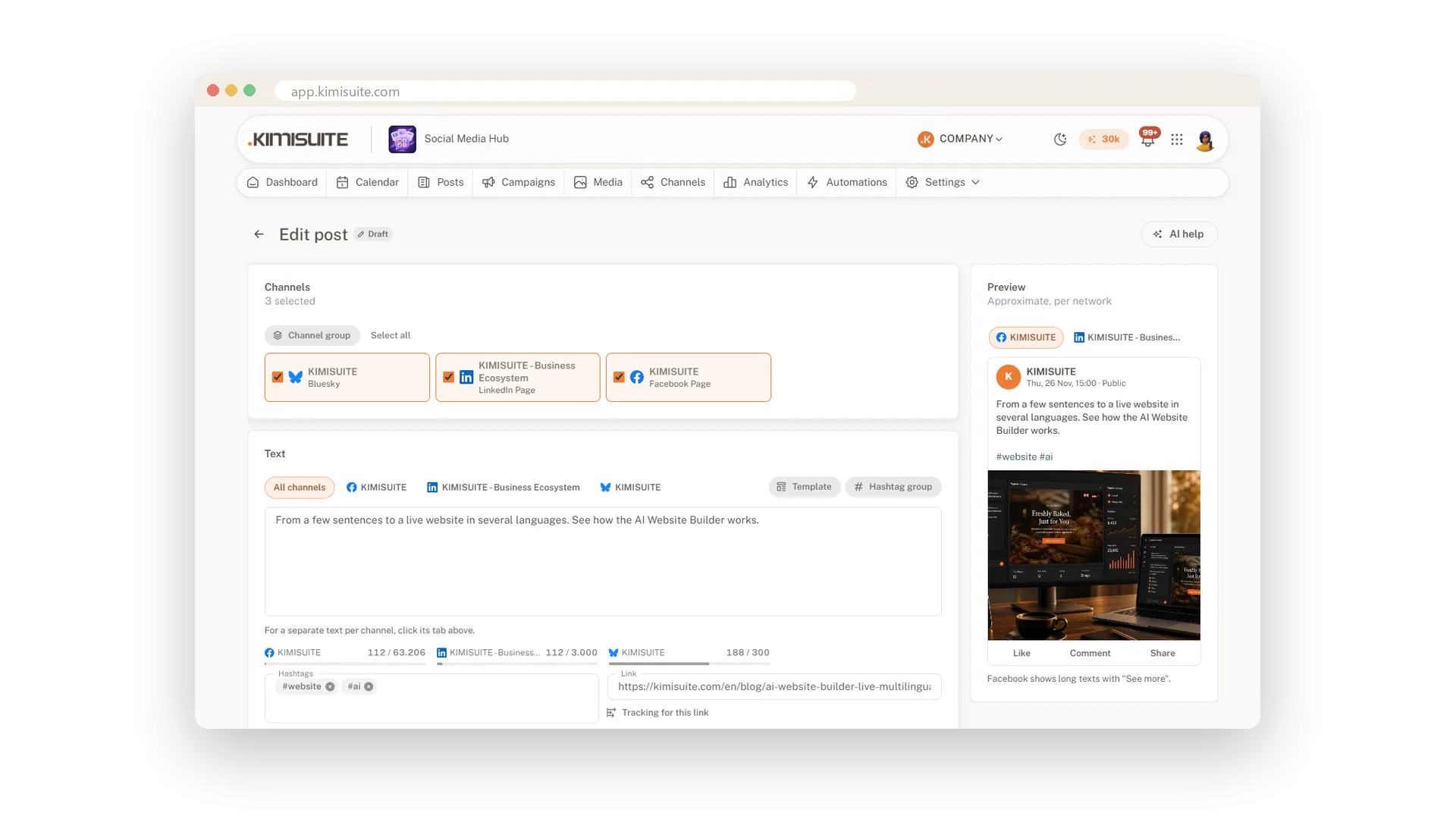
You have news for your customers and five places to tell them. In Social Media Hub you write the post once, tick the channels and see right away how it fits each network. A counter per channel shows how much space is left, and a preview shows roughly how Facebook, LinkedIn or Bluesky will display it.
Where one network needs other words, give it its own text in its own tab. Add pictures or a video, a link, hashtags and a first comment, pick a time in your workspace's time zone and you are done. Before you plan, the app checks every channel's rules, so nothing fails later because a text was too long or a picture was missing.
Key Benefits
Write once: one shared text for every channel, with its own version where a network needs it
No surprises: a counter per channel and a preview per network before anything is planned
Checked in advance: length, number of pictures and required media are tested for each channel
Nothing lost: unsaved changes wait for you when you come back to the post
One text, a version per network
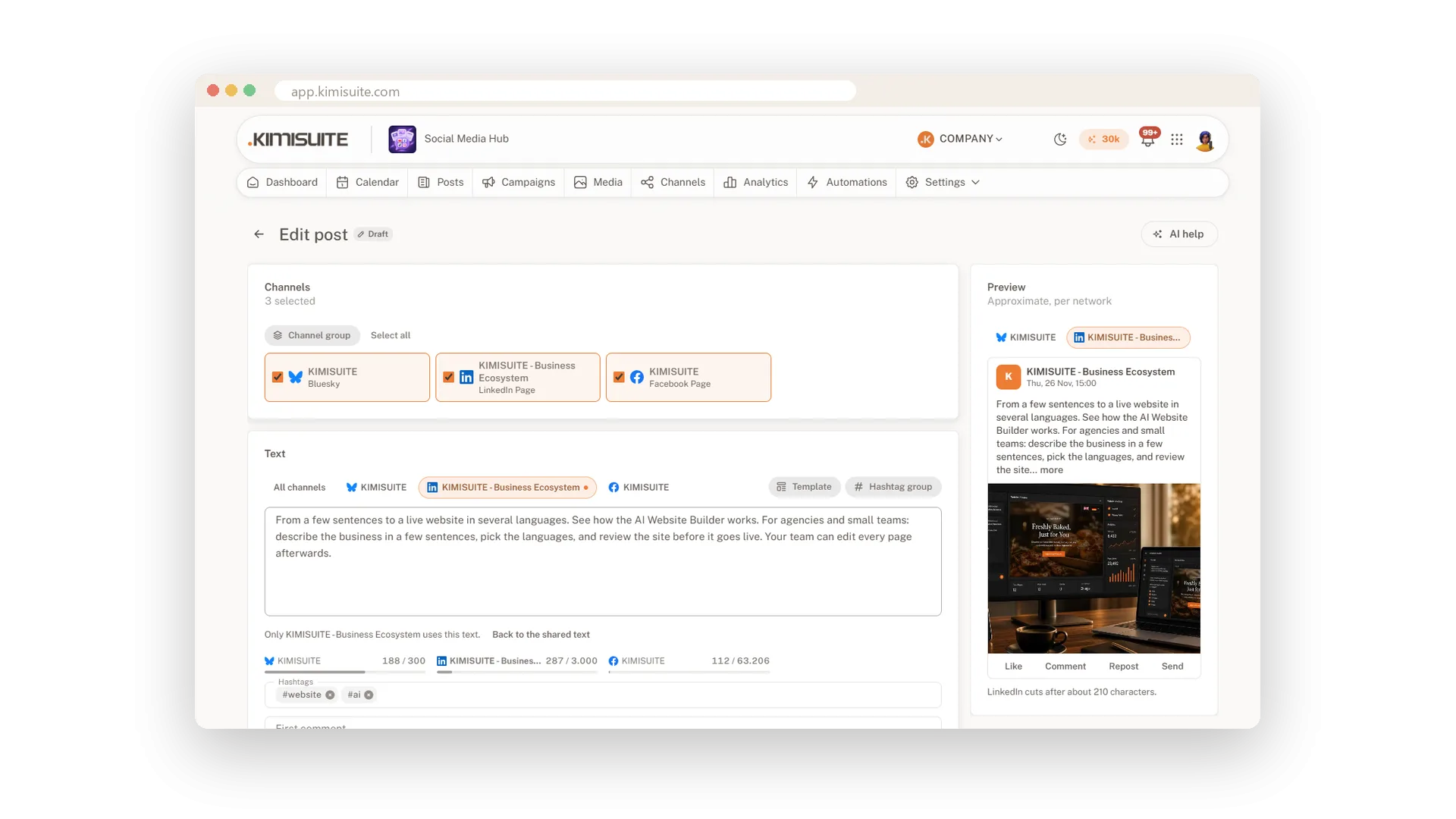
Shared text, own wording where it matters
Write the post once for all channels. Open a channel's tab to give it its own wording, and the dot on the tab shows which channels have one. One click brings the shared text back.
See it before your followers do
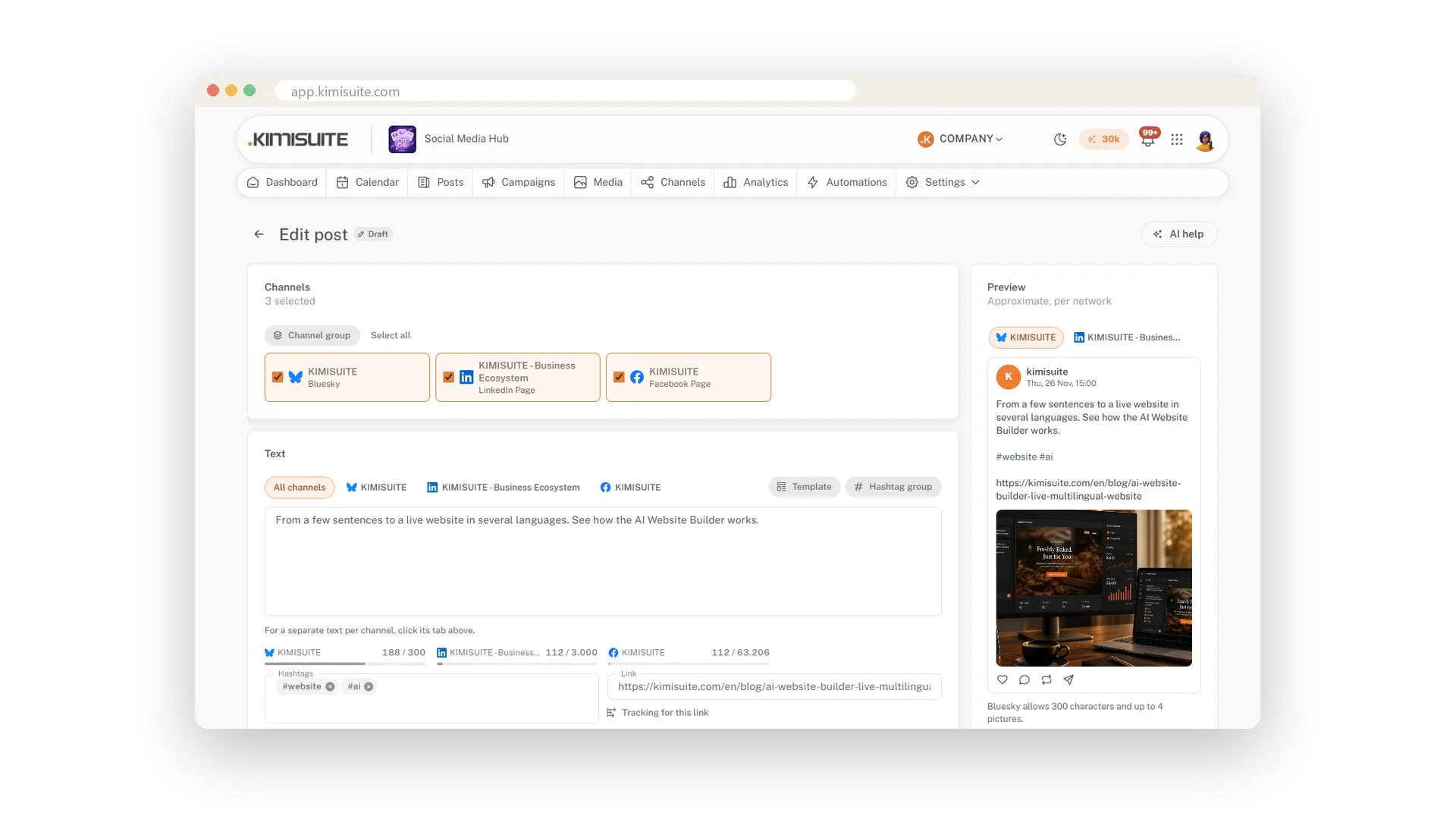
A preview and a counter for every network
The preview shows roughly how each network displays your post, with picture, link and hashtags. Counters follow each network's own rules and warn you where the text gets cut.
Reels, Stories and a first comment
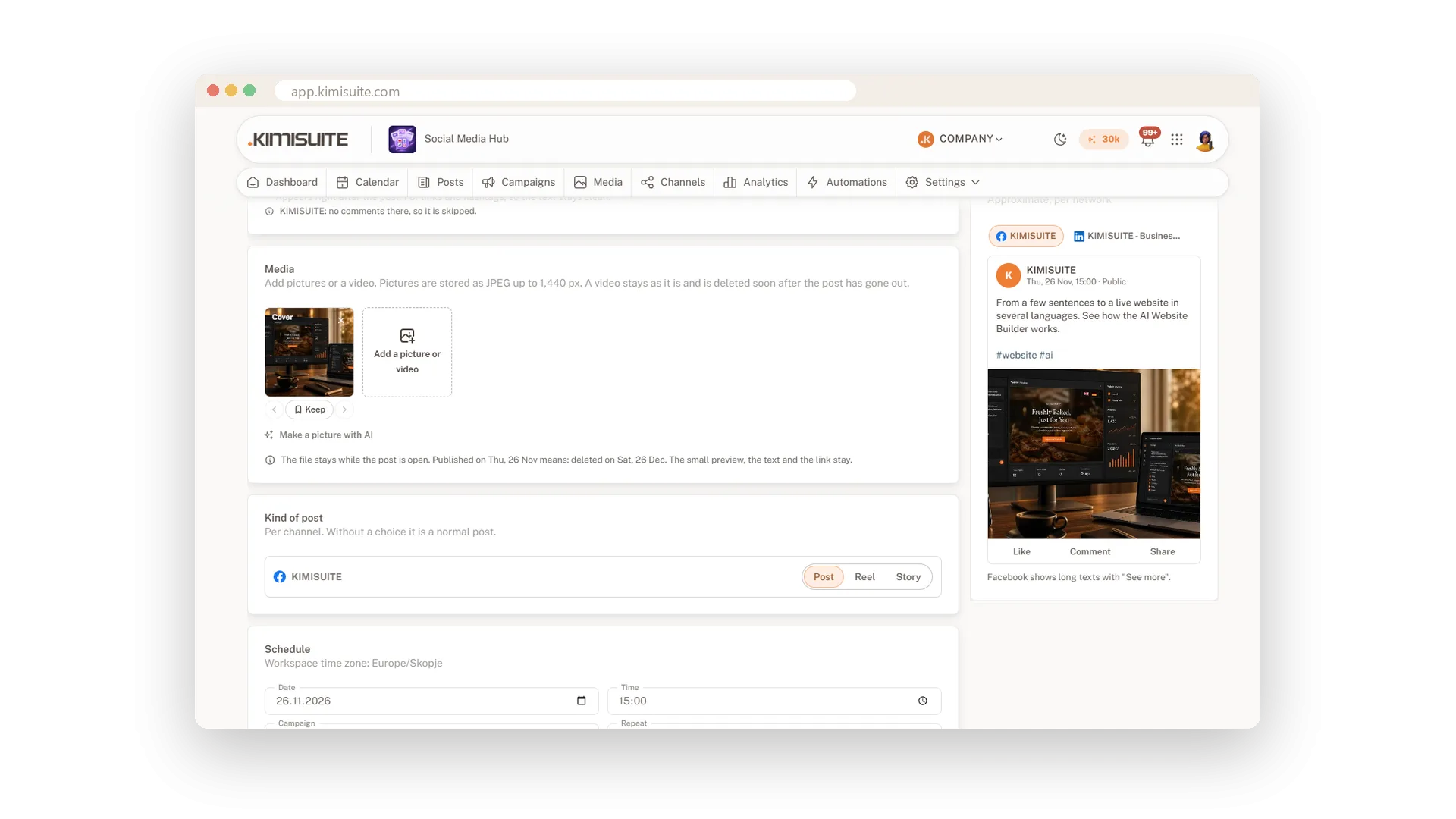
The right format and a clean post
Choose post, Reel or Story per channel and add pictures or a video; several pictures become a carousel. Put links and hashtags in a first comment that appears right after the post.
Posts that repeat on their own
Daily, weekly or monthly, until the date you choose
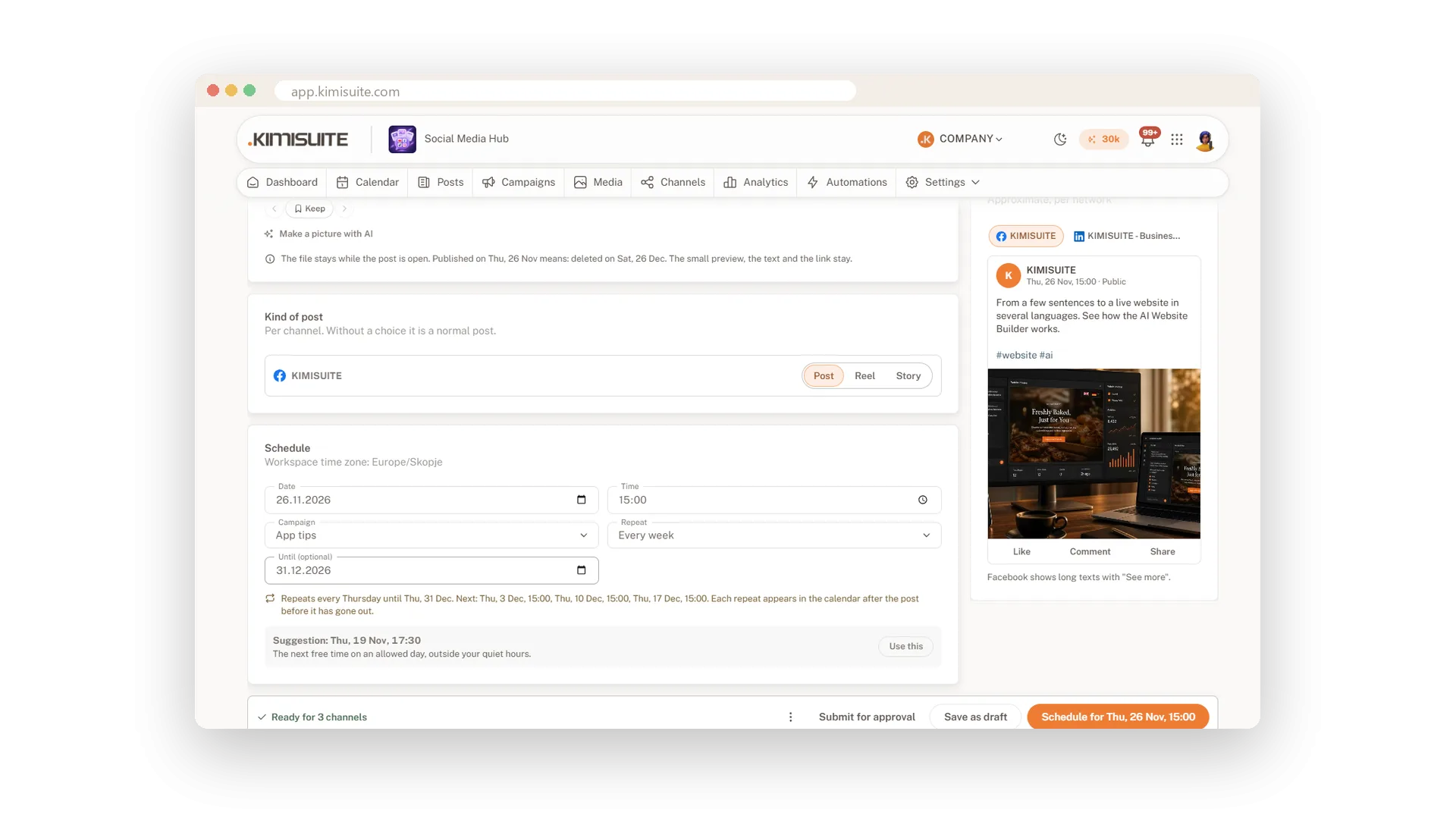
Set a post to repeat every day, week or month until a date. The app writes the rule in words, lists the next three dates and shows the coming repeats in the calendar.
Use Cases
The new opening hours
You write the post once and tick your Facebook page, LinkedIn page and Bluesky. Bluesky gets a shorter version, the others share the text.
A link that needs room
Your blog link would crowd the text. You put it in the first comment, and the post itself stays clean.
A Reel for Friday
You add the video, choose Reel for Instagram and a normal post for Facebook, and plan both for Friday evening.
FAQ
Try Social Media Hub today
Plan, write and publish to every social network
Free of charge, in your own workspace, ready in a minute.