 Part of Image Resizer
 Every social media size from one image
88 ready-made sizes for 11 platforms, made in one go
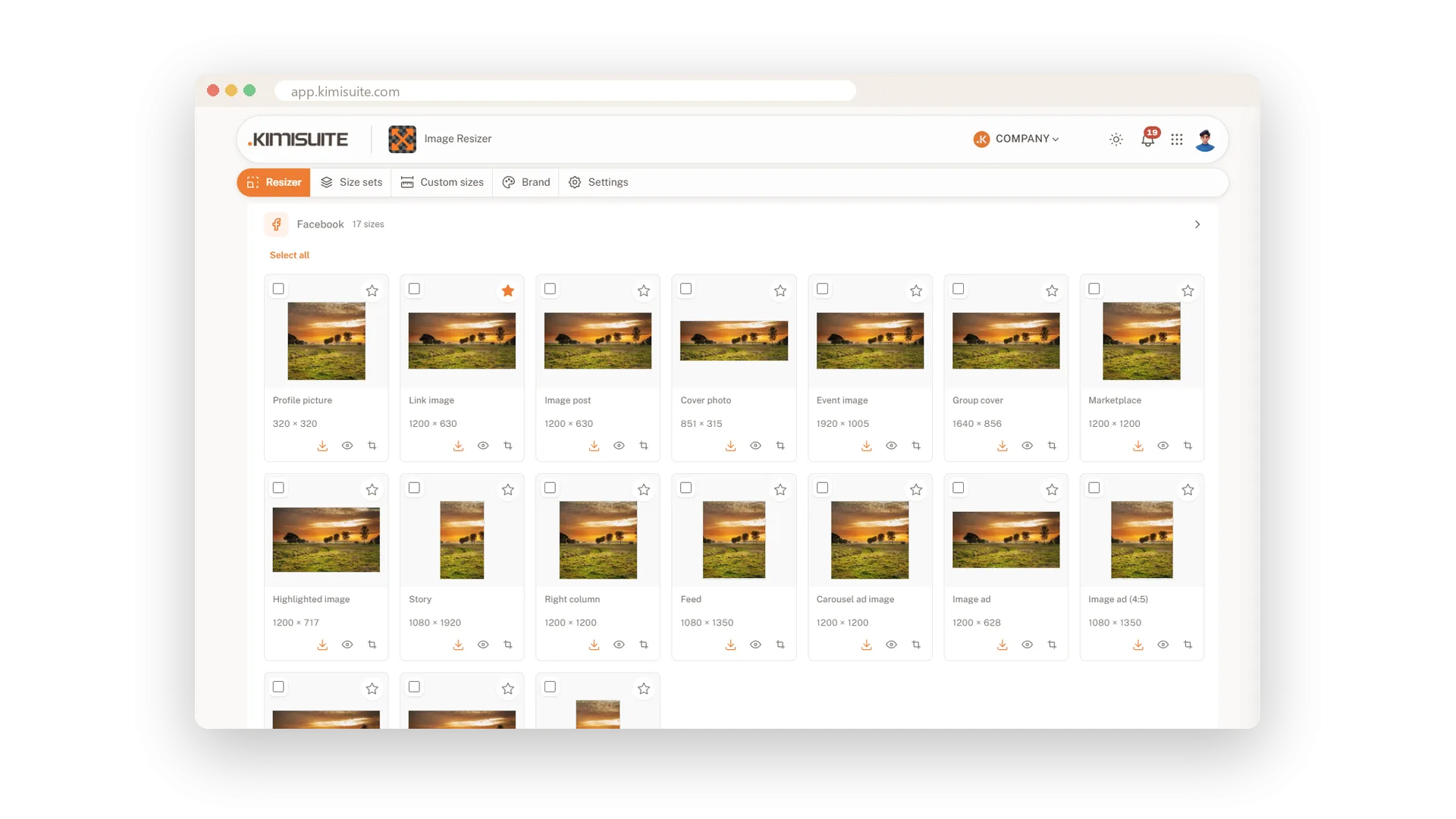
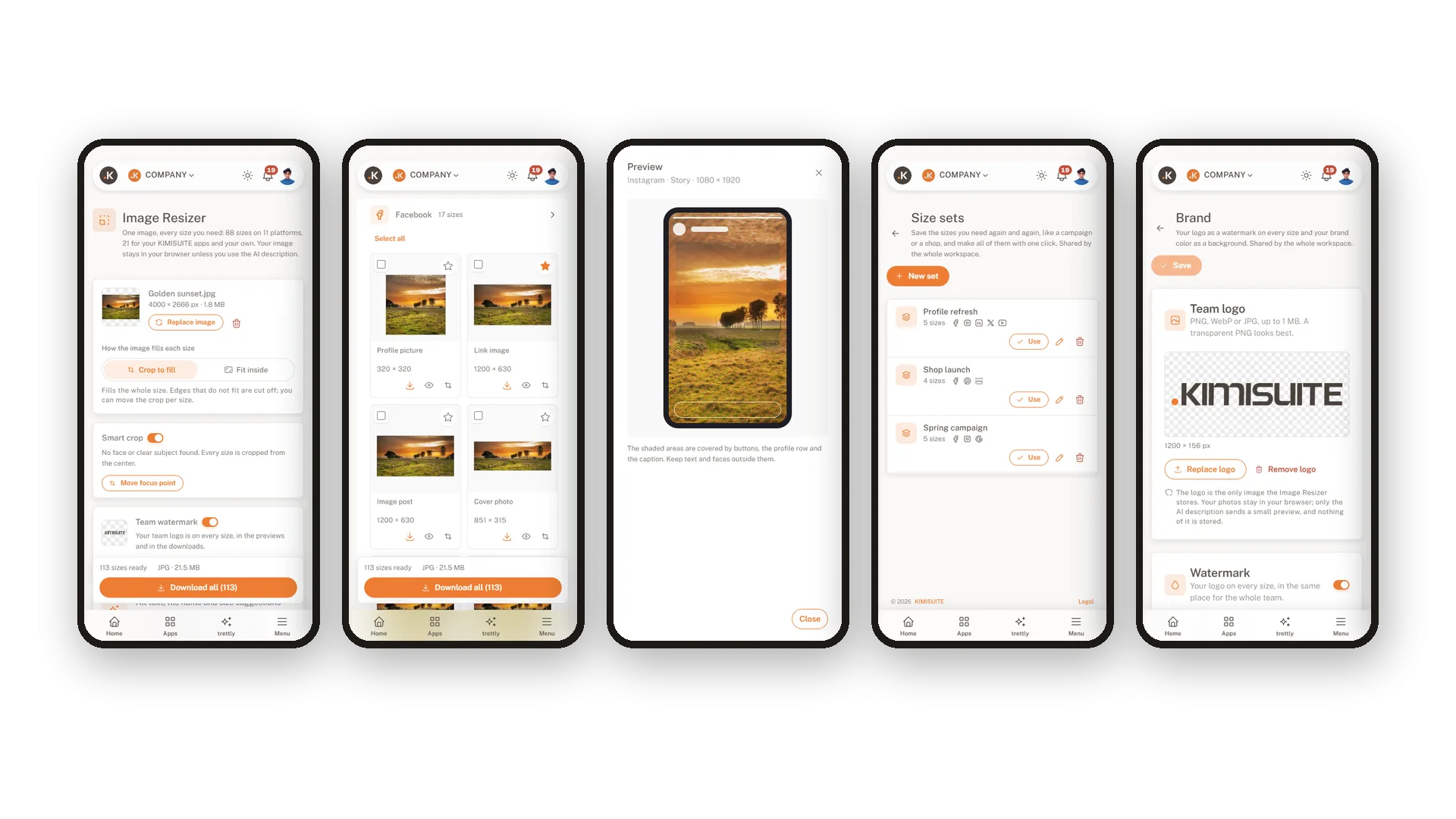
You have one good picture and five places to post it. Each wants a different size, and the numbers change often enough that nobody remembers them. Drop the picture into Image Resizer and it is ready for all of them: profile picture, cover, story, feed post, ad and banner, each as its own tile with the name and the pixels. What you see on the tile is the file you download.
There is nothing to set up. Choose a whole platform or single sizes, decide whether the picture should fill each size or fit inside it, and download. The list covers Facebook, Instagram, LinkedIn, X, YouTube, TikTok, Pinterest, Snapchat, Google Display, website and email. Mark the sizes you use every week as favourites and your whole team finds them at the top.
Key Benefits
Stop searching for dimensions: 88 sizes for 11 platforms are ready when you open the app
Make only what you need: choose the sizes first, search by name or by pixels
One picture, one download: every size in a ZIP with a folder per platform
Favourites for the whole team: the sizes you use most are always on top
Choose your sizes first
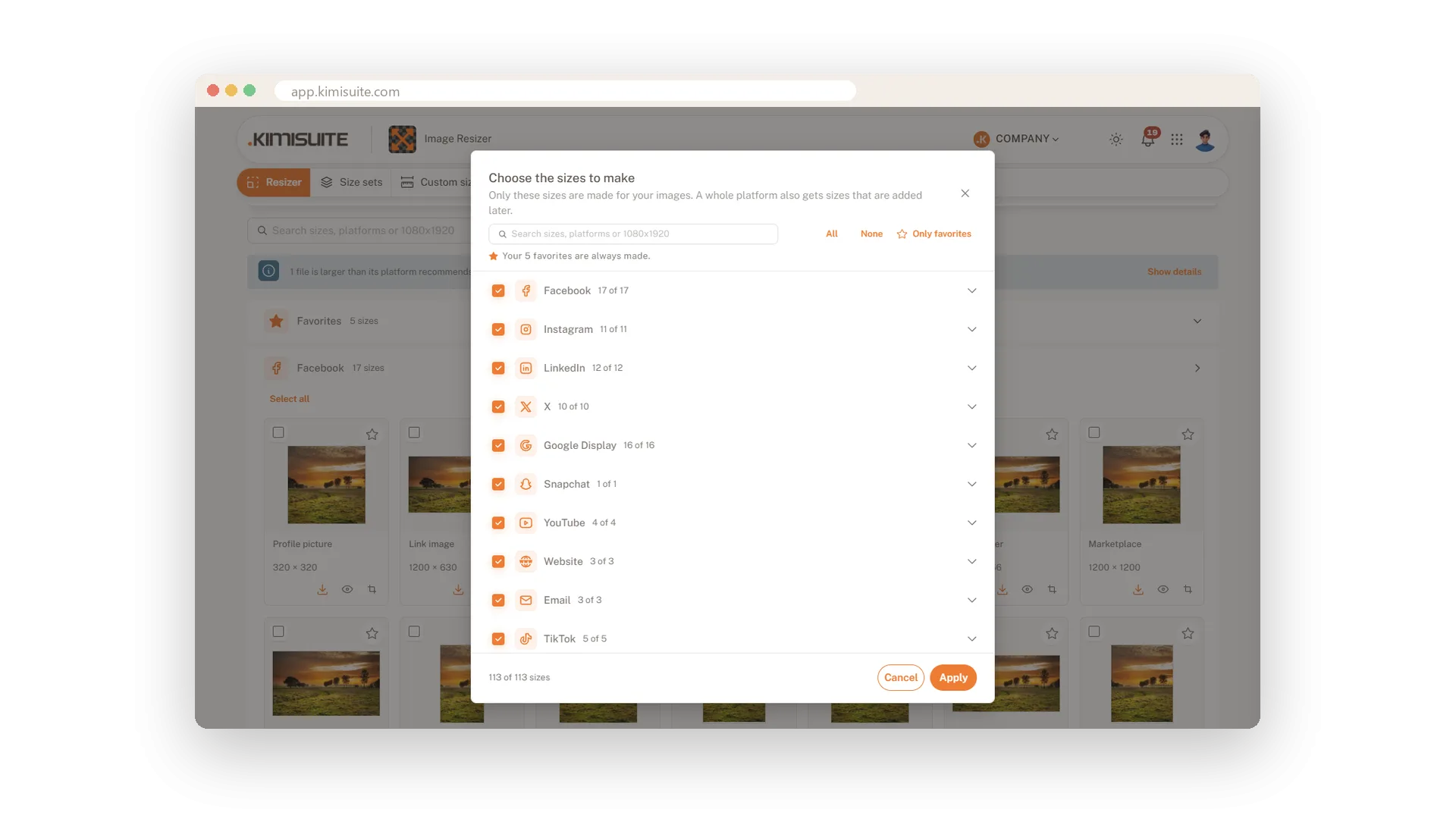
Tick platforms or single sizes, and only those are made
Open the list, tick Instagram and LinkedIn, or search for 1080x1920 and take just that one size. Image Resizer makes only what you chose, and your choice is still there for the next picture. You can pick your sizes before you even load an image.
Fill the size or keep the whole picture
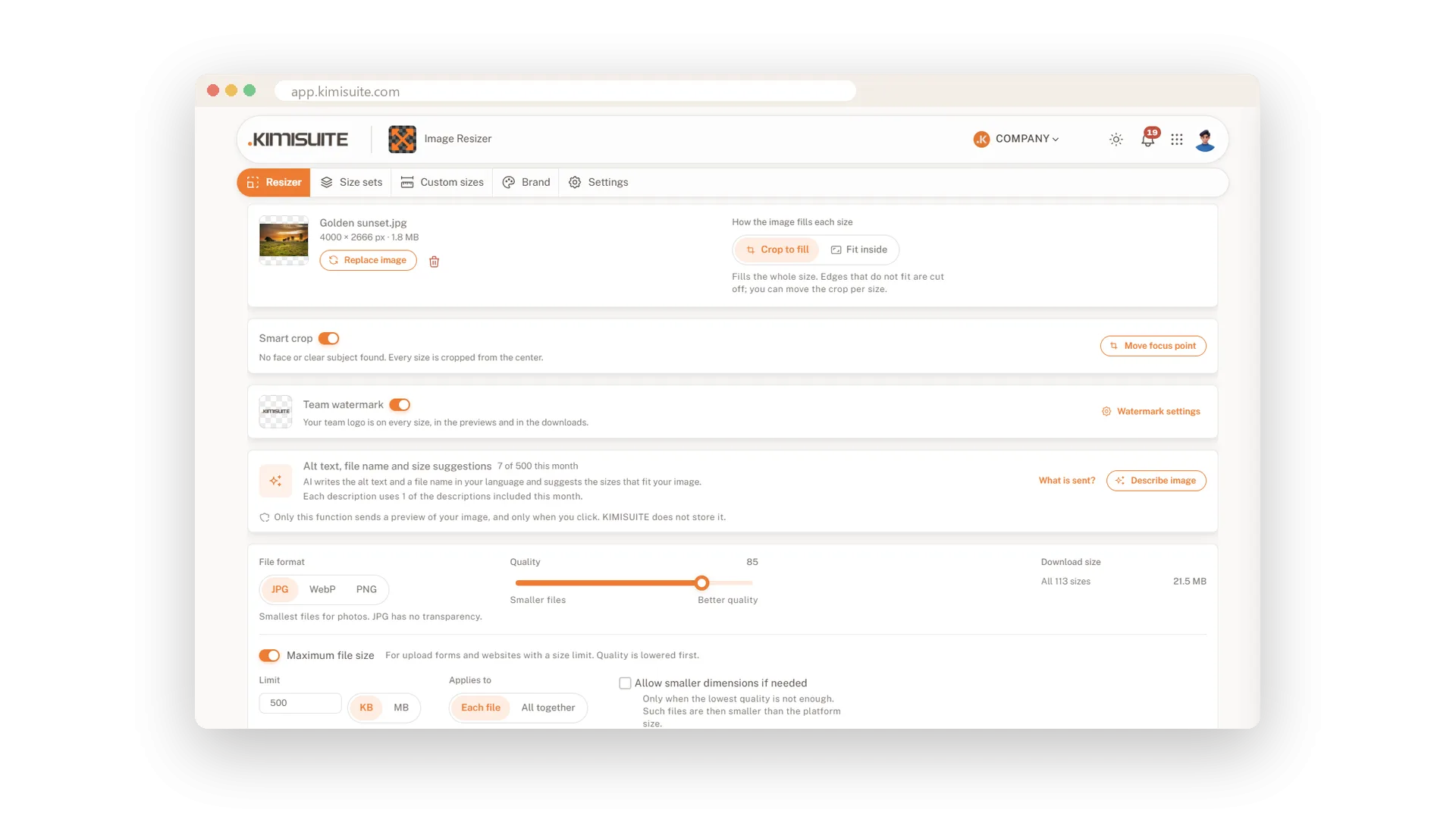
Crop to fill, or fit inside with a background you like
Crop to fill covers every pixel of the size and trims what does not fit. Fit inside keeps the whole picture, which is what you want for a logo or a product shot. The free space gets a blurred copy of the picture, white, your brand colour or transparency.
One size, a few or all of them
Single files, your selection or everything as a ZIP
Need just the story? Download that one file. Preparing a whole campaign? Tick the sizes you want, or take everything in one ZIP. Inside, each platform has its own folder and every file is named after your picture, the platform and the size.
Resize on your phone
From the photo you just took to the finished story
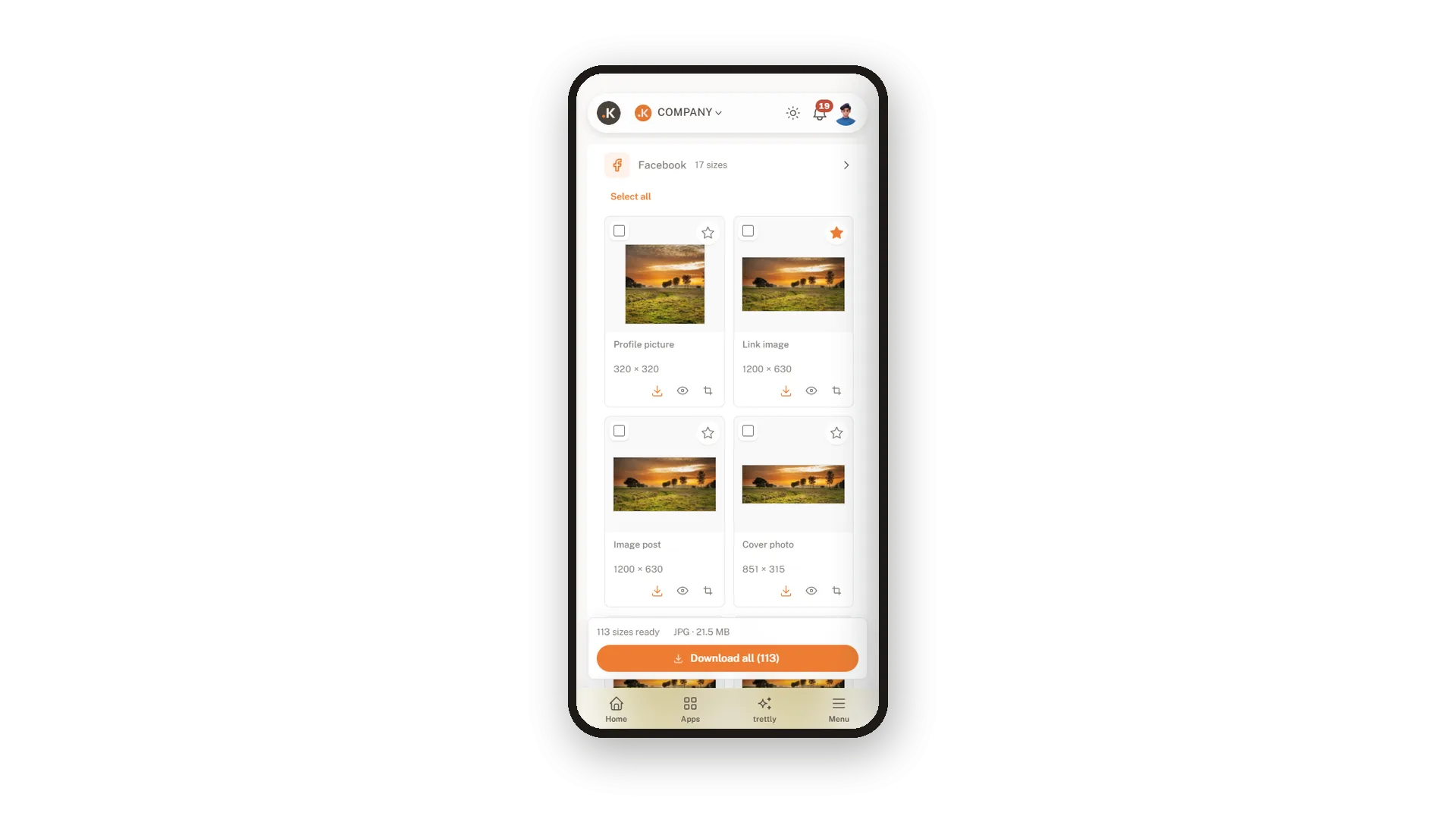
The picture is on your phone, so finish the job there. Load it in the phone browser, pick your sizes, check the story preview and download. Size sets and your brand settings are on the phone as well.
Sizes for your KIMISUITE apps
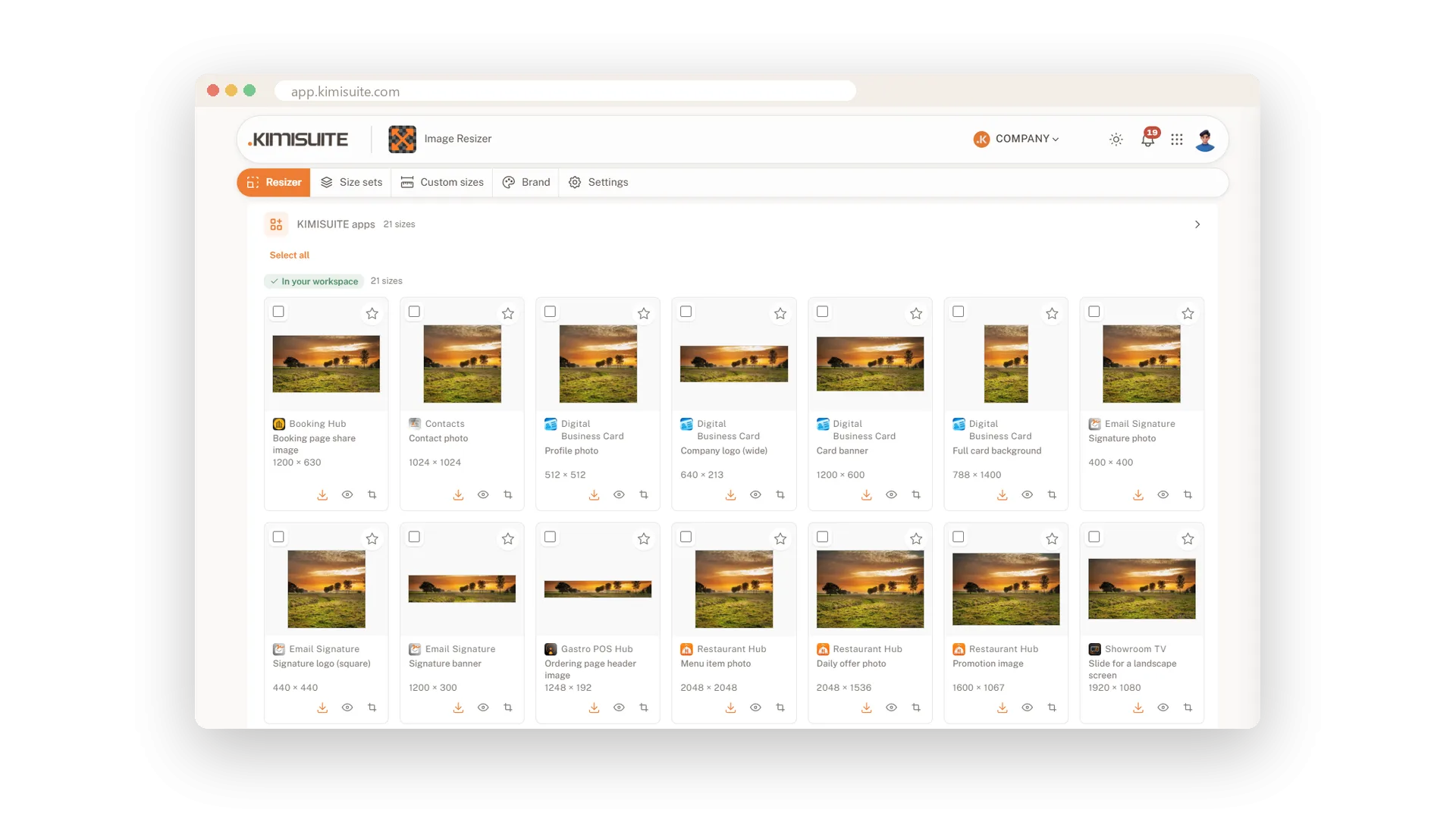
21 picture sizes for 10 KIMISUITE apps, ready to use
A dish photo for Restaurant Hub, a profile photo for your Digital Business Card, a banner for your Email Signature, a picture for the screen in Showroom TV: your other KIMISUITE apps ask for pictures in certain sizes. Image Resizer lists 21 of them for 10 apps as their own group, with the apps you use on top. Make the picture here and upload it there, and it fits the first time.
Use Cases
The weekend offer
Friday afternoon, one photo of the new dish. You pick the story, the feed post and the Facebook cover and download three files. The offer is online before the first guests arrive.
A campaign on four channels
The agency sent one key visual. You tick Facebook, Instagram, LinkedIn and Google Display and get every ad and post size in one ZIP, sorted by platform.
A new profile picture everywhere
The logo changed. Choose the profile picture sizes of all your channels, download, and upload each file where it belongs.
FAQ
Try Image Resizer today
One image in, every social media size out
14 days free, cancel anytime, no minimum term.
