 Part of Social Media Hub
All your social channels in one place
Facebook, Instagram, LinkedIn, YouTube and more
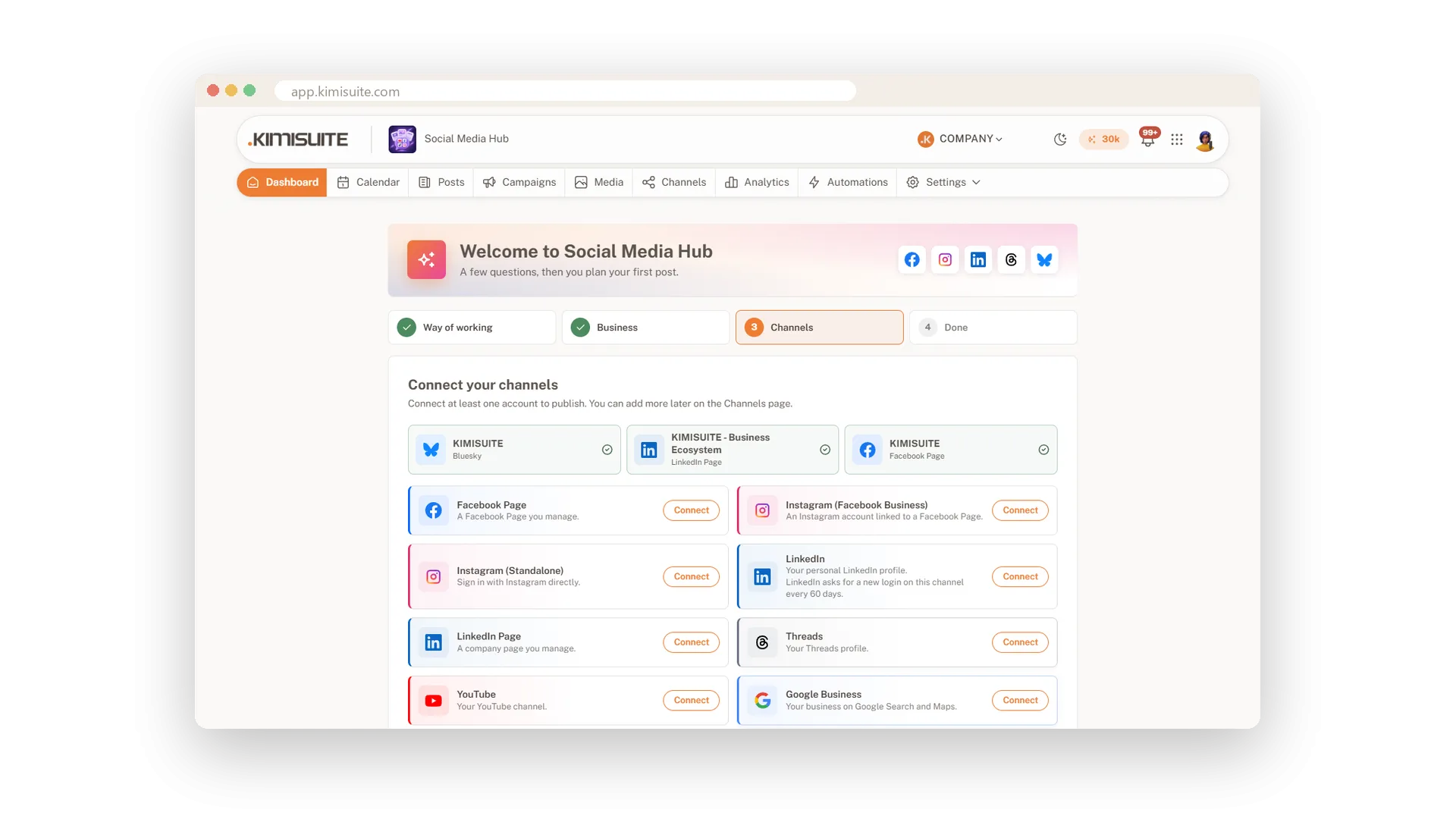
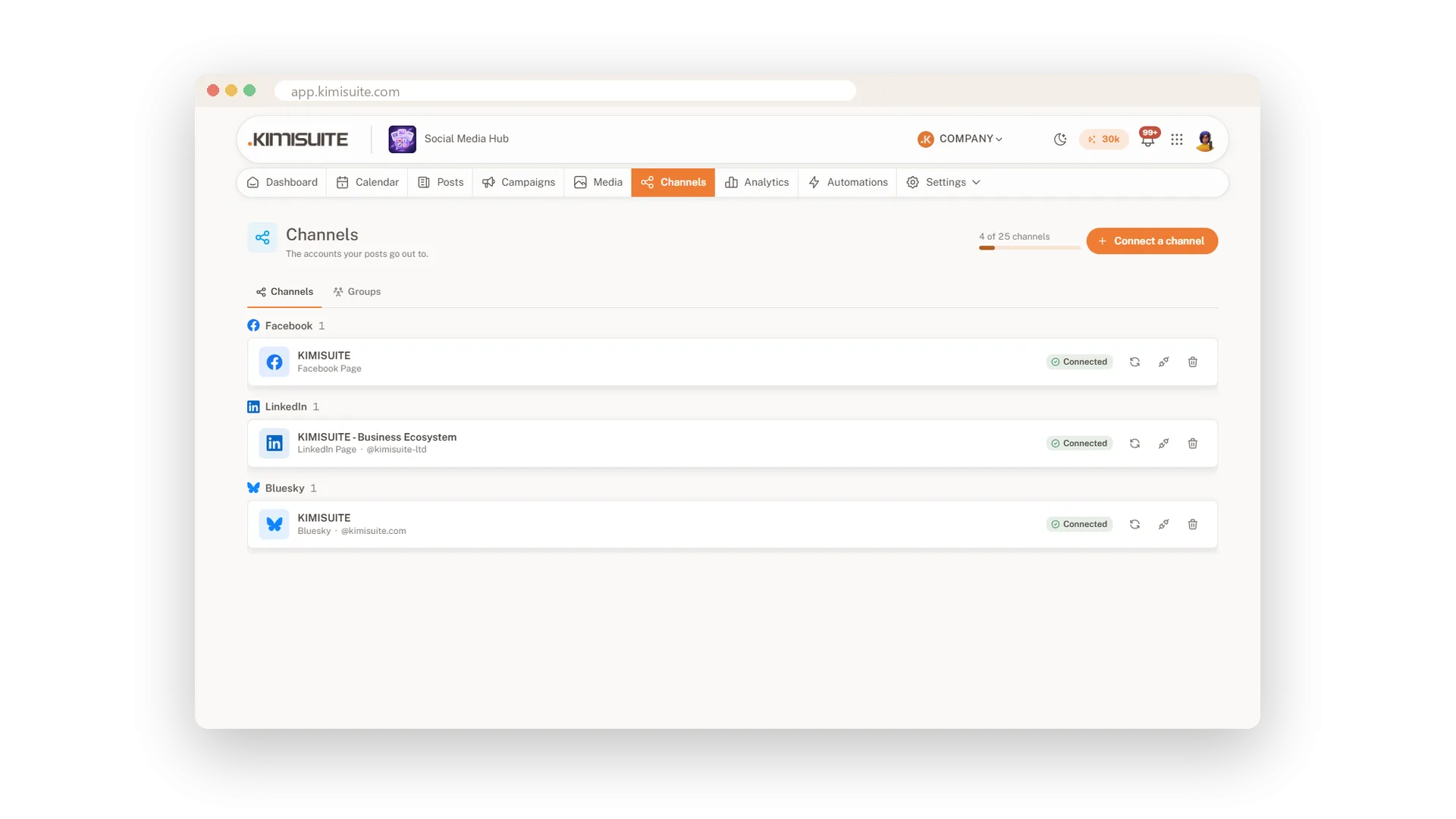
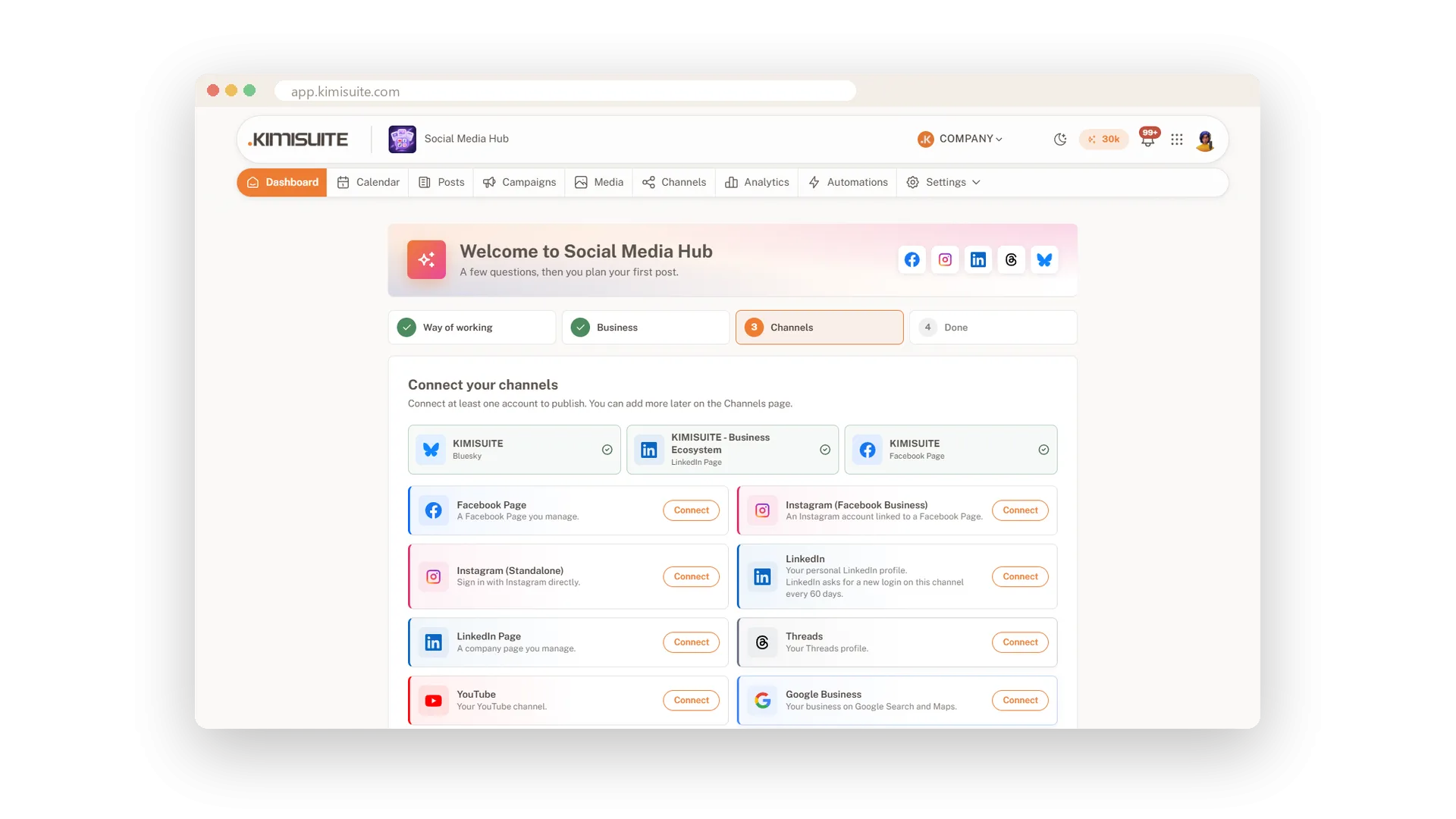
Your customers follow you in different places: a Facebook page, Instagram, LinkedIn, YouTube, your Google Business Profile, Threads or Bluesky. Social Media Hub connects them all, and you post to any mix of them from one screen instead of five apps.
Connecting takes a login at the network and a tick next to the accounts you want. The app keeps every connection fresh in the background and tells you in plain words when a network wants you to log in again. Group channels per location or brand and pick them with one click.
Key Benefits
Seven networks: Facebook, Instagram, Threads, LinkedIn, YouTube, Google Business Profile and Bluesky
Connected in a minute: log in at the network and tick the accounts you want to use
Always fresh: logins are renewed in the background, and the app tells you when one needs you
Channel groups: one name for all channels of a location or brand, picked with a click
Facebook, Instagram and Threads
Pages, Reels, Stories and carousels
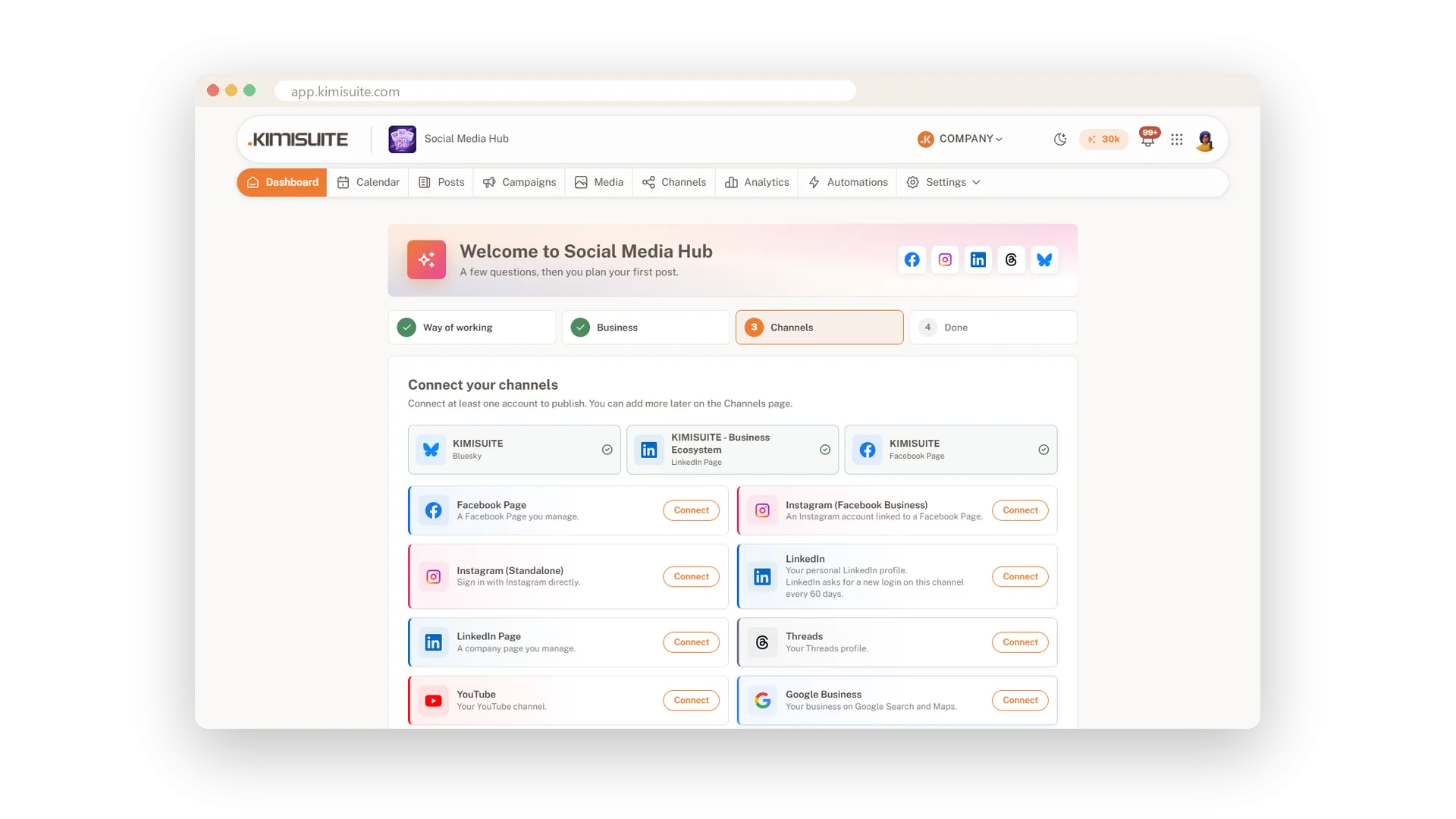
Connect your Facebook pages, your Instagram account through Facebook or on its own, and Threads. Post pictures, carousels and videos, and choose Reels or Stories where the network offers them.
LinkedIn profile and company page
Speak as the business and as yourself
Connect your LinkedIn company page and your personal profile, and decide per post which one speaks. Company pages also get a first comment for your link.
YouTube and Google Business Profile
Videos for your channel, posts for Google
Upload videos to YouTube with title, thumbnail, captions, playlist, category and tags, or post a Short. Share offers and news on your Google Business Profile, where people find you in Search and Maps.
Groups per location or brand
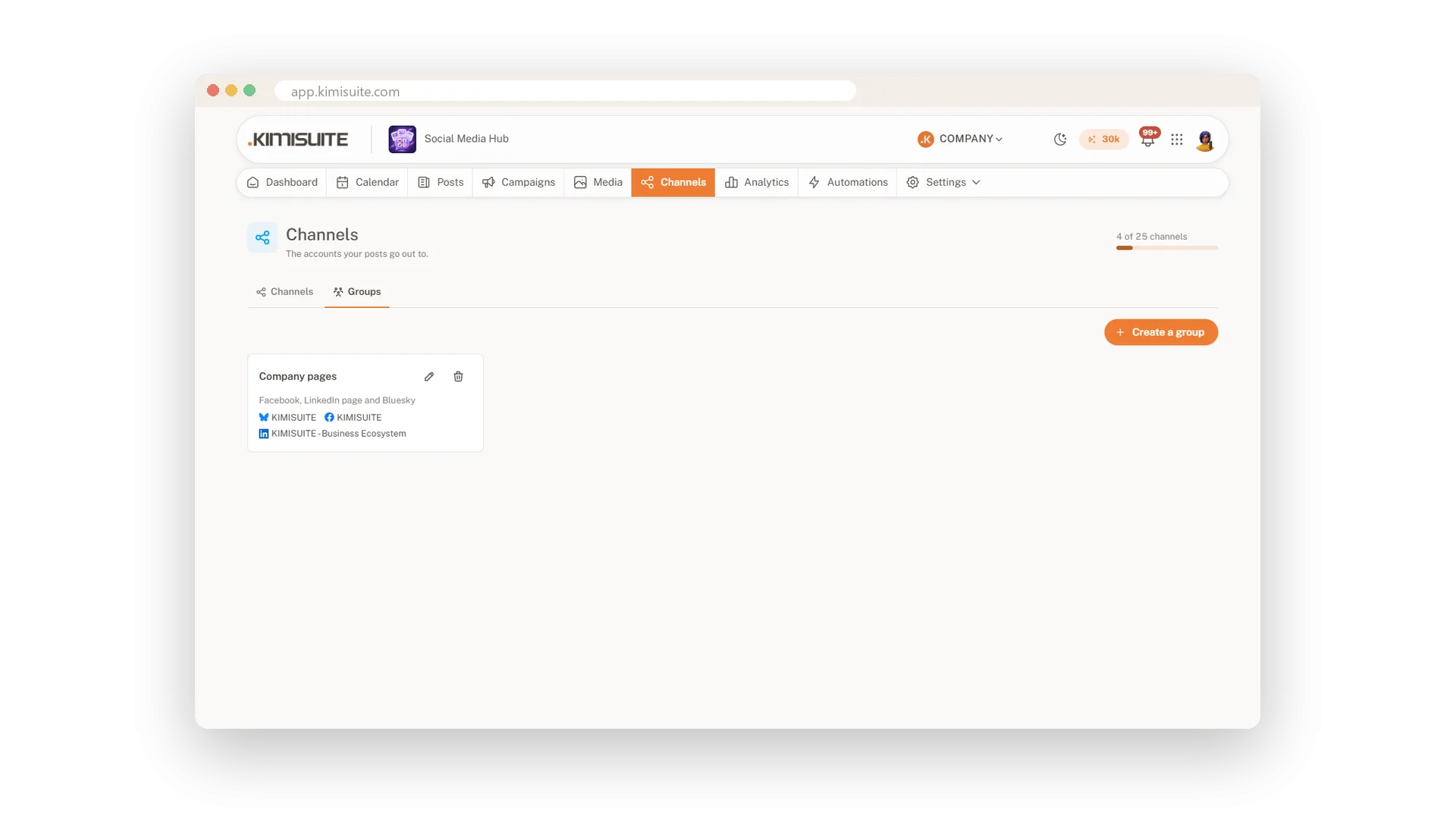
Pick all the right channels with one click
Put the channels of a location, a brand or a client into a group. In the post editor, the queue and RSS you pick the group instead of ticking every channel.
Connections that look after themselves
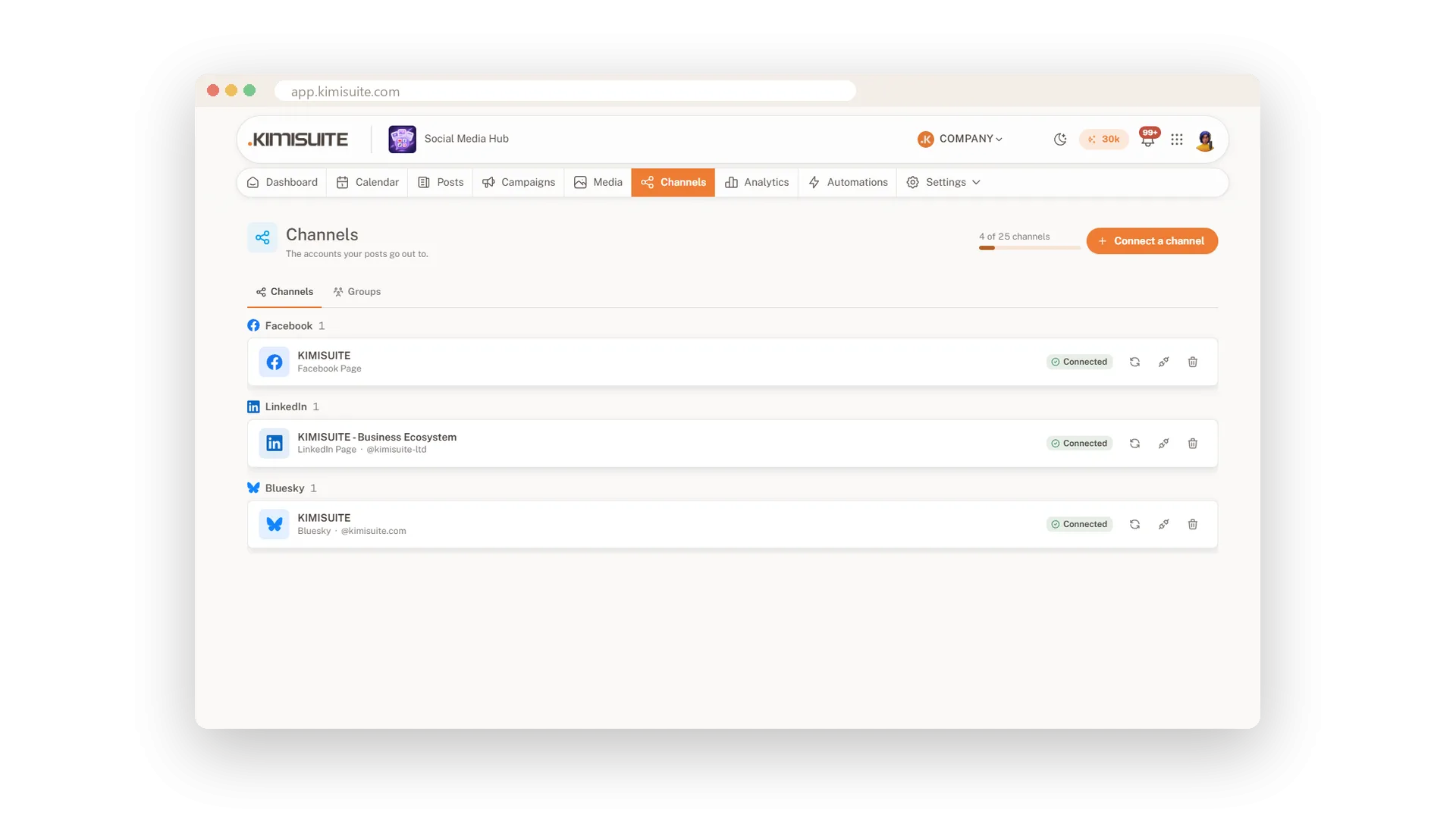
Renewed in the background, flagged when needed
Logins are renewed before they run out and checked every day. If a network wants you to log in again, the channel says so, your team gets a notification and one click fixes it.
Use Cases
Two locations
Each of your cafés has its own Facebook page and Instagram. You make a group per café and post to the right one with one click.
The company page and the boss
You connect the LinkedIn company page and the owner's own profile, and decide per post where it appears.
Found on Google
Your weekly offer also goes to your Google Business Profile, so people who search for you see it next to your opening hours.
FAQ
Try Social Media Hub today
Plan, write and publish to every social network
Free of charge, in your own workspace, ready in a minute.