 Part of Social Media Hub
Approval before anything goes out
Your team writes, you decide what gets published
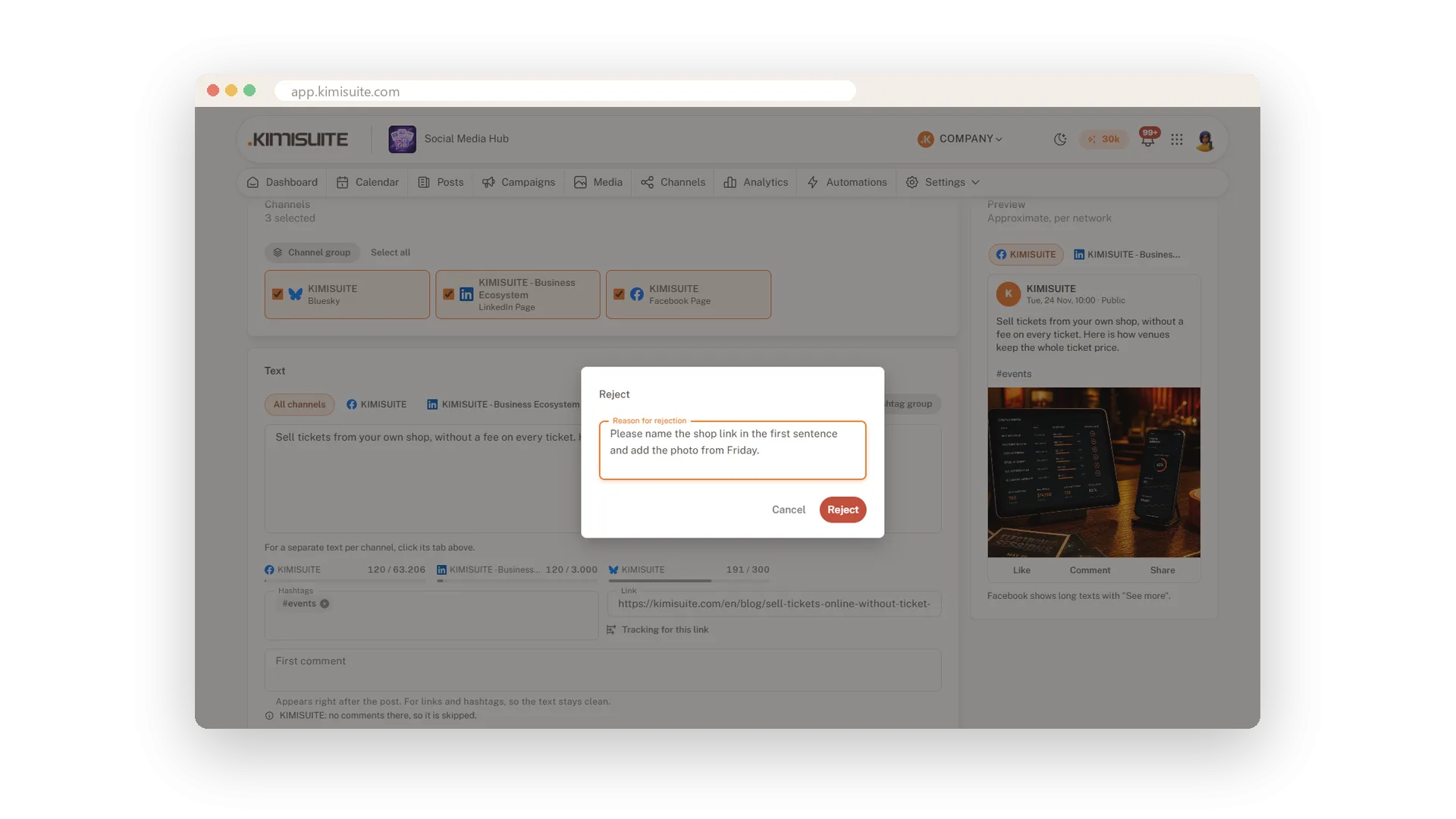
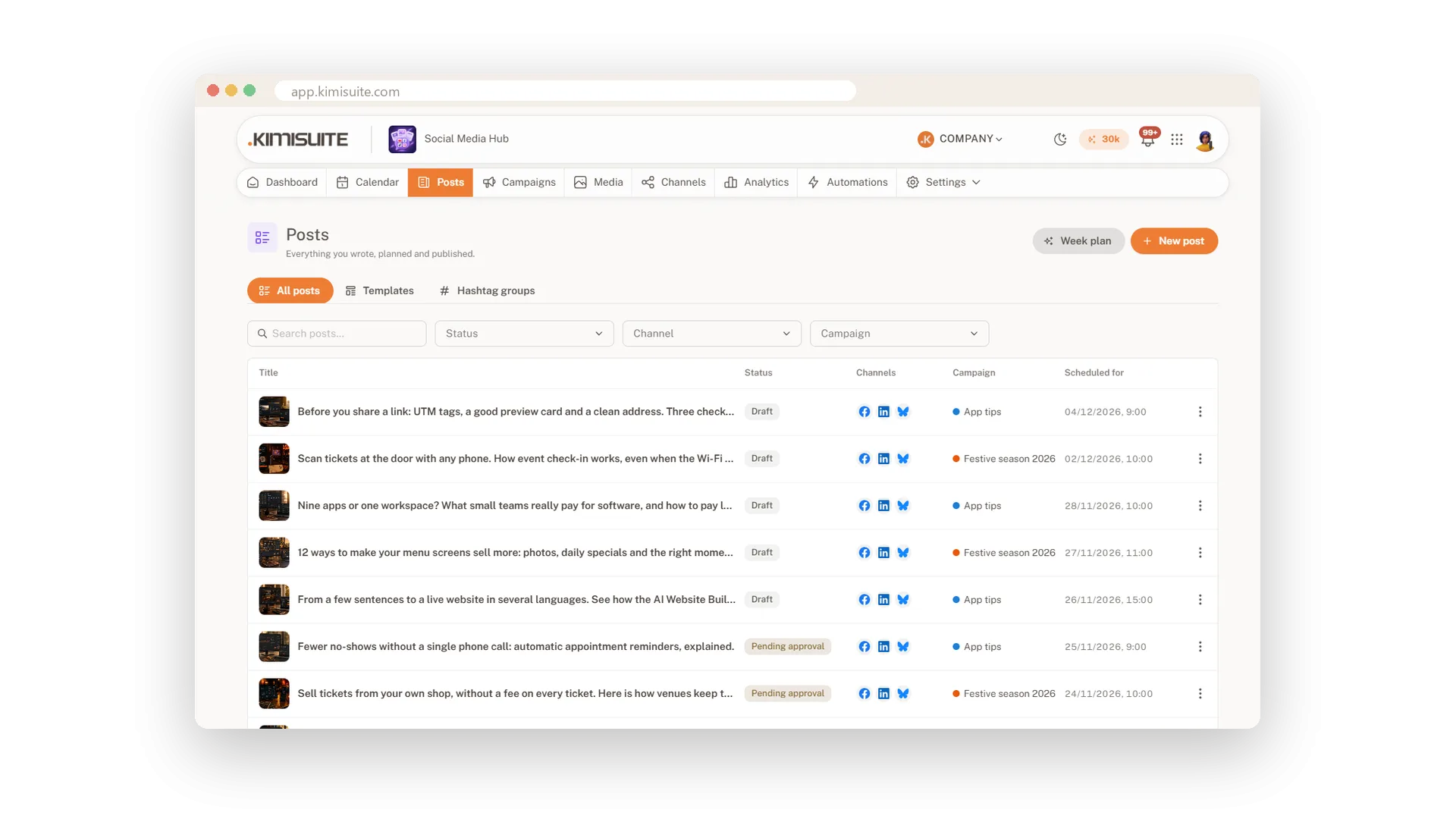
A colleague writes the post, you check it before it goes live. Social Media Hub has a simple approval step: the post waits until someone with the right to approve says yes, or sends it back with a reason. Everyone sees what happened in the post's activity, with comments.
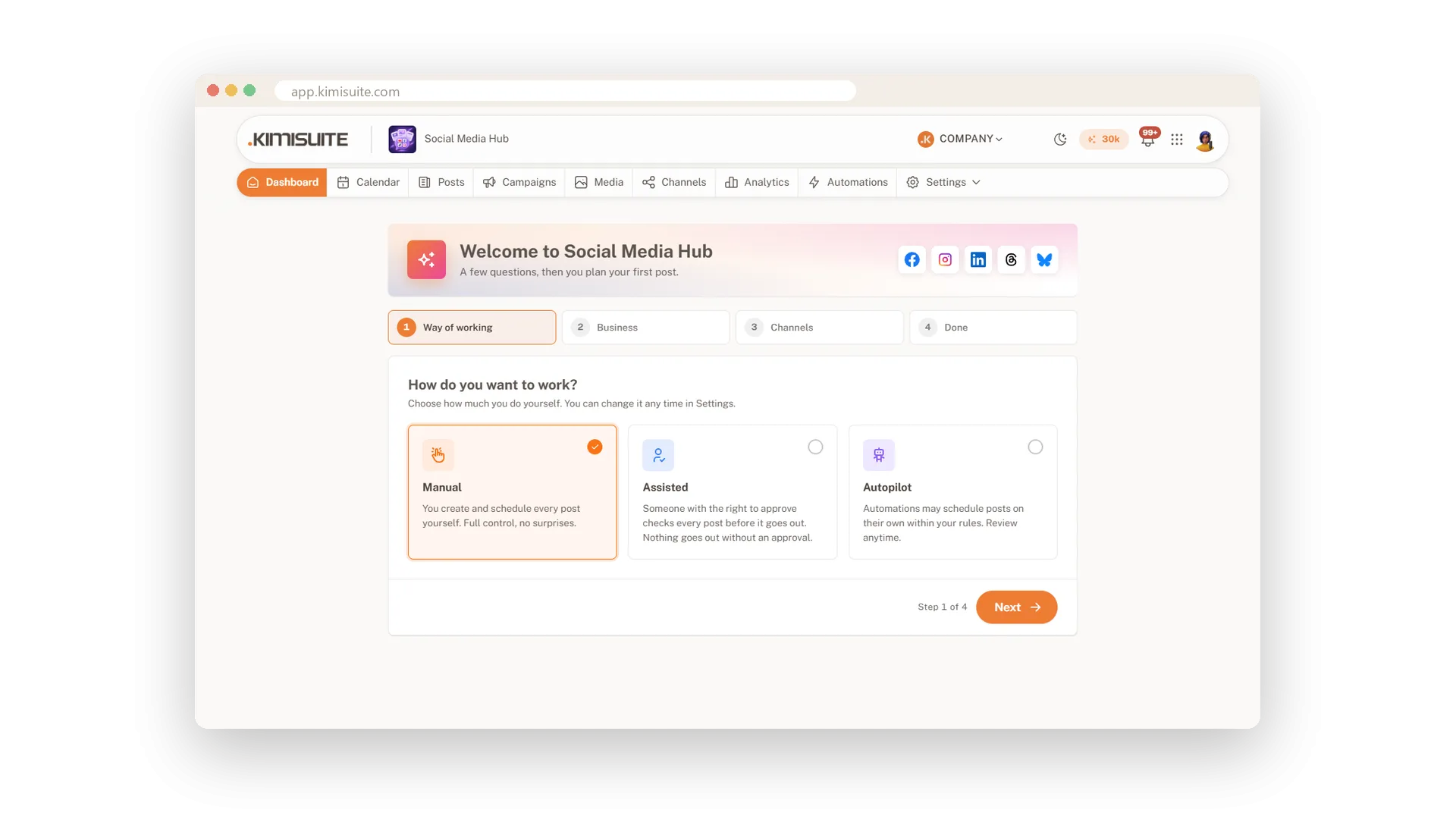
You decide how strict it is. In Manual mode you plan every post yourself, in Assisted mode nothing goes out without an approval, and in Autopilot your automations may plan posts on their own within your rules. Roles decide who may write, approve, connect channels or see the numbers.
Key Benefits
Nothing slips through: posts wait for an approval in Assisted mode
Clear feedback: reject with a reason, and the author knows exactly what to change
One history: every step and comment of a post in its activity
Rights per role: writing, approving, channels, campaigns and numbers are separate rights
Submit, approve or send back
A clear yes or no with a reason
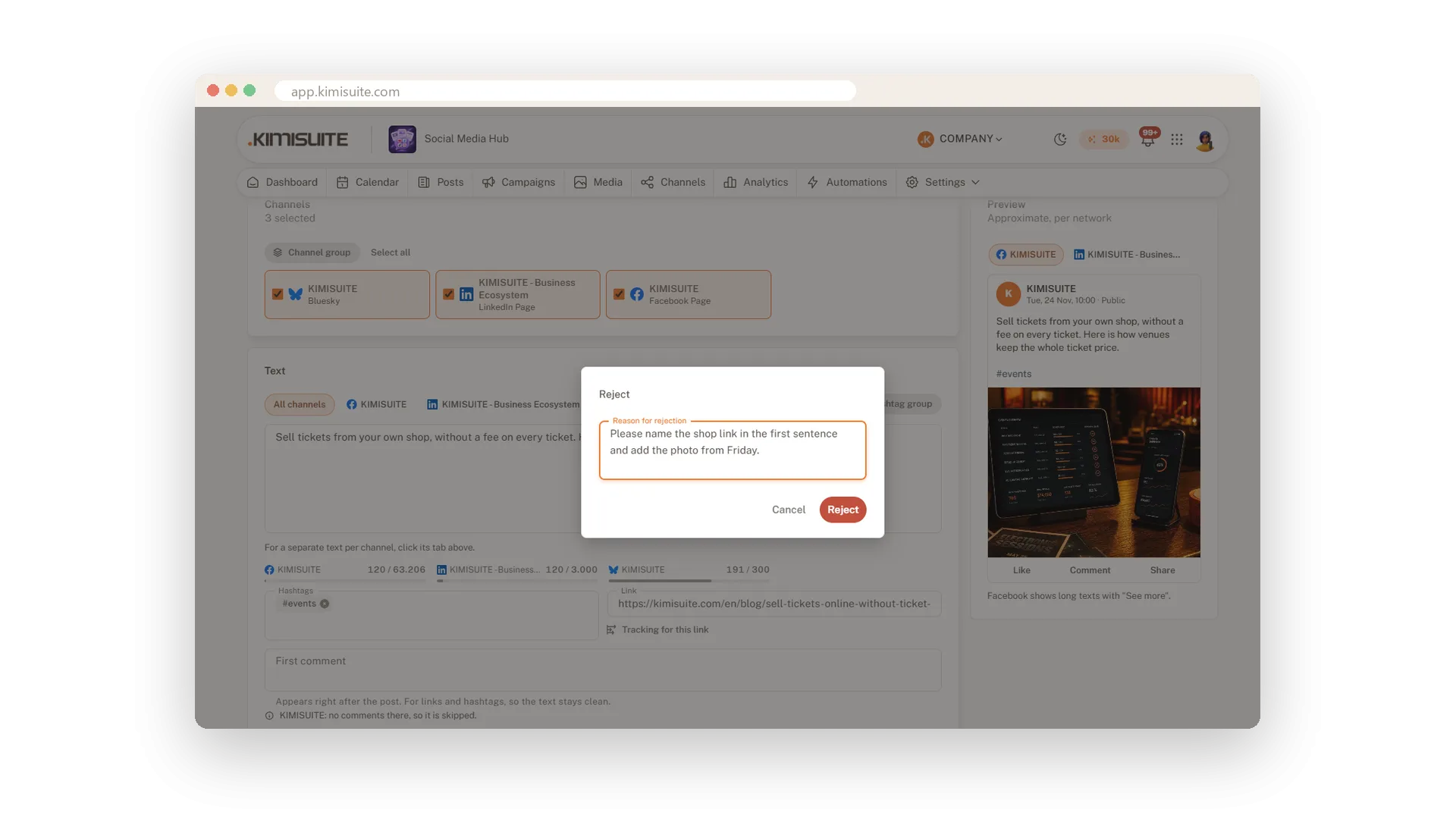
Authors submit a post for approval when it is ready. The approver opens it, sees the preview and approves it, or rejects it with a reason the author reads right away.
Comments and history on every post
Who changed what, and why
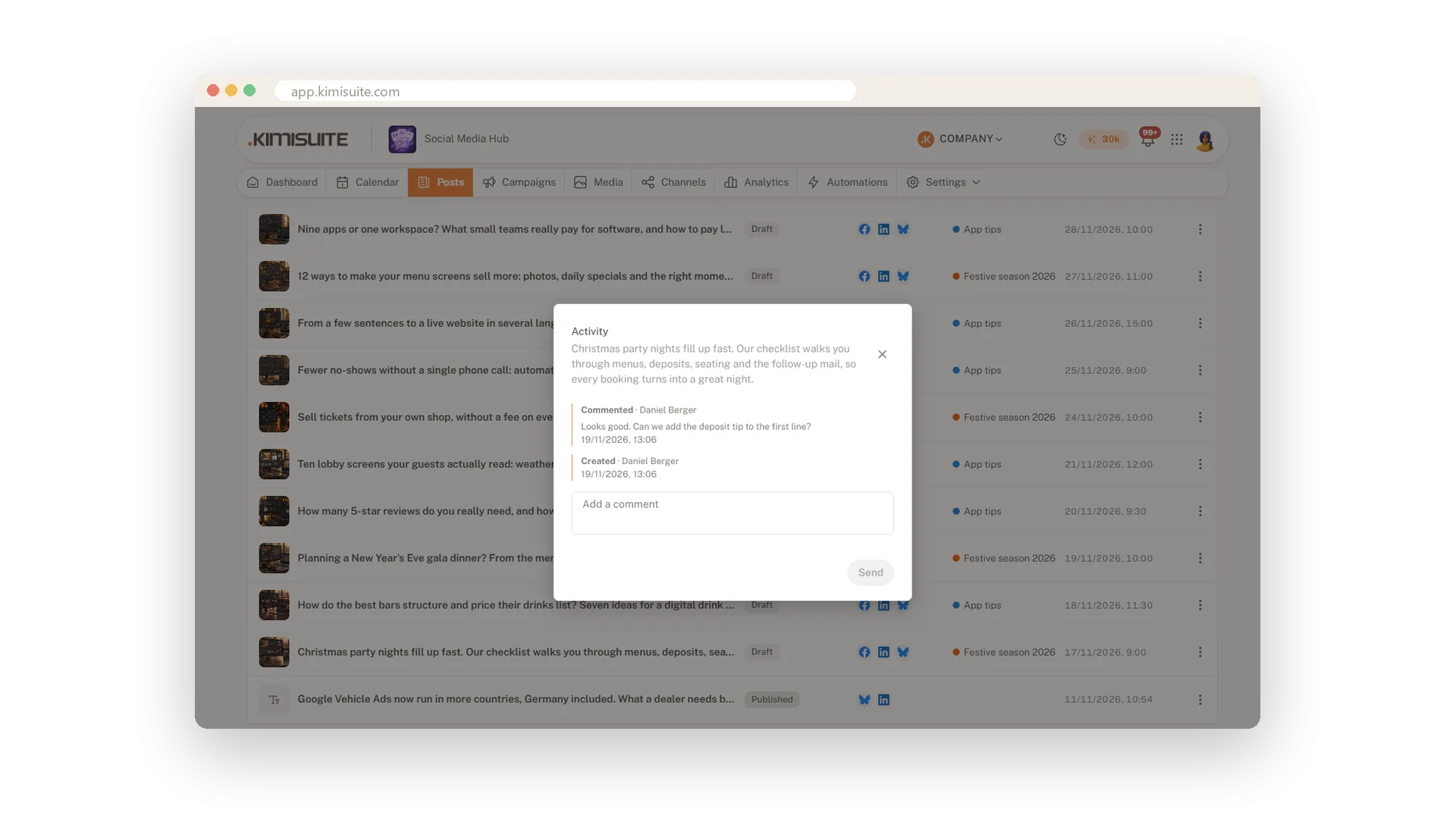
Every post keeps its own activity: created, changed, submitted, approved, published. Add a comment there to ask a question or give a hint, and the whole team sees it.
Rights for every role
Writers write, approvers approve
Decide per role who may write posts, approve them, connect channels, manage campaigns and automations, see the numbers or change settings. New roles start with sensible defaults.
Manual, Assisted or Autopilot
Choose how much the app does for you
Pick your way of working when you start and change it any time. Manual leaves every decision to you, Assisted adds an approval, and Autopilot lets your automations plan posts within your rules.
Use Cases
The new trainee
Your trainee writes the week's posts and submits them. You approve three and send one back with a note.
A client signs off
Your agency drafts a client's posts. The client approves them in the same workspace, and the history shows who said yes.
A quick question
Before approving, you leave a comment on the post. Your colleague answers there, and nothing gets lost in a chat.
FAQ
Try Social Media Hub today
Plan, write and publish to every social network
Free of charge, in your own workspace, ready in a minute.