 Part of Restaurant Hub
 Up and running in five steps
Name, logo, currency, hours - and your menu is live tonight
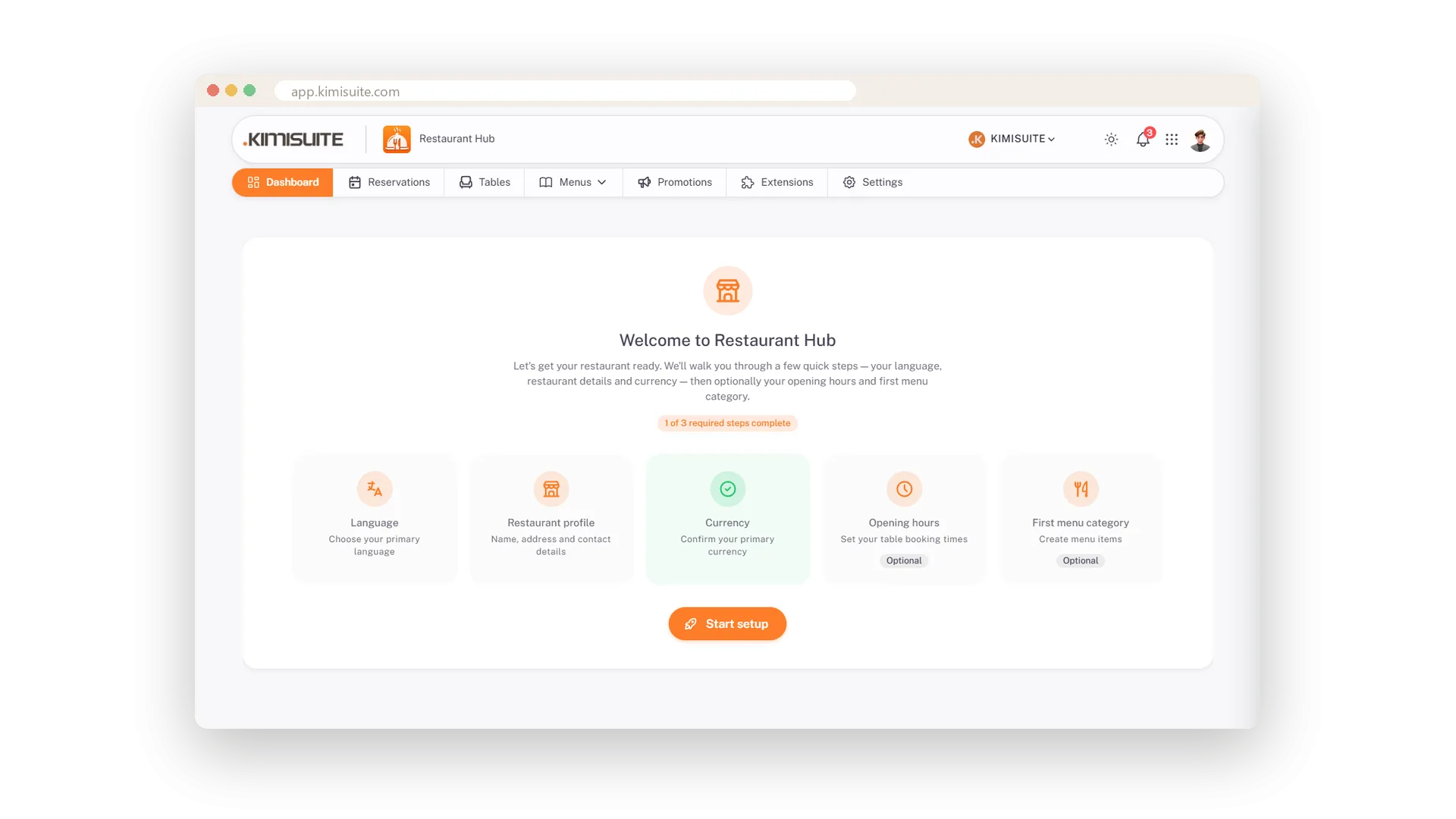
Restaurant Hub does not greet you with an empty screen. A short assistant asks for the things every menu needs: your language, your restaurant's name and address, the currency, your opening hours. Three quick steps and you are inside, adding your first dishes.
Everything you type here keeps working for you. Your logo, name and address appear on the QR menu, on the printed card and on the booking form, so you enter them once and never again. Your privacy policy and terms live in the same place and show up wherever guests book or read the menu.
Key Benefits
Three required steps and you are in - the rest can wait for a quiet moment
Logo, name and address entered once, shown on the menu, the card and the booking form
Privacy policy and terms in every menu language, ready for the booking widget
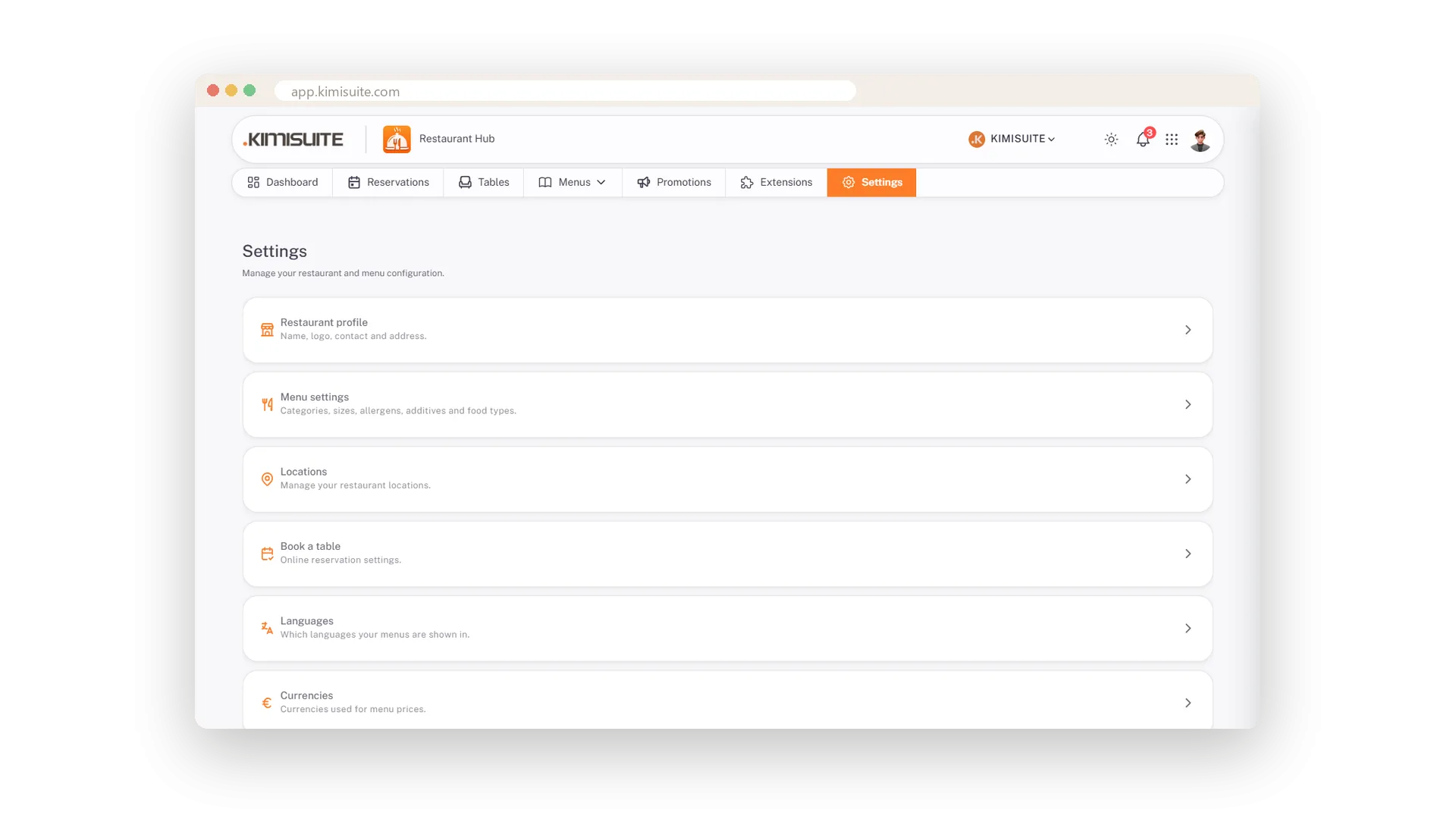
All settings on one page, so nothing hides in a submenu
Your profile, everywhere at once
One logo, one address - on the menu, the card and the booking form
Enter your restaurant's name, address, phone and logo once. From then on they appear on the QR menu, on the printed card and on the booking form, and a change here is a change everywhere.
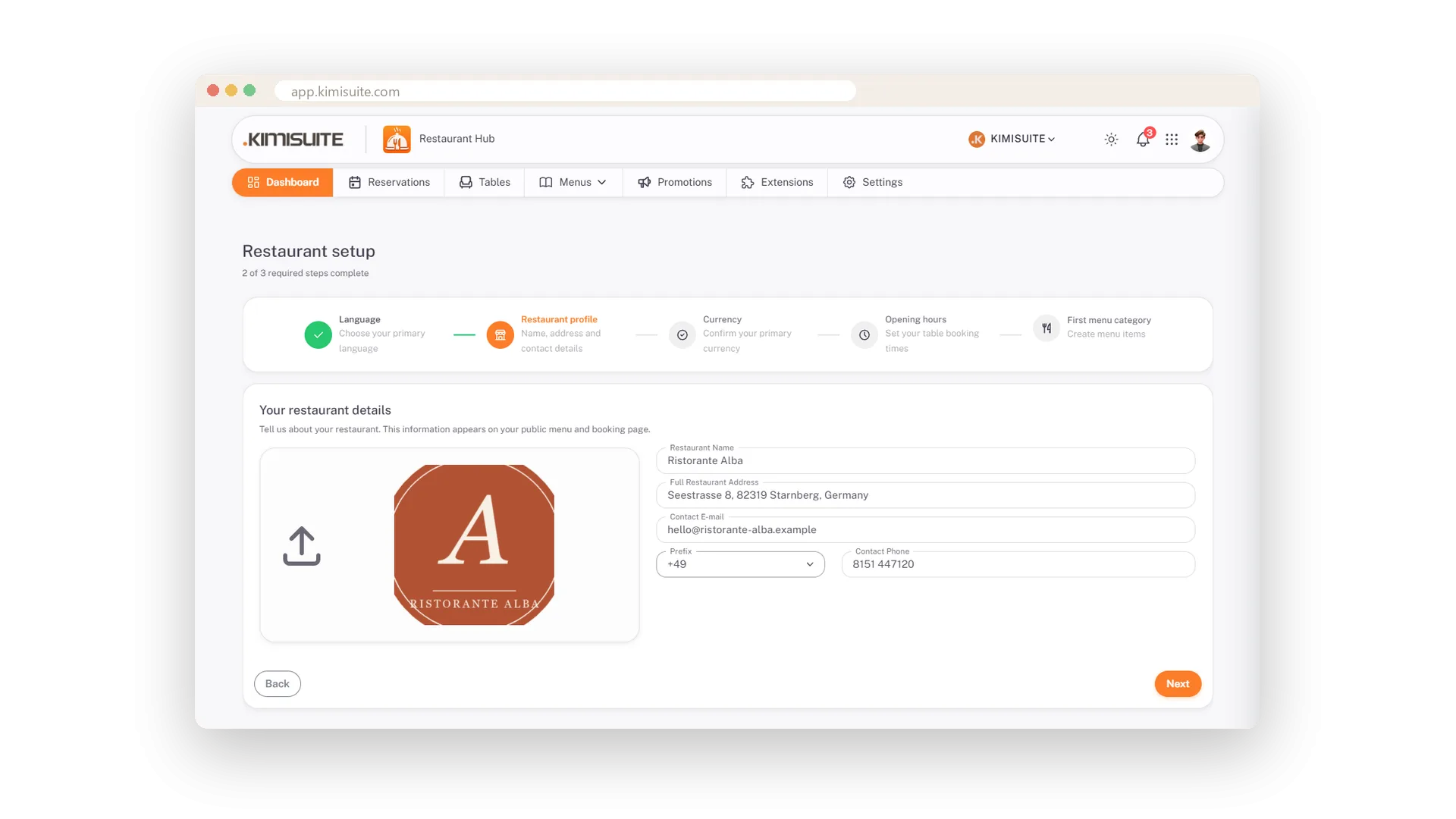
Terms and privacy, done once
Your legal texts in every menu language, shown where guests book
Write your privacy policy and terms once per language. The booking form shows a consent box with your text behind it, and the digital menu carries both in its footer. No lawyer's PDF to upload, no link to maintain.
Use Cases
Opening the app for the first time
Pick your language, type the restaurant's name and address, choose the currency. Done - the assistant drops you straight into your menu.
A new logo for the season
Upload it once and crop it square. Your QR menu, your printed card and your booking form all wear it the same moment.
Terms before the first online booking
Write your terms and privacy note once per language. Guests see the consent box with your text behind it, in the language they read.
FAQ
Try Restaurant Hub today
Enter your menu once - serve it on the phone, on paper, online
14 days free, cancel anytime, no minimum term.
