 Part of Service Manager
 Rooms, chairs and specialists in sync
Weekly hours for every resource you book
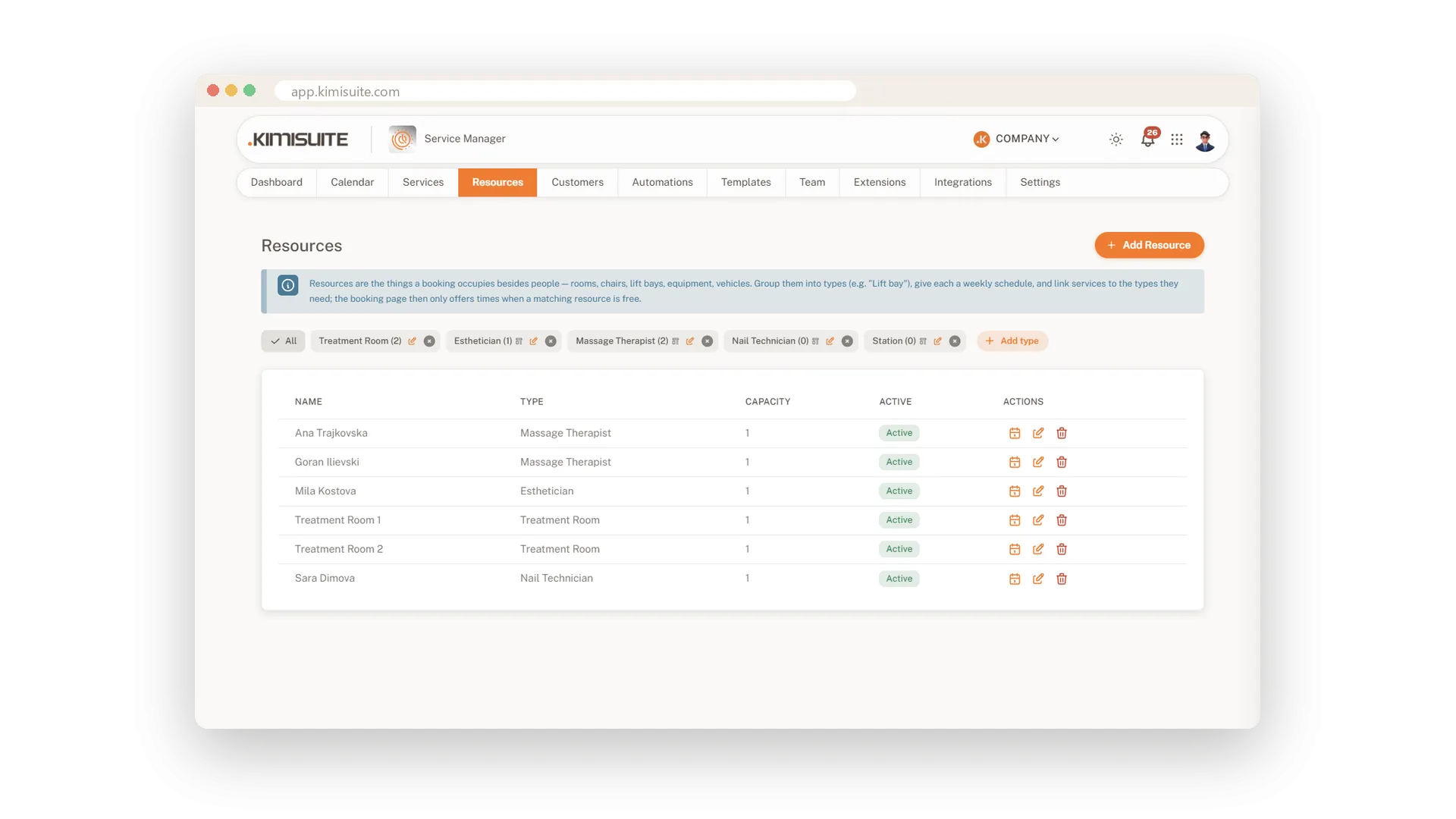
A booking only works if the room is free and someone is there to do it. In Service Manager you add your resources, such as treatment rooms, chairs, equipment or the specialists behind them, sorted by type. Each one has its own weekly hours, with split shifts, a copy-to-all-days button and a running weekly total. When a treatment needs a therapist and a room, every booking reserves one of each, and a time only shows up when both are free. A resource can also hold several bookings at a time when its capacity allows.
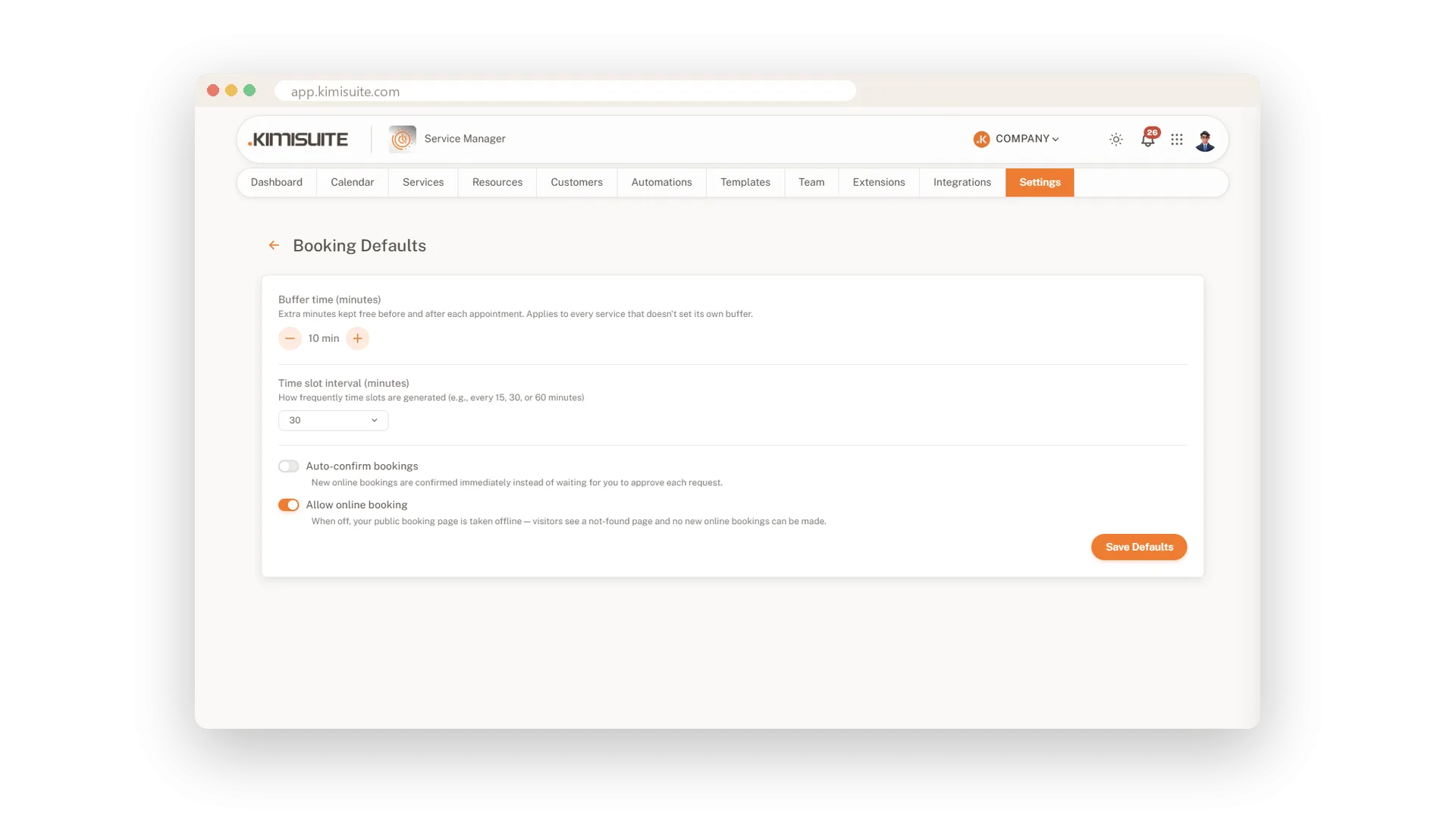
Around that you set the rules of your house. Opening hours per weekday with more than one block a day, a daily break and personal breaks for one person. A minimum notice so nobody books ten minutes from now, and a booking window for how far ahead clients may plan. Buffers, slot interval and auto-confirm sit in one place, and your booking page builds its free times from all of it.
On Enterprise, your team joins as staff. Give each person the roles they cover, such as Massage Therapist, and let a service ask for a role. Only people who hold it are offered for that booking, and every booking shows who is assigned.
Key Benefits
Rooms, chairs, equipment and specialists as resources, sorted by type
A weekly schedule per resource, with split shifts and a copy-to-all-days button
Minimum notice and a booking window keep last-minute and far-off bookings out
One booking reserves every resource it needs, such as a therapist and a room
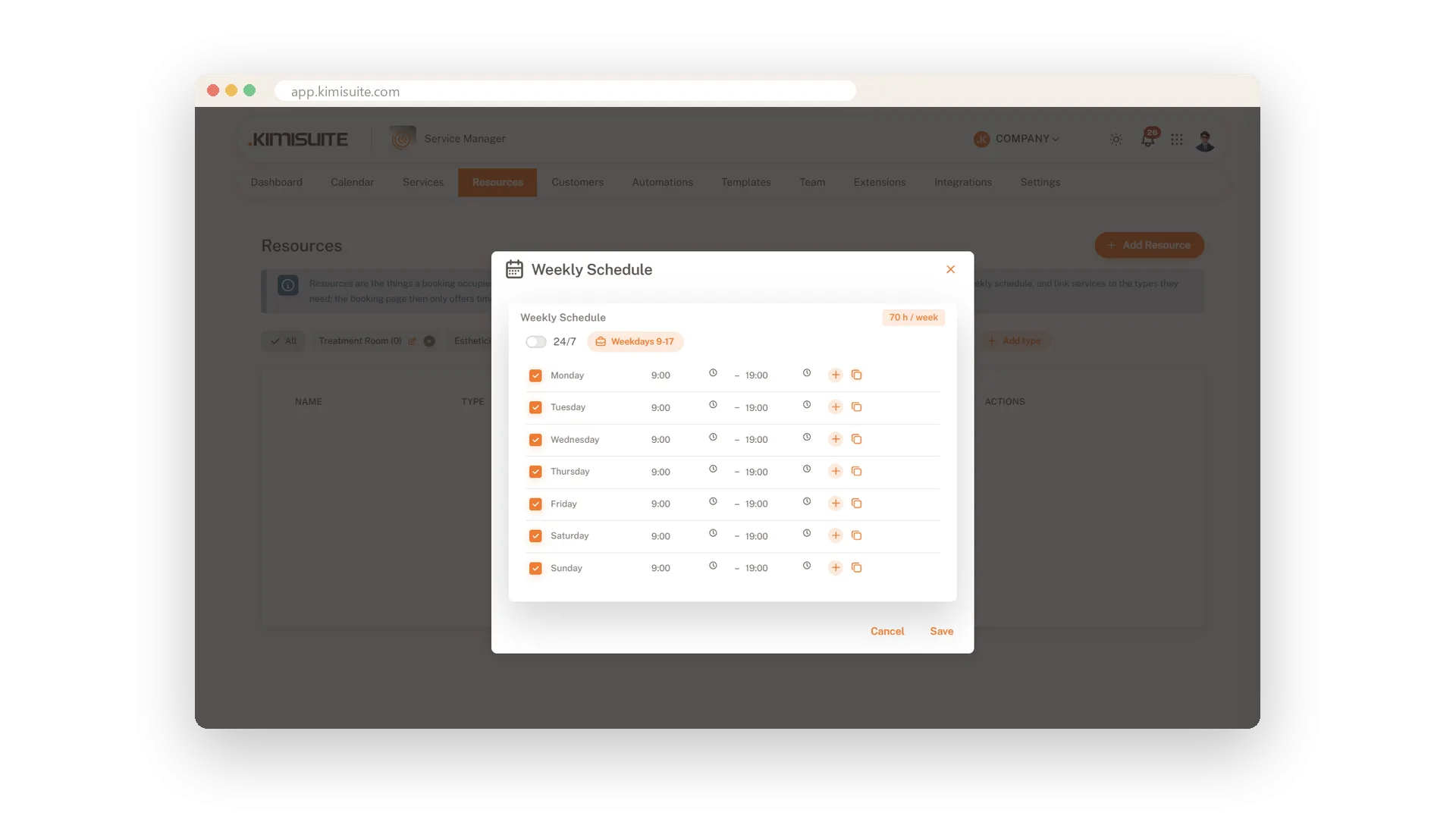
Weekly hours for every resource
Split shifts and copy-to-all-days in one click
Give each room, chair or specialist their own week. Add a second block for a split shift, copy one day to all others and watch the weekly total add up as you go.
Opening hours with breaks built in
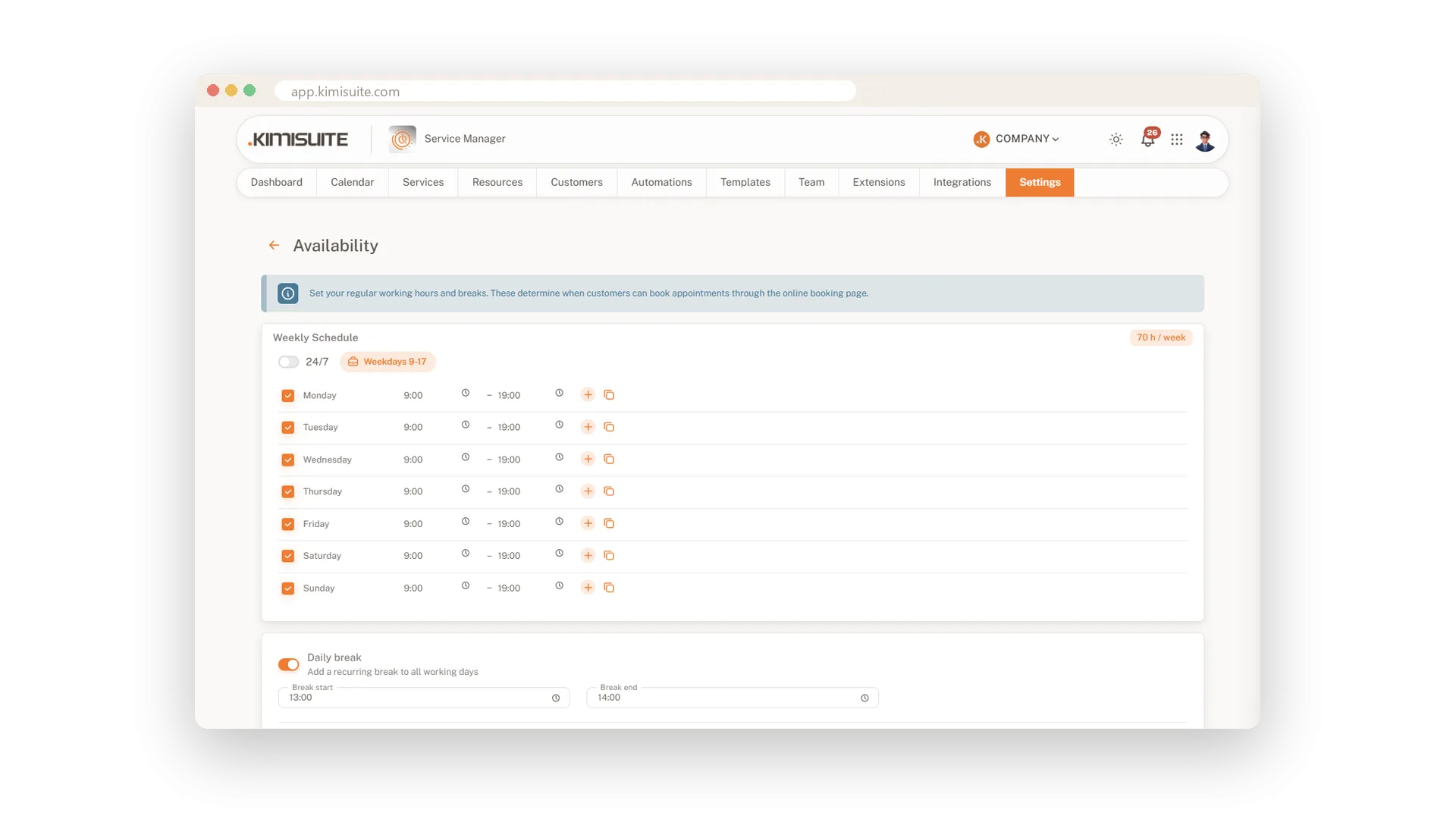
Several blocks a day, one daily break
Set your opening hours per weekday, with more than one block where you need it. Add a daily break for everyone and personal breaks for a single person.
Minimum notice and a booking window
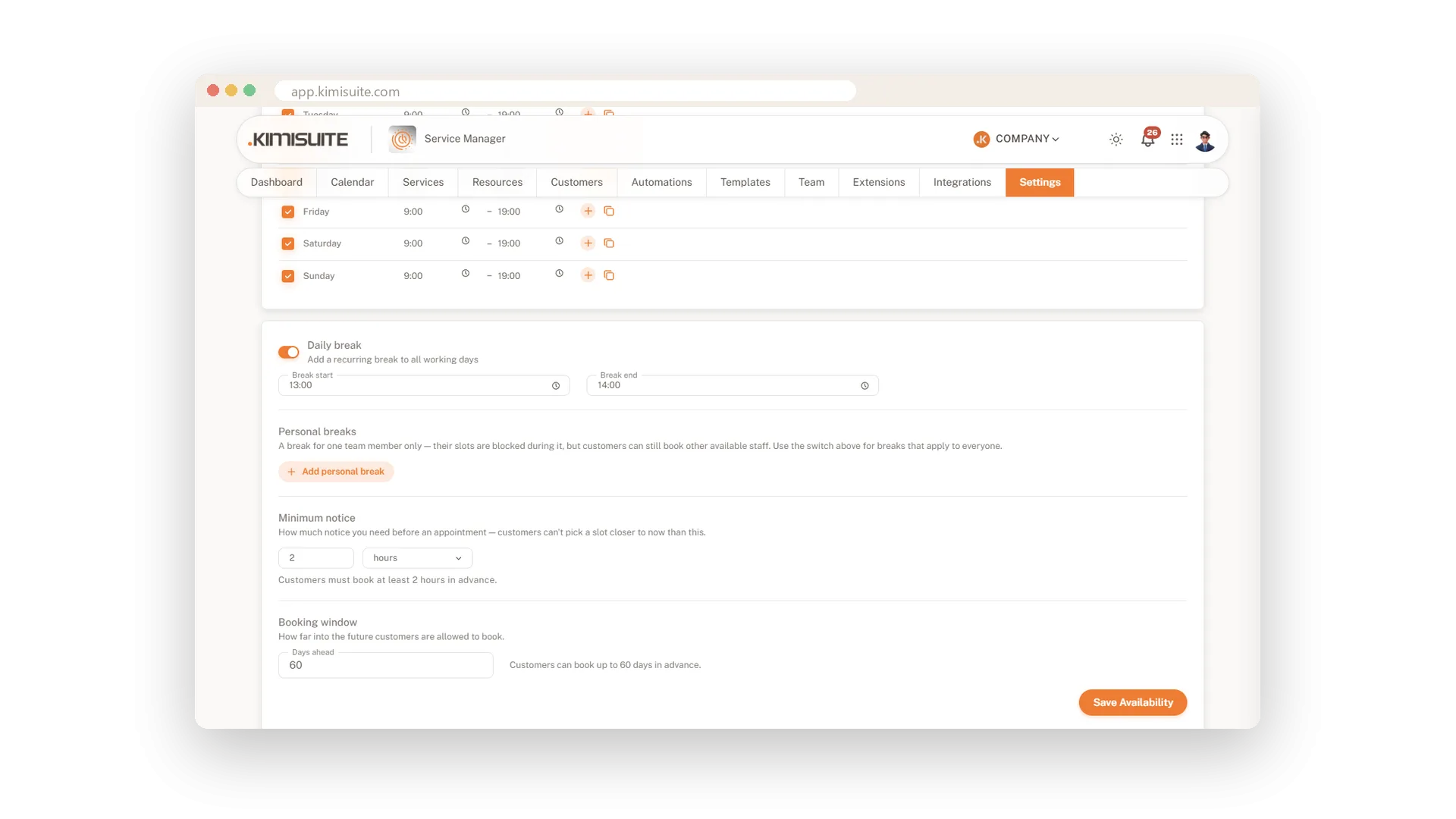
No surprise bookings ten minutes from now
Decide how much notice you need before a booking and how far ahead clients may plan. Enter the minutes and the app shows them back in plain hours.
Buffers and slot intervals, set once
Set the rhythm of your day in one place
Choose the buffer before and after each appointment and how often a new slot may start. Decide whether bookings confirm themselves, and take the booking page offline with one switch when you need a pause.
Use Cases
The late shift on Thursdays
One therapist works until eight on Thursdays. You add an evening block to her Thursday, and the page offers late slots on that day.
No bookings in the next two hours
You set a minimum notice of two hours. Clients can no longer book a slot you cannot prepare for.
Room two closes for repairs
You set the room to inactive for the week. The other room carries on, and your page shows what is still possible.
FAQ
Try Service Manager today
Online booking, calendar and scheduling for service businesses
14 days free, cancel anytime, no minimum term.
