 Part of QR Generator
 Your logo in the middle of the code
Put your logo in the centre - and it still scans
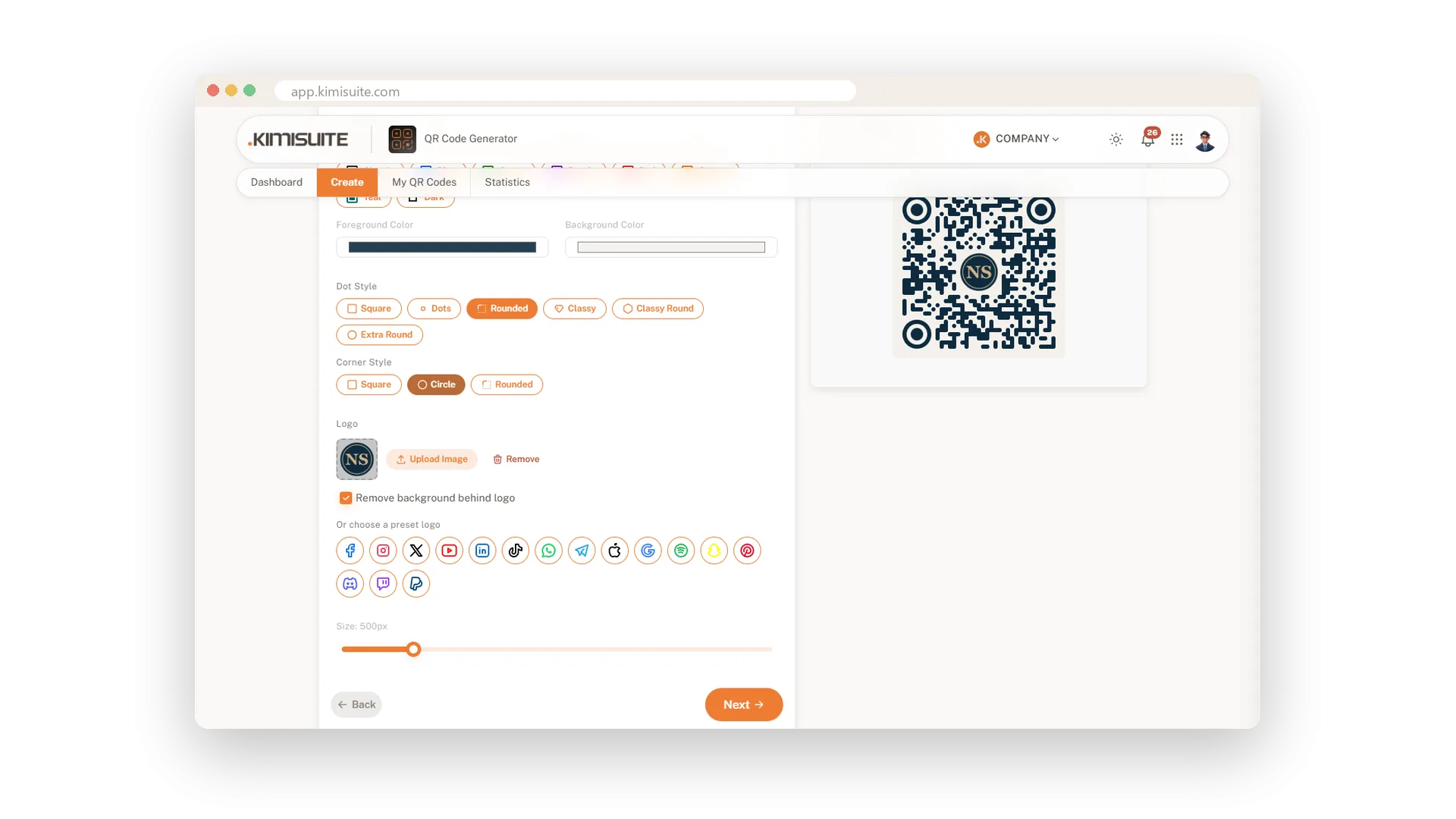
A logo in the middle turns a QR code into something people recognise. Your guests see at a glance that the code is yours, and that makes the scan feel safe. It is the easiest way to make a code look like it belongs on your menu, your packaging or your window.
Upload your logo as an image, or pick one of 16 ready-made logos such as Instagram, WhatsApp, YouTube or Spotify. A single switch clears the background behind the logo so it sits cleanly on the code. Codes with a logo stay readable, in every size and download format.
Key Benefits
Upload your own logo, and people recognise your code at a glance
16 ready-made logos, from Instagram and WhatsApp to Spotify and PayPal
Clear the background behind the logo with one switch
Codes with a logo stay readable in PDF, SVG, PNG, JPEG and WebP
Upload your own logo
Your brand in the centre of every code
Upload your logo and it sits in the middle of the code, with the background cleared behind it. Swap or remove it whenever you like, and every download carries it.
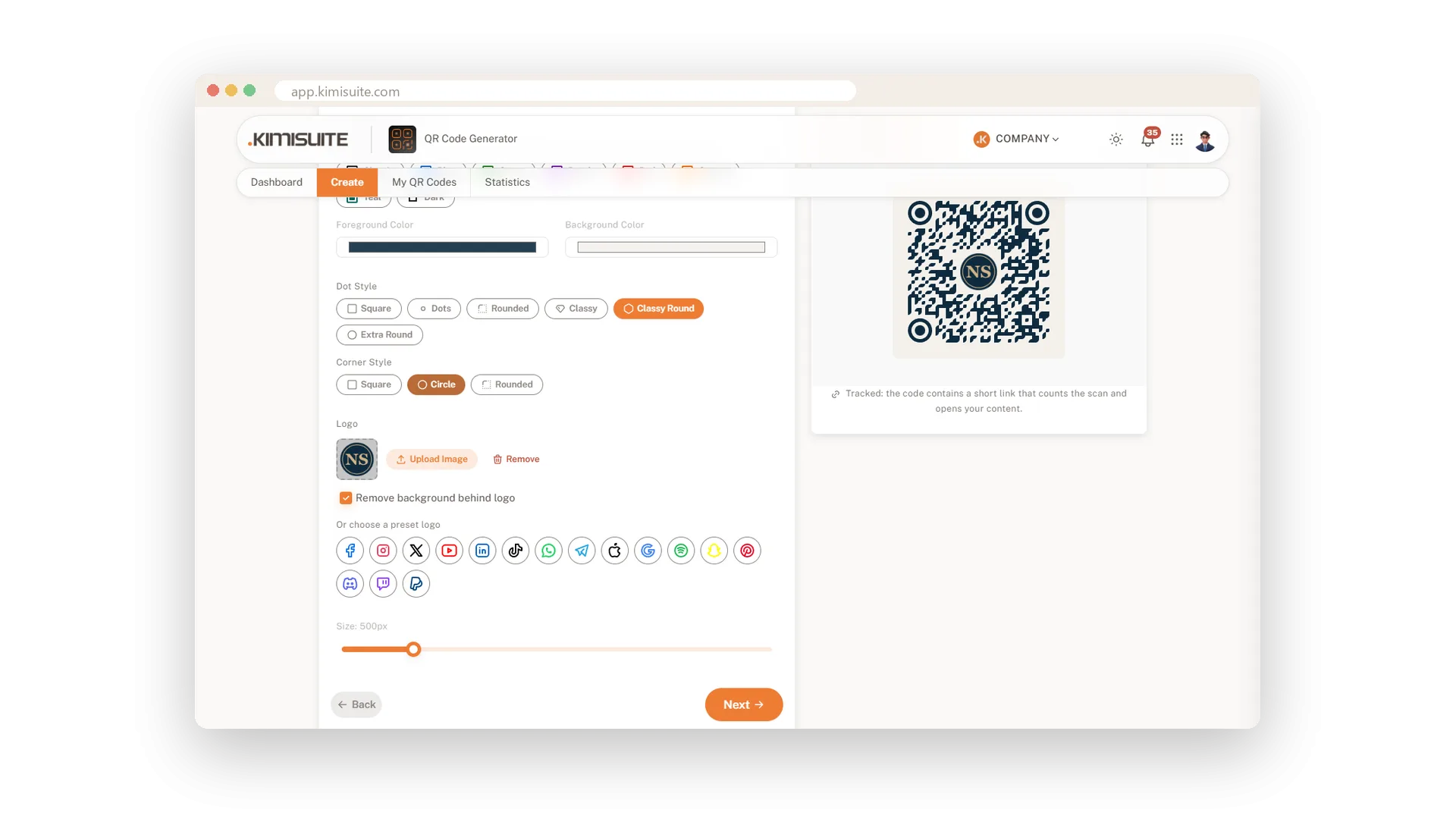
16 ready-made brand logos
Instagram, WhatsApp, YouTube and more in one click
No logo file at hand? Pick Instagram, WhatsApp, YouTube, TikTok, Spotify, PayPal or one of ten more. People see where the scan leads before they scan.
Use Cases
Packaging that looks finished
A small bakery puts its logo into the code on every box. The code looks like part of the label, and customers scan it to reorder.
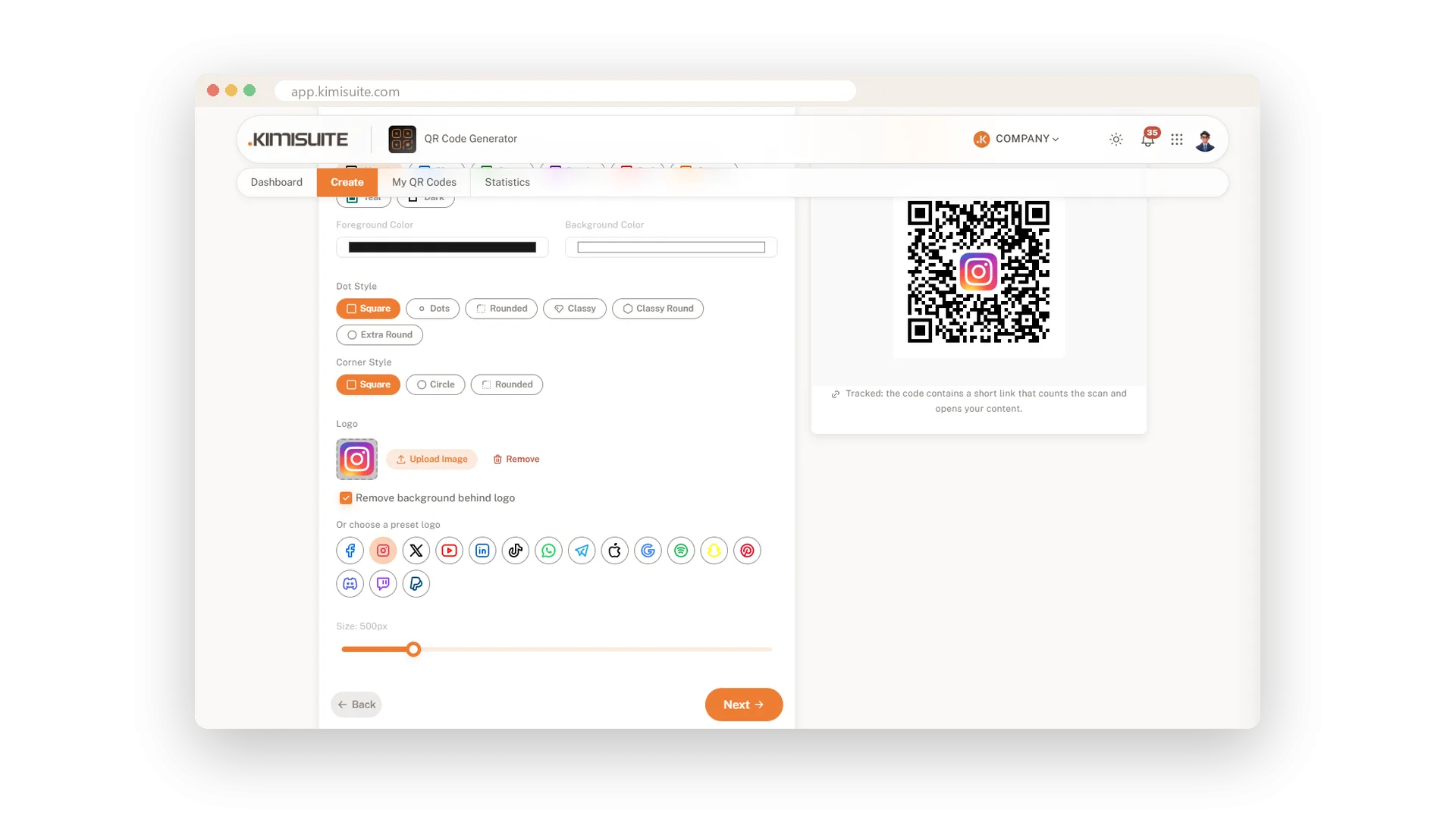
The Instagram code at the counter
A cafe picks the Instagram logo for the code on its counter. Guests know where the scan goes before they take out their phone.
One look for all your codes
A hotel uses its logo and colours for the menu, WiFi and booking codes. Every code in the house looks like it belongs together.
FAQ
Try QR Generator today
Dynamic QR codes with your logo, colours and scan statistics
14 days free, cancel anytime, no minimum term.
