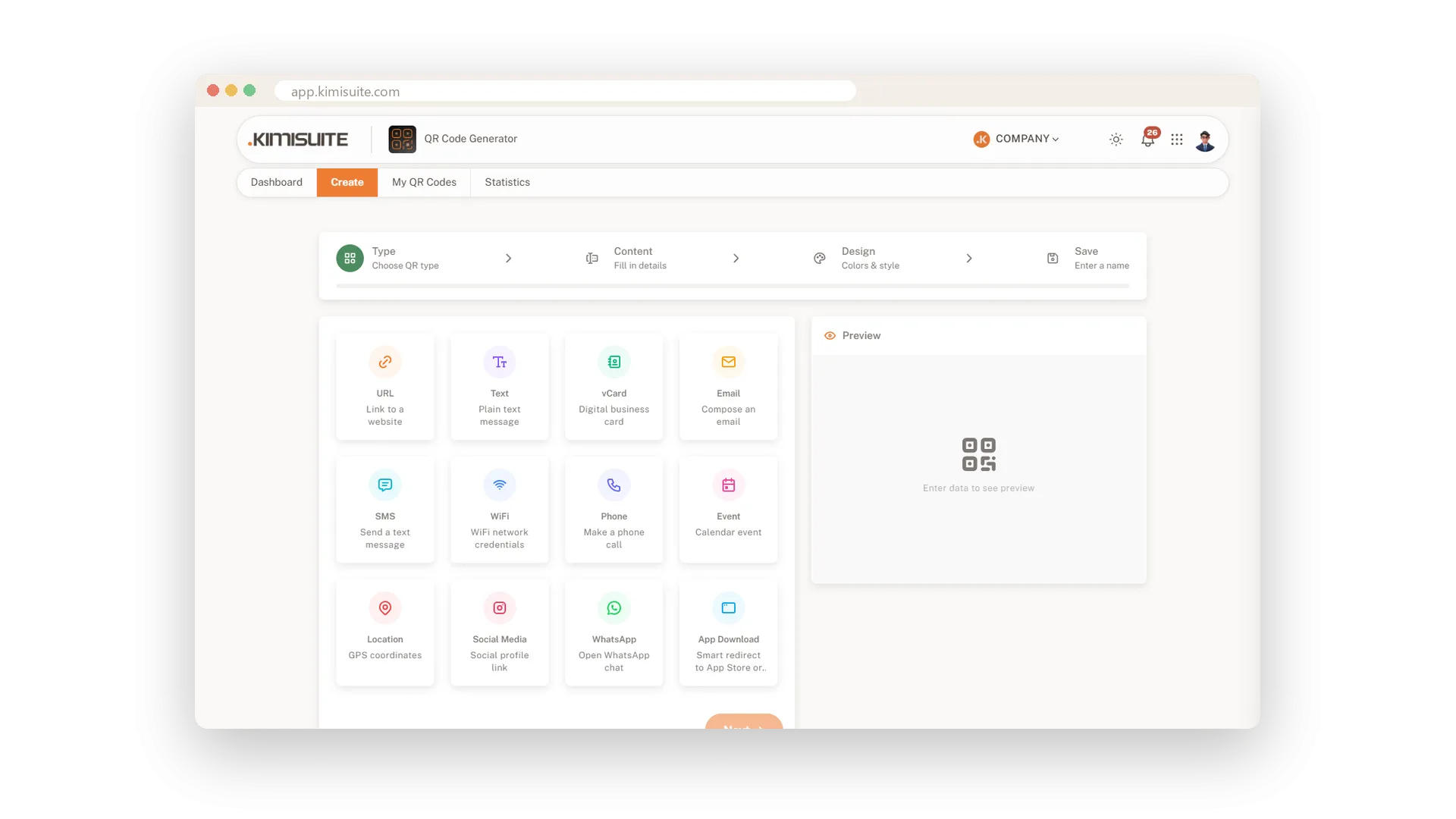
A QR code is only as good as what happens after the scan. Open your website, start a WhatsApp chat, save your contact details, add an event to the calendar, show the way to your door: pick the result you want and QR Generator builds the code for it. There are twelve types in all - link, text, business card, email, text message, WiFi, phone, calendar event, location, social media, WhatsApp and app download.
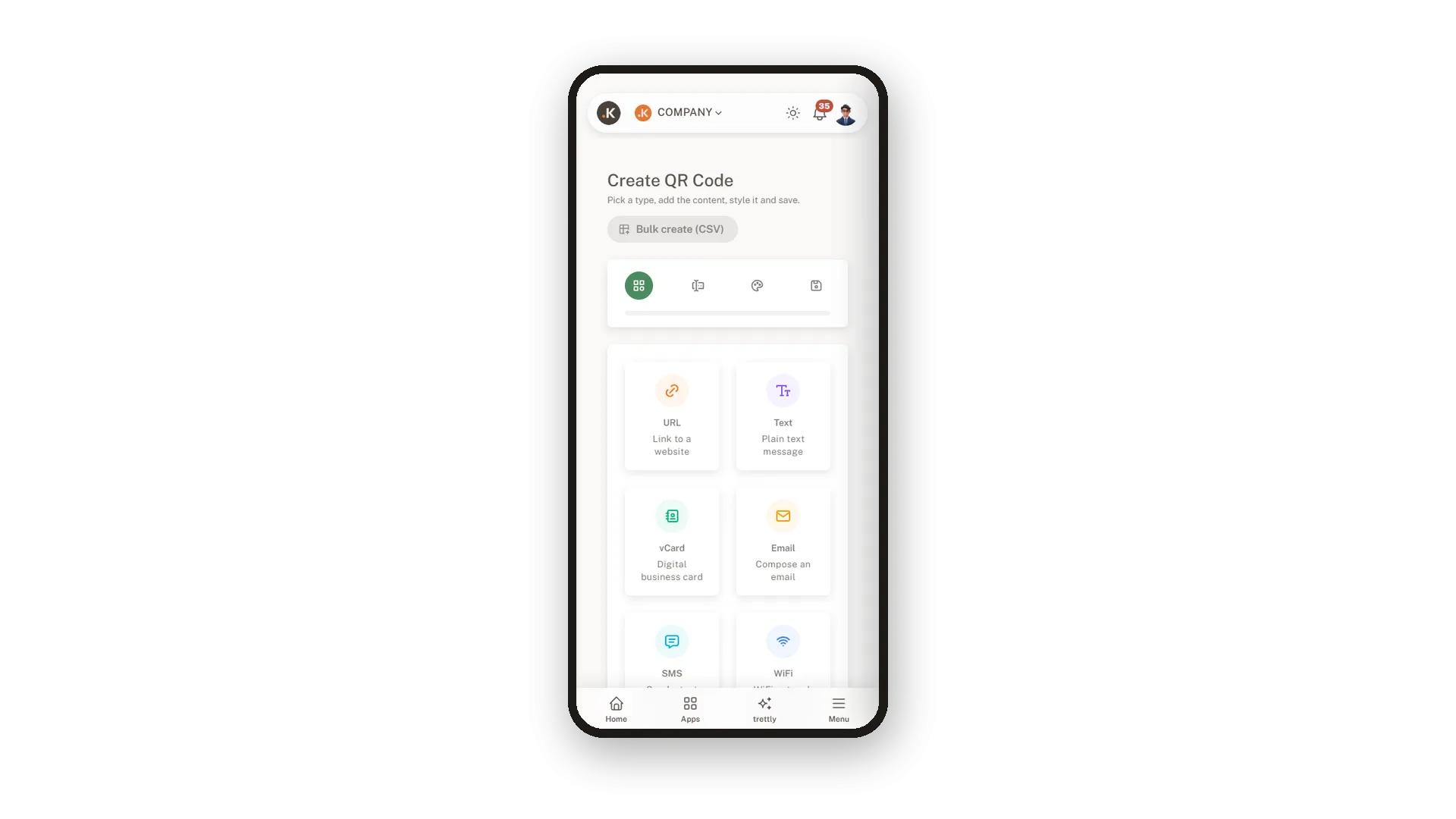
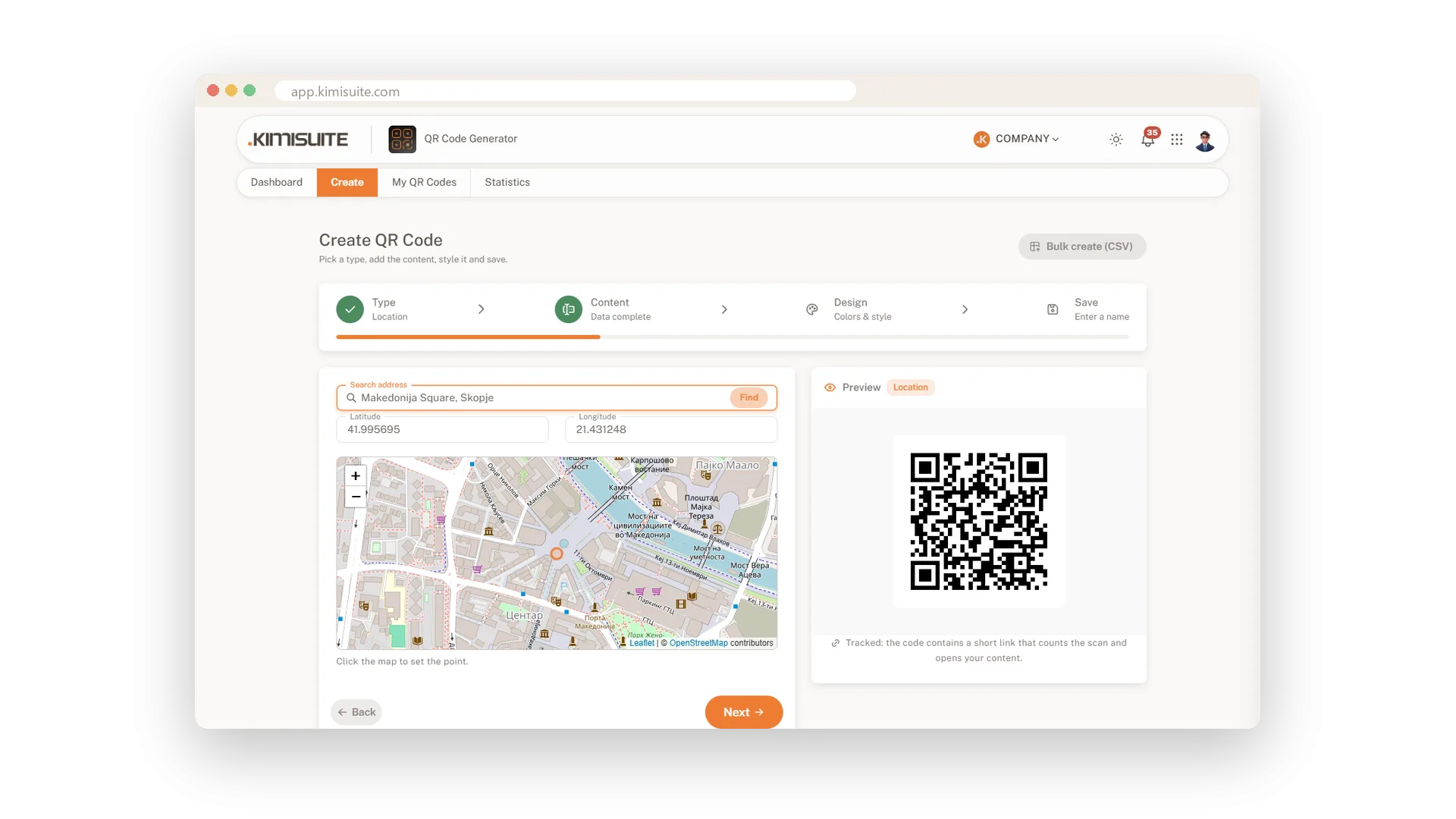
Every code is made in the same four steps: type, content, design, save. You fill in a few fields, the preview next to the form updates as you type, and the finished code is in your library a minute later. For a location you simply search your address and check the pin on the map. It all works on your phone too, so you can make a code for a table card while you stand next to the table.
Key Benefits
Twelve types, from a simple link to WiFi and app download, in one place
Four clear steps - type, content, design, save - and the code is ready
Search an address and set your location on the map, no coordinates needed
Works on your phone too: make a code right where it will hang
A link to any page
Your menu, your booking page, your website
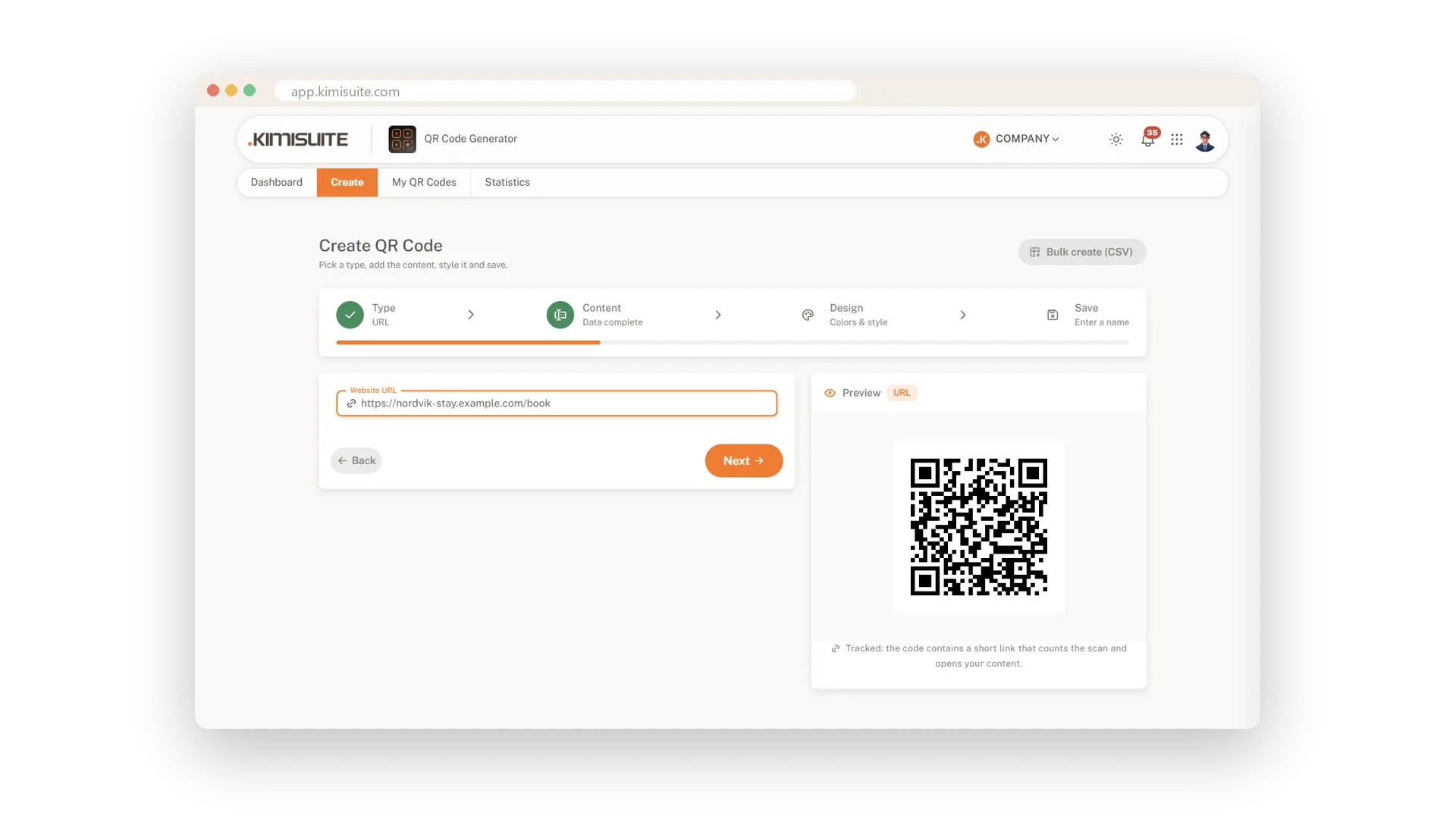
Paste an address and the code opens it with one scan. Use it for your menu, your booking page or a special offer, and give each code a name so you find it again in a second.
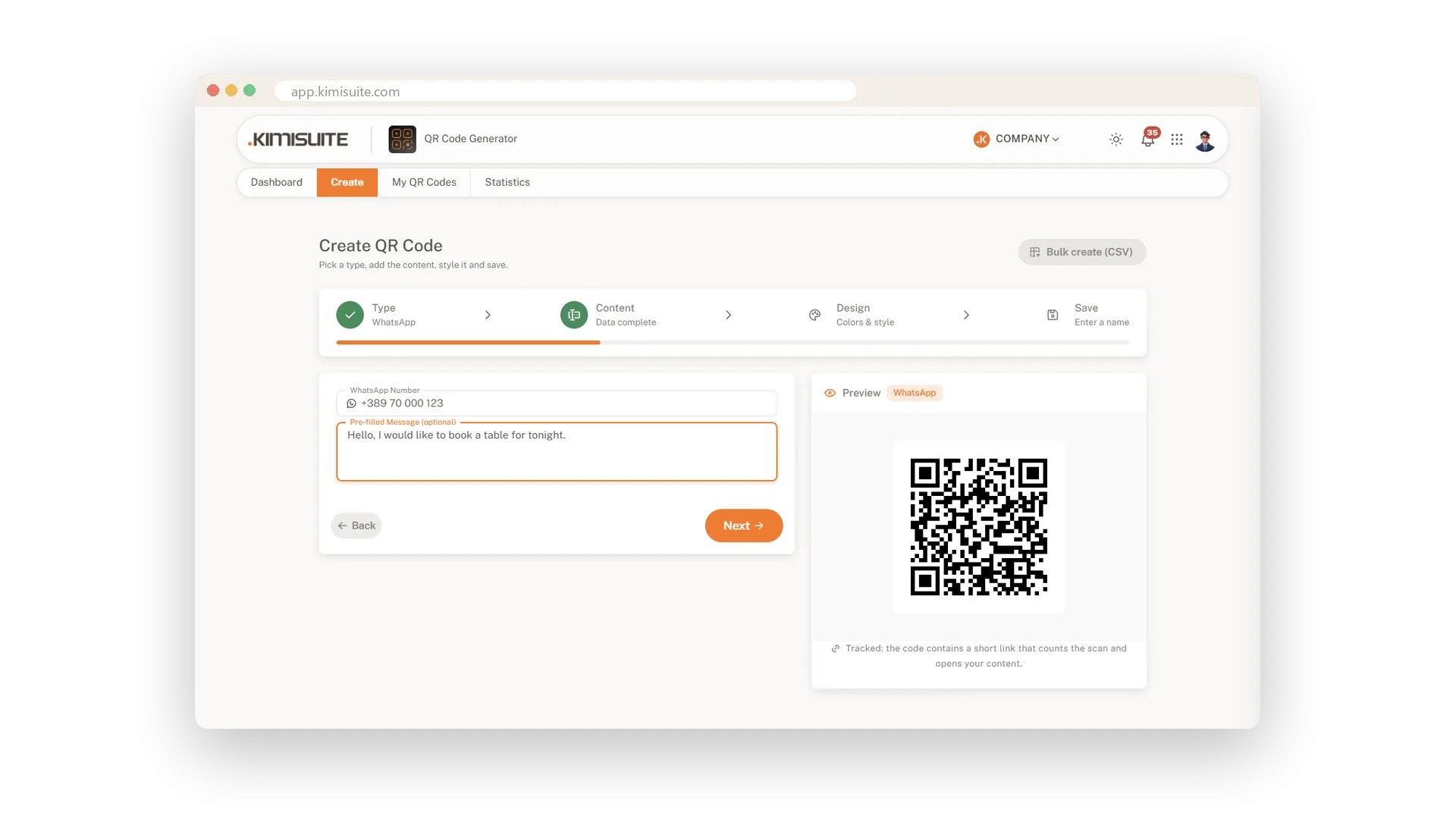
Start a WhatsApp chat with one scan
Your number and a first message, ready to send
Enter your WhatsApp number and, if you like, a first message such as a greeting or a booking request. Customers scan, WhatsApp opens with your chat, and they only have to press send.
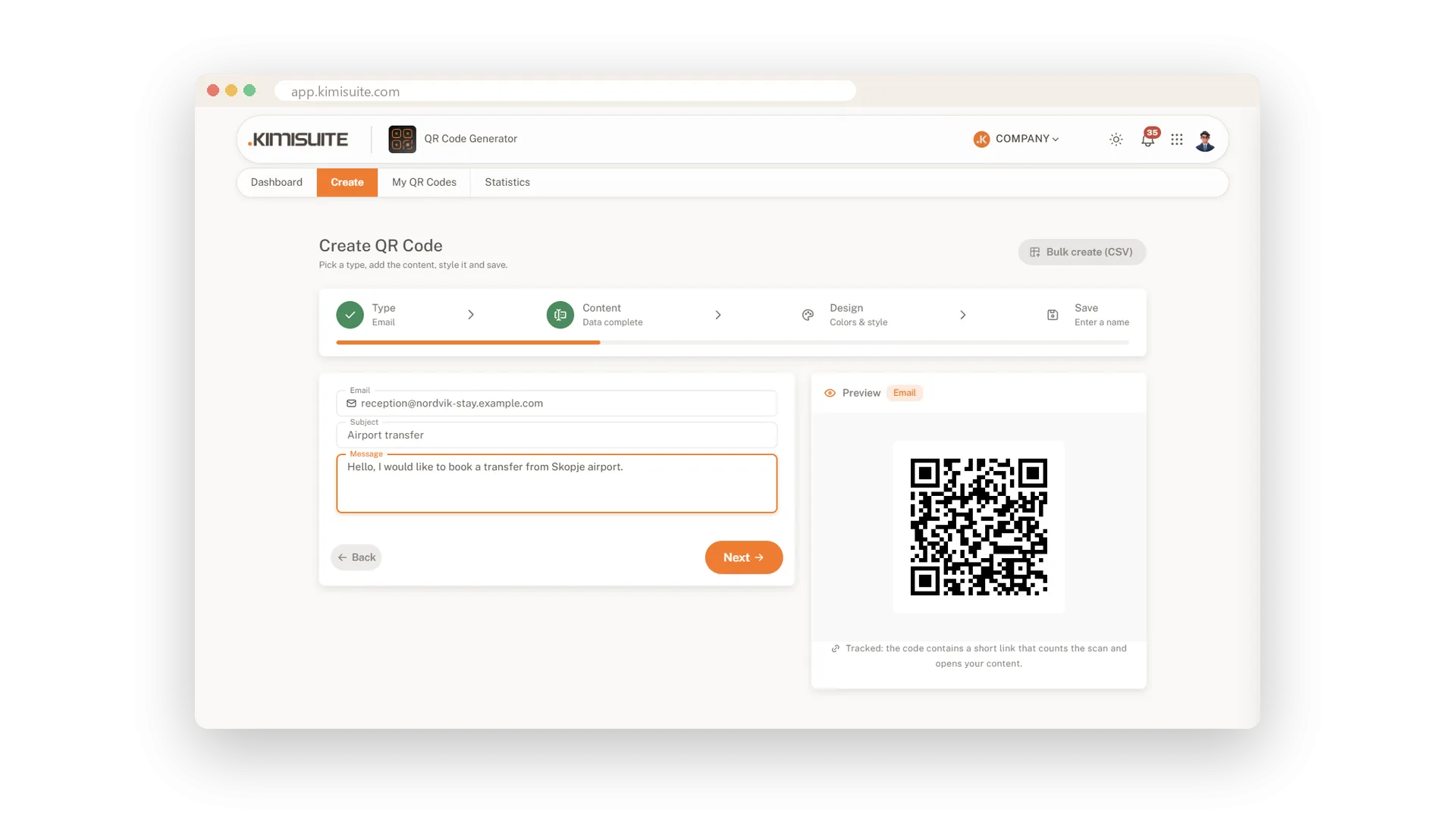
Email, text message or call
One scan and the customer is in touch
An email with subject and message already filled in, a text message ready to send, or a call to your front desk. Customers scan and reach you without typing a single address or number.
Create codes on your phone
The whole wizard in your pocket
All four steps and the live preview work on your phone. Make a code for the new table card while you stand at the table, and save it to your library on the spot.
Show the way to your door
Search your address, check the pin, done
Type your street and city, pick the right place and the pin sits on the map. Move it with one click if your entrance is round the corner. Guests scan and their map app opens right at your door.
Use Cases
The menu on every table
Choose Link, paste the address of your menu and give the code a name. Print it on the table cards and guests read the menu on their own phones.
Questions at the reception
A hotel reception puts one code on the counter that opens a WhatsApp chat with a friendly first message. Guests ask from their room instead of queuing at the desk.
Follow us after the fair
At a trade fair stand, one code leads to your company profile on social media. Visitors follow you in a second and see your news long after the fair.
FAQ
Try QR Generator today
Dynamic QR codes with your logo, colours and scan statistics
14 days free, cancel anytime, no minimum term.

Point guests to your social profile
One scan to your profile, more followers
Paste the link to your profile and the code sends every scan straight there. Add the matching brand logo in the middle and people know where the scan leads before they reach for their phone.