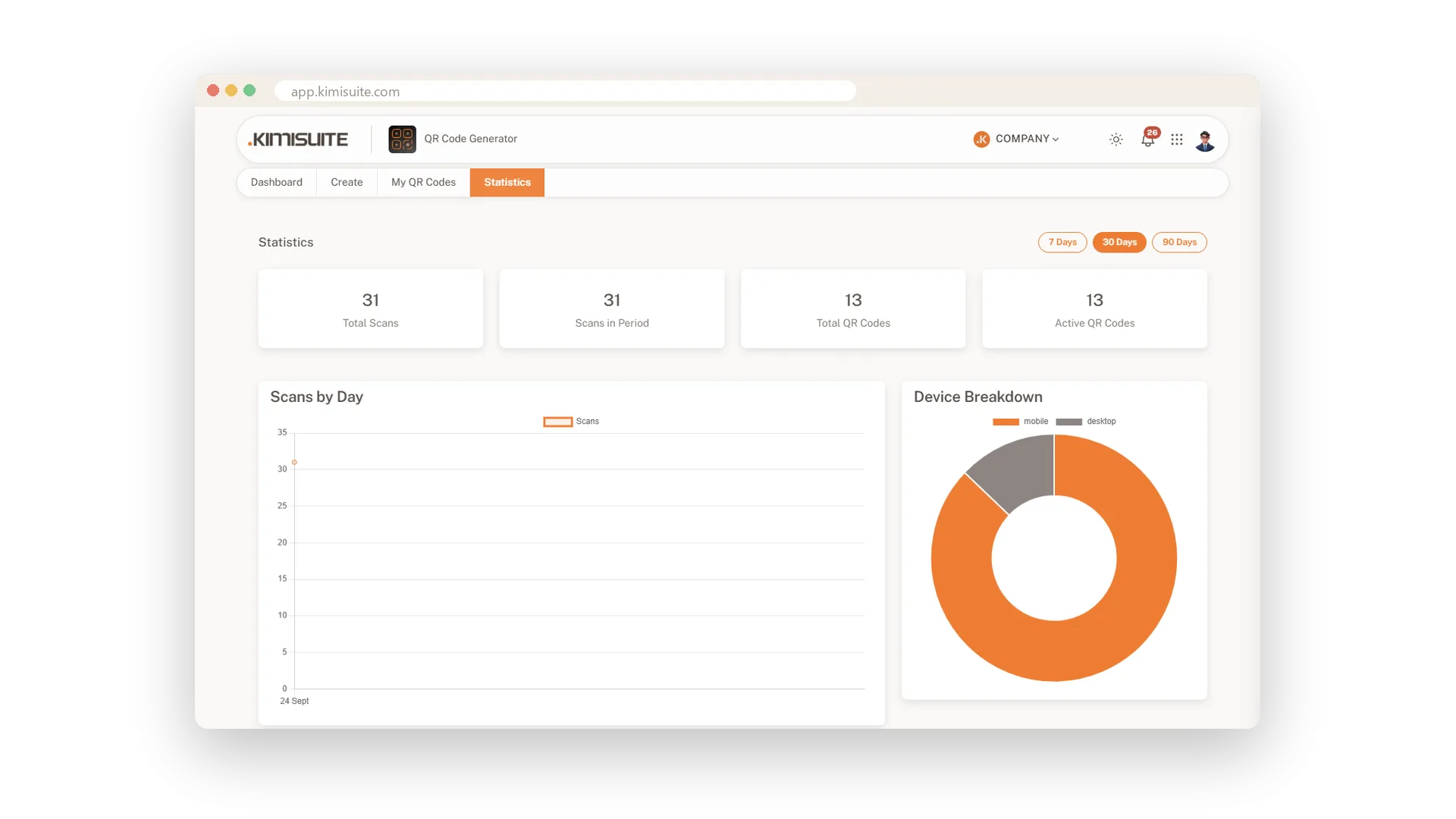
You printed codes for the menu, the flyer and the shop window. Which one do people actually scan, and who are they? QR Generator counts every scan of your dynamic codes and answers on one screen: total scans, scans in your chosen period and a line for every day, with quiet days shown as quiet days.
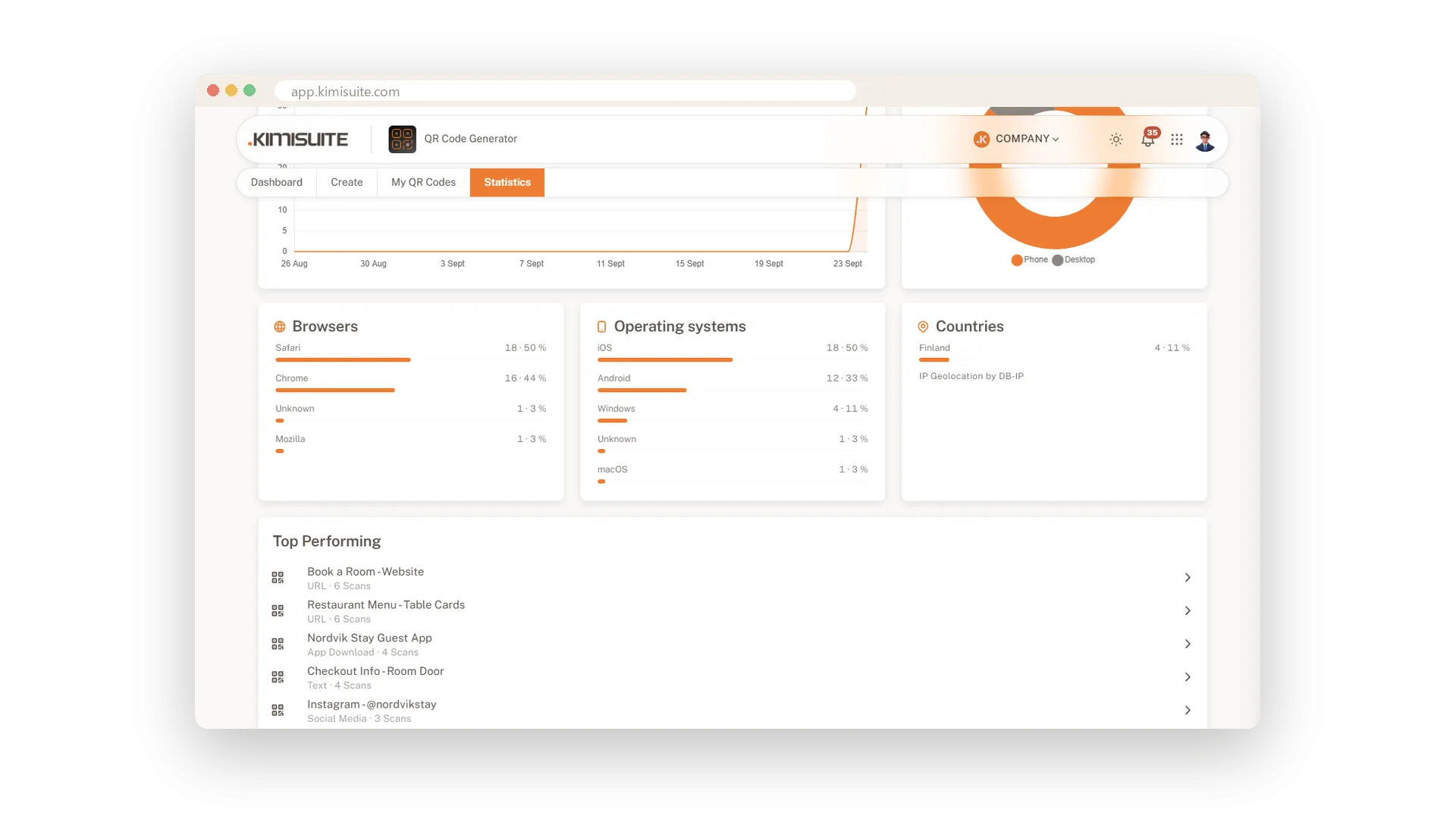
Below the chart you see phones, tablets and desktops, the browsers and operating systems people use, and the countries the scans come from. Switch between 7, 30 and 90 days, see your five best codes at the top, and open any code for its own numbers. Your dashboard keeps the last 30 days and your top codes in view, so you know what works without opening a report.
Key Benefits
Scans by day over 7, 30 or 90 days, for all codes or for one
Phone, tablet or desktop, plus the browsers and systems people use
The countries your scans come from, so you see where your print travels
Last 30 days and your top five codes right on the dashboard
Scans by day, 7 to 90 days
See the busy days for every code
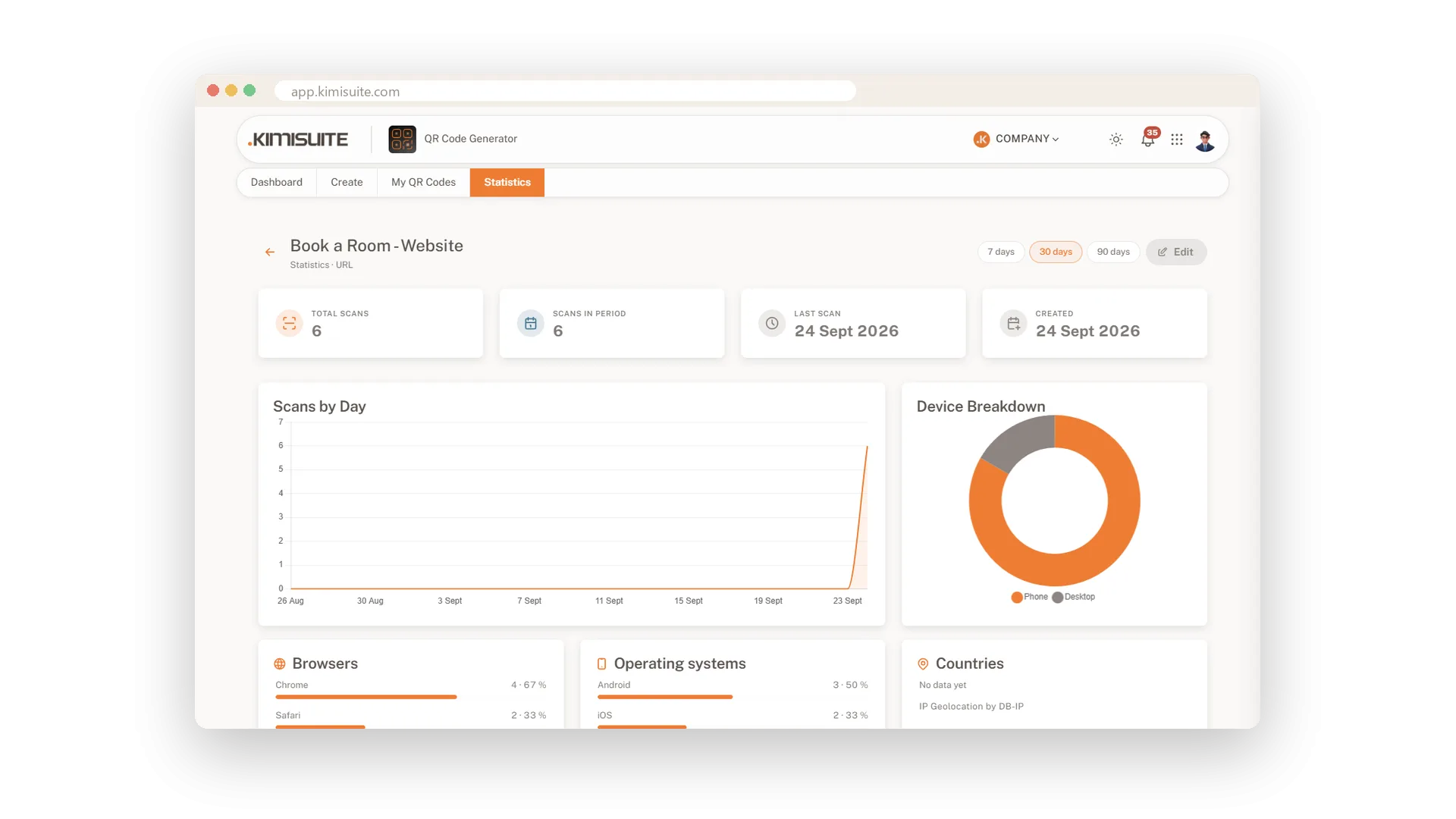
Pick 7, 30 or 90 days and a line chart shows the scans of each day, quiet days included. Open a single code to see its own curve, next to its total, its last scan and the day you created it.
Your best-performing codes
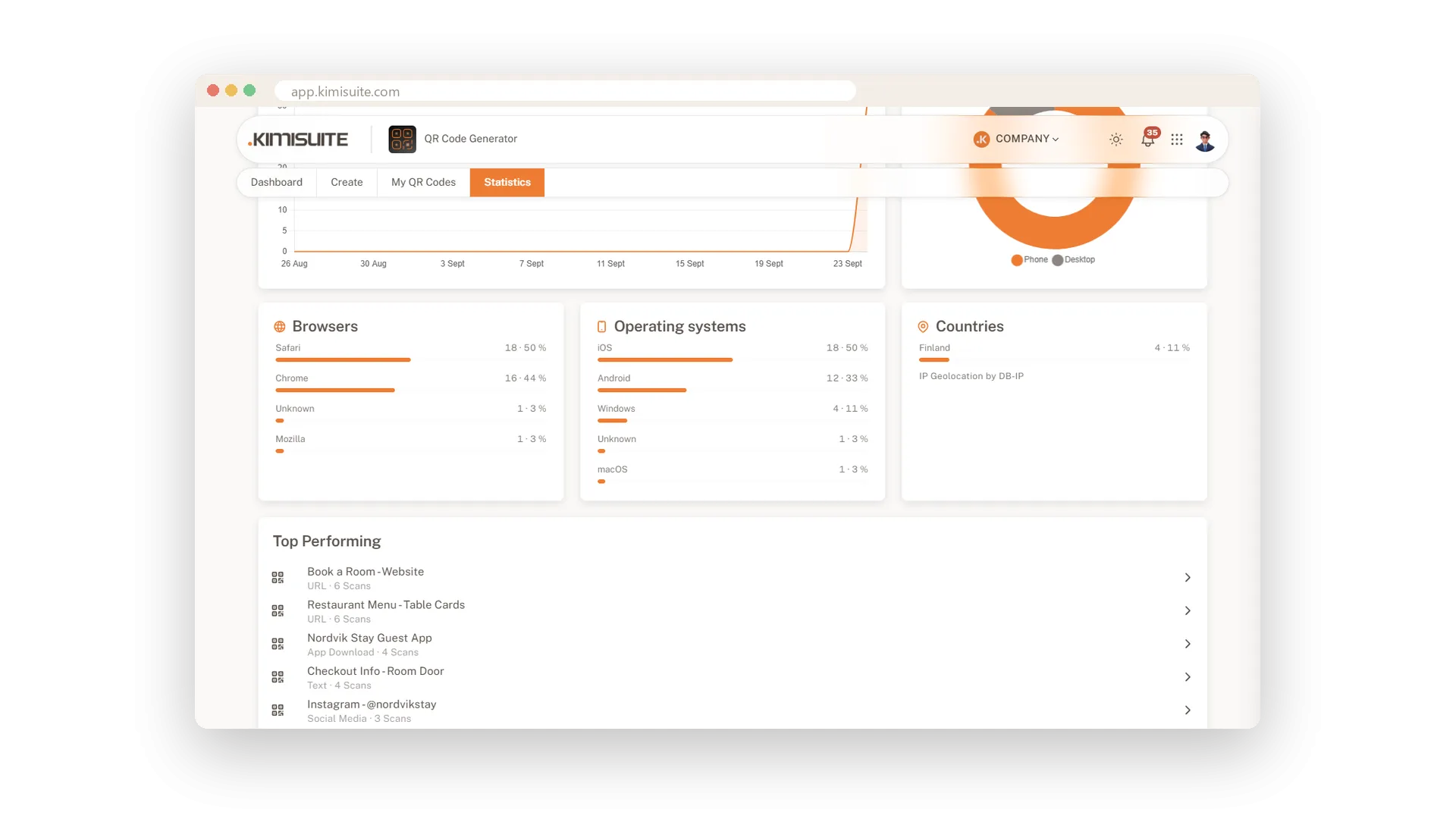
The five codes people scan most, at a glance
The statistics page ranks your five busiest codes with their scan counts. You know straight away which print is worth repeating.
Phone, tablet or desktop
How your codes are scanned, at a glance
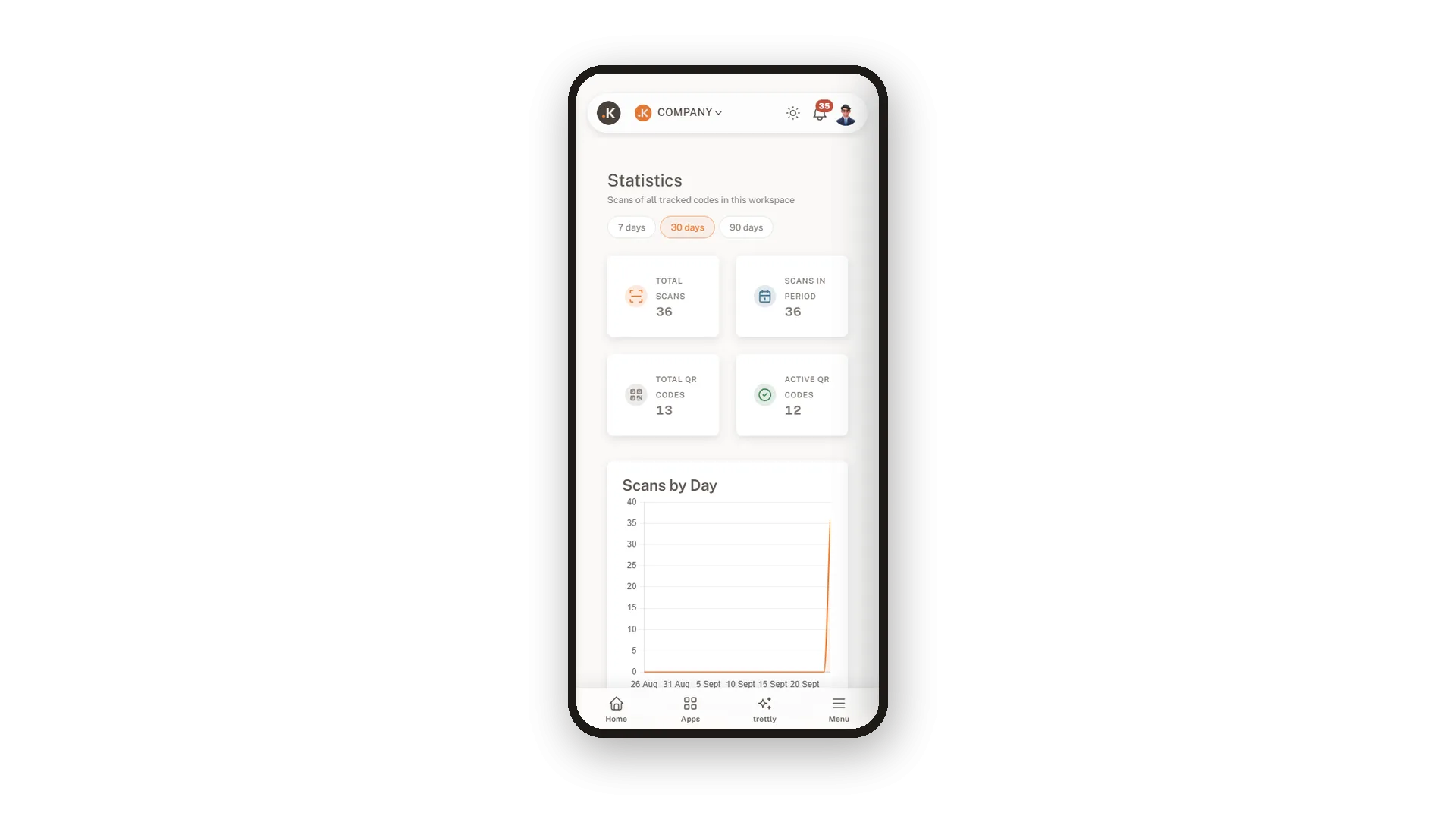
A ring chart splits your scans into phones, tablets and desktops, for all codes or for one. The statistics read just as well on your phone.
Browsers, systems and countries
Know where your scans come from
See which browsers and operating systems your visitors use and which countries the scans come from, each with its share. Perfect to check whether your print reaches the guests you had in mind.
Use Cases
Which flyer worked?
Two flyers, two codes. After a week you see which one people scanned and print more of that one.
The menu on busy nights
Open the menu code and look at scans by day. Friday and Saturday stand out, and you plan your staff with that in mind.
Visitors from abroad
A hotel sees that half of the scans on its room cards come from Germany and Austria. It adds a German version of the welcome page and more guests read it.
FAQ
Try QR Generator today
Dynamic QR codes with your logo, colours and scan statistics
14 days free, cancel anytime, no minimum term.
