 Part of Email Signature
 Paste into Gmail, Outlook and Apple Mail
Copy your signature, paste it, done
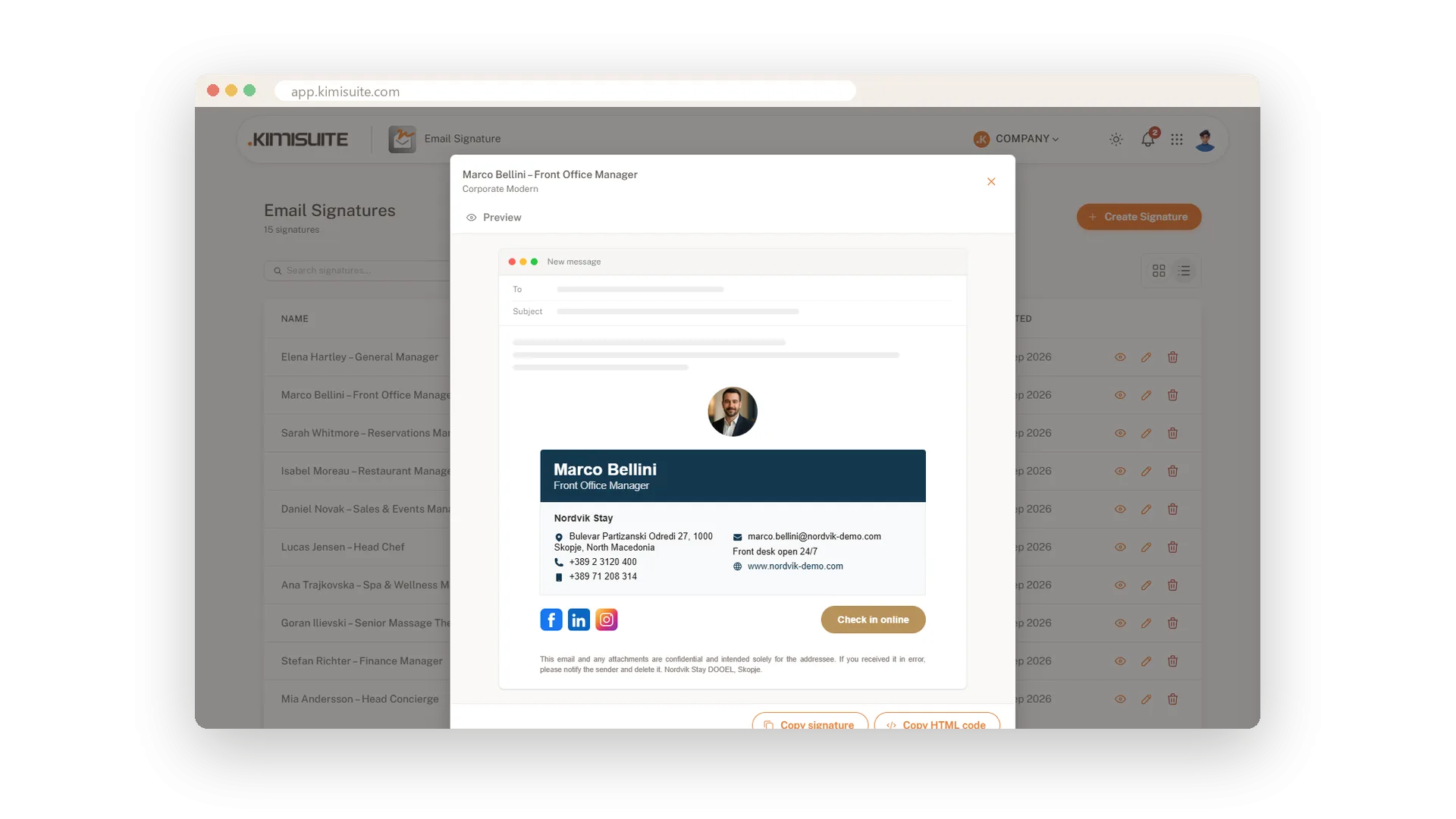
A signature only counts once it is in your mail program. When yours is ready, click Copy signature and paste it into the signature settings of Gmail, Outlook or Apple Mail: layout, colours, images and links arrive exactly as you designed them. No file to download, no code to understand.
If your mail program or your IT team prefers HTML, click Copy HTML code instead and paste the code wherever it is needed. Your logo, portrait, banner and social icons are hosted for you when you save, so they load in your recipients' inboxes without attachments. Need it again next month? Open the signature from your list and copy it once more.
Key Benefits
Copy signature pastes the finished design into Gmail, Outlook or Apple Mail in one step
Copy HTML code gives you clean HTML for any mail program that takes code
Logo, photo, banner and icons are hosted for you, so they load without attachments
Copy again whenever you need it: every signature stays in your list, ready to reuse
Copy, paste, done
The finished design on your clipboard
Open a signature and click Copy signature. Paste it into the signature settings of your mail program and layout, colours, images and links arrive as you designed them.
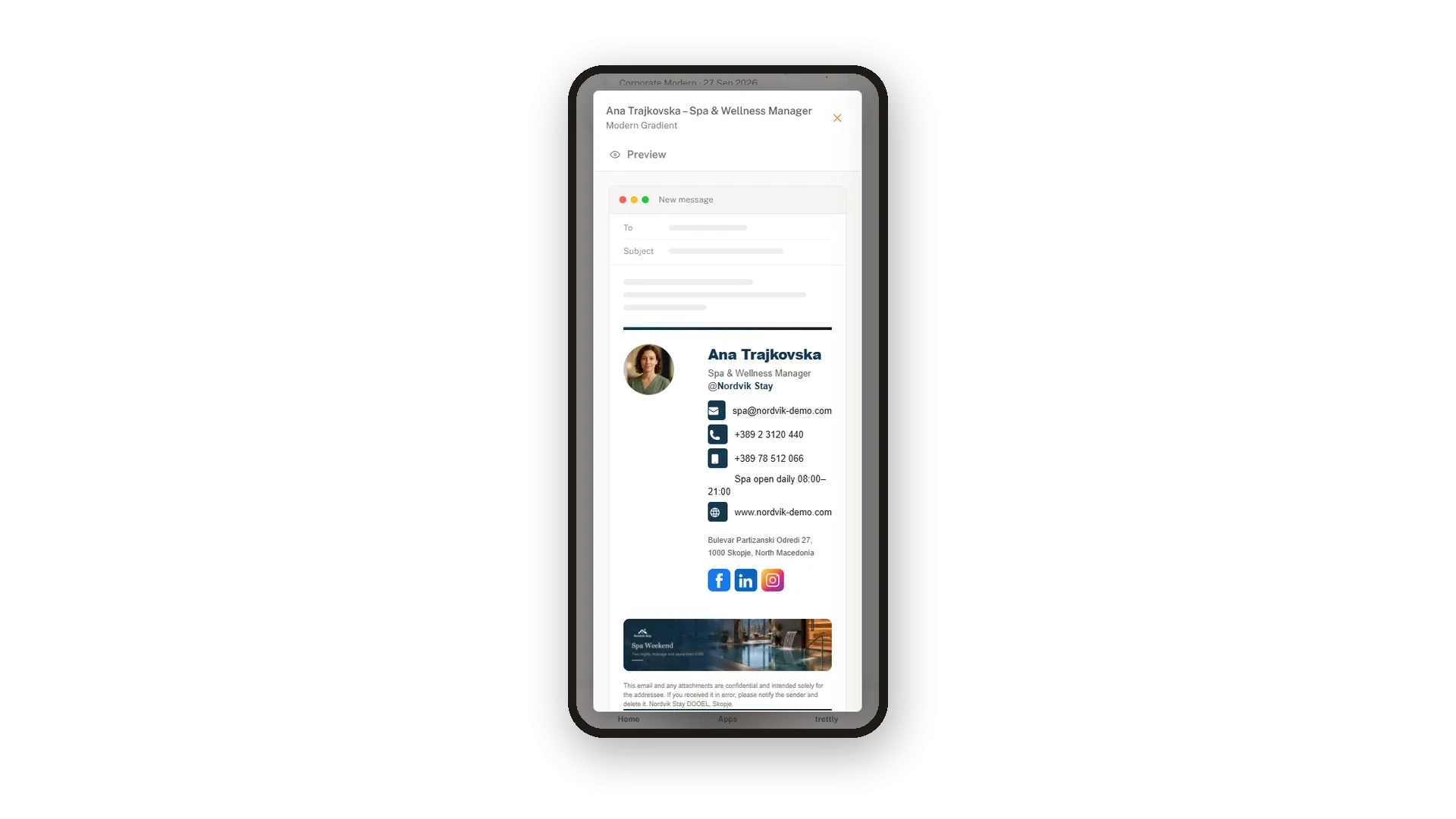
The HTML code when you need it
Clean code for any mail program
Some programs and IT teams prefer code. Click Copy HTML code and the complete signature is on your clipboard as HTML, ready to paste or pass on.
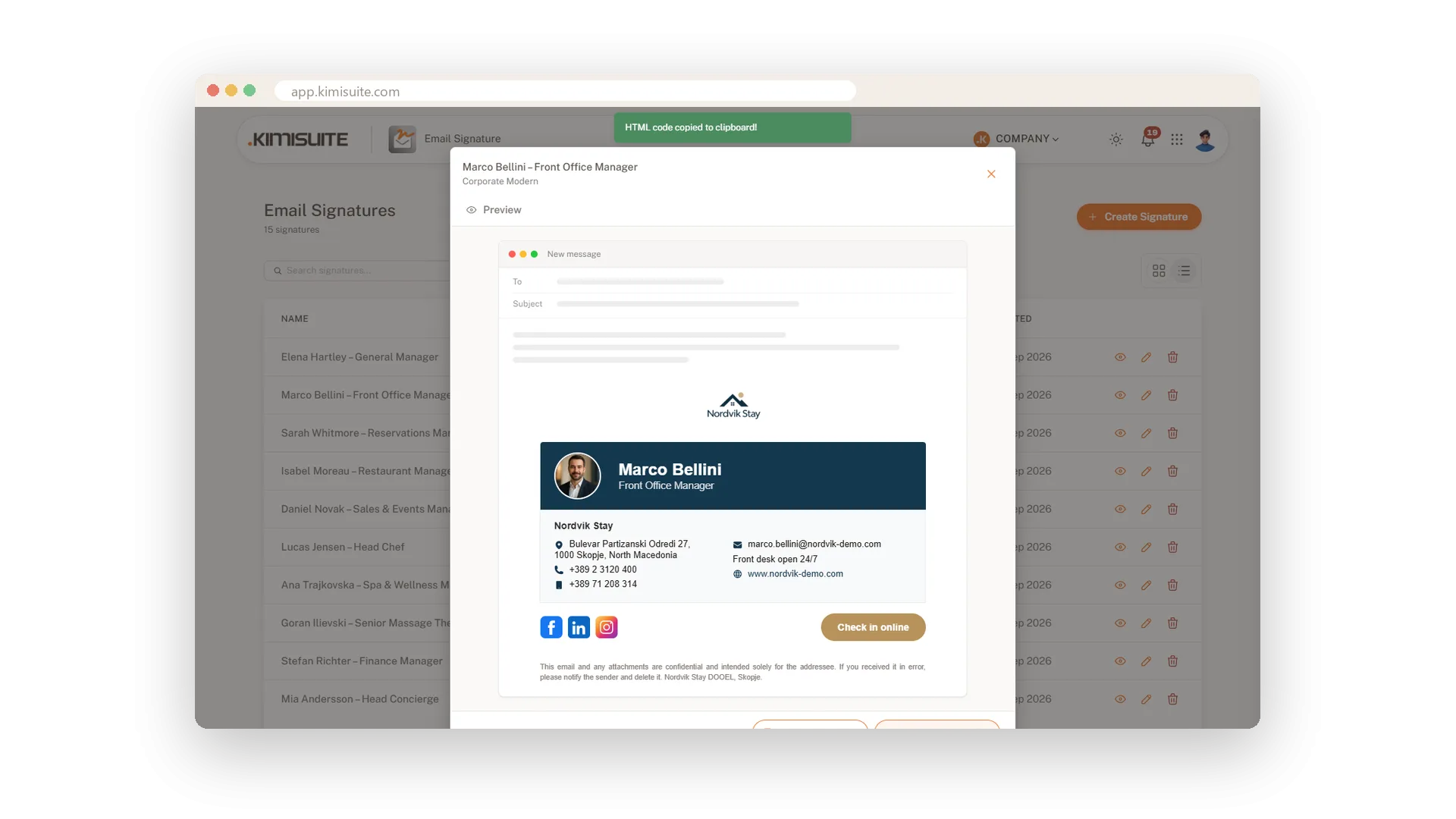
Images that load in every inbox
Logo, photo and banner hosted for you
When you save, your logo, portrait and banner are stored online and linked in the signature. Recipients see them without attachments cluttering the email.
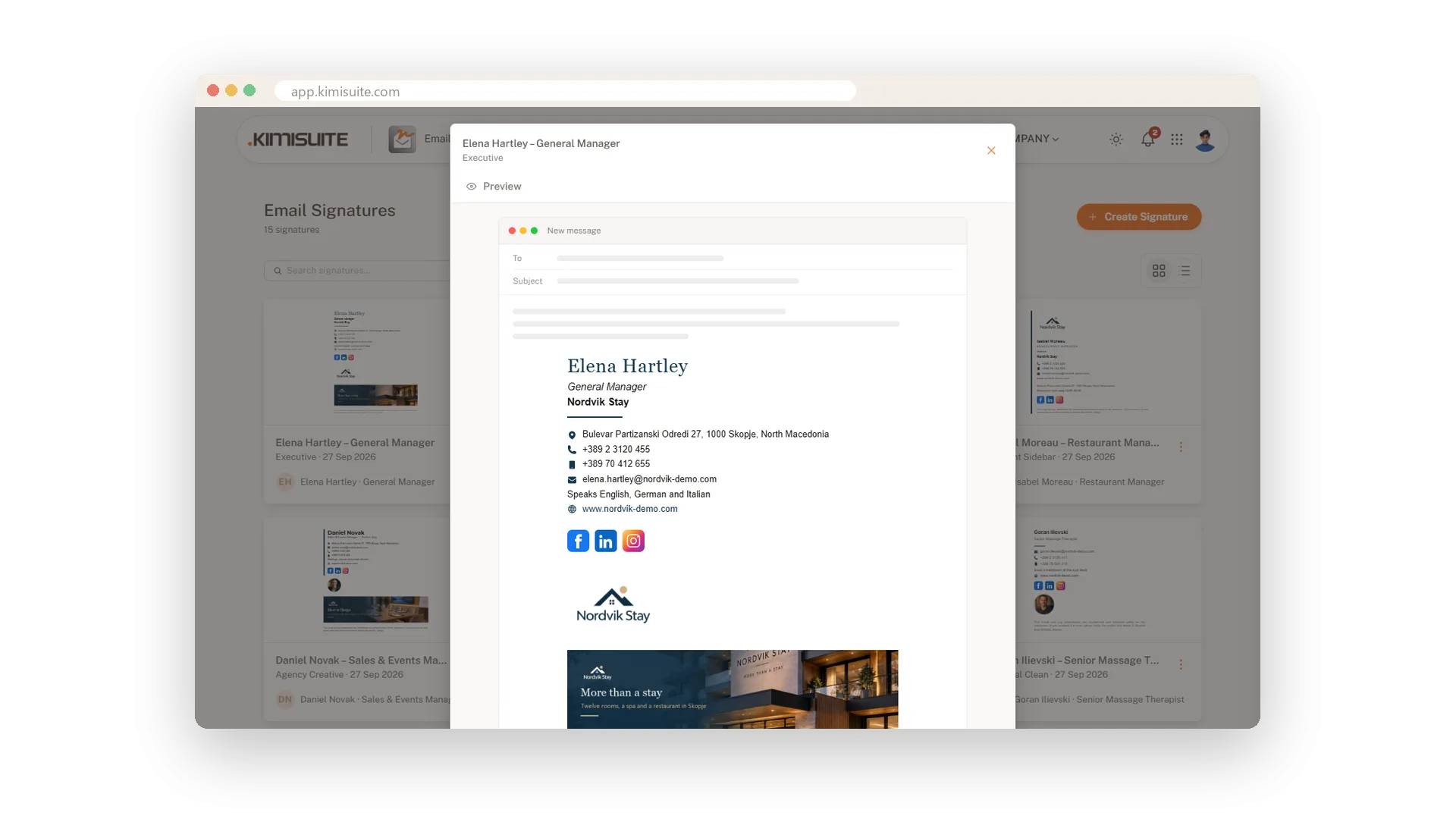
Use Cases
Gmail in two minutes
Save the signature, click Copy signature and paste it into the Gmail settings. The next email already carries the new design.
A new laptop for the sales manager
Open her signature from the list, copy it and paste it into Outlook on the new machine. Nothing to rebuild.
The IT partner wants code
Click Copy HTML code and send it on. The agency sets up the signature exactly as you designed it.
FAQ
Try Email Signature today
Professional email signatures for you and your whole team
14 days free, cancel anytime, no minimum term.
