 Part of Support Hub
One shared inbox for your whole team
Every request a ticket, every ticket an owner
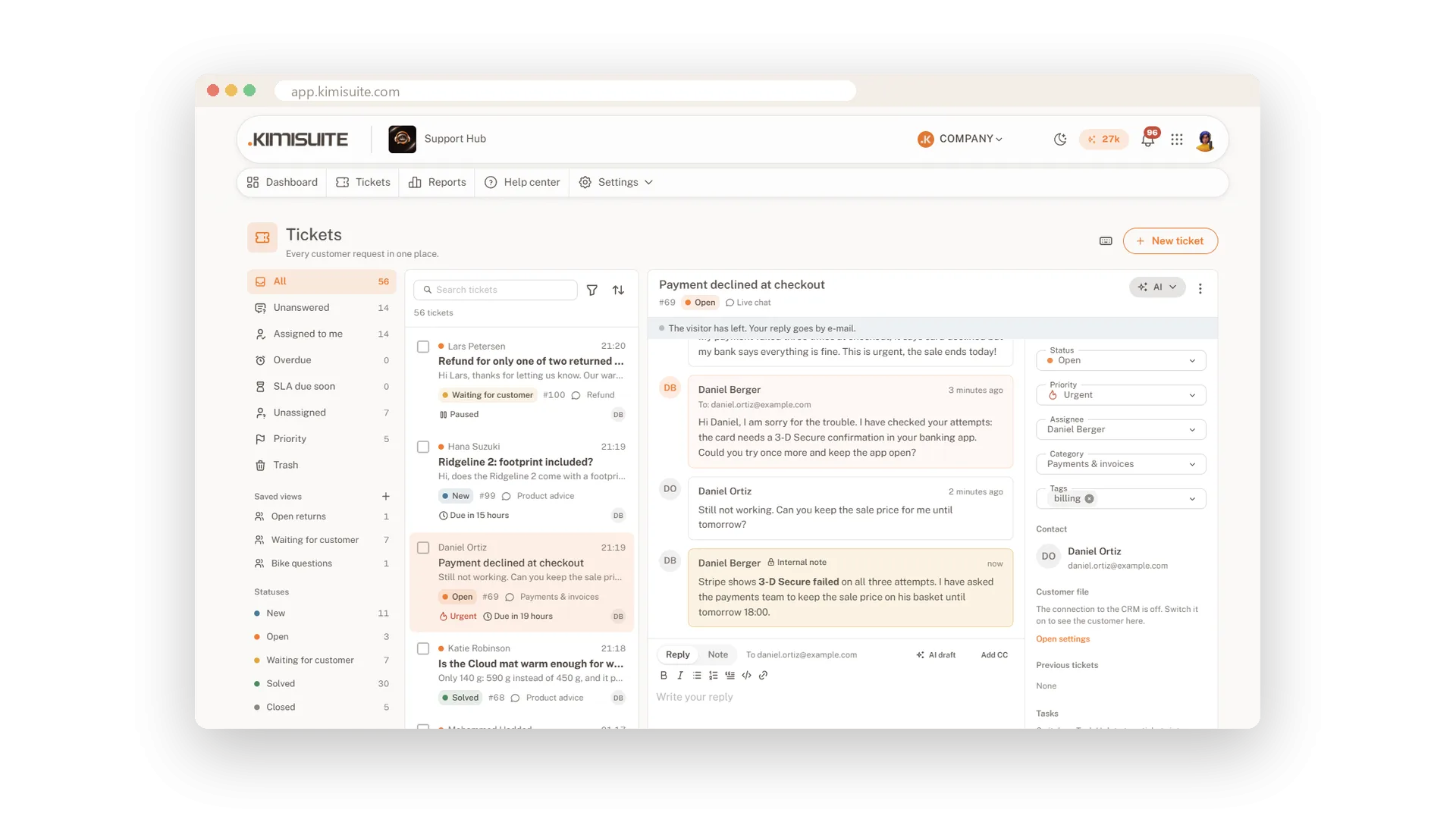
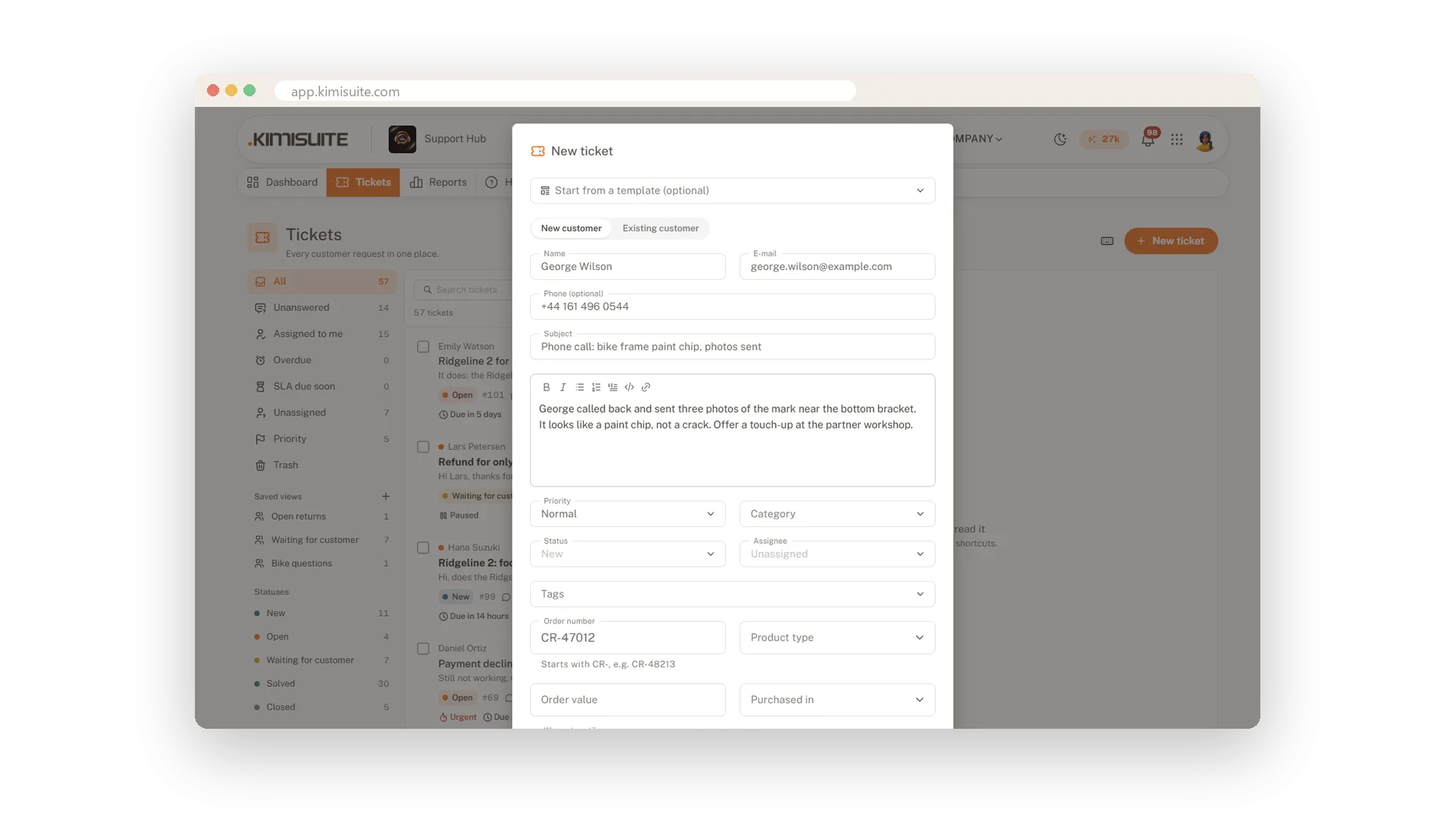
A customer writes to your info address, another fills in the form, a third asks in the chat. In Support Hub they all land in one inbox as tickets, each with a number, a status and the person who owns it. Nothing gets lost between mailboxes, and nobody answers the same question twice, because you see who else has a ticket open and who is typing.
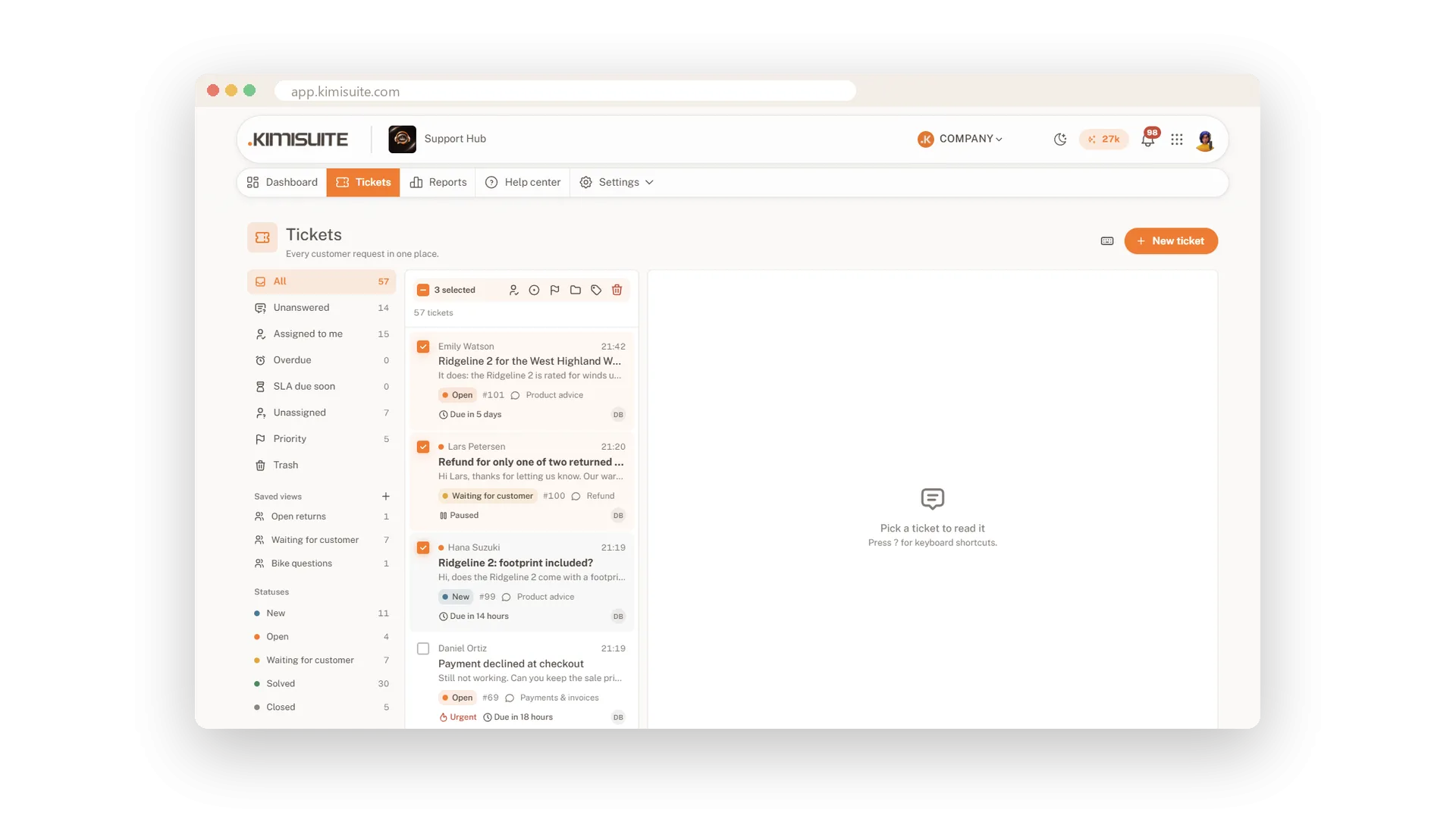
Views like Unanswered, Assigned to me and Overdue show what needs you, with live counts. New tickets appear without a reload, search finds subjects, messages, numbers and names, and up to 200 tickets change in one bulk action. You pay for the workspace, not per agent, so everyone in your team with permission can help.
Key Benefits
No price per agent: everyone in your workspace with permission handles tickets
Never answer twice: see who has a ticket open and who is typing a reply
Know what is due: views for unanswered, overdue and assigned to me, with live counts
Tidy up fast: assign, tag or close up to 200 tickets in one bulk action
Views that show what needs you
Unanswered, overdue and yours, always counted
Start the day with the view that matters: unanswered, assigned to you or overdue, each with a live count. Search and filters stay in the address, so a shared link opens exactly the same list.
Reply and note in one place
Notes for the team never reach the customer
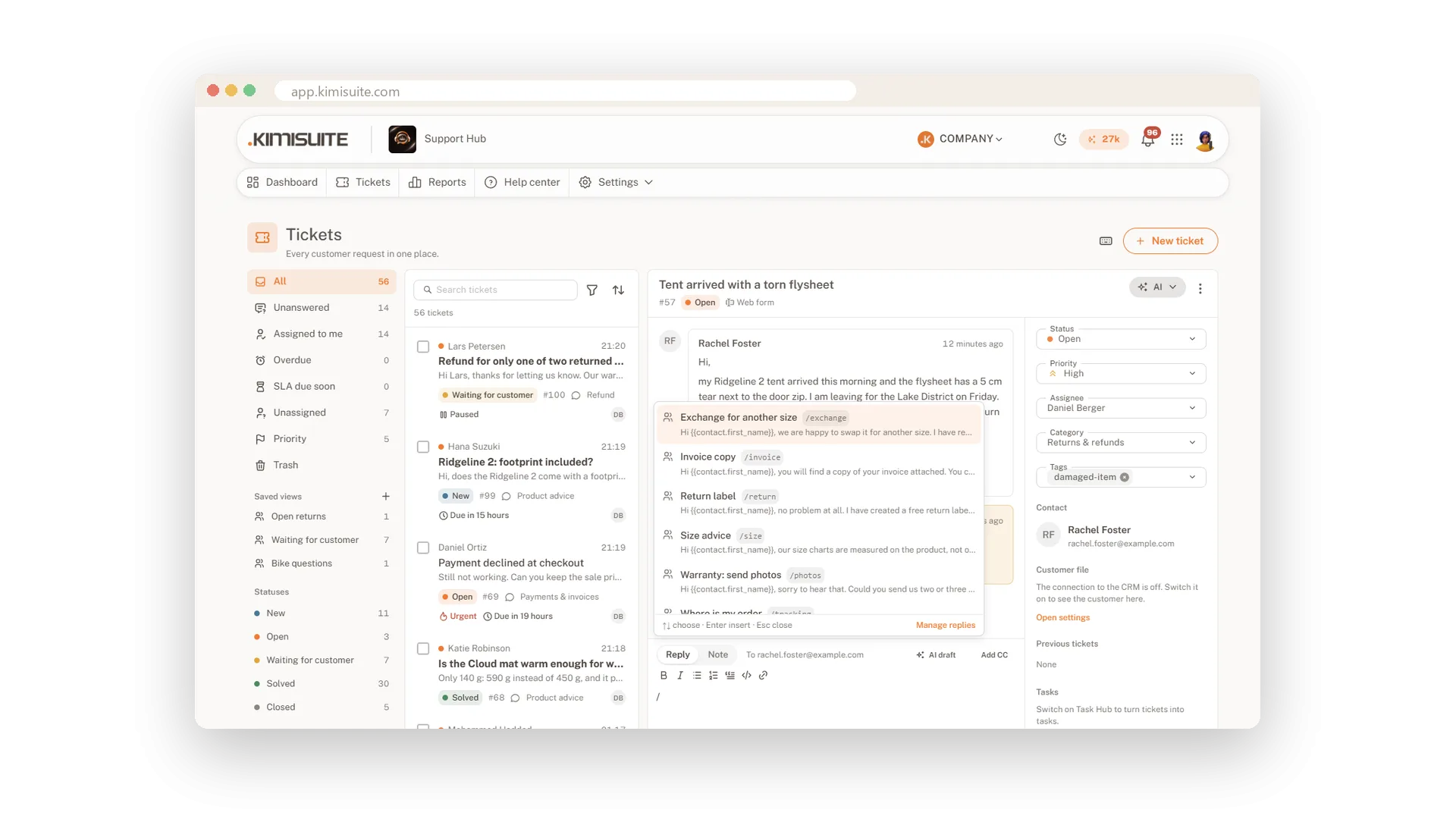
Reply and internal note share one box with two tabs, each with its own text, so a note cannot go out by mistake. Add files by drag and drop, send and set the status in one step, and your draft waits for you after a reload.
See who is on a ticket
Who has it open, who is typing
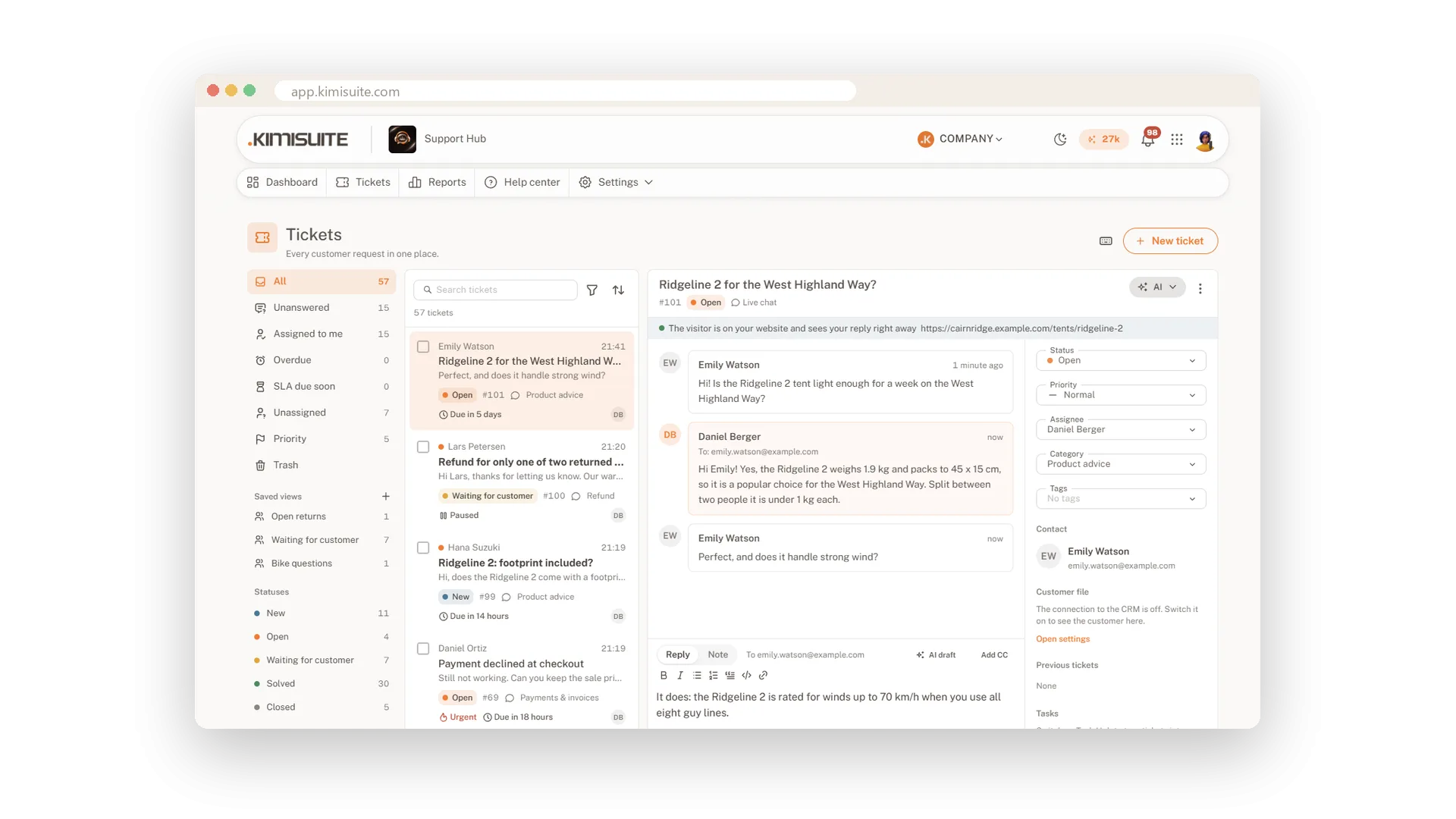
At the top of every ticket you see who else has it open and who is typing a reply. The activity shows every change with the person, the time and the old and new value, so nobody has to ask who did what.
Every customer with their history
All tickets of a contact on one page
Contacts are created on their own, one per e-mail address. Open a contact to see their details, your notes and every ticket they ever sent; merge duplicates or block a sender who only sends spam.
Use Cases
Three addresses, one inbox
Your shop has info@, orders@ and returns@. You connect all three, and your team works from one list instead of three mail programs.
The part-time helper
A colleague helps on Saturdays. You give her role the right to reply, and she sees only her own and unassigned tickets.
Monday morning
The weekend left 60 requests. You filter by category, assign each batch in one bulk action, and the work is shared out by nine o'clock.
FAQ
Try Support Hub today
One shared inbox for e-mail, chat and Telegram
14 days free, cancel anytime, no minimum term.
