 Part of CRM Business Hub
 E-mails in your words and language
The right words for every document, in any language
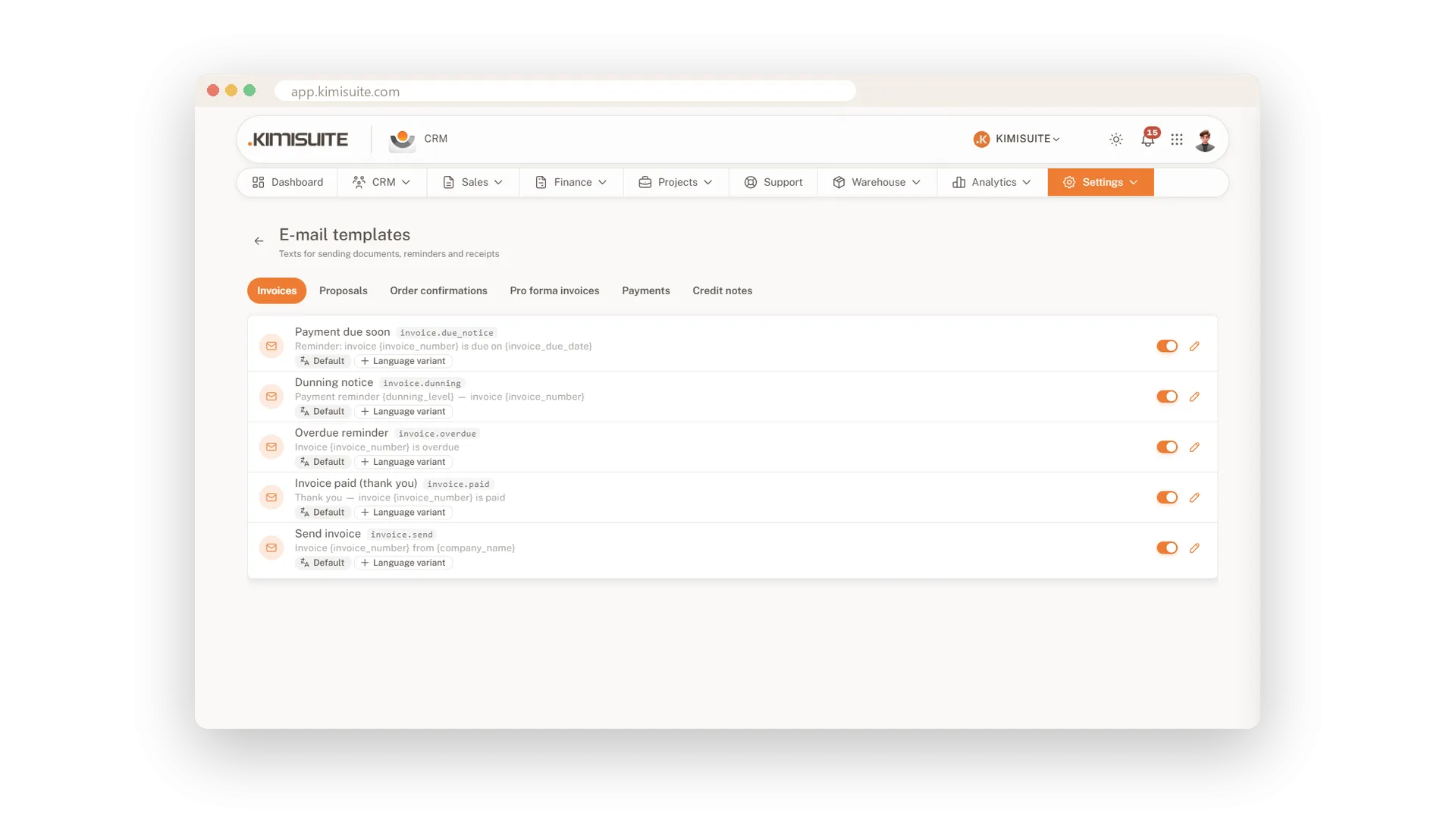
Every invoice, proposal and reminder you send travels with a message. With e-mail templates it is always the right one: your tone, your signature, your customer's language. You write the text once per document type, and placeholders fill in the details from the document every time you send.
Templates are ready for invoices, proposals, order confirmations, pro forma invoices, payments, credit notes, due-date notices and dunning letters, each with language variants. When you send, pick recipients from the customer's contacts, add more addresses or CC, attach the PDF and send now or later. Stuck for words? Draft with AI writes a first version. Your mail leaves through the workspace mail server or your own SMTP, with your sender name, header and footer - and a signature you take straight from the Email Signature app.
Key Benefits
Templates per document type, from invoice and proposal to reminder and credit note
Language variants, so every customer reads your mail in their own language
Draft with AI writes a first version when a mail needs more than the template
Your own SMTP and sender name, with the signature you designed in Email Signature
Send with a draft written by AI
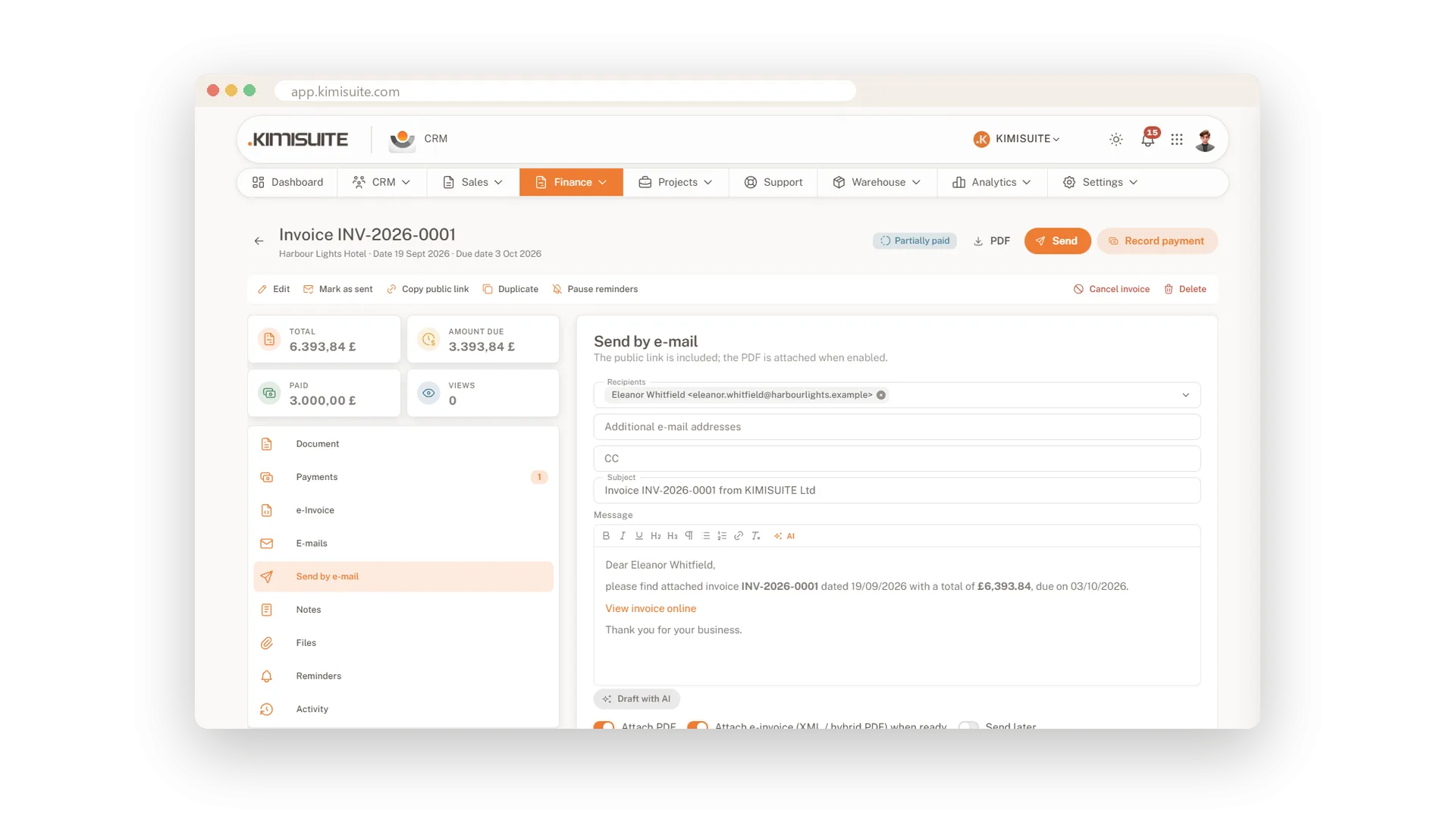
A first draft when the words won't come
In the send dialog, Draft with AI writes the message for you. You polish it in the editor, attach the PDF and send - now or later. It runs on your workspace AI credits.
Your own sender and SMTP
Mail that comes from you, not from a system
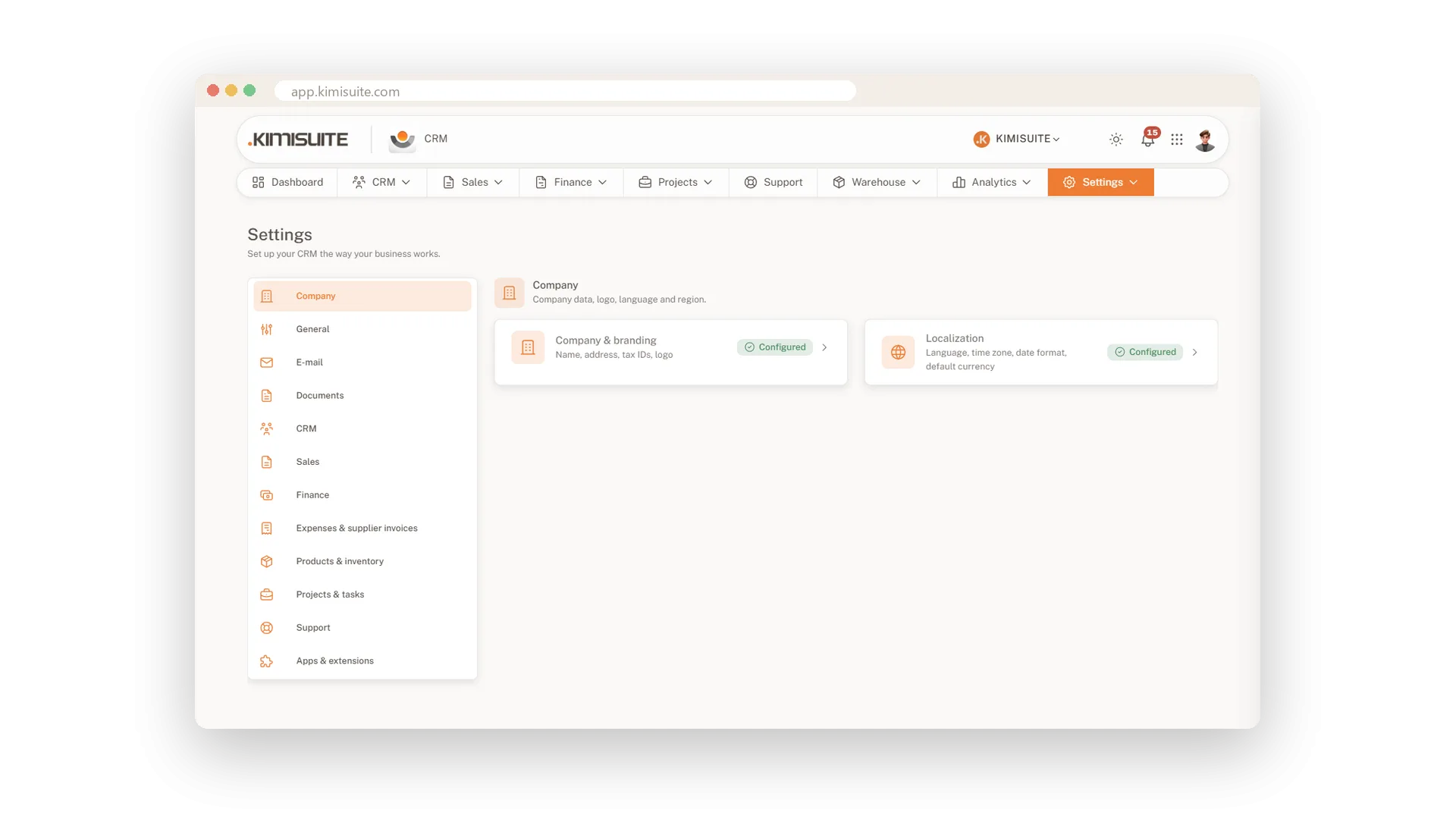
Send through the workspace mail server or connect your own SMTP. Your sender name, header, footer and the signature from your Email Signature app go out with every mail, and a BCC copy keeps your own records complete.
See whether your mail was opened
Know when your customer is reading
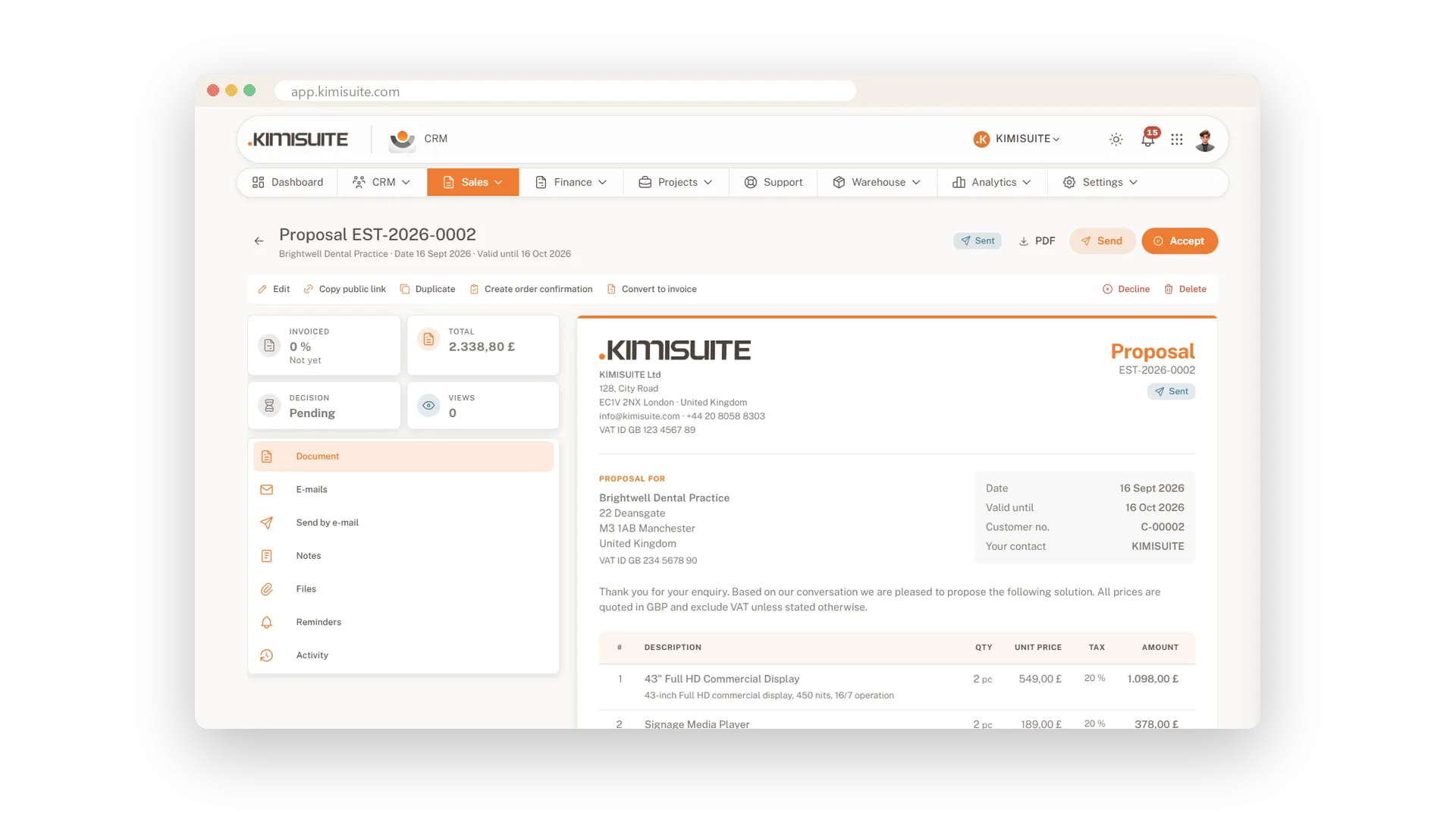
Switch on open tracking in the e-mail settings to learn whether your mail was opened. Proposals also count every view of their page, so you can follow up while the customer is still thinking about it.
Every e-mail, on the record
Sent, opened or bounced
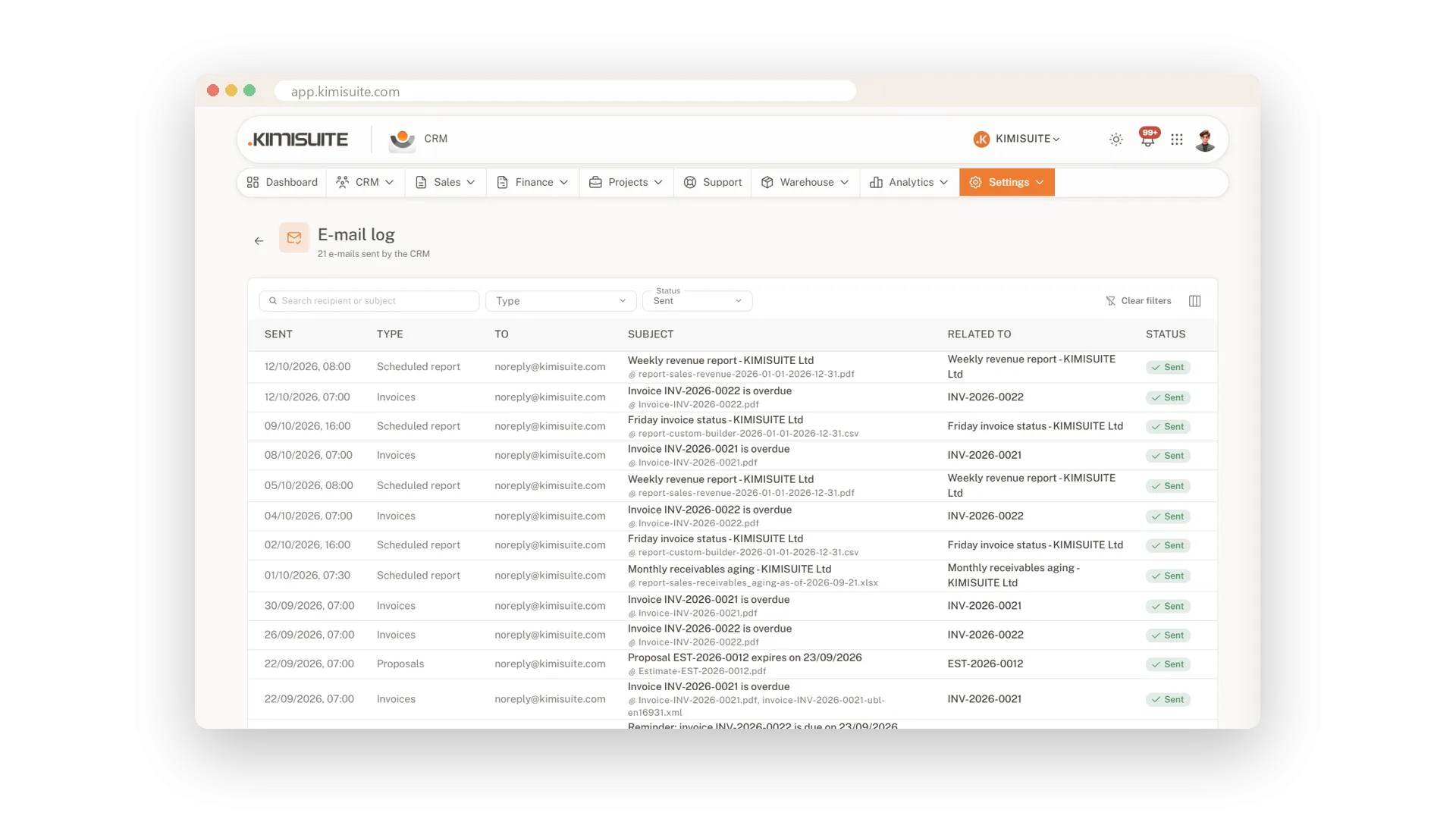
The e-mail log lists everything the CRM sent, to whom and when. If a mail server rejects a message, you see its reason and can fix the address right away.
Use Cases
A reminder that needs a personal touch
The third reminder to a good customer should not sound like a machine. Draft with AI suggests a polite but clear text, and you adjust it before it goes.
Written at midnight, sent at nine
You finish the proposal late in the evening. Schedule the e-mail for the morning, and it reaches your customer at a sensible hour.
A customer who reads Spanish
Add a Spanish variant to your invoice template once. From then on your Spanish-speaking customers get the mail in their language, with the PDF to match.
FAQ
Try CRM Business Hub today
From first lead to paid invoice in one app
14 days free, cancel anytime, no minimum term.
