 Part of Domain Hub
Bring the domains you already own
Transfer to KIMISUITE, website and e-mail keep running
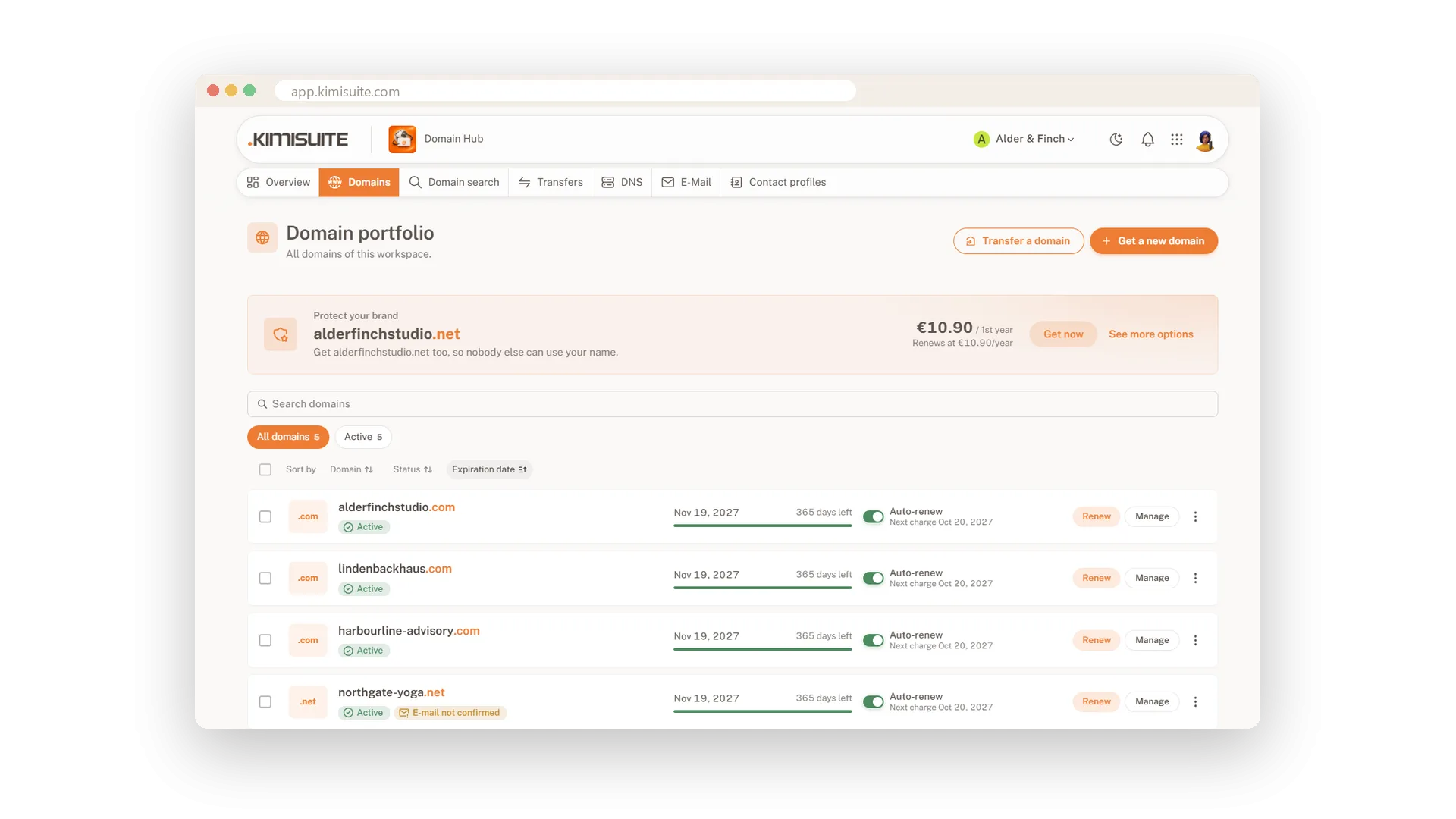
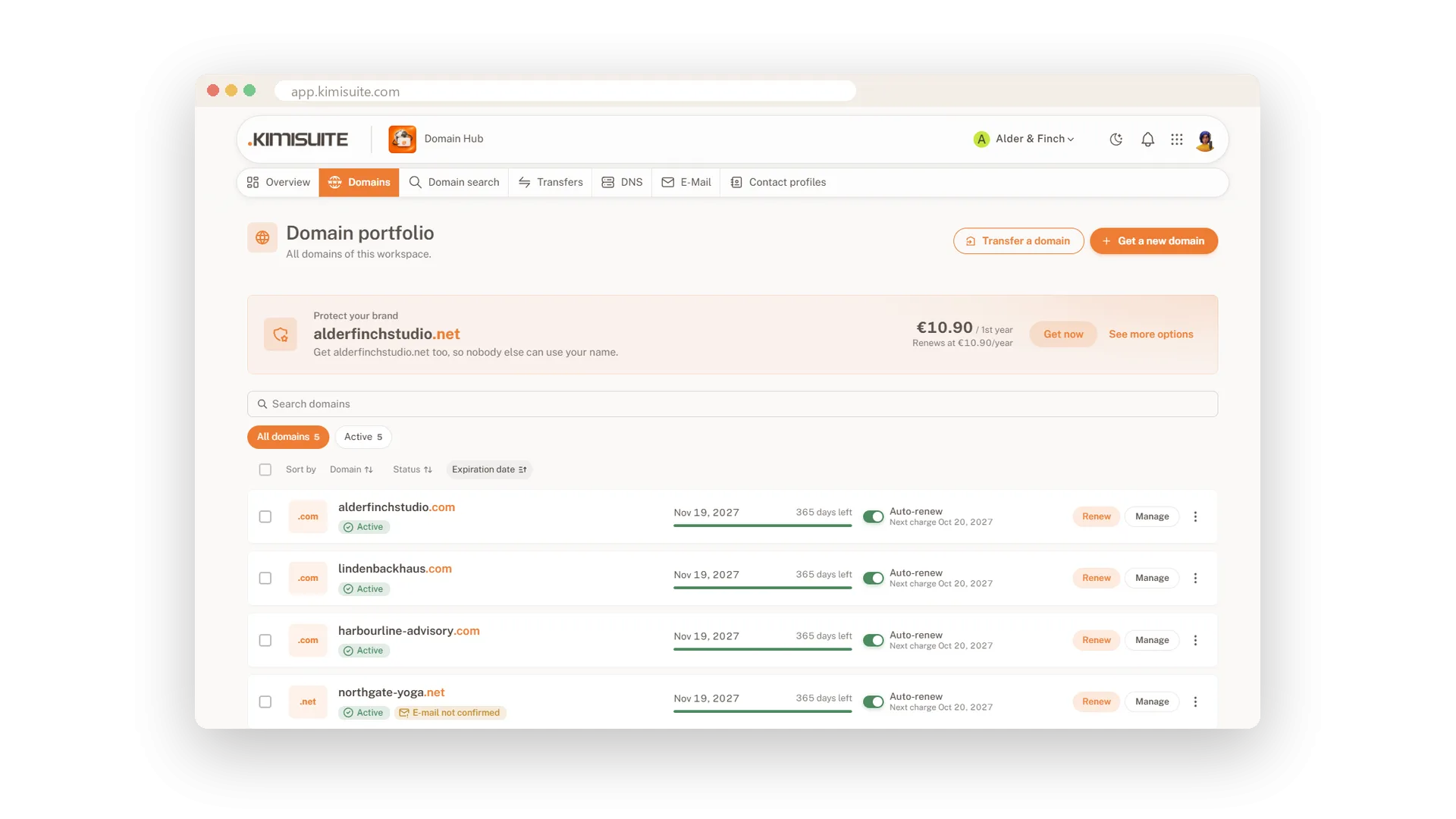
Your domains sit with an old provider, and every change means another login. Transfer them into your workspace with the transfer code from your current provider. At most endings the transfer adds a year to your domain, and Domain Hub shows every transfer with its status and, if something stops, the reason in plain words.
You choose what happens to DNS. Keep your current nameservers and nothing changes. Or switch to KIMISUITE DNS: Domain Hub reads your existing records, lets you check them, and switches the nameservers only after the new zone is ready. Your website and your e-mail keep running the whole time.
Key Benefits
One year added at most endings when you transfer a domain to KIMISUITE
Your DNS records come along: read, shown for review and checked before the switch
No downtime: nameservers change only once the new zone is ready
Clear status for every transfer, with the reason in plain words if one stops
Transfer a domain in
With the transfer code, one year added at most endings
Start a transfer with the code from your current provider and pick the owner from your contact profiles. The Transfers page shows each one with its status, and the domain joins your portfolio when it is done.
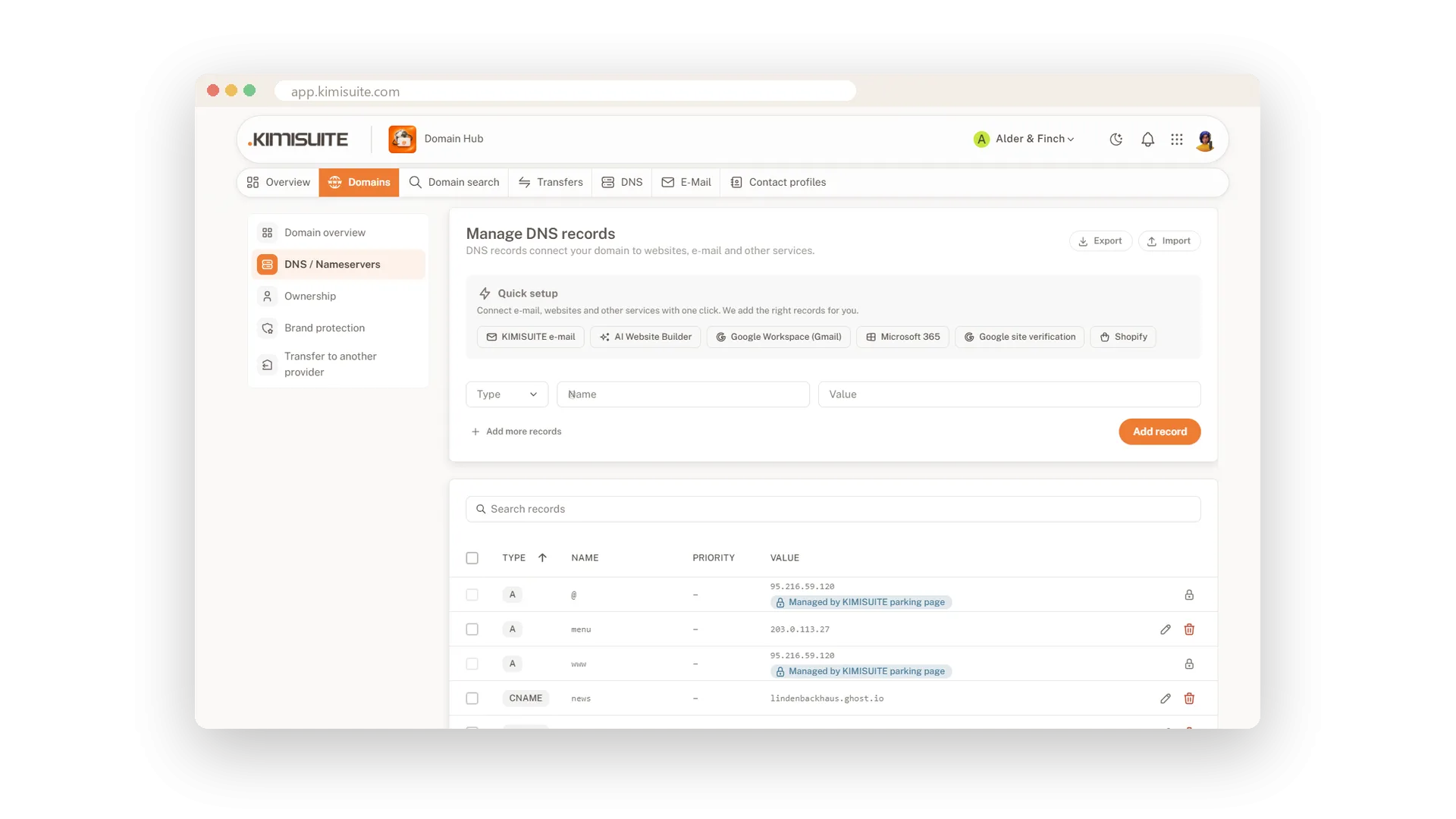
Your DNS records come along
Read, reviewed, then switched without downtime
Switch to KIMISUITE DNS during the transfer and Domain Hub reads your current records, including e-mail and common subdomains. You review the list, and the nameservers change only when the new zone is ready.
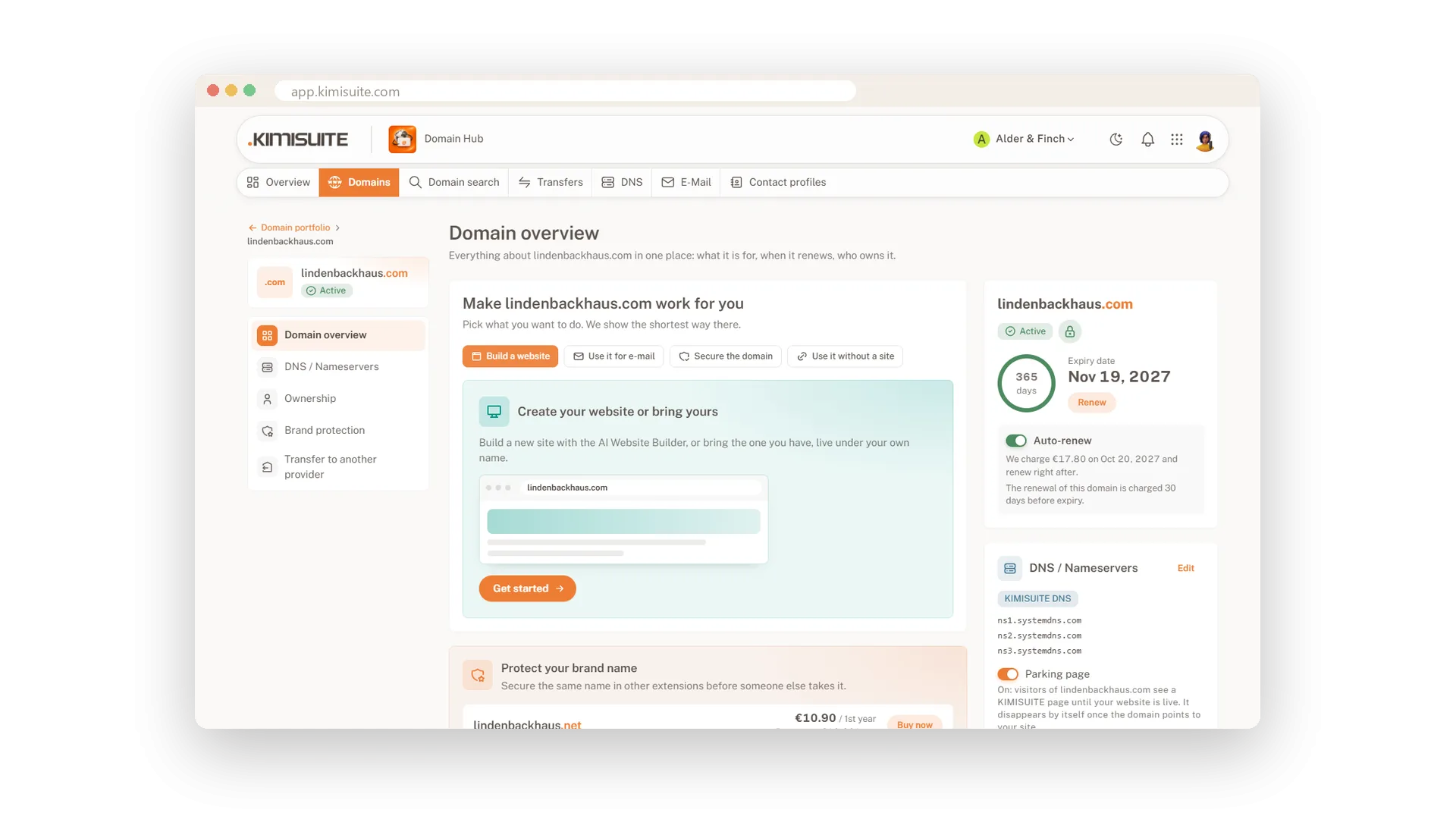
Leave whenever you want
Your transfer code with one confirmation
A domain is yours, not ours. Show the transfer code on the domain page after a confirmation; the domain is unlocked for the move and every request is logged.
Use Cases
Five domains, three providers
Over the years your domains ended up in three accounts. You transfer them one by one, and now they all renew from one place.
E-mail must not stop
Your shop domain carries mail records for an outside mail service. Domain Hub takes them over, you check the list, and mail keeps arriving during the switch.
Keep the nameservers
Your developer manages DNS elsewhere. You transfer the domain but keep the current nameservers, and nothing changes for the website.
FAQ
Try Domain Hub today
Your domains, DNS and business e-mail in one place
Free of charge, in your own workspace, ready in a minute.