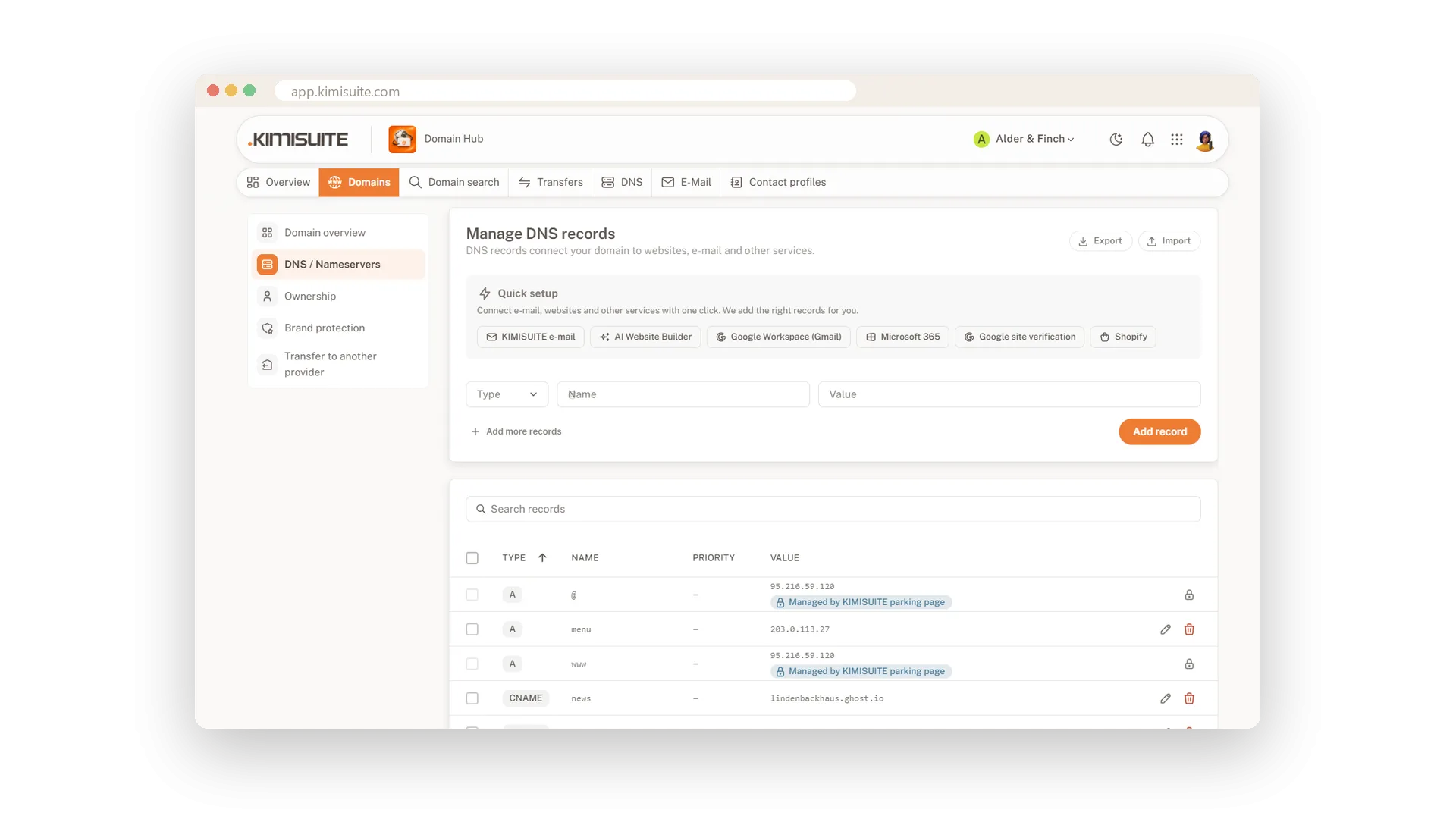
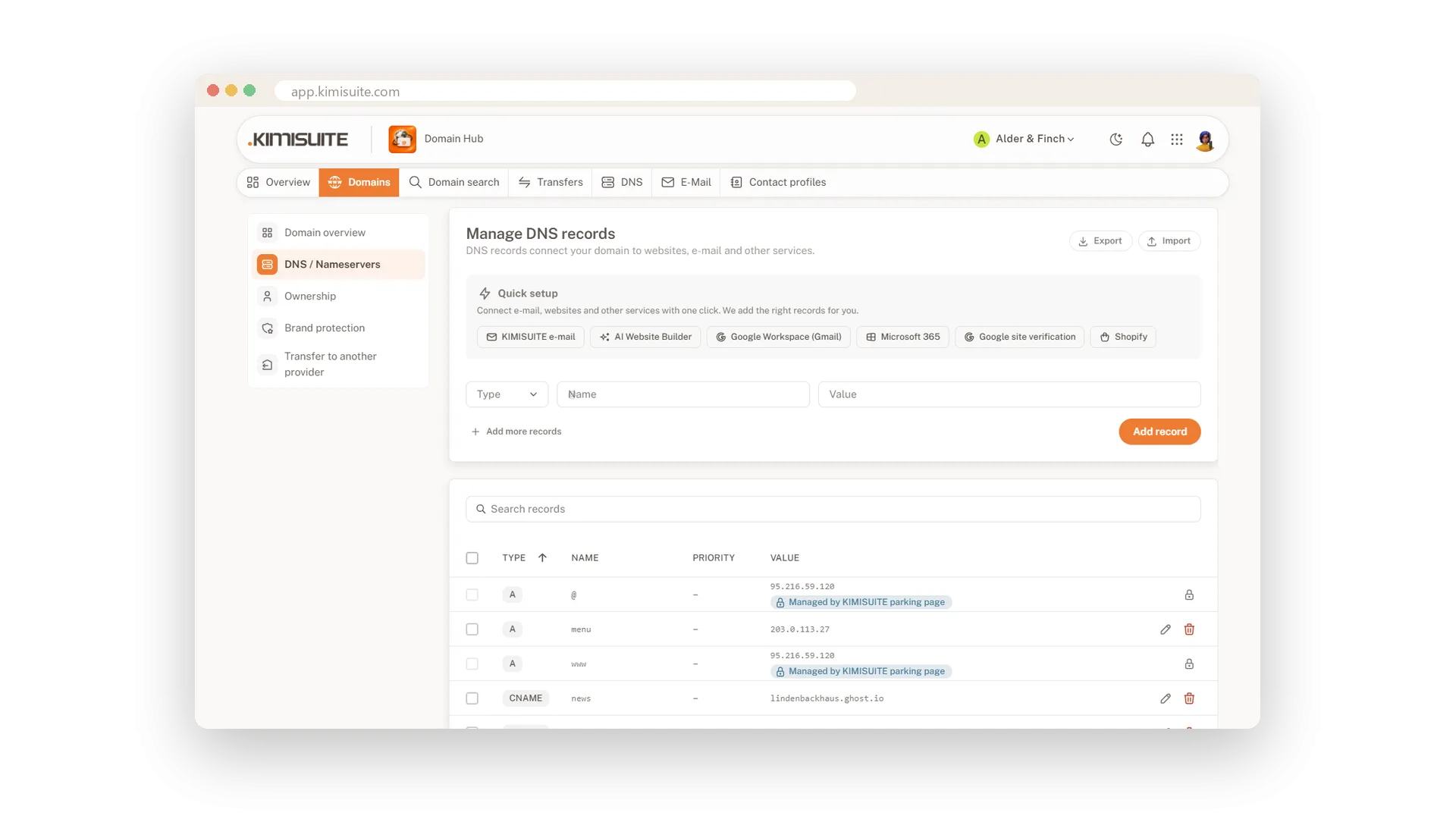
DNS decides whether your website opens and your e-mail arrives, and one wrong record can stop both. In Domain Hub the common setups take one click: KIMISUITE e-mail, AI Website Builder, Google Workspace, Microsoft 365, Shopify and the Google site verification. You see what will change before it does.
For everything else there is a clear editor for A, AAAA, CNAME, MX, SRV and TXT records, with several lines at once and a check for every type. Before each change Domain Hub keeps a snapshot, so the DNS history shows what changed and brings an older state back with one click. Zone files go in and out, with a preview first.
Key Benefits
One-click setups for KIMISUITE e-mail, AI Website Builder, Google Workspace, Microsoft 365 and Shopify
Every change in the DNS history, with an older state back in one click
Clear checks per record type, so a typo is caught before it goes live
Zone file import and export, with a preview of what comes in and what goes
Connect a service in one click
E-mail, website builder, Google, Microsoft, Shopify
Pick the service and Domain Hub adds the right records for you: KIMISUITE e-mail, AI Website Builder, Google Workspace, Microsoft 365, Shopify or the Google site verification. You see the preview first.
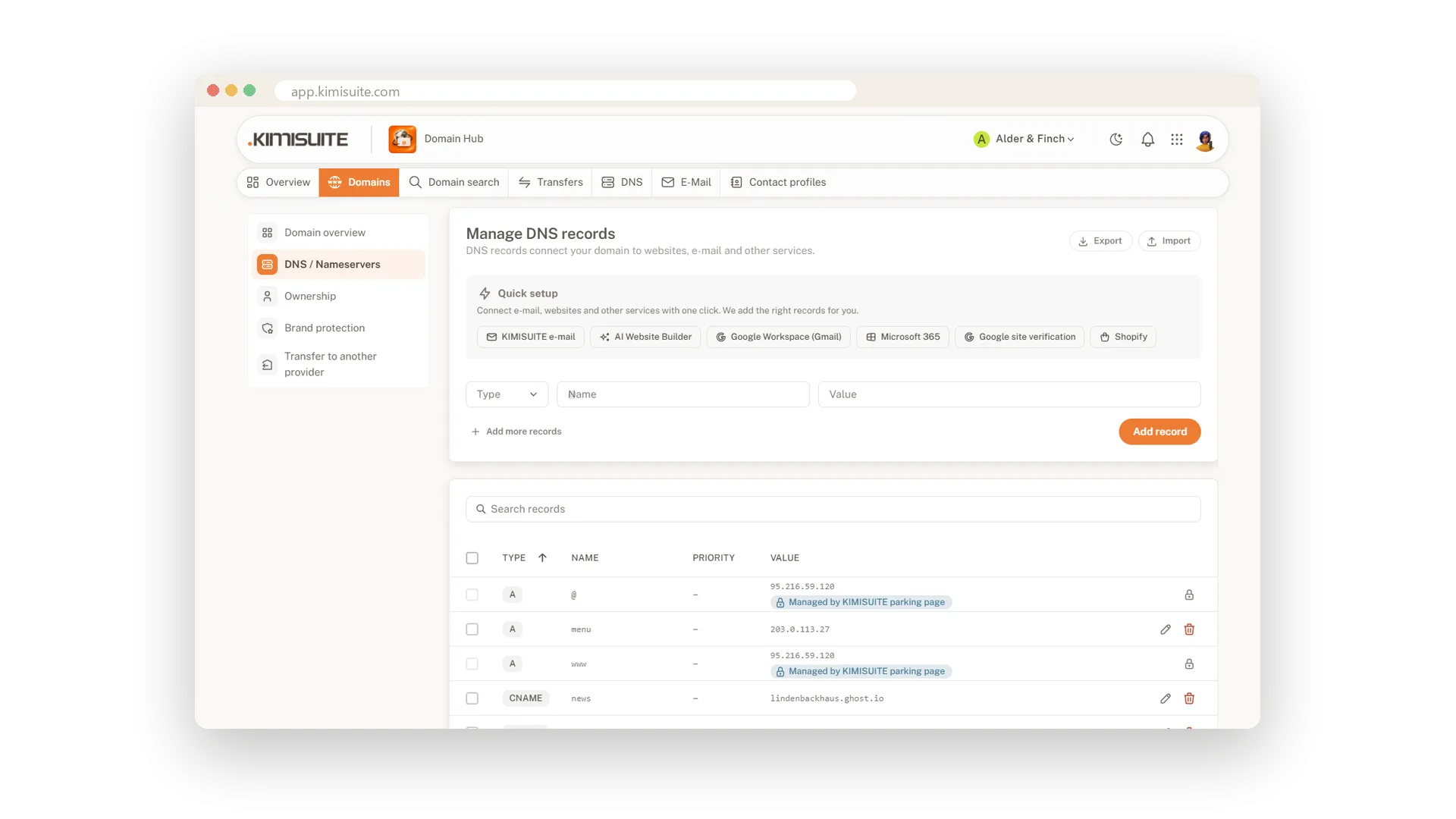
A clear editor for every record
A, AAAA, CNAME, MX, SRV and TXT
Add several records at once, search the list and edit or delete in place. Every type is checked as you type, and records another KIMISUITE app manages are marked and protected.
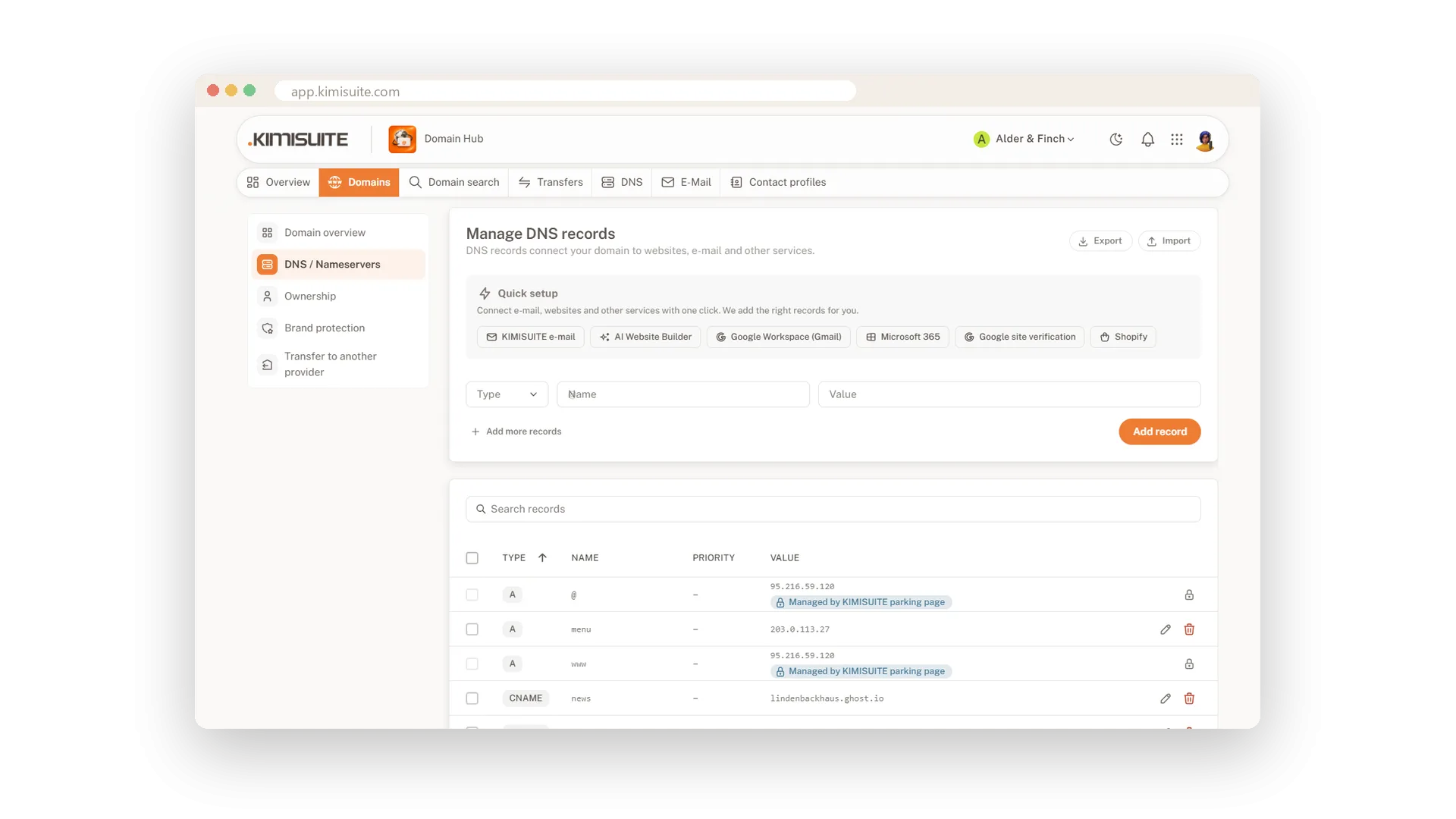
A history you can go back to
Every change kept, any state restored
Domain Hub keeps a snapshot before every change. The DNS history shows what was added and removed, and Restore brings back an earlier state while records of your other apps stay in place.
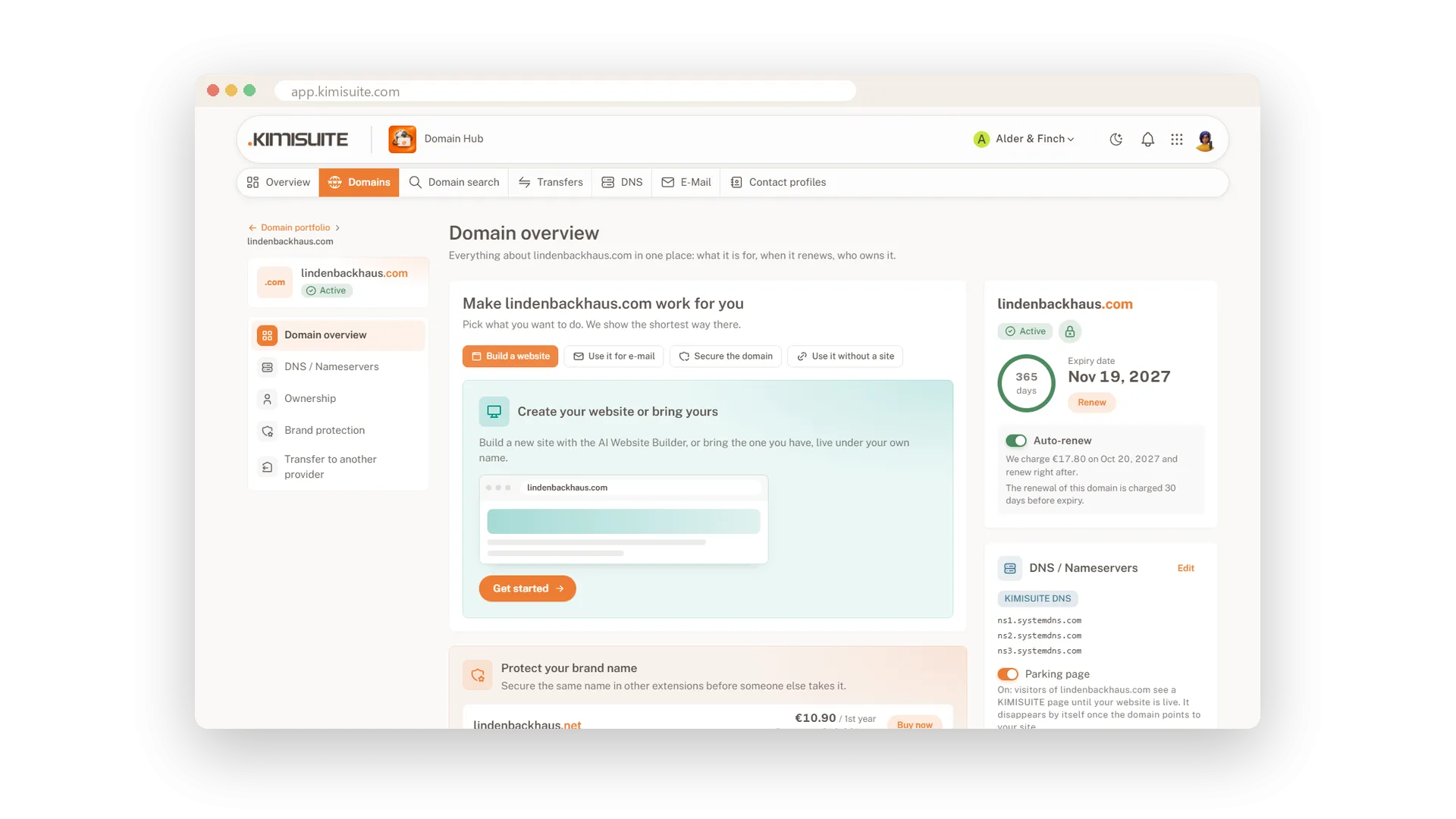
Zone files in and out
Import and export with a preview
Bring your records from another DNS host as a zone file, or take a copy with you. Before an import goes live, you see how many records come in and how many go.
KIMISUITE DNS or your own
Switch nameservers with a clear warning
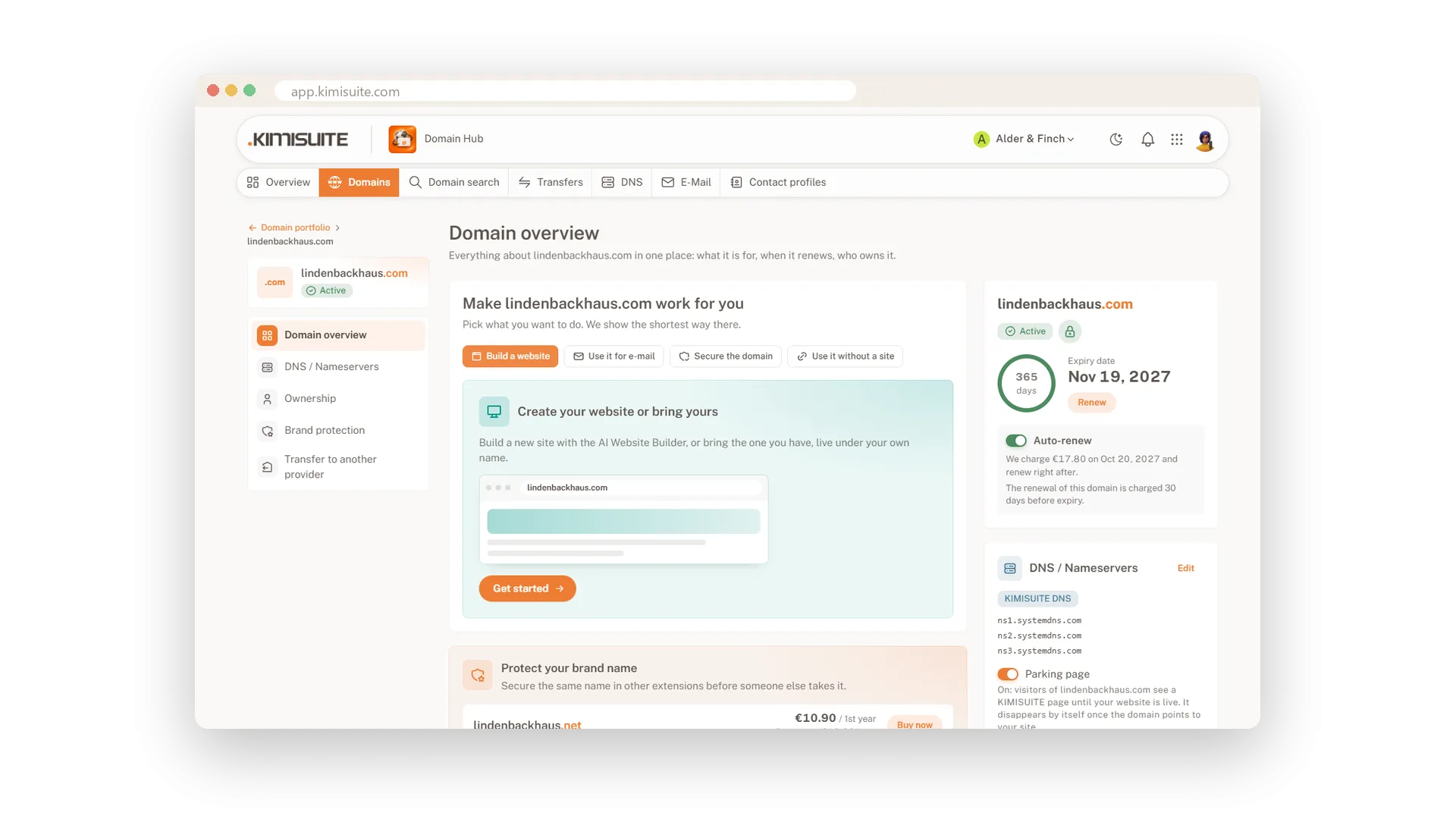
Domains run on KIMISUITE DNS by default, so quick setups, forwarding and e-mail work right away. Prefer your own nameservers? Enter at least two, and Domain Hub tells you what stops working first.
Use Cases
Google Workspace for the office
You choose Google Workspace in the quick setup. Domain Hub shows the records it will add, you confirm, and mail starts arriving in Gmail.
The wrong record on Friday
A colleague changed a record and the shop is down. You open the DNS history, see the change in red and green, and restore the old state.
Moving from another DNS host
You export the zone file at your old host and import it here. The preview tells you how many records come in and how many go.
FAQ

Try Domain Hub today
Your domains, DNS and business e-mail in one place
Free of charge, in your own workspace, ready in a minute.