 Part of Vehicle Hub
Import your stock from where it is today
mobile.de, CXO, Carix, CarGate or your own file
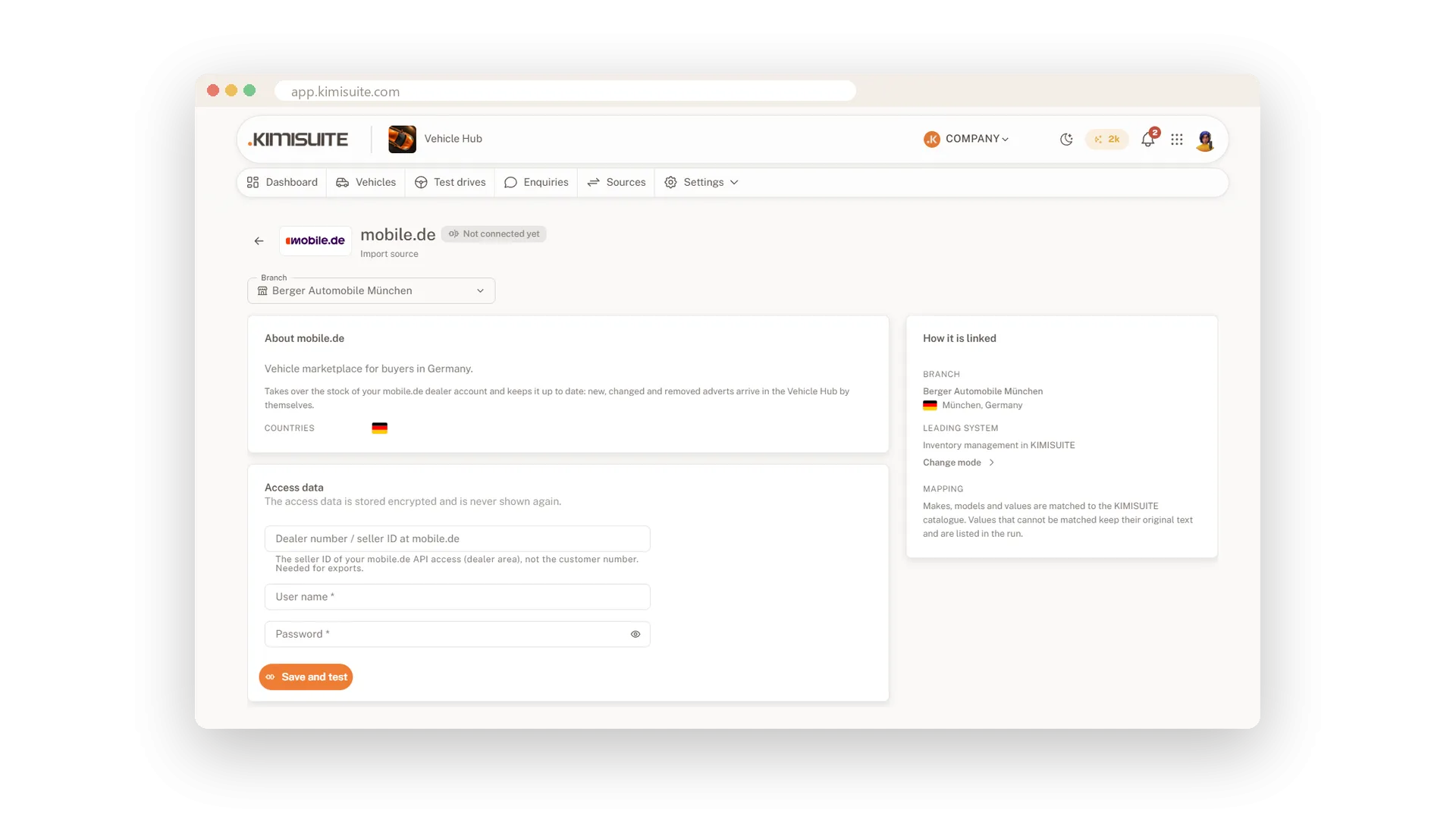
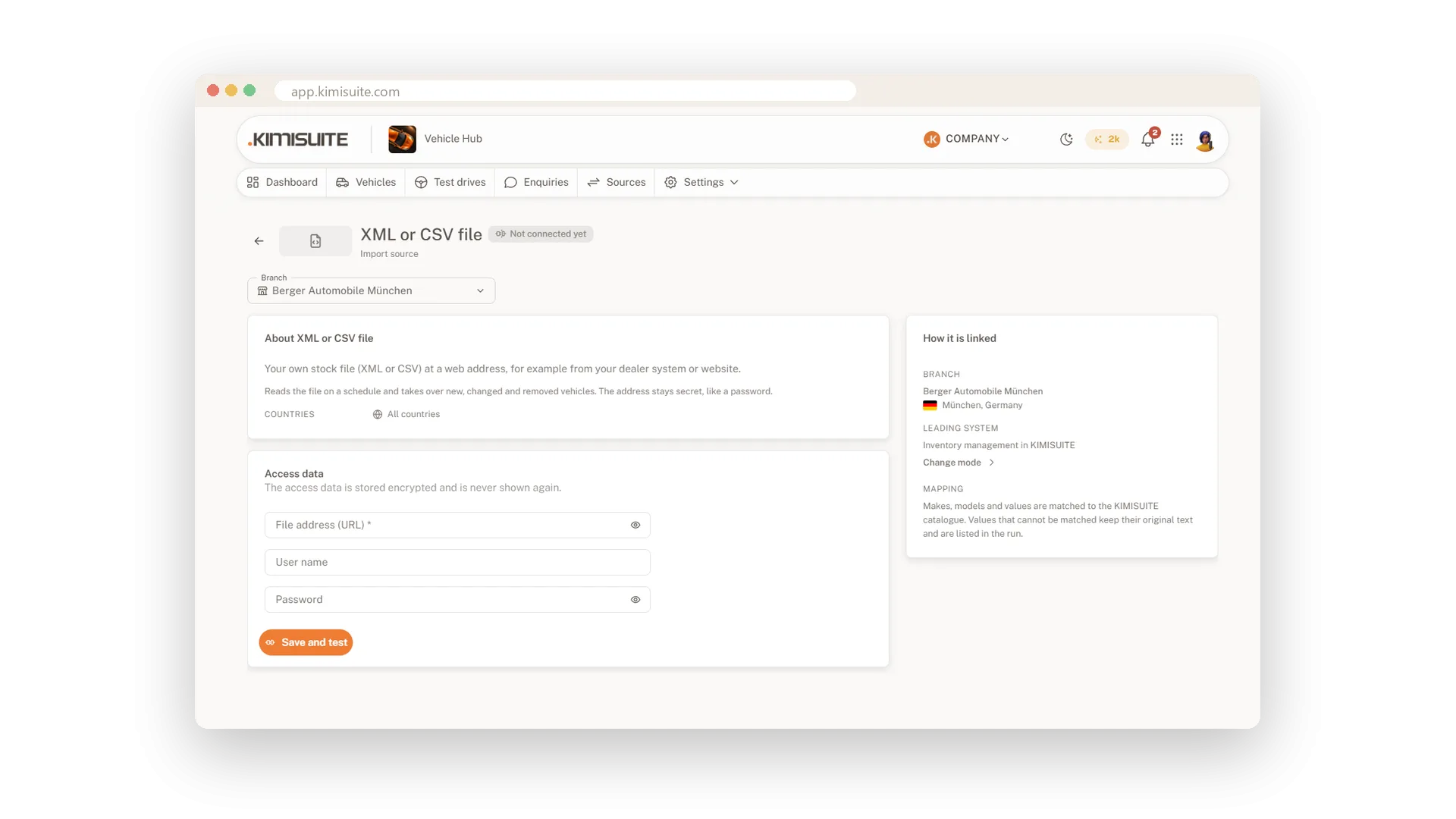
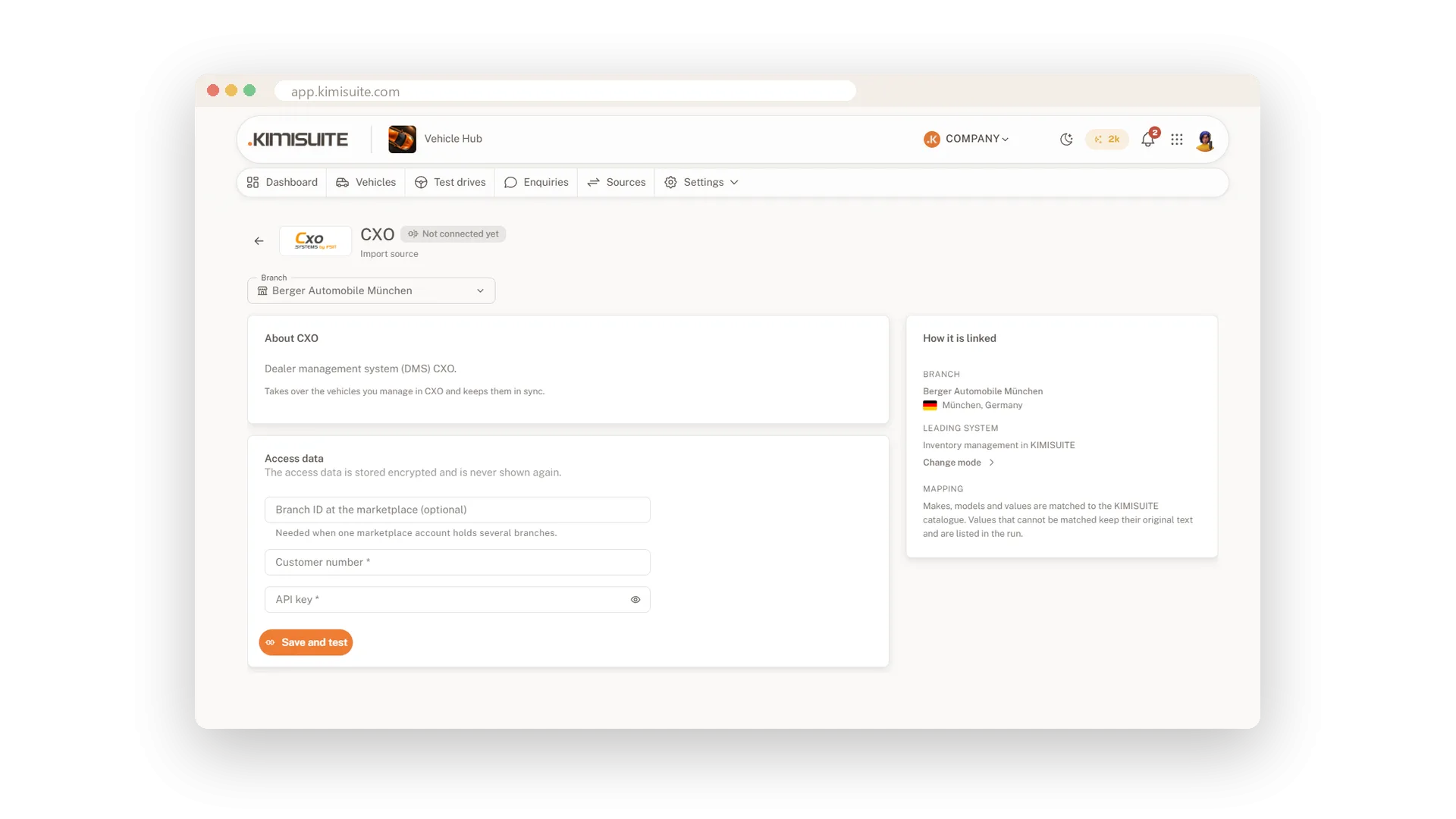
Your vehicles already live somewhere: on mobile.de, in CXO, Carix or CarGate/Carzilla, or in a CSV or XML file your dealer system writes. Vehicle Hub brings them in with photos, equipment and energy values, so nobody types the same car twice. You enter the access data of your own account once per branch; it is stored encrypted and never shown again.
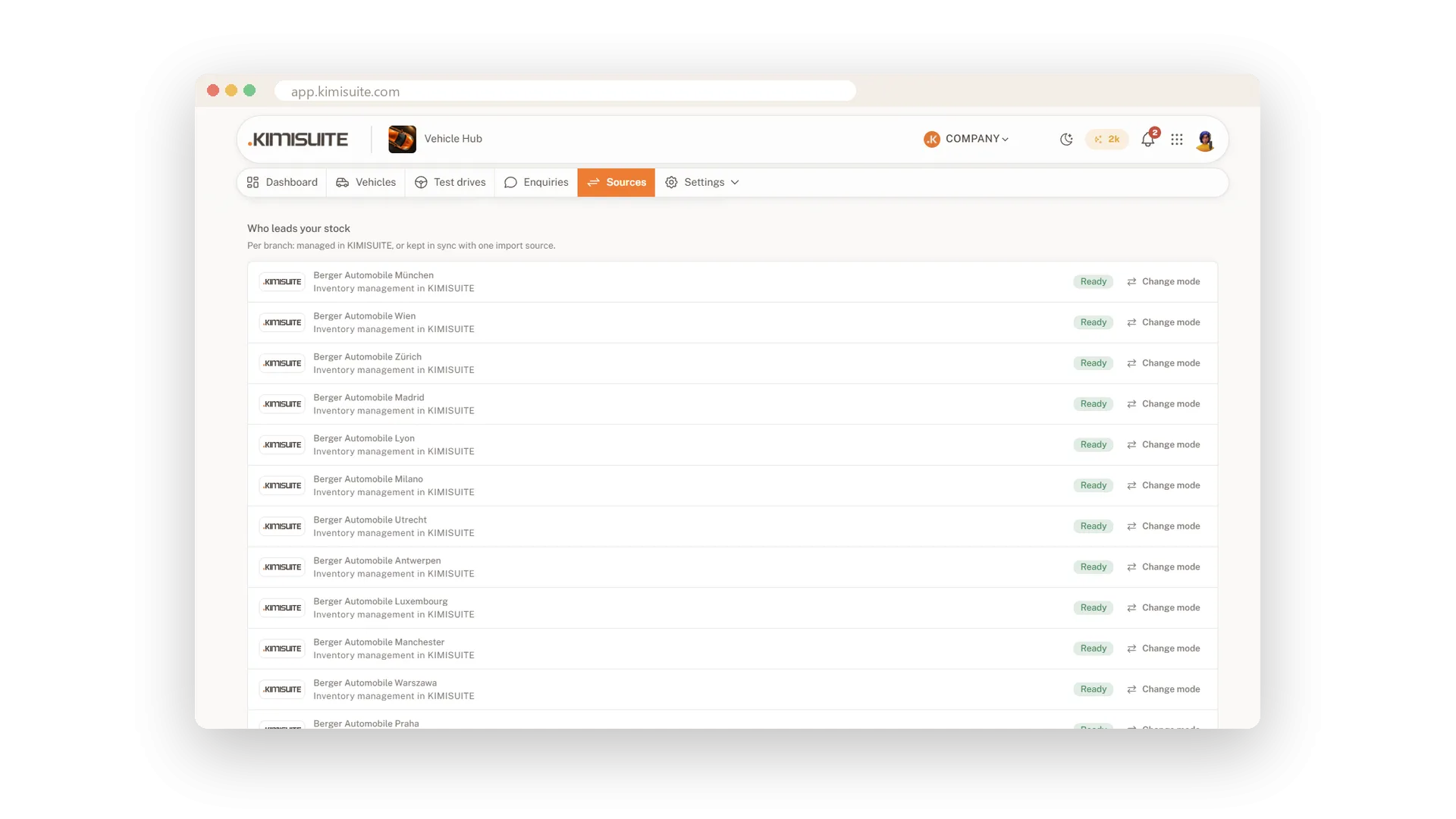
Then you choose how you work. Import once and manage your stock in KIMISUITE from then on, or let your data source lead and Vehicle Hub keeps its stock current every few minutes, with Synchronise now when you need it at once. Each connection has its own page: test the connection, watch the run count up vehicle by vehicle and read in plain words what happened. When a source suddenly delivers far fewer vehicles than usual, nothing goes offline until you confirm it.
Key Benefits
Import from mobile.de, CXO, Carix, CarGate/Carzilla or a CSV/XML file at a web address
Your own access data per branch, stored encrypted and never shown again
Live progress, run history and readable reasons for every connection
Missing vehicles go offline only after you confirm a suspicious run
Move over in one go
Import your stock once, then manage it here
Connect your old system, see how many vehicles it holds and start the import. It runs in the background while you work on, and afterwards you create and edit every vehicle in Vehicle Hub.
Let your data source lead
Your system stays in charge, your website follows
Your marketplace account or dealer system stays where your team works. Vehicle Hub takes over its stock on a schedule and shows it on your website, and Synchronise now fetches the latest vehicles at once.
No surprises when a feed goes wrong
Missing vehicles wait for your confirmation
If a source delivers an empty or incomplete list, or far more vehicles are missing than usual, nothing is taken offline. You see how many vehicles are affected and confirm only when they were really sold.
Use Cases
Leaving the old dealer system
You connect CarGate, start the one-time import and 91 vehicles arrive in a few seconds, photos following. From the next morning your team edits every vehicle in Vehicle Hub.
mobile.de stays your workplace
Your team keeps working in mobile.de as always. Vehicle Hub takes over the stock on a schedule, and your website shows every new car without anyone touching it.
A short list on a Monday
The file from your dealer system arrives with half the vehicles missing. Vehicle Hub takes nothing offline and asks you first.
FAQ
Try Vehicle Hub today
Dealer stock with the mandatory details of 33 countries
14 days free, cancel anytime, no minimum term.