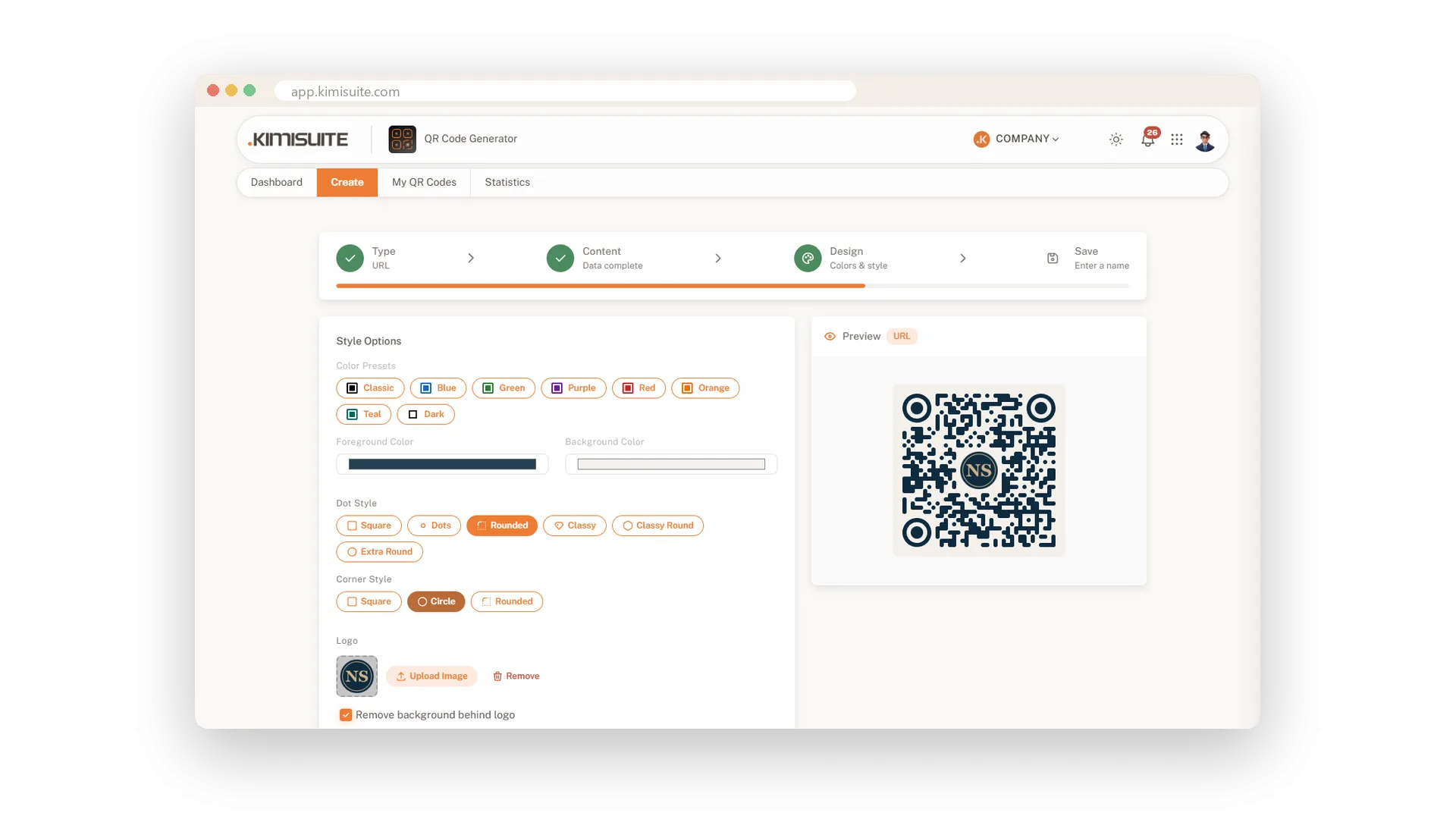
A black-and-white square looks like everyone else's. A code in your colours, with rounded dots and soft corners, looks like part of your menu, your flyer or your shop window. People are more likely to scan something that clearly belongs to you. And every code you make carries the same look.
Pick one of eight colour presets or enter your own colours for the code and the background. Choose from six dot styles and three corner styles, and watch the preview change with every click. Your settings are saved with the code, so you can adjust them later without starting over.
Key Benefits
Eight colour presets, or any colour you like for code and background
Six dot styles and three corner styles for your own look
The live preview shows every change before you save
Design is saved with the code, so changes later take seconds
Eight colour presets or your own
One click for a preset, any colour you choose
Start with Classic, Blue, Green, Purple, Red, Orange, Teal or Dark, or enter your own colours for the code and the background. Your brand colours stay with the code every time you open it.
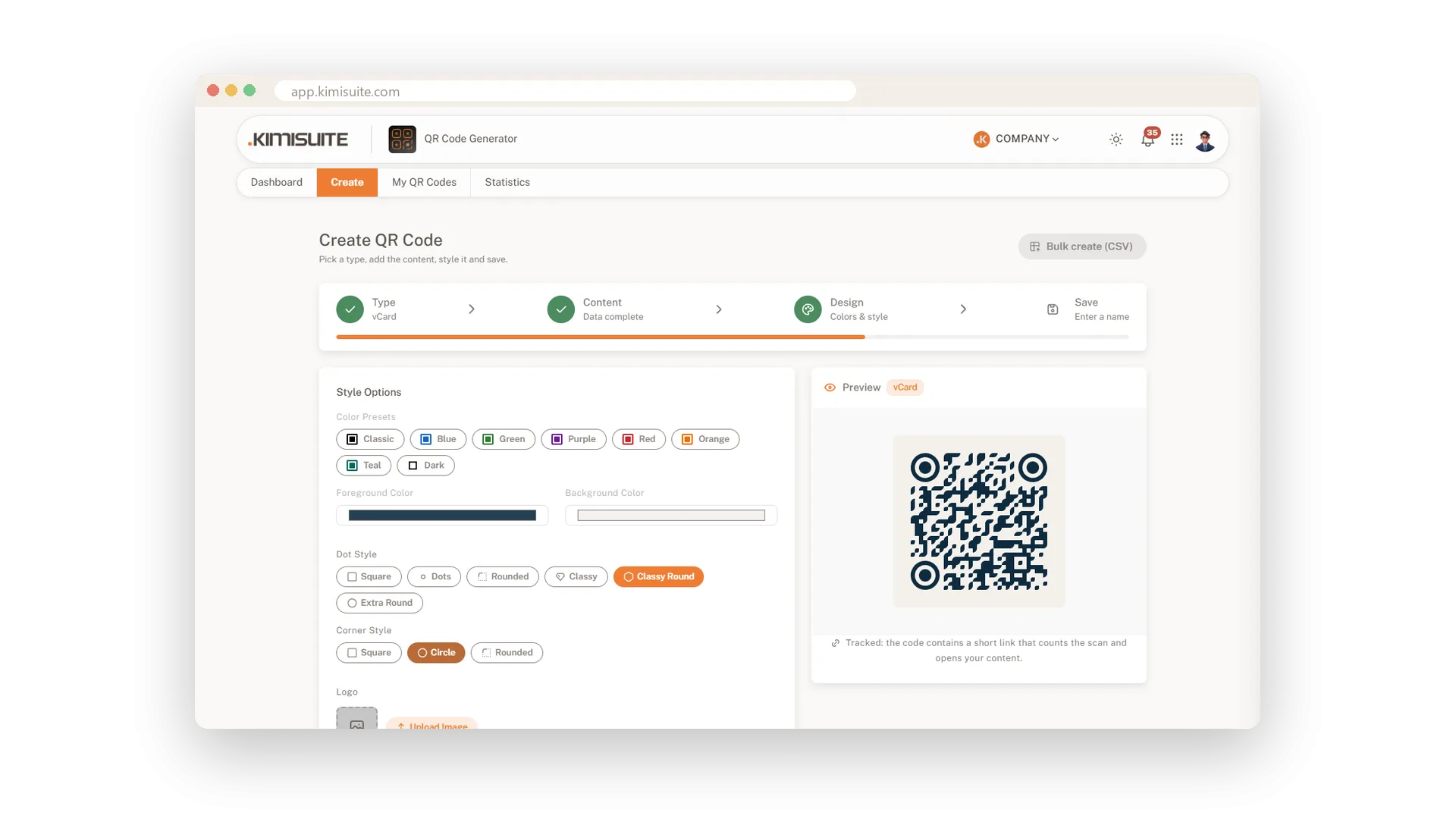
Six dot styles, three corner styles
From classic squares to soft round dots
Choose Square, Dots, Rounded, Classy, Classy Round or Extra Round for the dots, and Square, Circle or Rounded for the three corner marks. Mix them until the code fits your look.
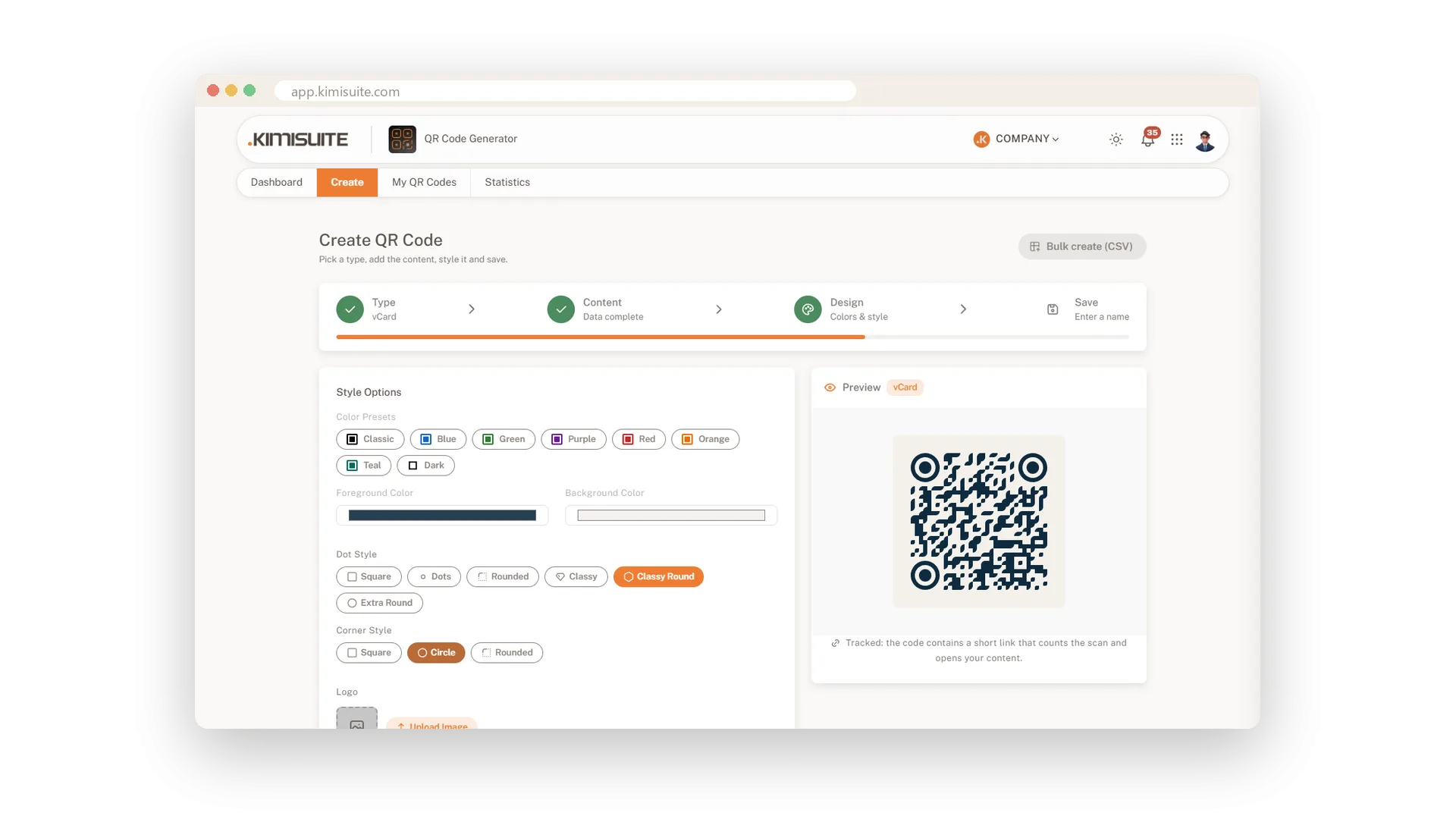
See every change as you make it
The finished code next to the form, always
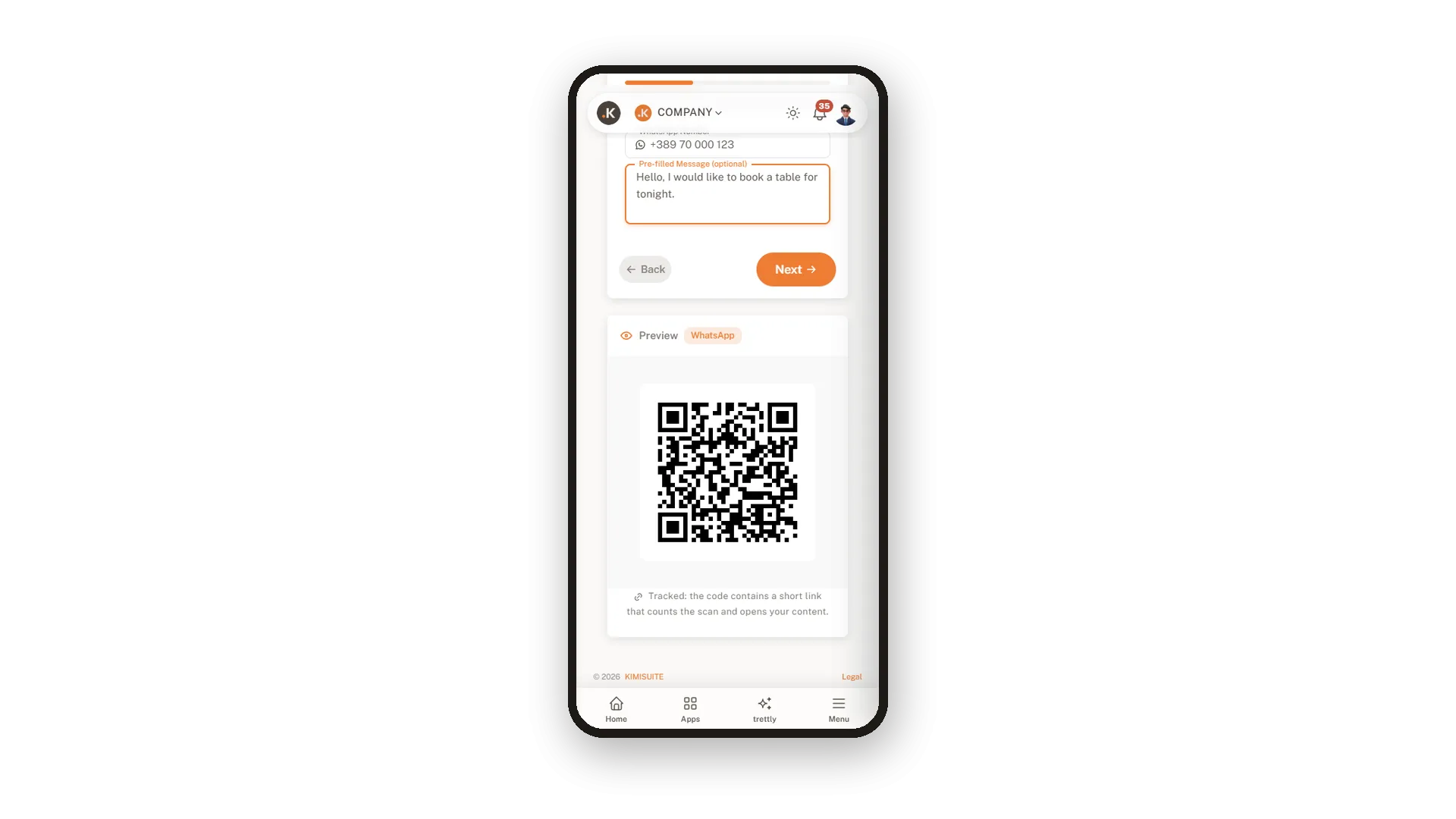
The preview updates with every letter you type and every style you pick, on a large screen and on your phone. You know exactly what you will print before you save.
Use Cases
Matching the menu
A restaurant sets the code to its navy and cream brand colours with rounded dots. On the menu it looks like part of the design, not a sticker.
A shop window that invites a scan
A boutique picks soft dots and round corners in its signature colour. The code in the window becomes part of the display.
A new brand colour
Your brand gets a fresh colour. Open the code, change the colours, save and download the new file for the next print run.
FAQ
Try QR Generator today
Dynamic QR codes with your logo, colours and scan statistics
14 days free, cancel anytime, no minimum term.
