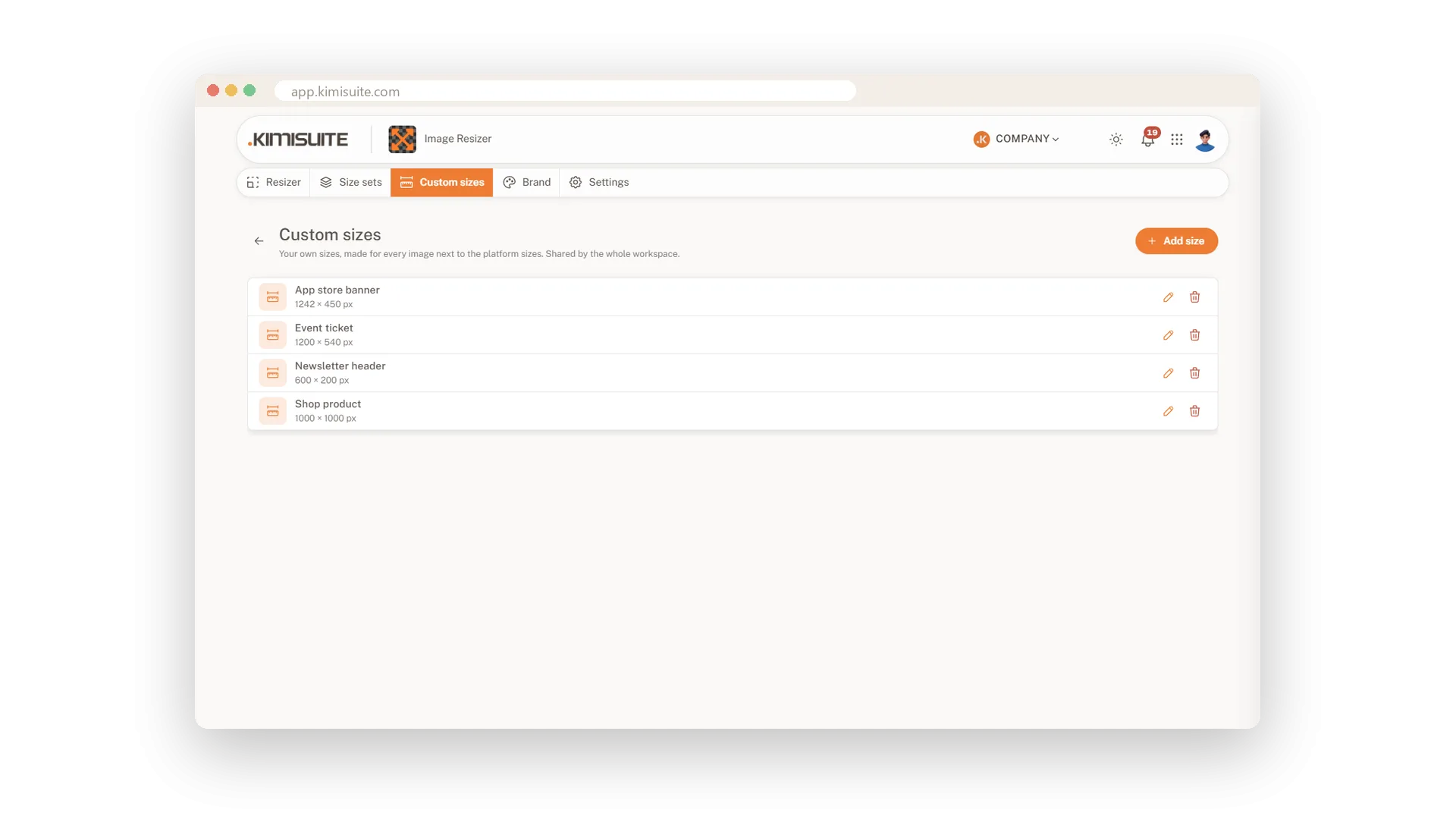
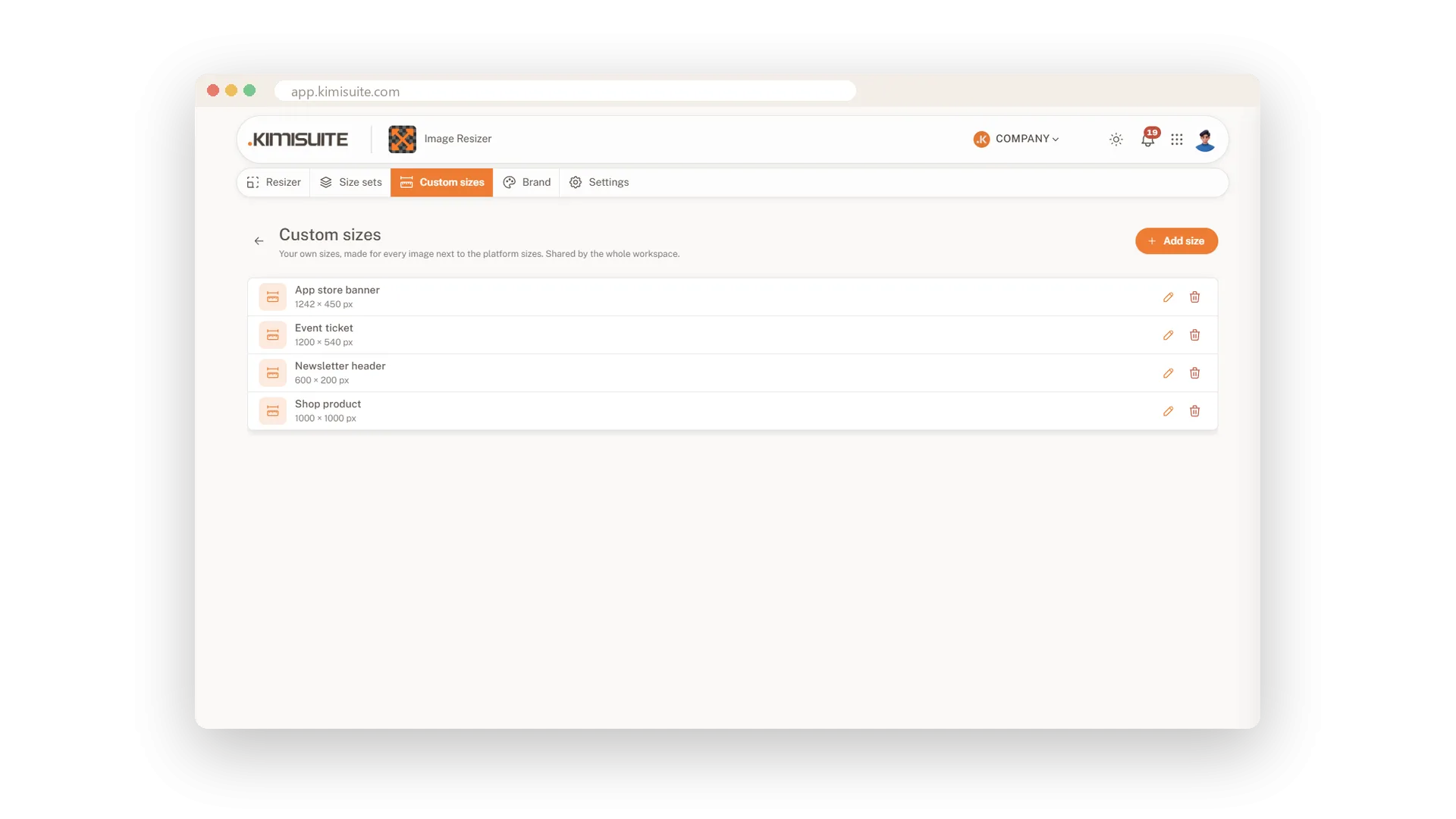
No preset list knows your shop template, your newsletter tool or the screen in your window. Those sizes live on a sticky note or in someone's head. Save them in Image Resizer instead: a name, a width, a height. From then on they appear with every picture, for everyone in your workspace, right next to the platform sizes.
Size sets go one step further. A set is a group of sizes for a job that comes back, such as the monthly campaign or a product launch: story, post, banner and your shop size together. One click on the set and exactly these sizes are made. Sets can mix platform sizes and your own, and they are shared with the team like everything else here.
Key Benefits
Your sizes, not just the platforms': save any width and height with a name
The same result from everyone: sizes and sets are shared with the whole workspace
A recurring job in one click: apply a size set and only its sizes are made
Grows with you: 25 sizes and 10 sets in Premium, no limit in Unlimited
Custom sizes for your team
A name, a width, a height, and it is there for all
Add the newsletter header, the app store banner or the event ticket with its exact pixels. The size shows up as its own group with every picture, and a counter tells you how many of your plan's sizes are in use.
Size sets for recurring jobs
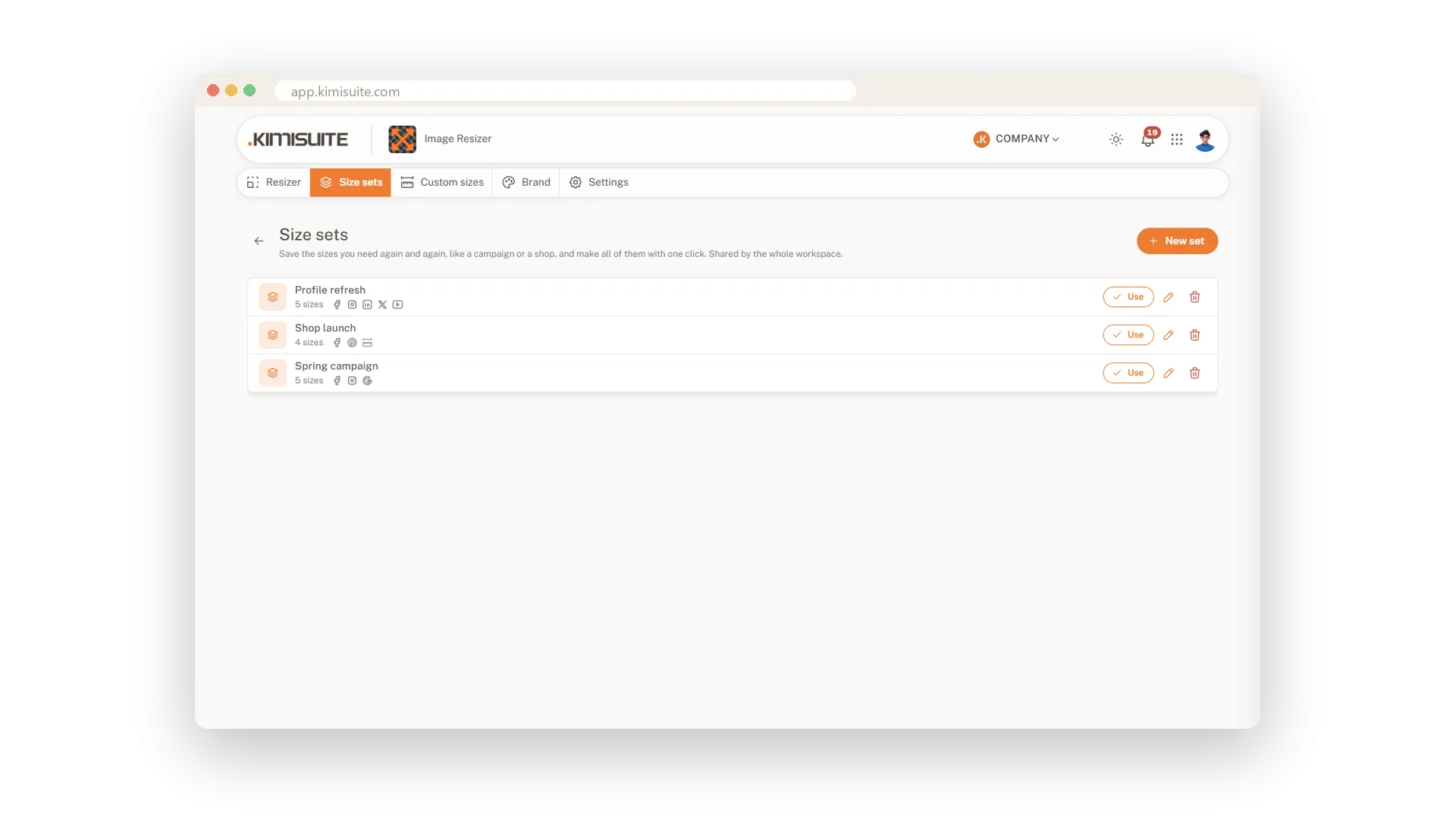
Group the sizes of a campaign under one name
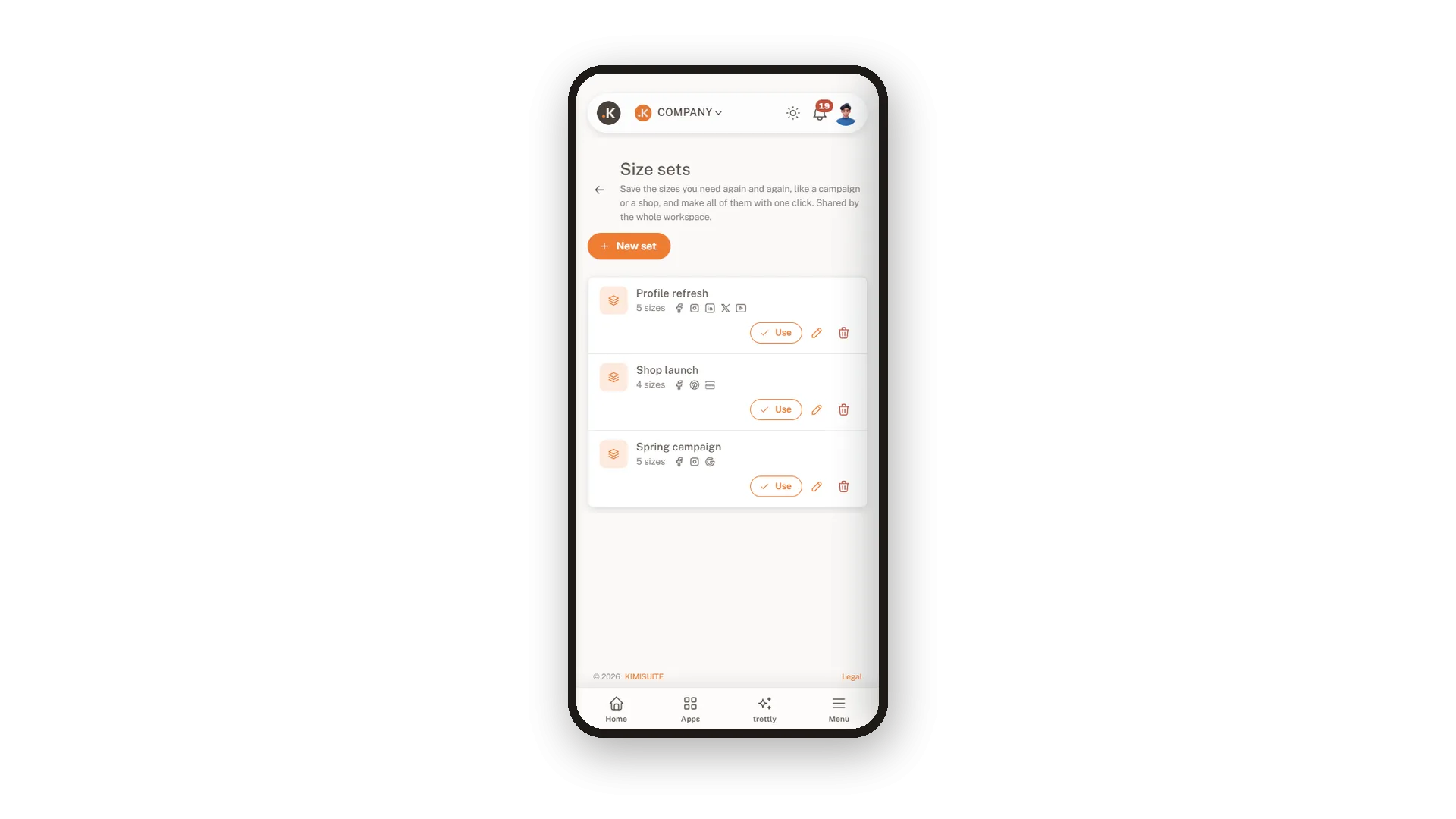
Give the set a name such as Spring campaign and tick the sizes that belong to it. The list shows each set with the number of sizes and the platforms inside, ready to use, change or remove.
Apply a set with one click
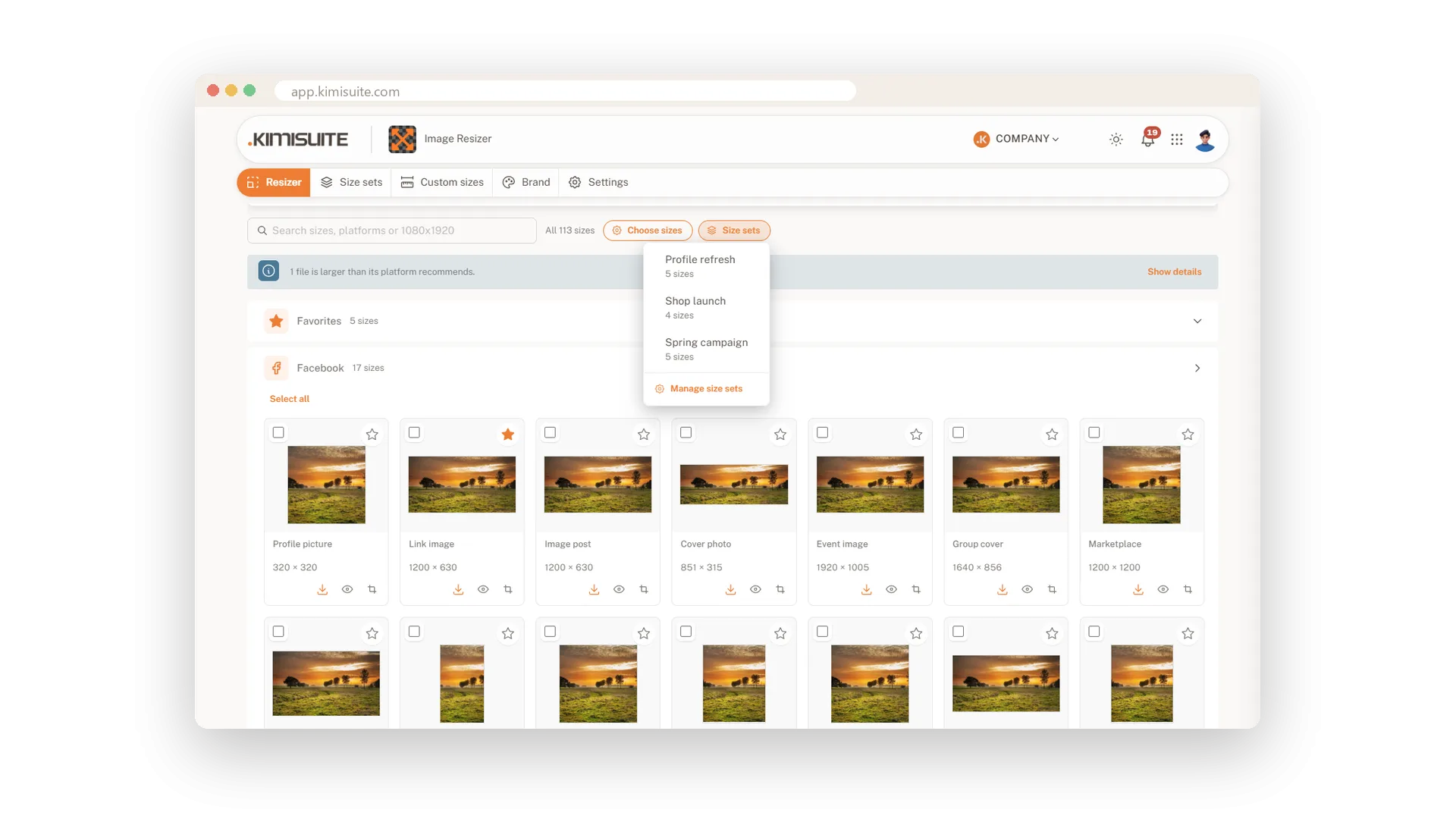
Pick the set in the resizer and only its sizes appear
Load your picture, open Size sets next to the search and choose the set. The resizer makes exactly those sizes, and Download all gives you the whole job in one ZIP.
Your sets on your phone
Start a recurring job from anywhere
The sets your team saved are on your phone too. Tap Use on a set, add the photo you just took, and the usual sizes are ready to download.
Use Cases
The shop product image
Your shop wants 1000 by 1000 pixels. You save it as Shop product once, and every new product photo comes out in that size together with the social posts.
The monthly campaign
Each month needs a story, a feed post, a cover and the newsletter header. They are saved as one set, so the new picture is ready in all four with one click.
A new colleague takes over
Nobody has to explain which sizes the company uses. The sets and custom sizes are already in the app when the new colleague opens it.
FAQ

Try Image Resizer today
One image in, every social media size out
14 days free, cancel anytime, no minimum term.
