 Part of Contacts
 A contact with everything on it
Several numbers, mails and addresses per person - one record
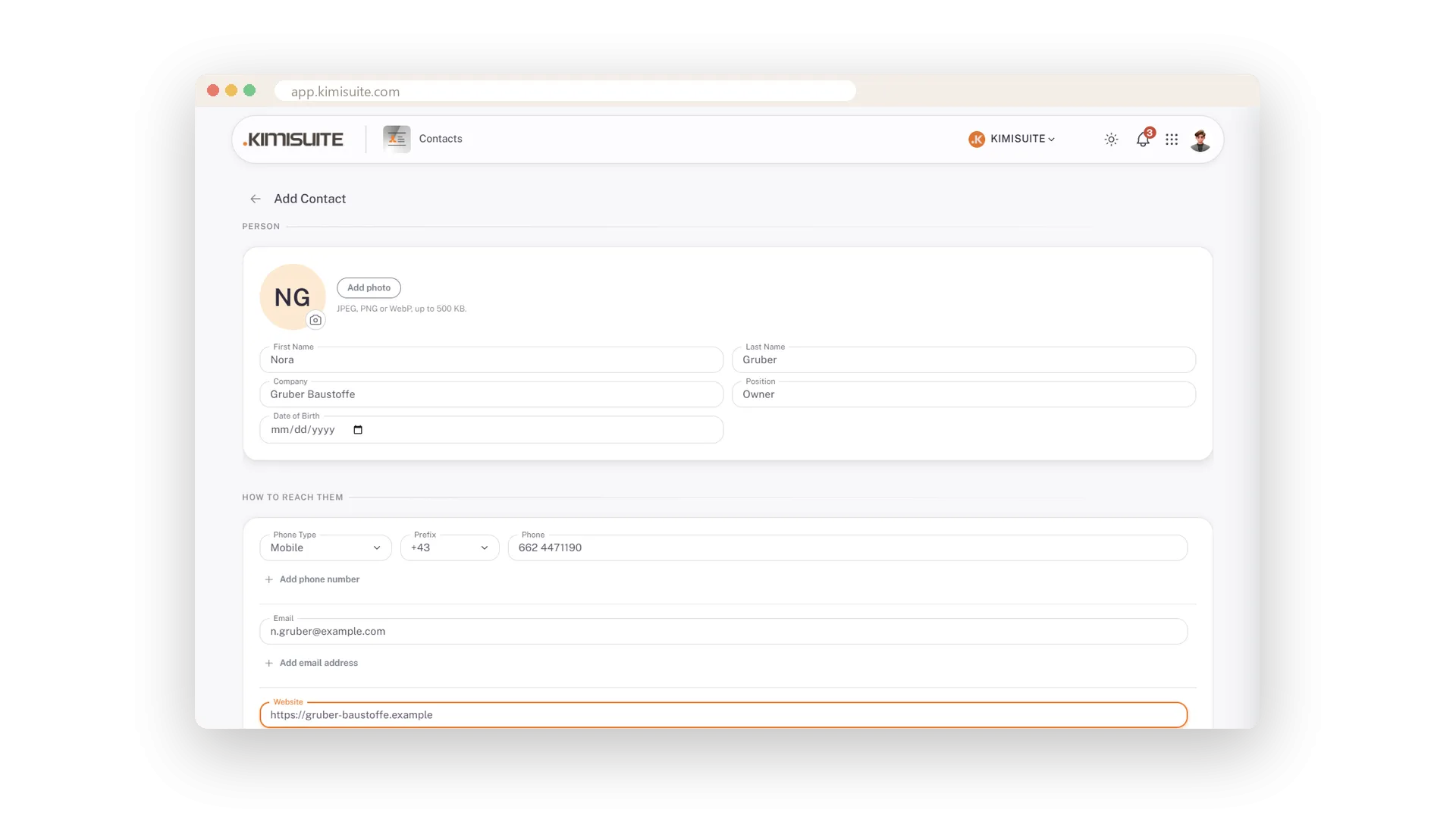
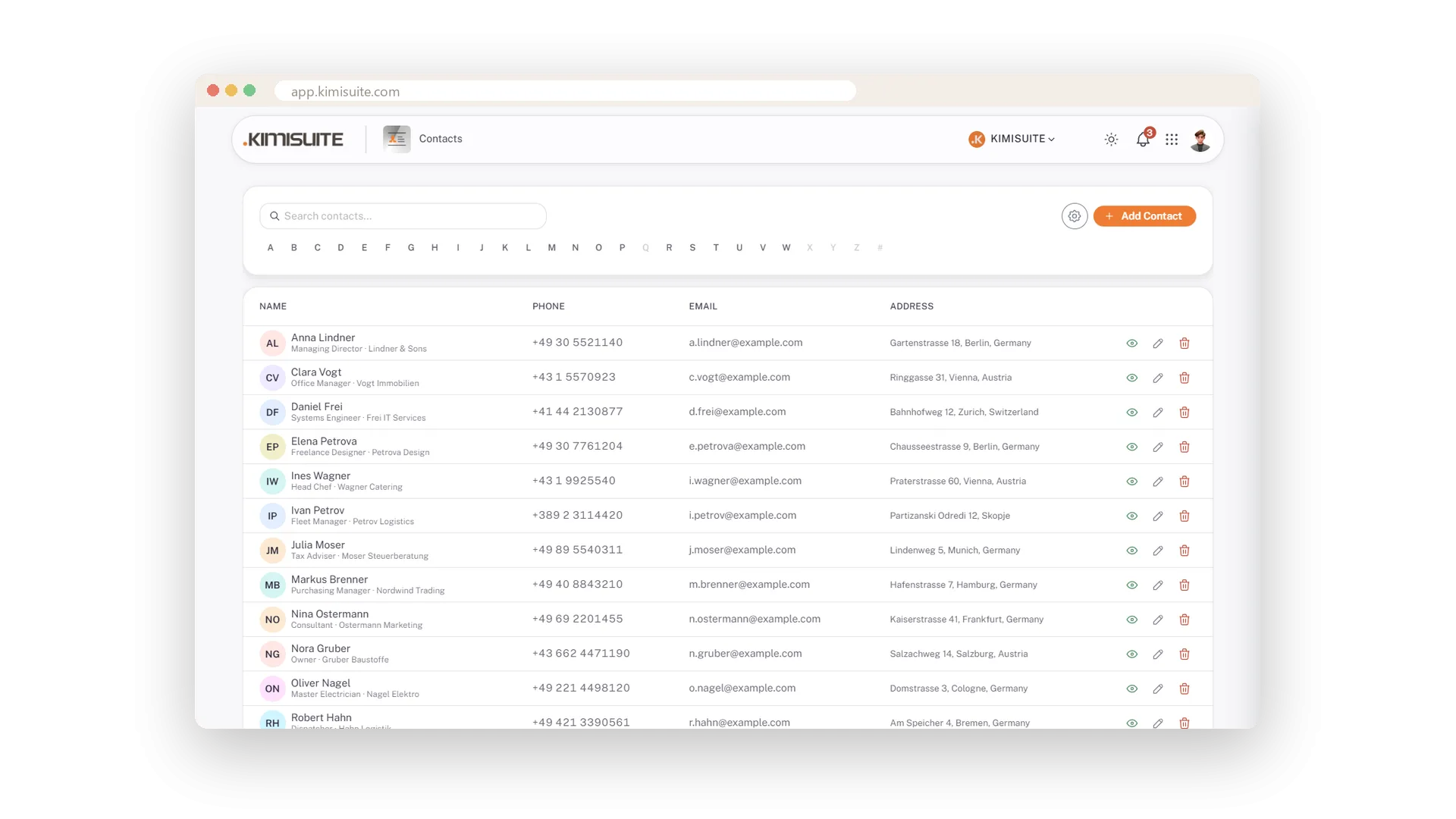
The supplier with a mobile, an office line and a fax is one record, not three. Every contact holds as many phone numbers, e-mail addresses, websites and postal addresses as the person has - each number with its type and the international dialling code, so the list shows +43 1 5570923 and the phone can dial it.
Add a photo, or let the initials on a colour stand in - they appear while you are still typing the name. A note keeps what the next call needs: prefers e-mail before noon, invoices go to the office address. The eye opens the contact card over the list with everything on it; pencil and bin edit and delete from the row or from the card.
Key Benefits
Several phone numbers, e-mails, websites and addresses on one contact
Phone type and international dialling code on every number
A photo, or initials on colour for everyone without one
A contact card that shows everything without leaving the list
As many numbers as the person has
Add phone, e-mail, website, address - one record
One button adds the next phone number, the next e-mail, the next website, the next address. A person with three ways to reach them stays one record.
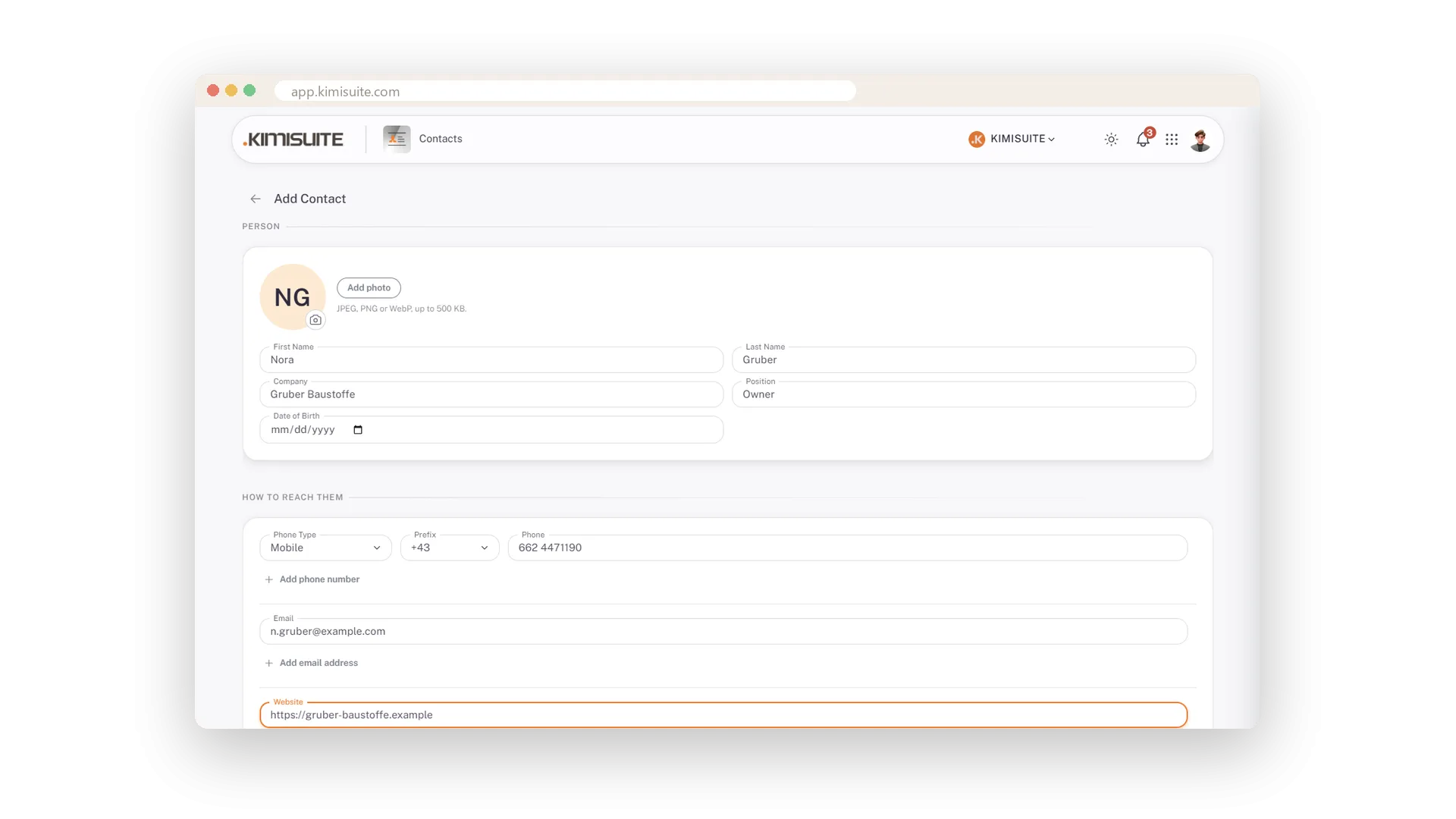
Mobile, work or fax - with the country code
+43 in front, so the phone can dial it
Every number carries its type - Mobile, Home, Work, Fax - and a dialling code you pick by typing +43 or the country. The list shows +43 1 5570923, and the phone dials it.
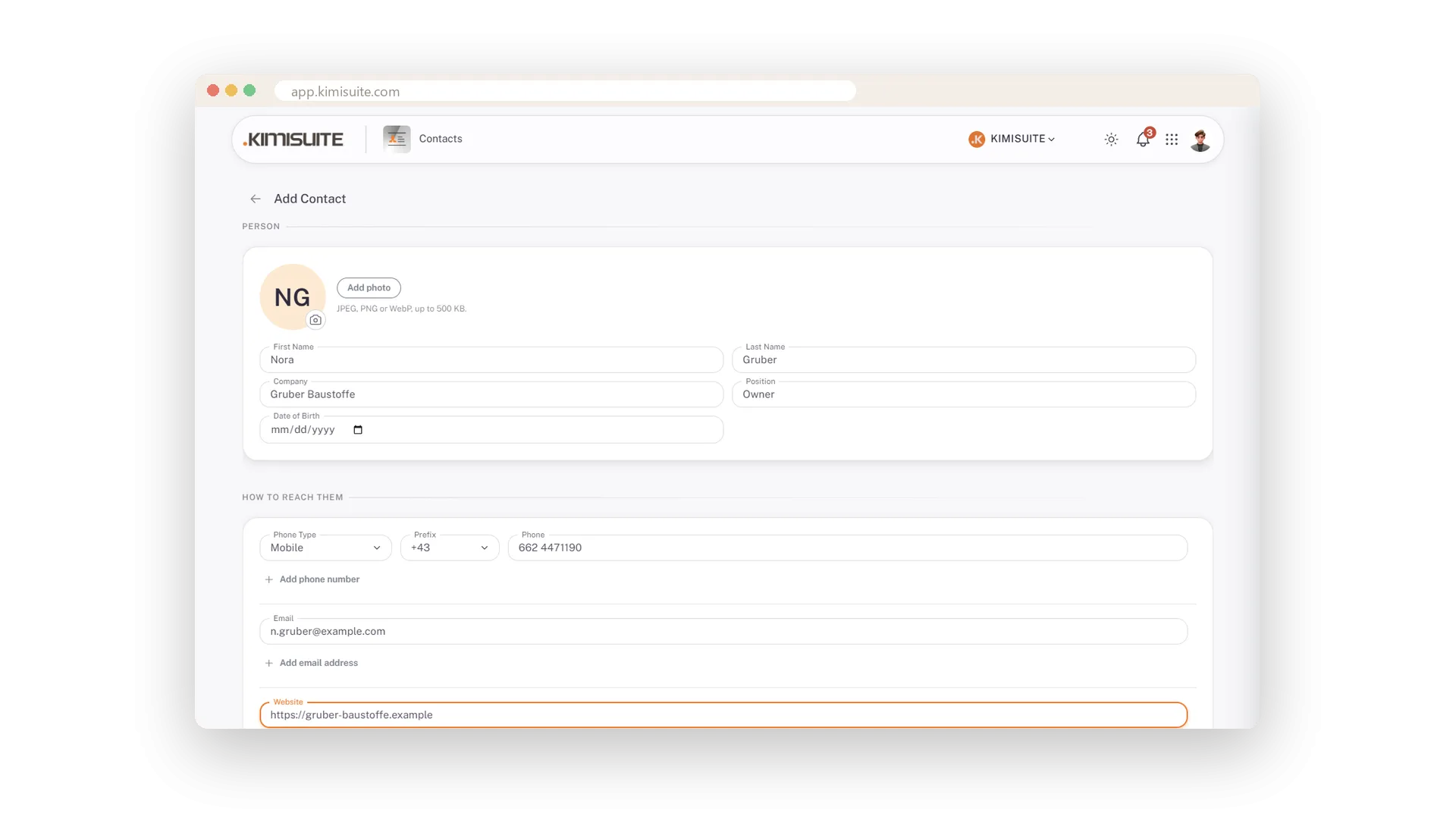
A face for every contact
A photo, or initials on colour from the first letter
Add a photo, and if there is none the contact shows initials on a coloured background - for everyone, not a grey placeholder. The initials appear while you type the name.
What the next call needs
A note on the contact, shown on the card
Prefers e-mail before noon. Invoices to the office address. Speaks French. Keep it on the contact and see it on the card before you dial.
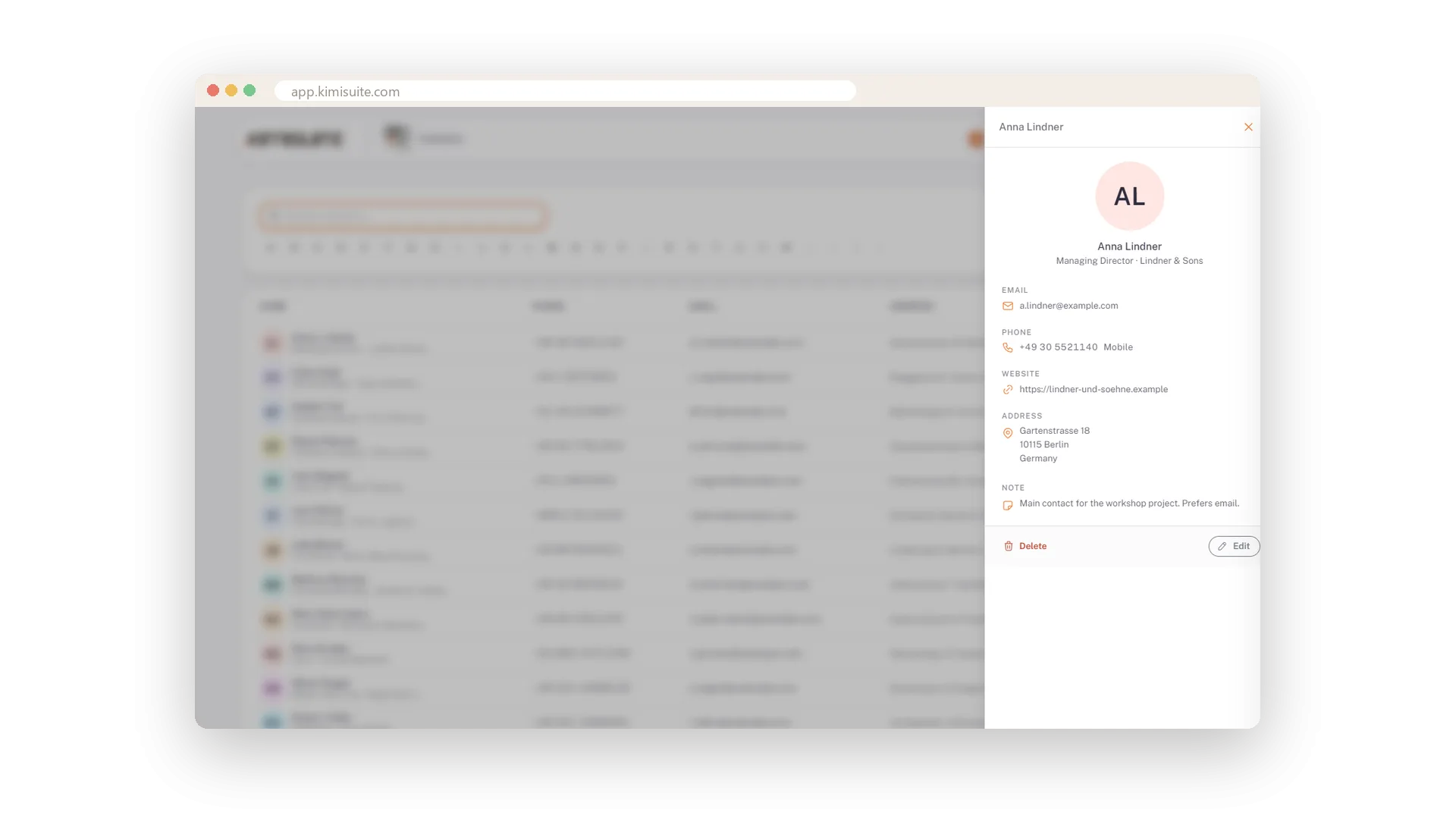
Everything about one person
The card opens over the list - nothing to leave
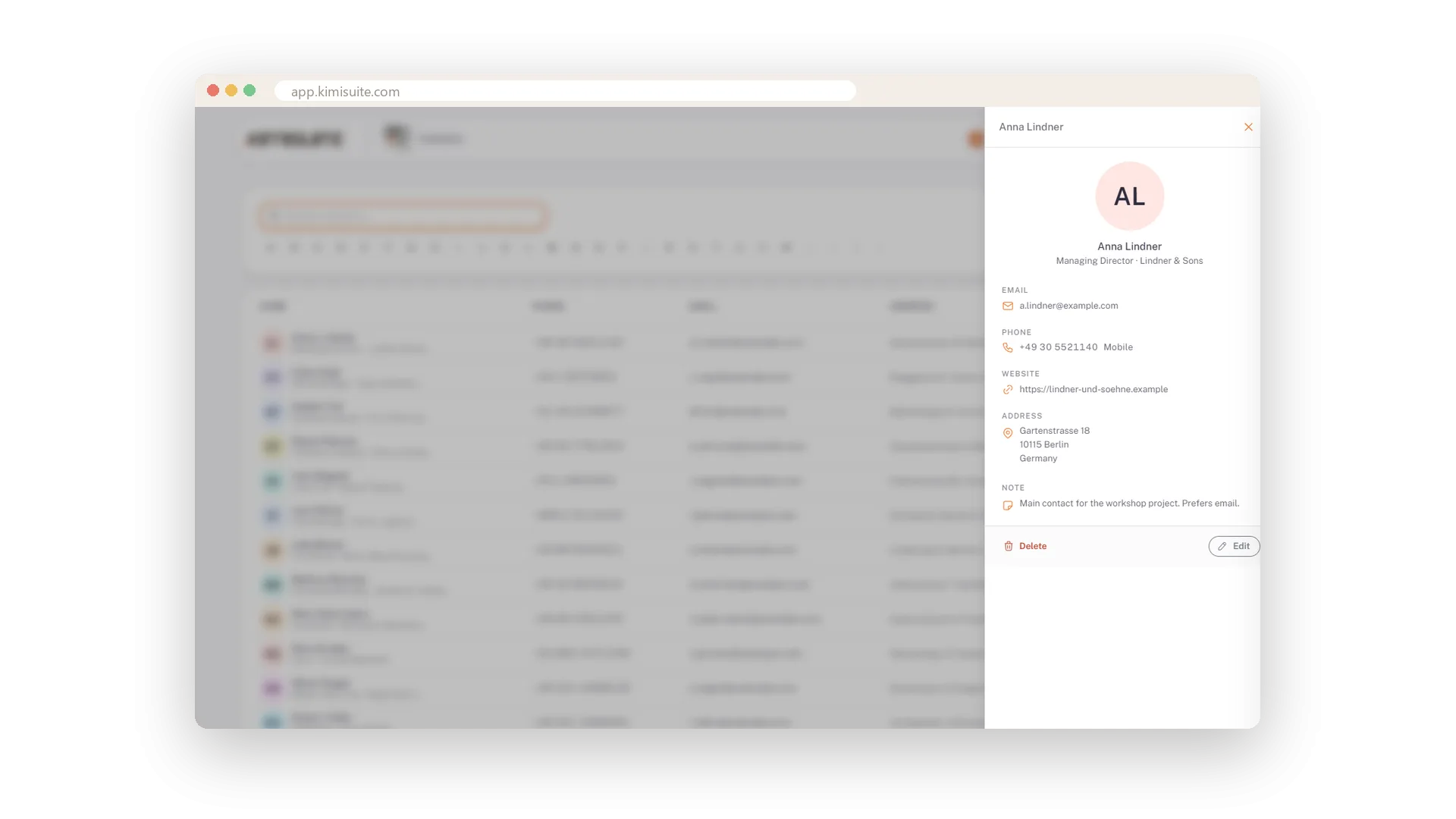
Click the eye and the contact card opens beside the list: initials, name, position, company, e-mail, every number with its type, website, address and note. Edit and Delete sit at the bottom.
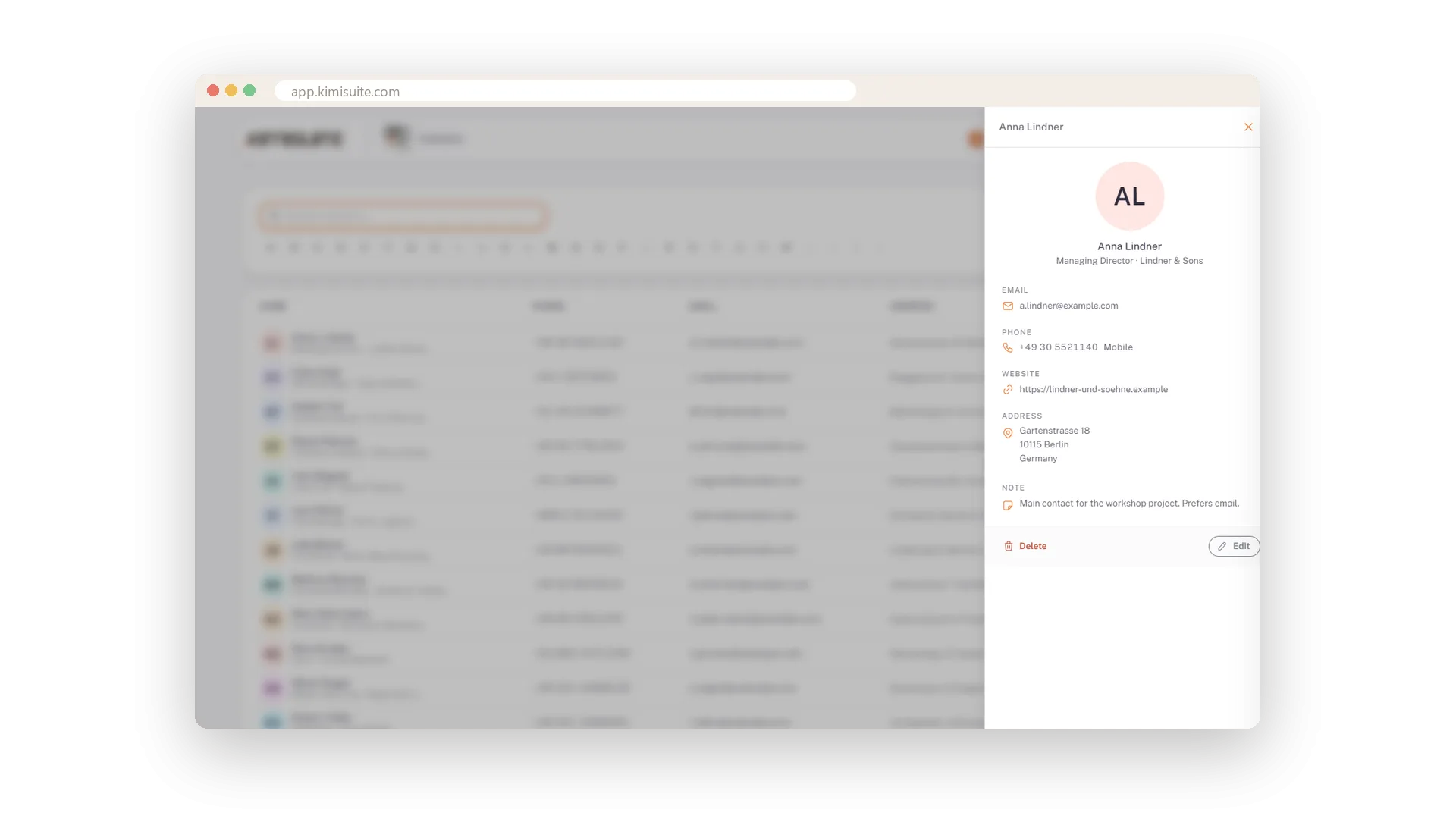
Change it where you see it
Pencil and bin in the row and on the card
A number changed? Pencil in the row or on the card opens the contact with everything filled in; Update saves it. The bin removes a contact you no longer need.
Use Cases
The supplier with three numbers
Mobile, work and fax on one record, each with its type. The list shows the first, the card shows all.
A customer abroad
Type +43, pick the country, and the number is stored in a form the phone can dial.
The note that saves the next call
Prefers e-mail before noon, invoices go to the office address. On the contact, visible on the card.
FAQ
Try Contacts today
The shared address book, with CardDAV for your phone, free
Free of charge, in your own workspace, ready in a minute.
