 Part of Task Hub
 Everything about a job on one card
Checklist, files, due date and the talk around it
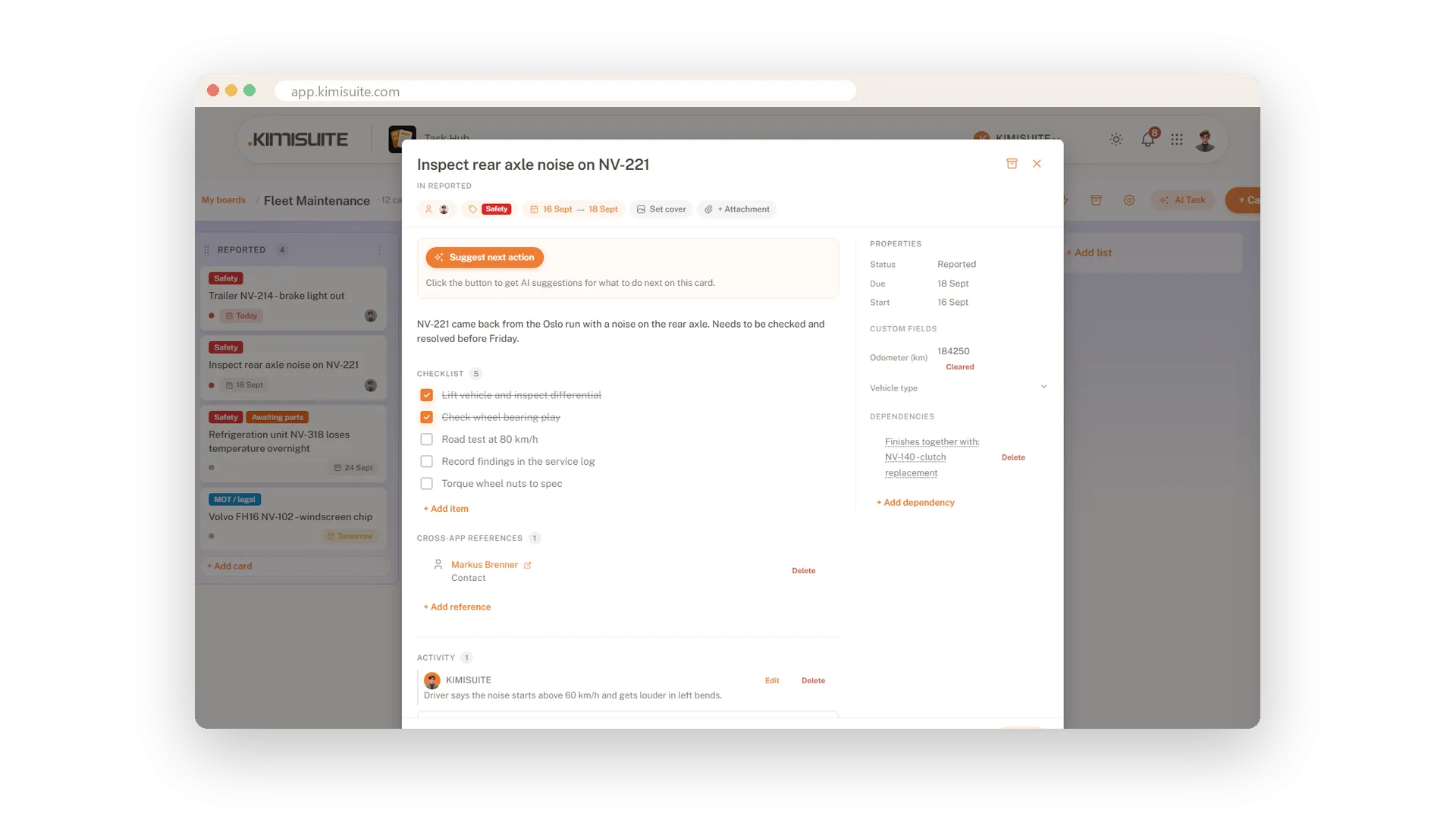
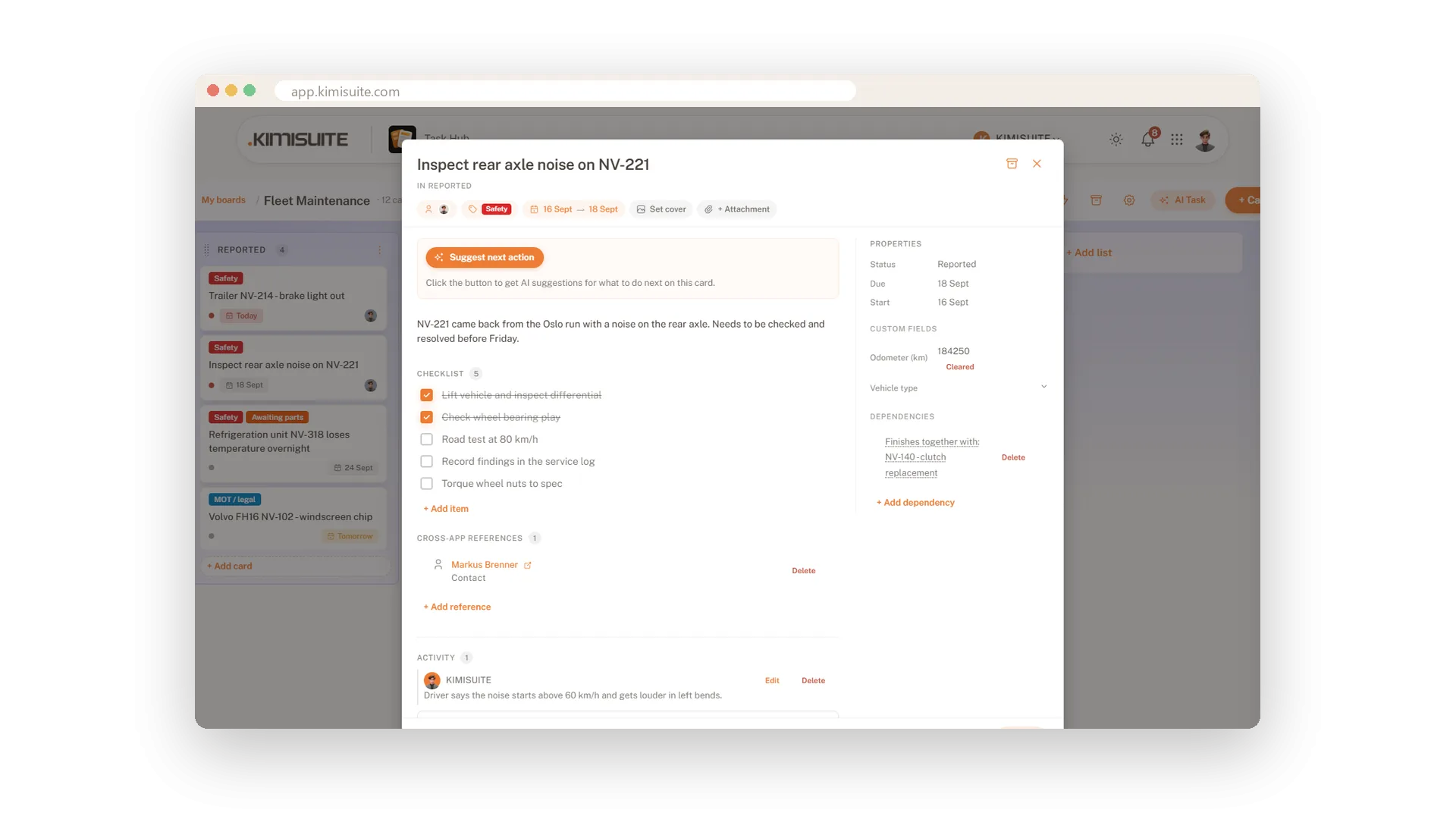
The job sheet, the photo of the damage, the five steps and the question from the colleague on the late shift: none of it should live in a chat. Open a card and it is all there. A description, a checklist you tick off, files and a cover picture, the due date, the people on it and a comment thread underneath.
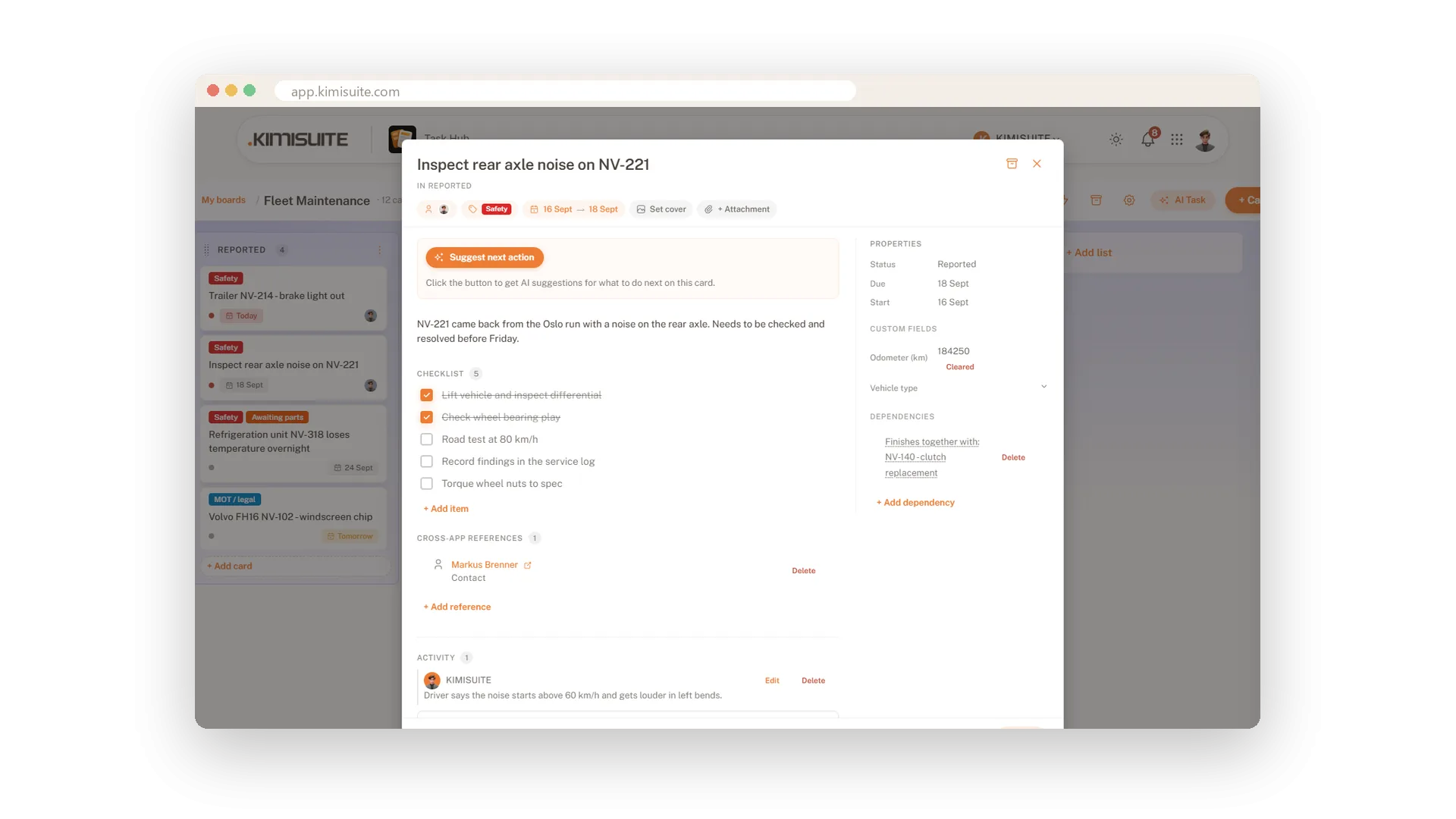
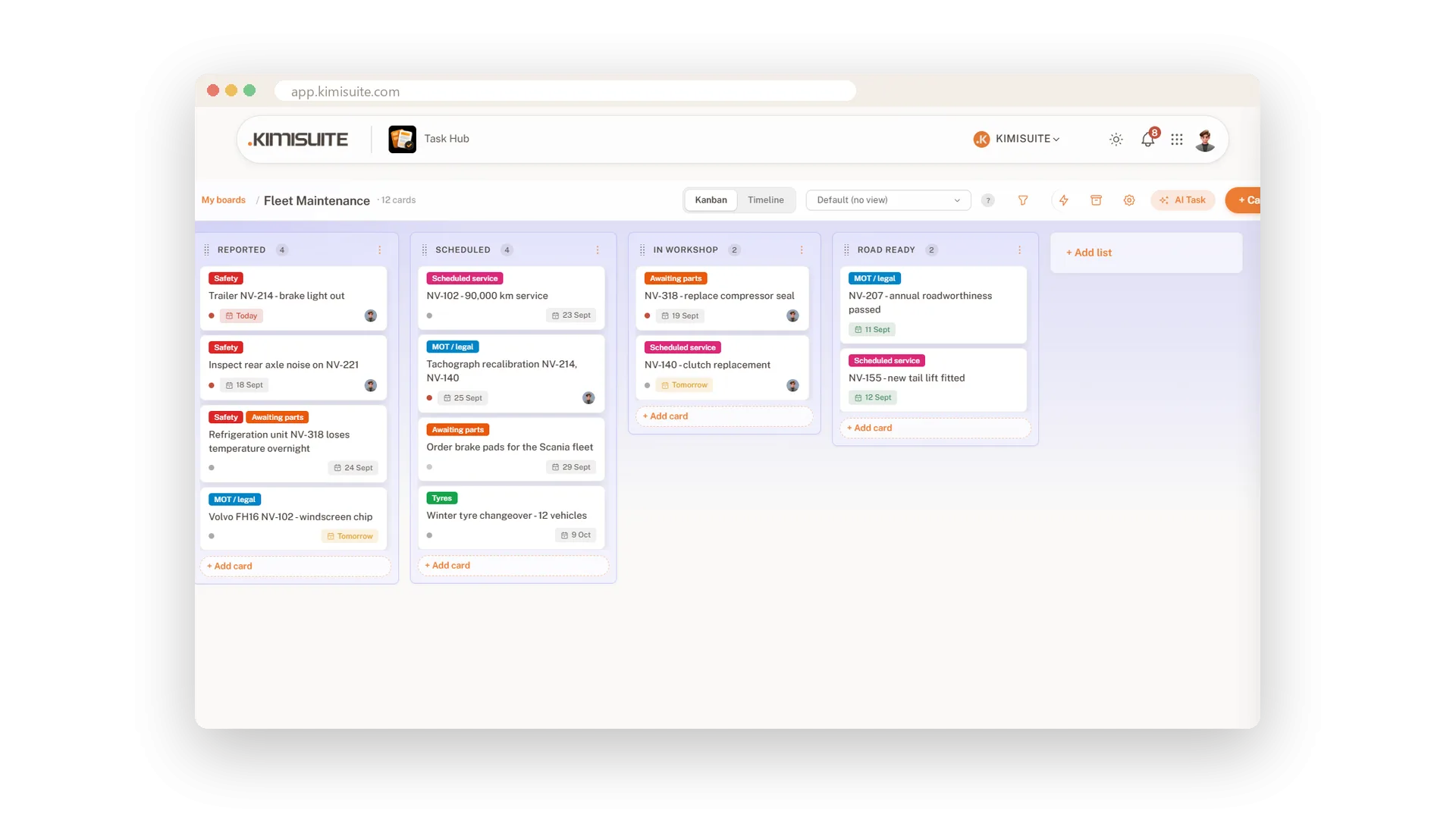
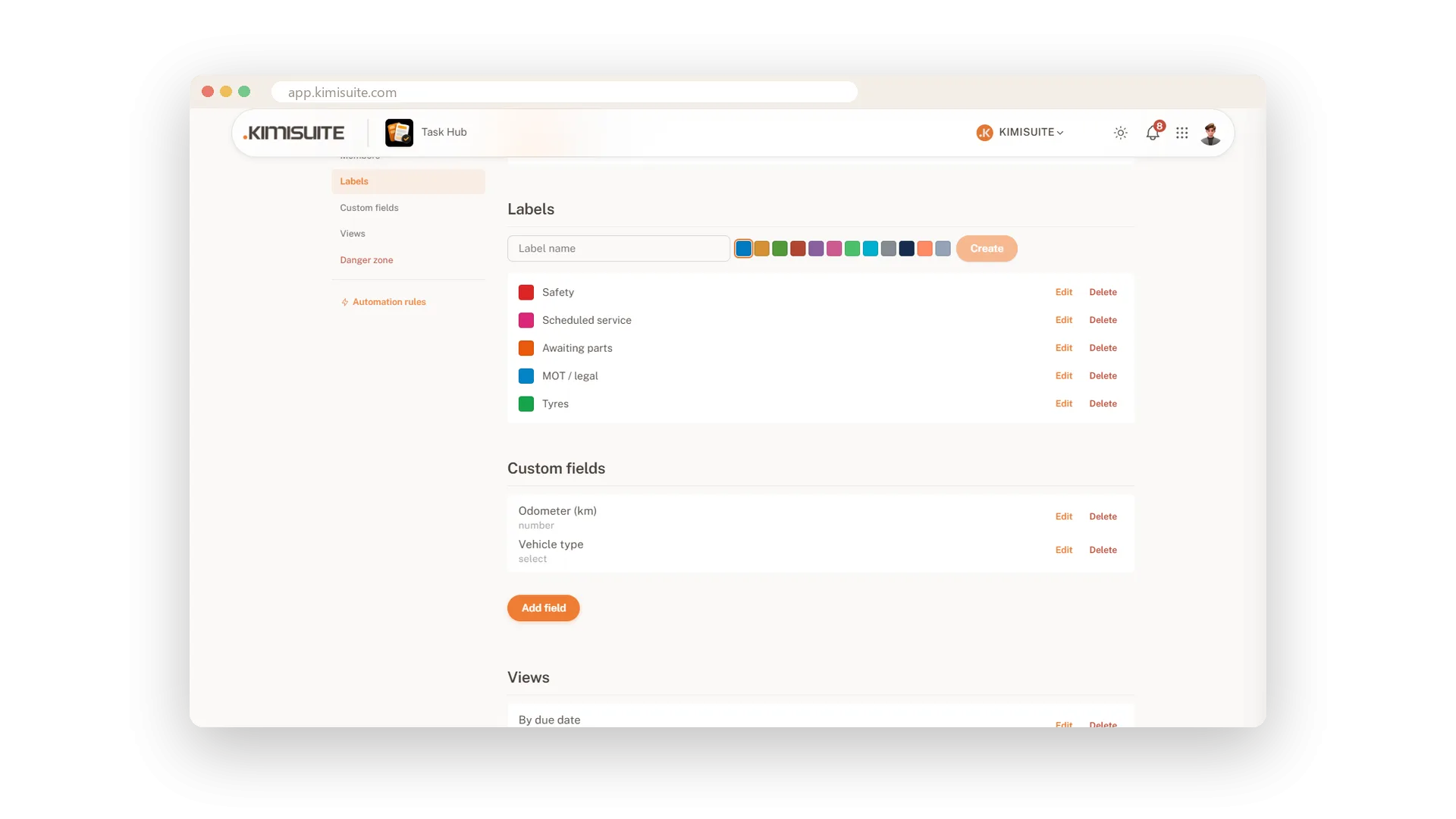
It works the way you work. Checklist items go in one after another - type, Enter, next. The due date saves the moment you pick it and shows on the board as Today or Tomorrow. Every card has its own link, so you can send a colleague straight to it. On Grow and Business, add your own fields - odometer, order number, room - and they appear on every card of the board.
Key Benefits
A checklist that stays open: type an item, press Enter, type the next
Files and a cover picture on the card - the photo of the damage right where the job is
Due dates that read Today and Tomorrow, saved the moment you pick them
Your own fields on every card - text, number, date, select or multi-select
Checklists that keep up with you
Type, Enter, next - the list stays open
Break a job into steps right on the card. Type the step, press Enter and the field is ready for the next one. Tick a step and it is struck through; the checklist header counts the items.
Files and a cover picture
The photo, the PDF, the quote - where the job is
Attach the files a job needs and see them listed with name and size. Set a picture as the cover and it shows at the top of the card on the board, so the right card is easy to spot.
Due dates in plain words
Today, Tomorrow - saved the moment you pick them
Pick a due date and it is saved - no button to hunt for. On the board the card says Today or Tomorrow instead of a number, and a start date turns the card into a bar on the timeline.
Your own fields on every card
Text, number, date, select or multi-select
Every business tracks its own details: odometer, room, order number, customer type. Create the field once in the board settings and it appears on every card of the board. Included in Grow and Business.
Use Cases
A job with five steps
Lift the vehicle, check the bearing play, road test, record the findings, torque the wheel nuts. Five items, five ticks, and the card shows how far along it is.
The photo belongs to the job
Attach the picture of the damage and set it as the cover. Everyone recognises the card on the board before reading the title.
One number every card needs
Add an Odometer field in the board settings. From then on every card has it, ready to fill in.
FAQ
Try Task Hub today
Boards, rules and AI that turns notes into tasks
14 days free, cancel anytime, no minimum term.
