 Part of Digital Business Card
 Share it any way you like
Your own address, a QR code, a pass for the phone wallet
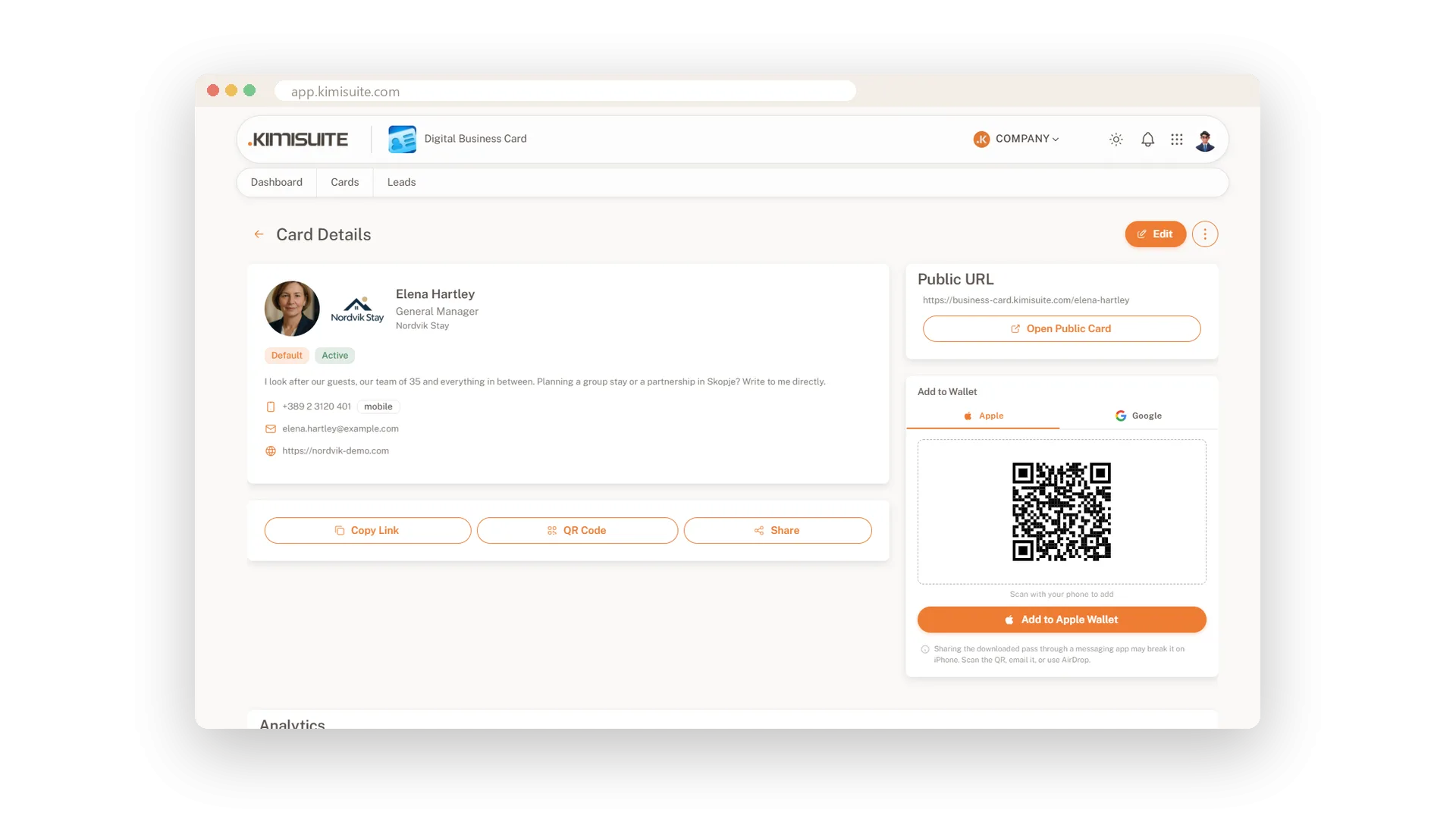
Every card gets an address people can read: business-card.kimisuite.com/your-name. Put it in your e-mail signature, copy it into a chat, share it from your phone. At the trade fair, hold up the QR code. And for people you meet every week, hand over a pass they keep in Apple Wallet or Google Wallet.
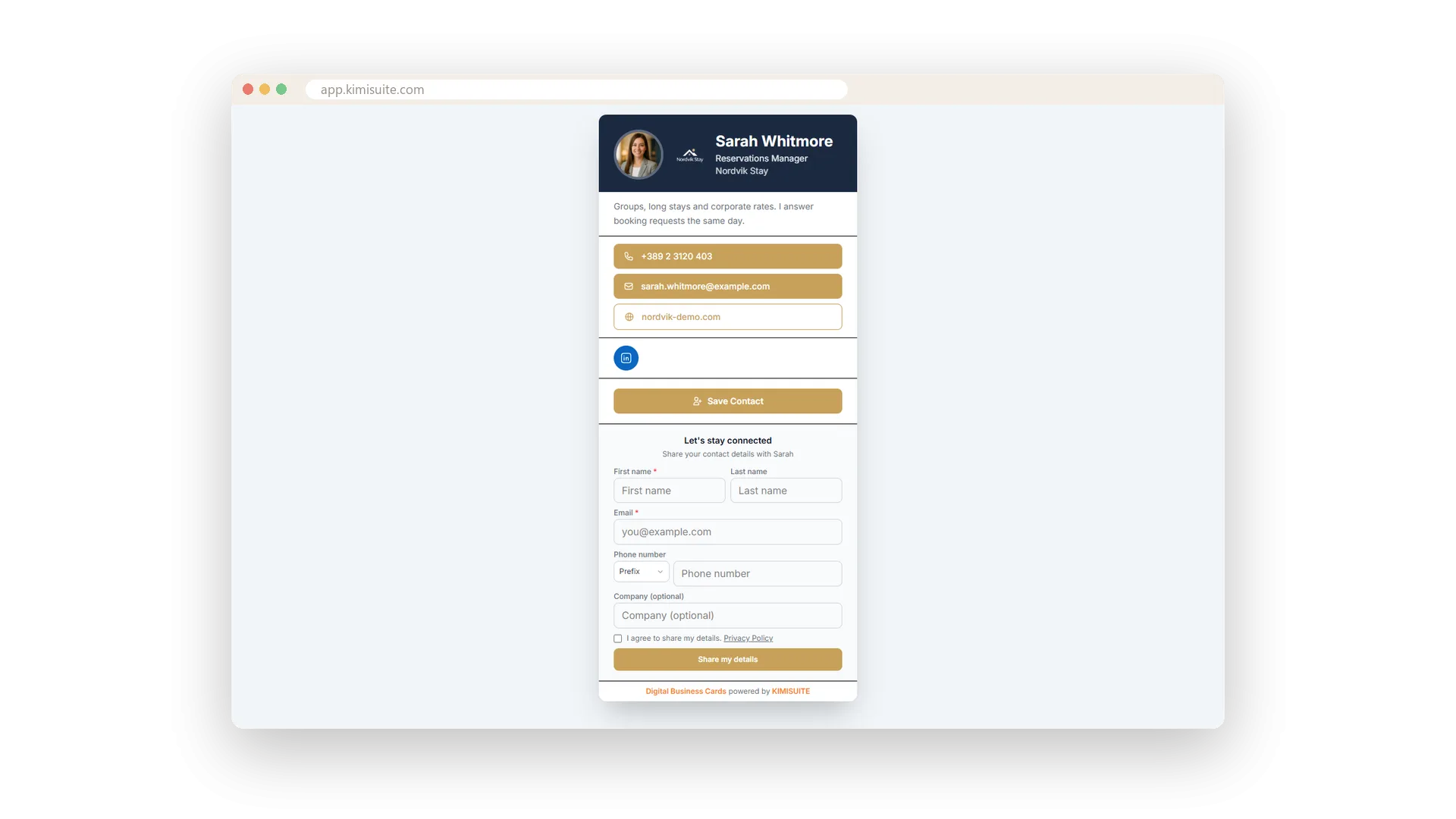
Whoever opens the card sees your portrait and brand, a short line about you, buttons to call, e-mail and visit your website, and your social profiles. Save Contact puts you into their phone book, number in international format. The card speaks the visitor's language - 16 languages, Arabic from right to left, even the link preview in a chat. And a mistyped address shows a clean Card not found page instead of an error.
Key Benefits
A readable address per person: business-card.kimisuite.com/your-name
A QR code for the stand, the counter or the printed sign - download it in your own style
A pass for Apple Wallet and Google Wallet - your card sits next to their tickets
The card speaks the visitor's language: 16 languages, Arabic from right to left
A QR code for the stand
Scan, open, save - no typing
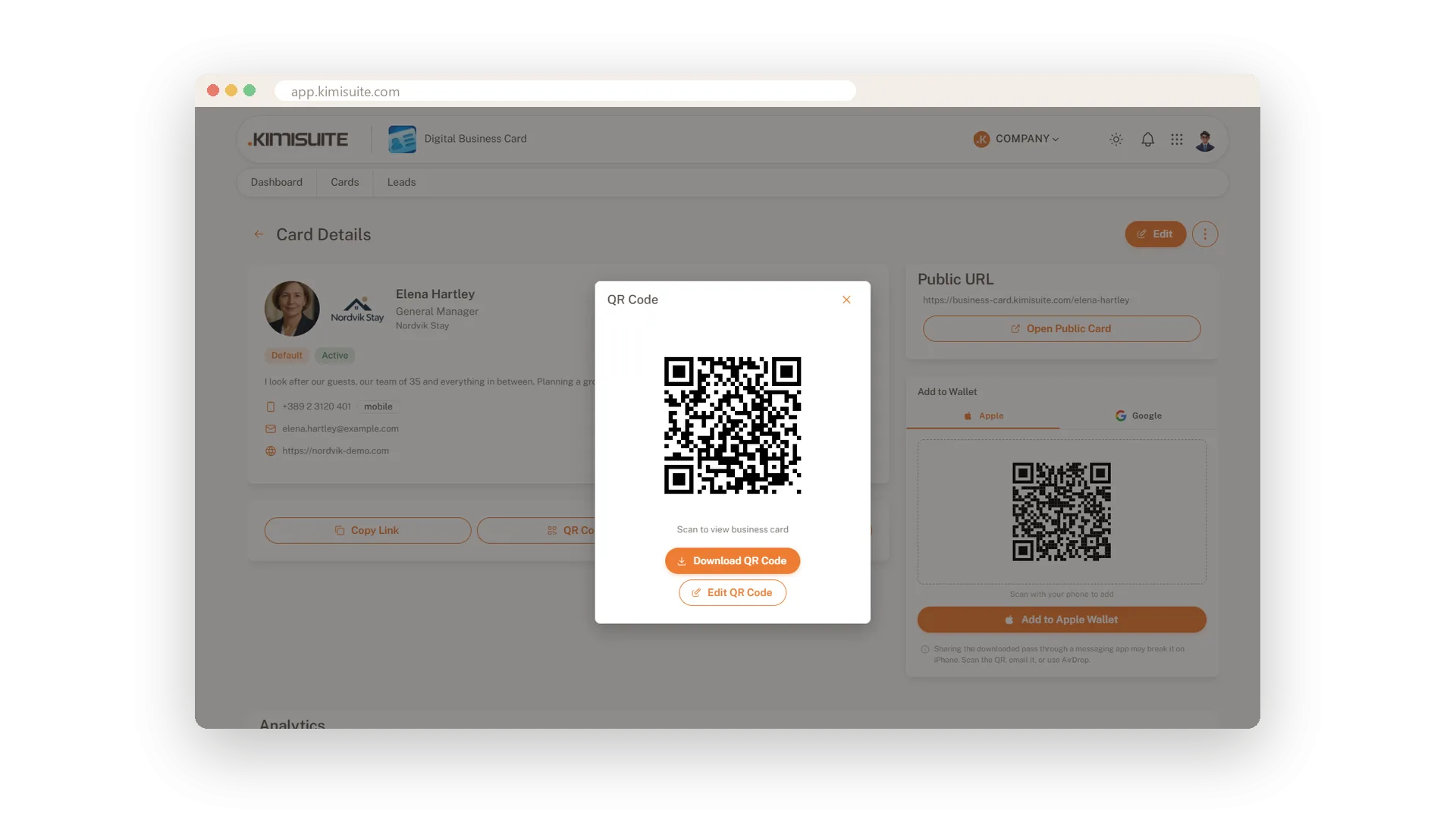
Every card has its QR code. Download it in your own style and print it on the sign at the trade fair, put it on the counter or show it on your phone. Visitors scan it and your card opens.
Your card in their Wallet
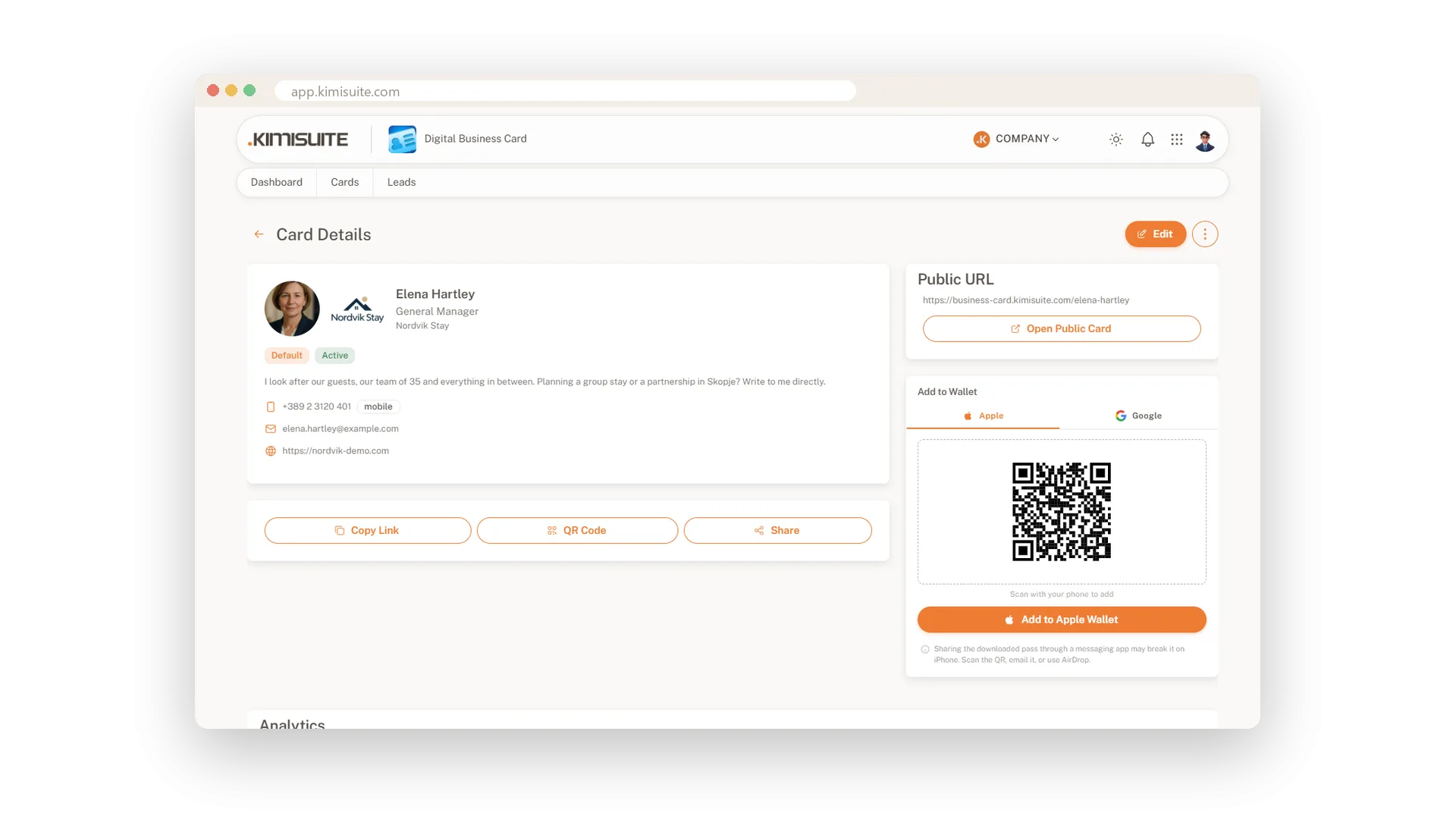
A pass for Apple Wallet and Google Wallet
Give people a pass they keep: your card in Apple Wallet or Google Wallet, next to their tickets and boarding passes. Scan the QR on the card details with the phone, tap Add - done. Hand it on by scan, e-mail or AirDrop, and the pass arrives intact.
Save Contact with one tap
You land in the visitor's phone book as a vCard
Under your card sits Save Contact. One tap and your name, number, e-mail and website are in the visitor's phone book - no typing, no typos. The number carries its country code, so it dials from any country.
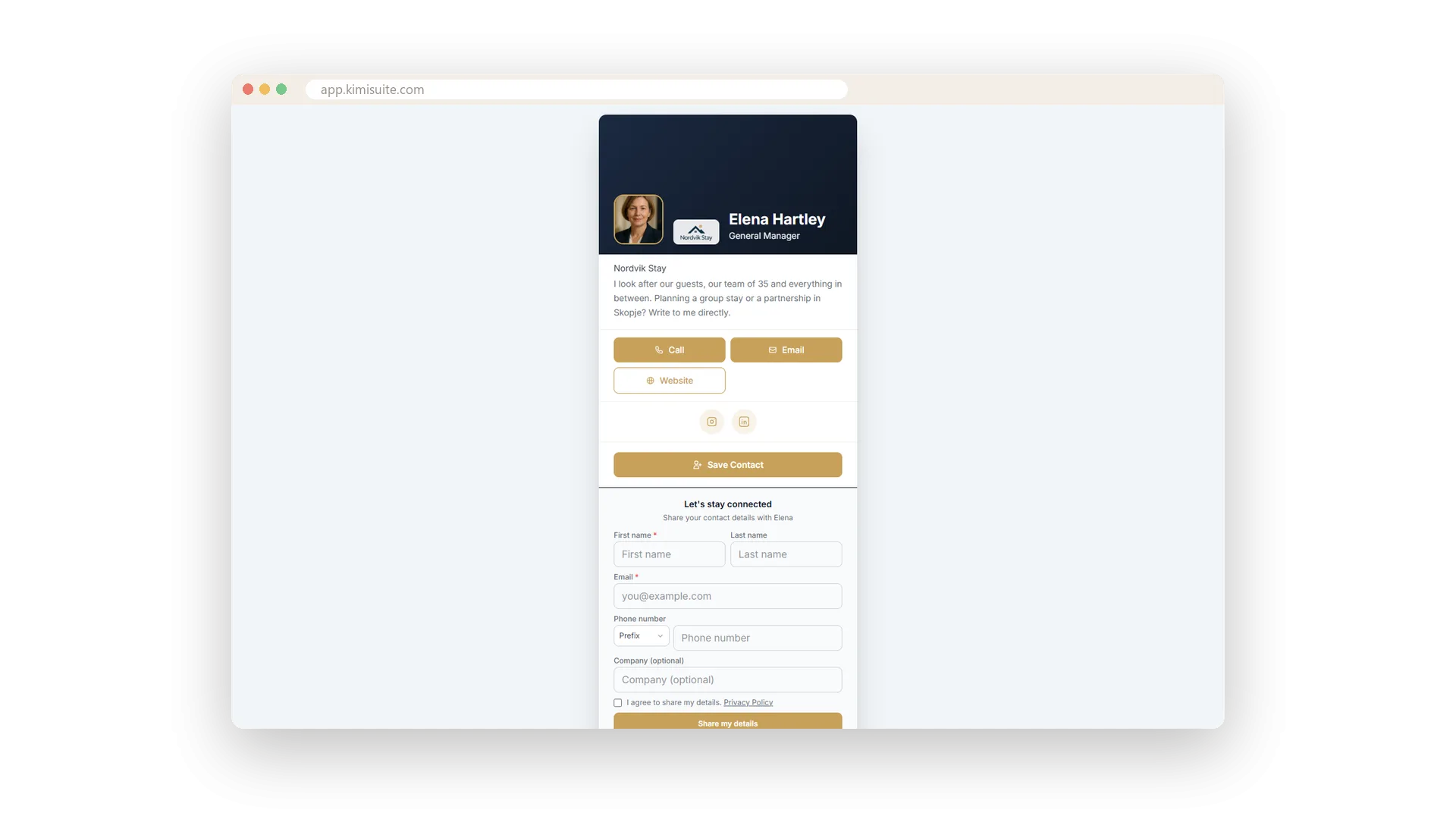
What visitors see
Portrait, brand, a line about you, buttons to call and write
Your portrait and logo on top, a short line about what you do, then buttons for calling, e-mail and your website, and your social profiles below. Clean on any phone, and right under it the form where visitors leave their own details.
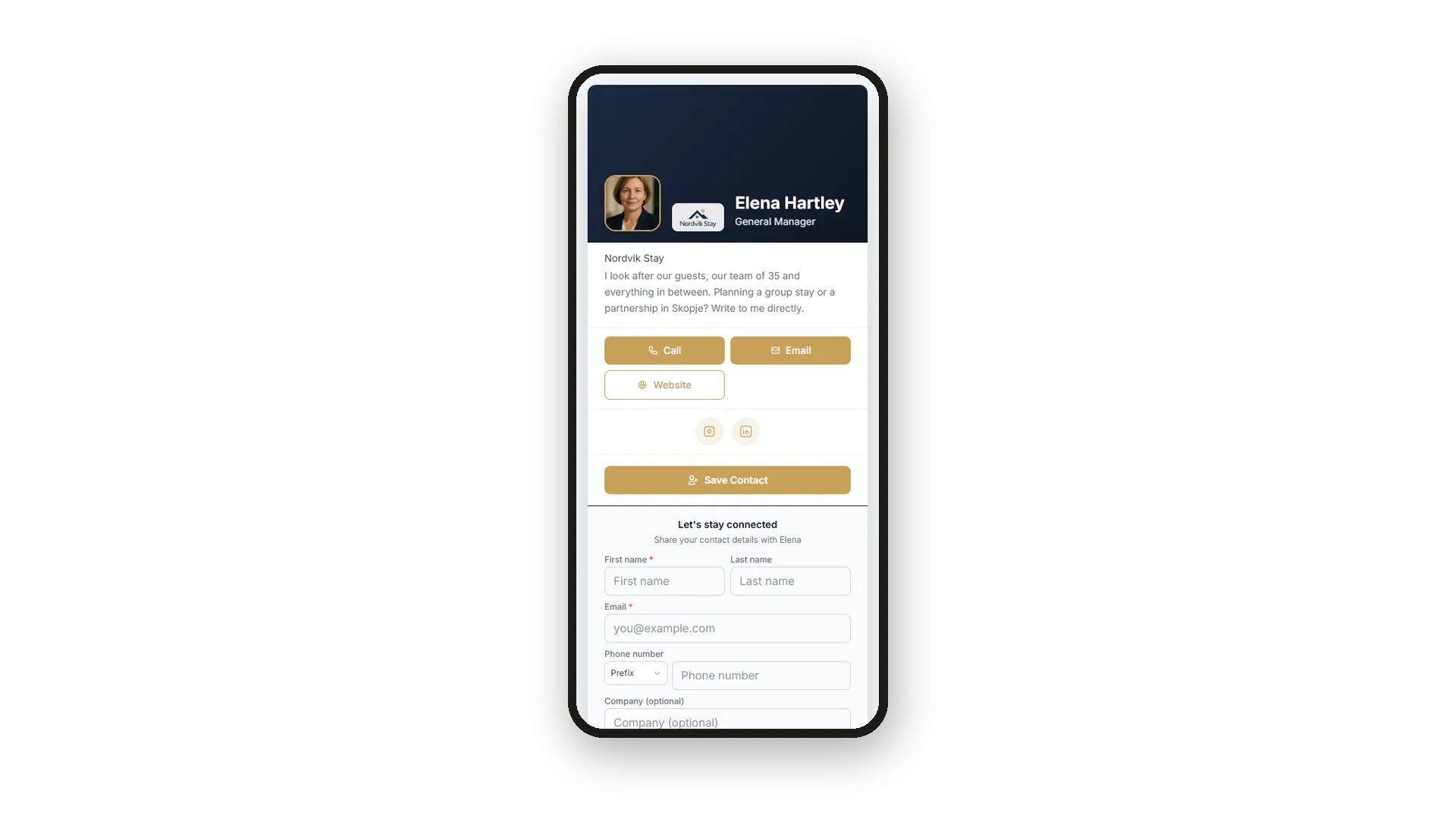
In the visitor's language
16 languages, Arabic right to left - from one card
The same card reads German for a German visitor, French for a French one and Arabic, right to left, for an Arabic one. Even the page title and the link preview in a chat follow the browser. You maintain one card, and a mistyped address shows a friendly Card not found page in the visitor's language.
Use Cases
The trade fair stand
Print the QR code on the sign. Visitors scan it, see your card and tap Save Contact - your details are in their phone before they walk on.
The e-mail signature
Put your card's address under your name. Every recipient can open it, call you or save you with one tap.
A partner in Dubai
Your partner opens the card on a phone set to Arabic and reads it right to left, in Arabic. Save Contact stores your number with its country code, ready to dial.
FAQ
Try Digital Business Card today
A business card that comes back with the other person's details
14 days free, cancel anytime, no minimum term.
