 Part of Calendar
 Find any appointment in a second
Colour labels to filter, a search that sees beyond the month
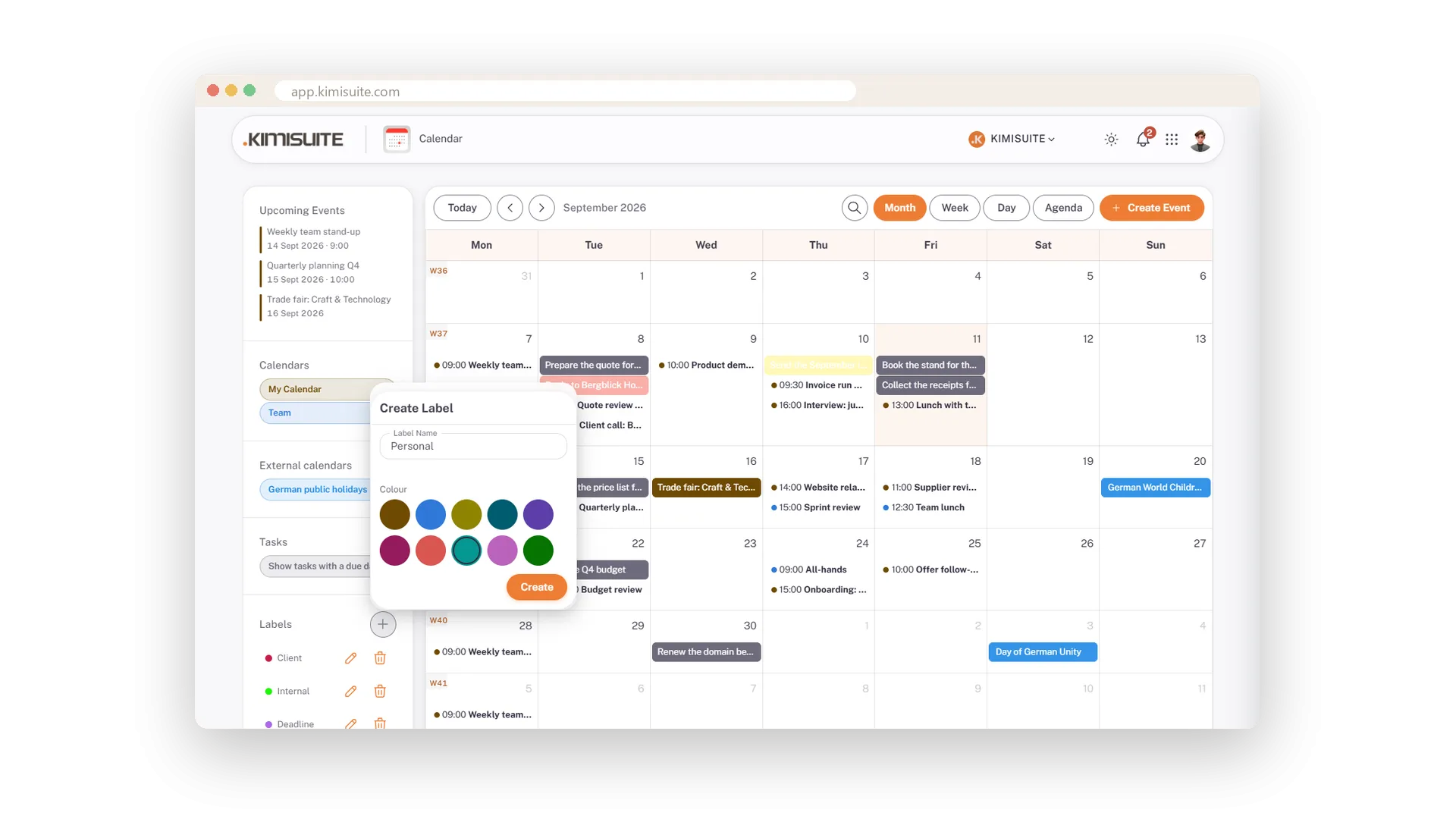
Label your appointments the way you think: Client, Deadline, Trip, Private - a name and one of ten colours, created from the plus in the sidebar. The appointment takes the colour of its label, so the client days stand out in the month before you read a word. One click on a label and a full month shrinks to the handful that matter for the review call. Click again and everything is back.
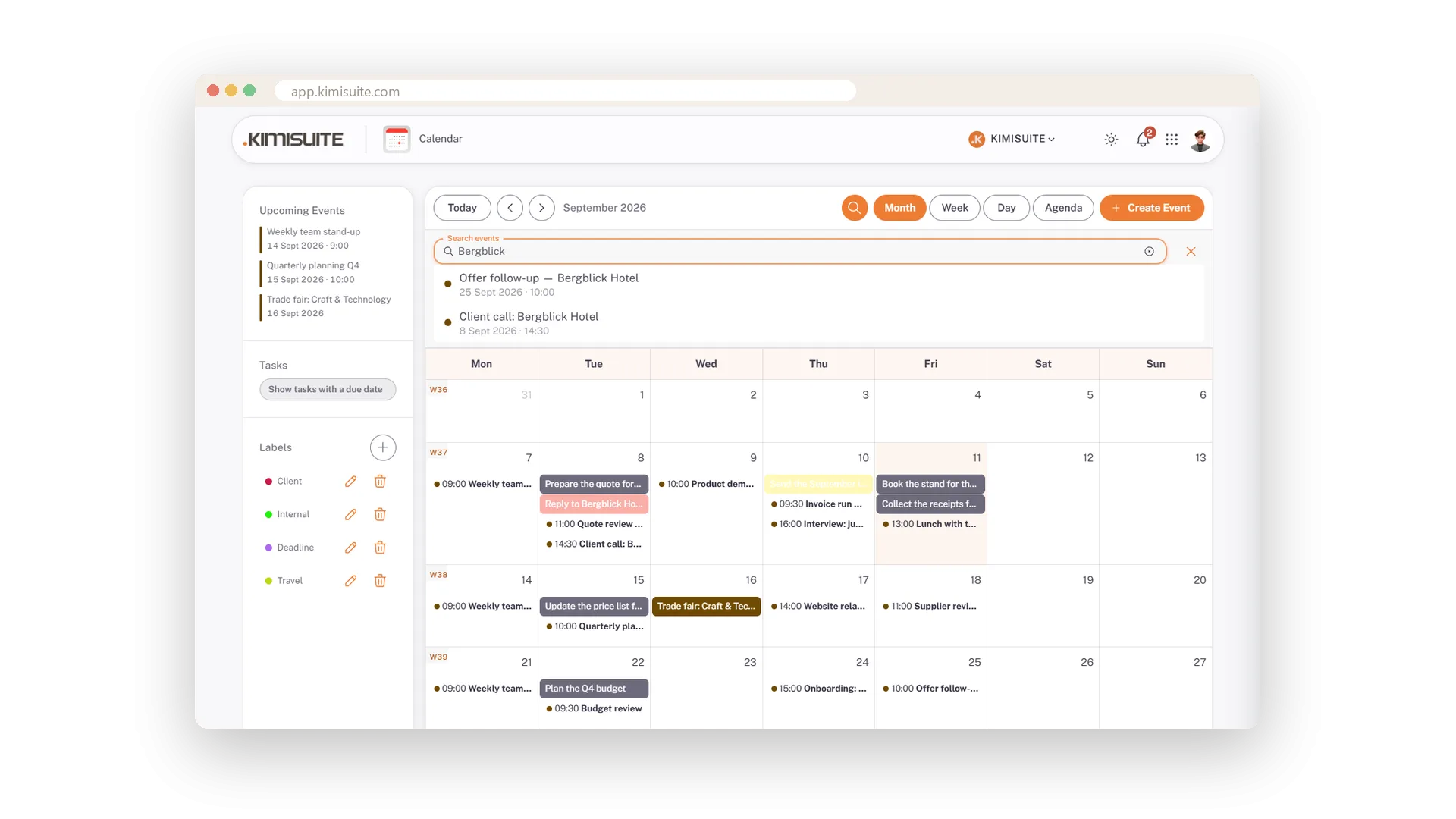
Cannot remember when the supplier review was? Type a word into the search and the hits appear with date and time above the grid - even if they are months back, outside the month on screen.
Key Benefits
Labels with a name and one of ten colours, created in seconds
One click on a label filters the whole calendar to its appointments
Search finds appointments beyond the visible month, with date and time
Appointments take the colour of their label - client days stand out at a glance
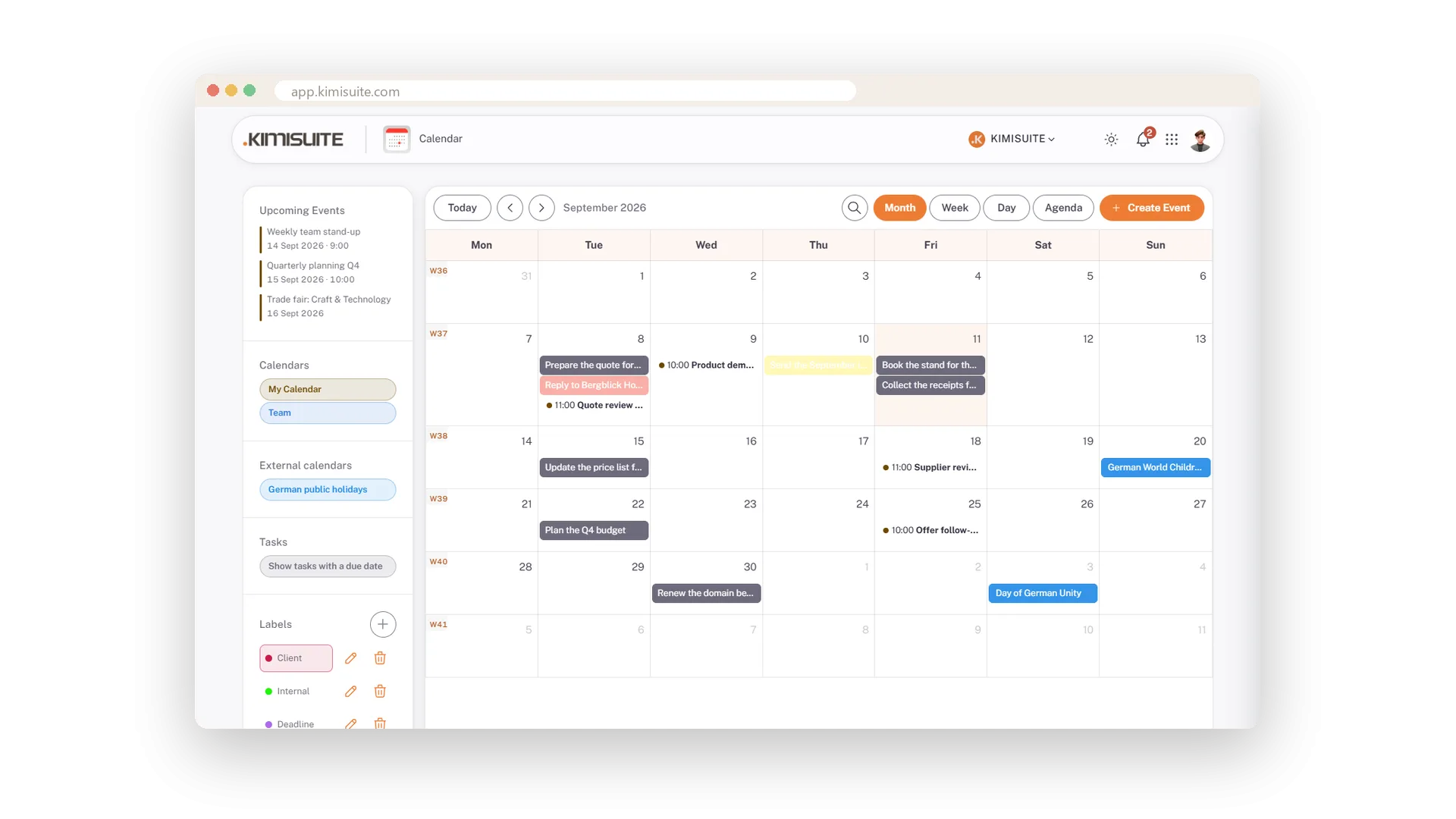
One click, one label
The month shrinks to what matters
Click a label in the sidebar and only its appointments stay - the client's, the deadlines, the trip. Click again and the whole calendar is back.
Search by word, find by date
Hits with date and time, beyond the visible month
Type a word into the search and the matching appointments are listed above the grid with date and time - including the ones months back, outside the month on screen.
Use Cases
Everything for one client
Label the client's appointments as Client and click the label before the review call - only those remain.
Which deadlines are left this quarter
A Deadline label on the dates that matter, then one click to shrink the month down to them.
When was the supplier review?
Type a word into the search. The hit appears with its date and time, even if it was months ago.
FAQ
Try Calendar today
Team calendar with CalDAV sync, free in every workspace
Free of charge, in your own workspace, ready in a minute.
